













官方供应商
我们作为官方授权经销商,直接提供超过200家开发厂家所发行超过1000个的产品授权给您。
查看我们的所有品牌。
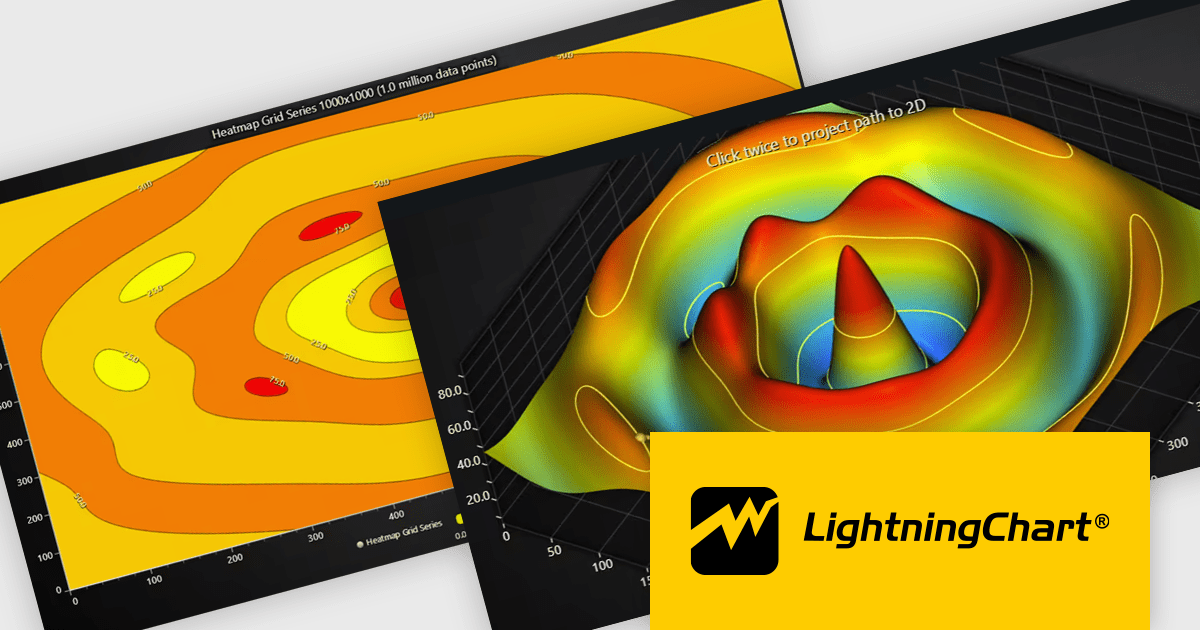
LightningChart JS is a high-performance JavaScript charting library that utilizes WebGL rendering and GPU acceleration to deliver exceptional performance for a wide range of data visualization needs. It is designed to handle large datasets and complex visualizations with ease, enabling developers to create interactive and visually appealing 2D and 3D charts. Ideal for applications demanding smooth real-time data updates, such as financial platforms, engineering tools, scientific research dashboards, and industrial monitoring systems, LightningChart JS provides a comprehensive API for customization and integration into web-based projects.
The LightningChart JS v8.1 update introduces built-in contour rendering for heatmap and surface charts, giving developers a straightforward way to highlight value transitions and gradients within complex datasets. The new contour capabilities automatically generate level lines and labels, while offering control over stroke and text styling for each contour level. This improves the clarity and interpretability of dense numerical data, reduces the need for custom rendering logic, and maintains high performance even when working with detailed datasets.
To see a full list of what's new in v8.1, see our release notes.
LightningChart JS is licensed per developer and is available as an annual license with 1 year support. See our LightningChart JS licensing page for full details.
For more information, see our LightningChart JS product page.
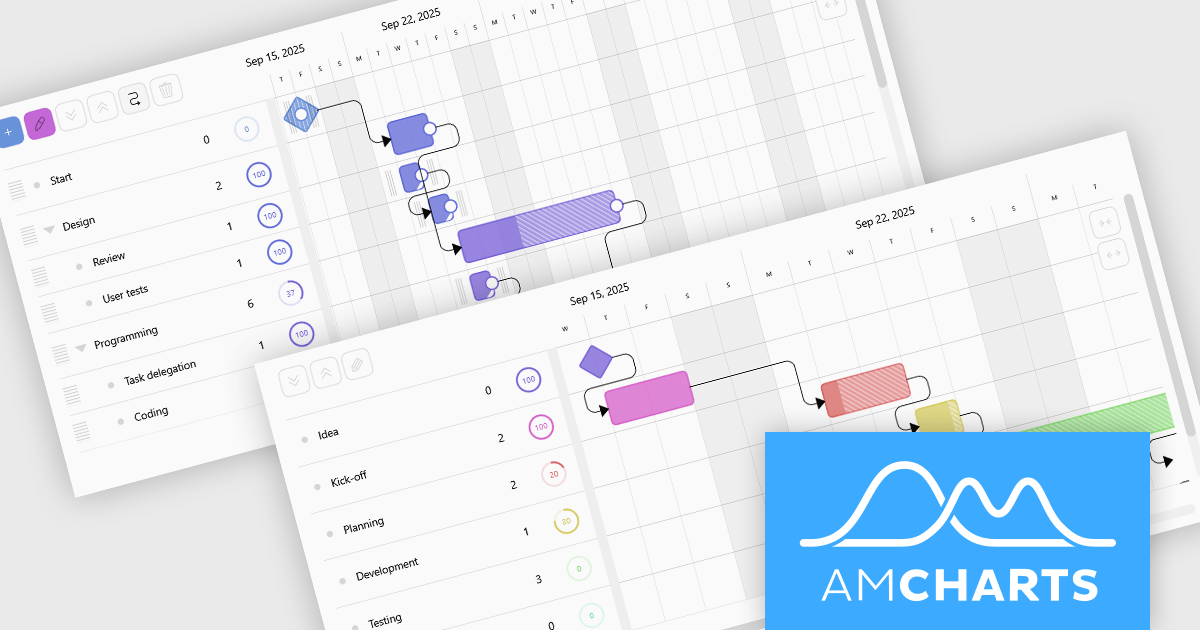
amCharts 5: Gantt is a dedicated JavaScript and TypeScript component for building rich, interactive Gantt charts directly in web applications and dashboards. It is built on the modern amCharts 5 engine and provides everything developers need to visualize project schedules, timelines, and task dependencies using responsive, fast rendering HTML5 graphics. The component supports hierarchical task structures, category grouping, and flexible time scales, which makes it suitable for representing complex projects in a clear, compact, and professional format. With a robust API and straightforward integration in common front end stacks, amCharts 5: Gantt fits naturally into modern web architectures.
amCharts 5: Gantt offers a wide range of capabilities that help teams understand and manage work more effectively, including visual progress indicators, task linking with dependencies, support for milestones and events, and interactive markers for important dates. Charts can be configured as read only monitoring views or as fully interactive planning surfaces where users can drag tasks, adjust timings, update completion, and explore details through tooltips and selection. These strengths make the product an excellent choice for project management systems, resource and workload dashboards, product roadmaps, and visualization tools, wherever organizations need a clear and engaging way to communicate what is happening, what comes next, and how work is progressing.
amCharts 5: Gantt is licensed per developer on an annual or perpetual basis, with options for websites, SaaS and OEM distribution. See our amCharts 5: Gantt licensing page for full details.
For more information, visit our amCharts 5: Gantt product page.
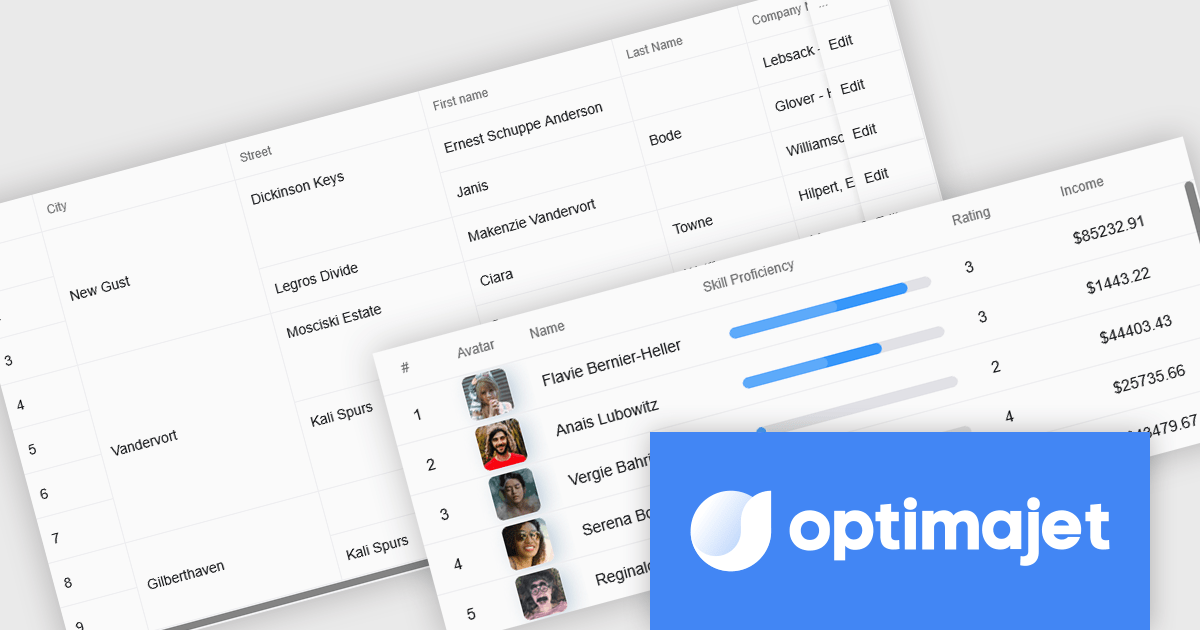
Optimajet FormEngine is a drag-and-drop React form builder that lets teams create, manage, and render complex web forms without writing frontend code. It allows developers and business users to visually design forms, store them as JSON, and render them at runtime. As a React JS library, it easily integrates into existing applications while giving developers full control over form logic, structure, and data flow, making it well suited for complex data collection.
The Optimajet FormEngine v7.3.0 update introduces a new Table component that allows developers to structure form inputs in organized rows and columns, making it easier to handle multi-row or repeatable data within a single form. This addition enables cleaner data modeling, improves usability for scenarios that require tabular entry, and integrates with existing FormEngine features such as validation, conditional logic, and JSON-based configuration.
To see a full list of what's new in version v7.3.0, see our release notes.
Optimajet FormEngine is licensed based on usage type (internal commercial use, public web/SaaS, or OEM embedding), number of domains for the visual editor, and access to additional ready-made components. Licenses are perpetual and include 6 months or 1 year of updates and support. See our Optimajet FormEngine licensing page for full details.
For more information, visit our Optimajet FormEngine product page.
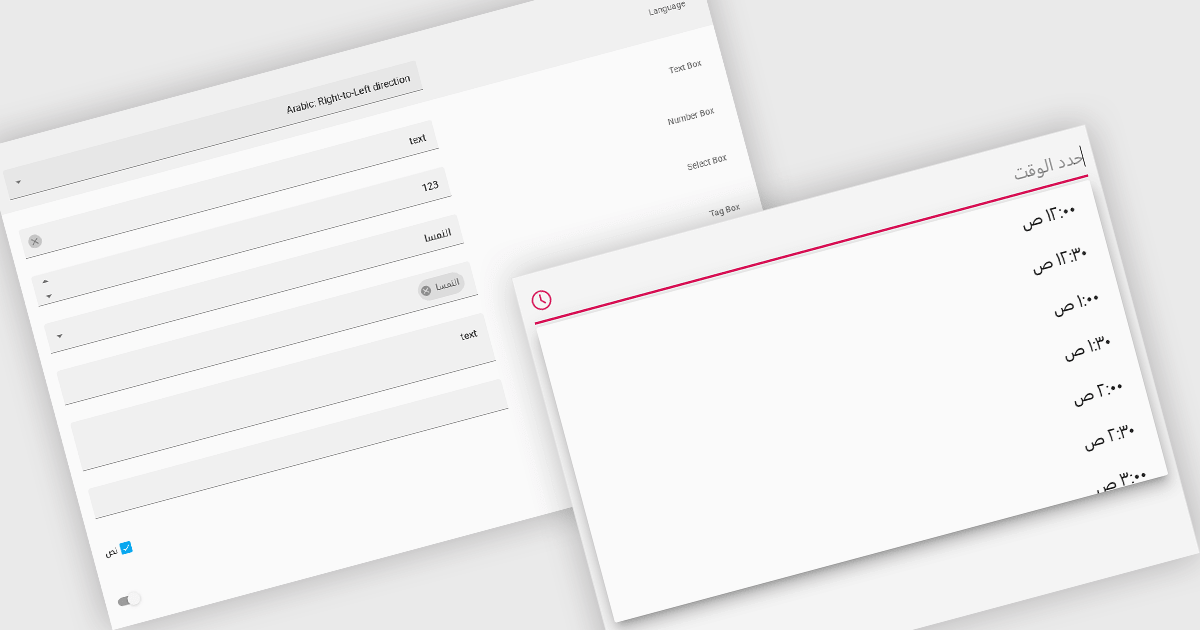
Right-to-left (RTL) support in a data editor component enables the user interface and content layout to be displayed in a direction consistent with languages that are read from right to left, such as Arabic or Hebrew. This includes aligning text, input fields, table structures, and control elements to the right side of the screen, while preserving correct data formatting and interaction behavior. For software developers, RTL support ensures that applications can be properly localized for RTL language audiences without compromising usability or data readability.
Several React data editors offer right to left (RTL) support including:
For an in-depth analysis of features and price, visit our React data editors comparison.
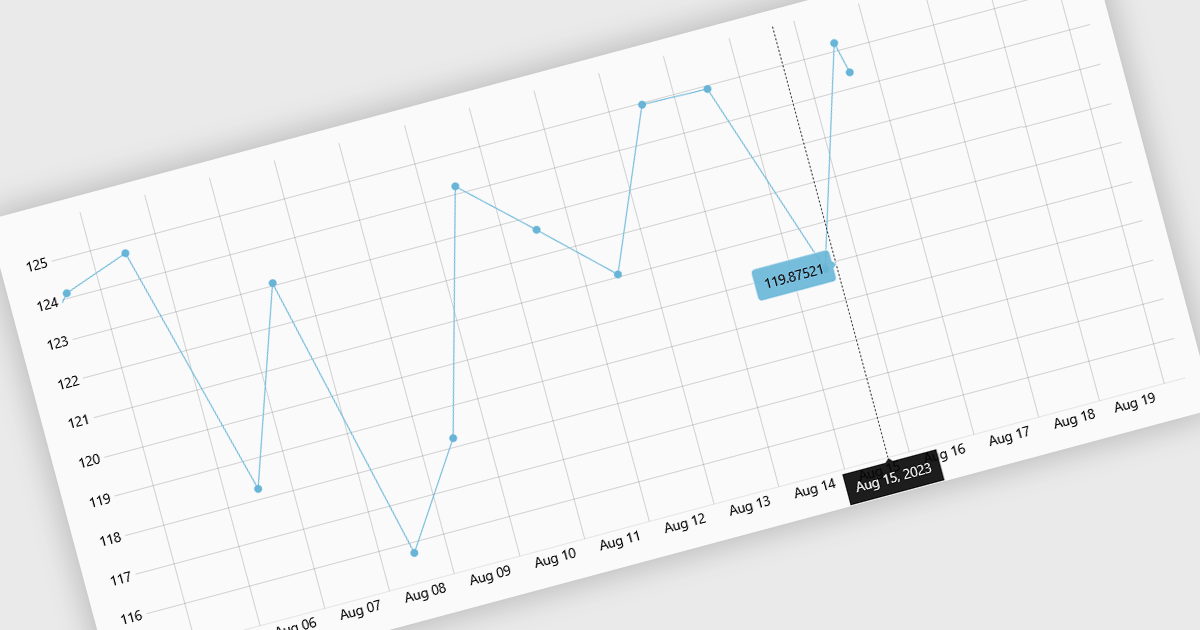
Live data support for charts enables visualizations to update automatically as new information arrives, turning static dashboards into continuously refreshed, real-time views. This reduces reliance on manual refreshes or scheduled reports and helps prevent decisions based on stale data. Teams gain immediate insight into changing conditions, spotting anomalies, performance issues, or opportunities as they emerge. Typical use cases include monitoring website traffic, application performance, financial markets, IoT sensors, and business KPIs such as orders, revenue, or support queues. By making current metrics instantly visible, live charts improve responsiveness, operational control, and confidence in data-driven decisions and outcomes across the organization.
Several React chart controls support live data including:
For an in-depth analysis of features and price, visit our React chart controls comparison.
联系电话: (888) 850 9911
传真: +1 770 250 6199


