













官方供应商
我们作为官方授权经销商,直接提供超过200家开发厂家所发行超过1000个的产品授权给您。
查看我们的所有品牌。
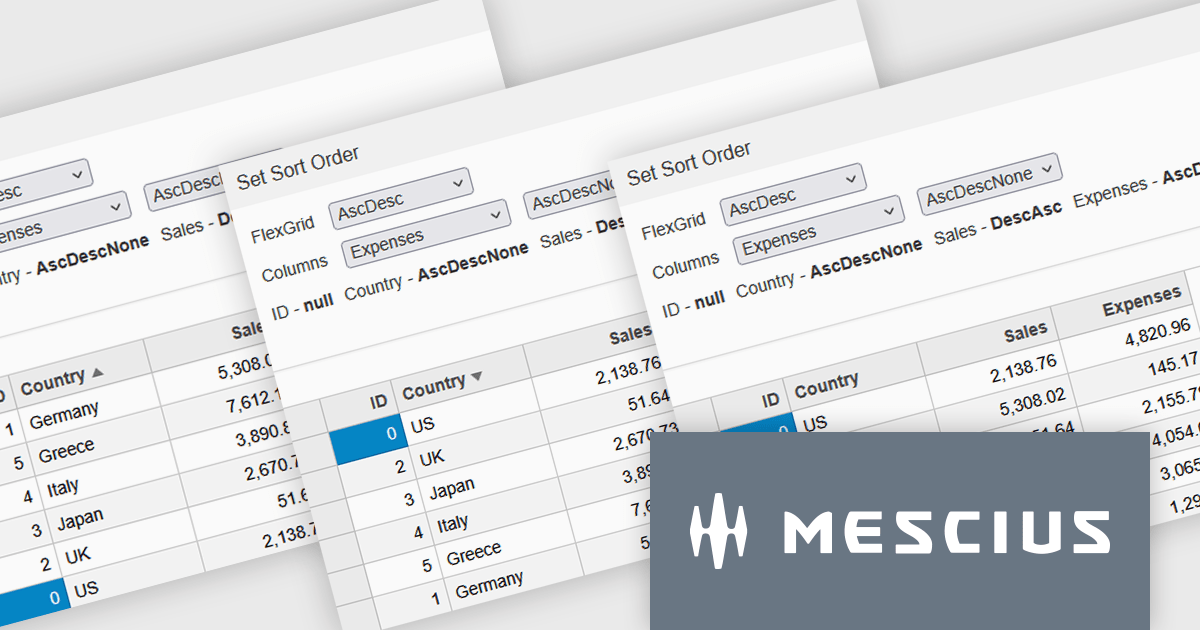
Wijmo by MESCIUS is a comprehensive JavaScript library offering a suite of high-performance UI components and data grids specifically designed to streamline the development of modern enterprise applications. It emphasizes reduced development time and improved maintainability, along with a focus on performance through its efficient design and small module size. Wijmo integrates seamlessly with popular JavaScript frameworks like Angular, React, and Vue.js, and supports cutting-edge technologies like TypeScript, making it a versatile solution for building complex web applications.
Wijmo introduces enhanced grid sorting functionality within the FlexGrid control, providing developers with the capability to implement tri-state column sorting. This allows users to cycle through ascending, descending, and unsorted states with successive clicks on column headers, offering more granular control over data arrangement. This refined sorting mechanism improves the user experience in data-intensive applications by enabling more flexible and intuitive data exploration, ultimately leading to more efficient data analysis and manipulation within the grid interface.
Wijmo is licensed per developer. Developer Licenses are perpetual and include 1 year Subscription which provides upgrades, including bug fixes and new features. See our Wijmo licensing page for full details.
Learn more on our Wijmo product page.
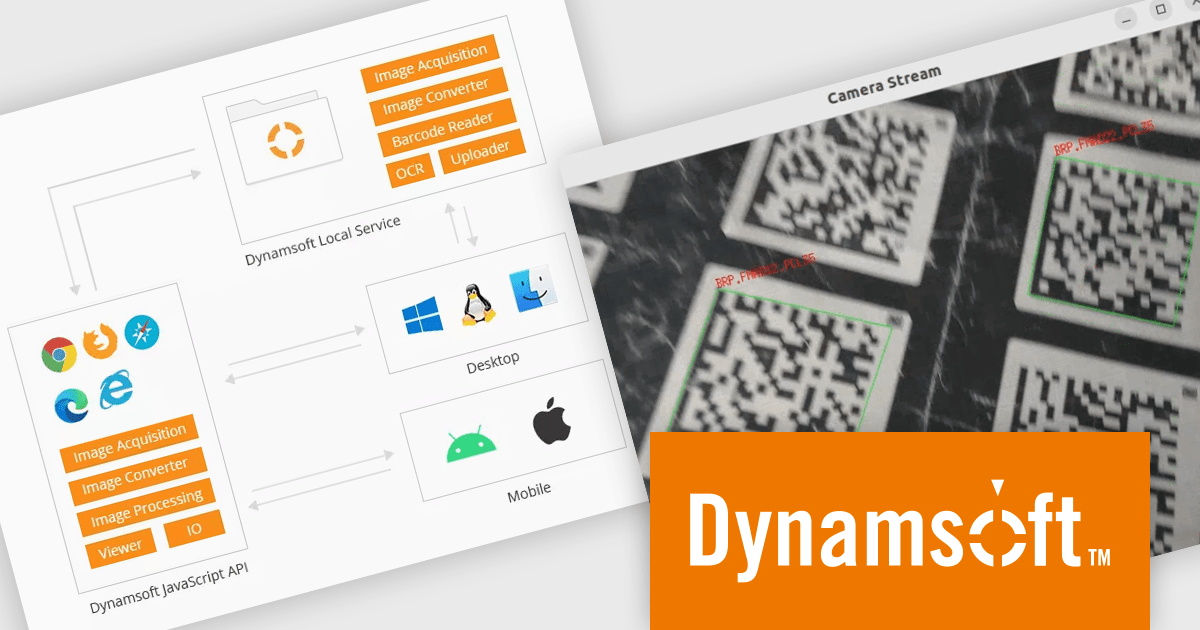
Dynamic Web TWAIN by Dynamsoft is a Software Development Kit (SDK) that simplifies adding document scanning capabilities to your web applications. It offers cross-platform and cross-browser compatibility, allowing users to scan directly from various scanners and webcams using popular browsers like Chrome and Firefox. With just a few lines of JavaScript code, you can integrate powerful scanning features into your web applications, streamlining document management workflows.
The Dynamsoft Dynamic Web TWAIN v19 update enhances its Barcode Reader Add-On by introducing support for macOS and Linux. This expansion enables barcode reading within scanning applications on platforms that were previously unsupported. By allowing developers to maintain a single codebase for barcode functionality across multiple desktop environments, it increases development efficiency and offers greater flexibility for users who prefer macOS or Linux.
To see a full list of what's new in version 19.0, see our release notes.
Dynamic Web TWAIN is licensed per Client Device and is available as an Annual license. See our Dynamic Web TWAIN licensing page for full details.
For more information, visit our Dynamic Web TWAIN product page.
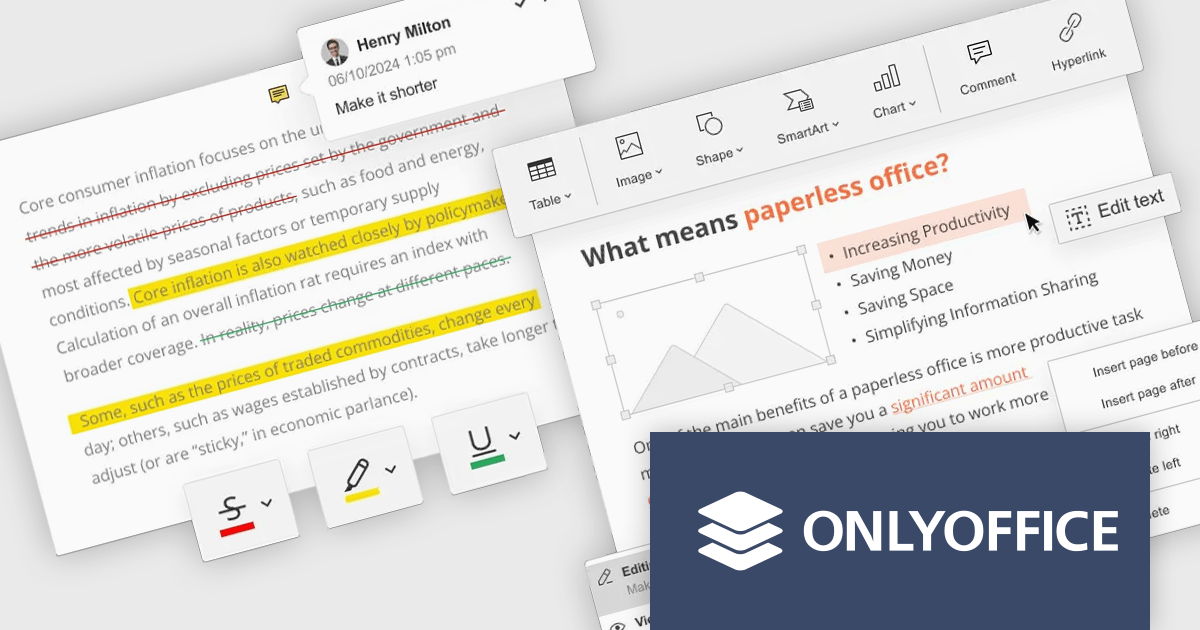
ONLYOFFICE Docs Enterprise Edition with Nuxeo Connector integrates online editing for Word, Excel, and PowerPoint directly within Nuxeo. Users can collaboratively create, edit, and co-author documents in real-time, utilizing ONLYOFFICE's formatting tools and broad format support, including OOXML. This in-browser editing and collaboration enhances productivity, streamlines workflows, and allows for potential re-branding and customization.
The ONLYOFFICE Docs Enterprise Edition with Nuxeo Connector v3.0 update introduces a fully functional PDF editor within the Nuxeo platform. This integration allows users to directly create, modify, and collaboratively author PDF documents, eliminating the need for external applications. Developers can leverage this expanded document handling capability within their Nuxeo-based solutions, offering end-users a more cohesive content management experience with features such as text editing, page manipulation, object insertion, annotation, and co-authoring functionalities.. This provides opportunities for custom workflow implementations and better development of applications focused on documents within Nuxeo.
To see a full list of what's new in v8.3.2 (3.0.0), see our release notes.
ONLYOFFICE Docs Enterprise Edition with Nuxeo Connector is licensed by the number of simultaneous document connections and is available as an annual license with 1 year support and upgrades. See our ONLYOFFICE Docs Enterprise Edition with Nuxeo Connector licensing page for full details.
For more information, see our ONLYOFFICE Docs Enterprise Edition with Nuxeo Connector product page.
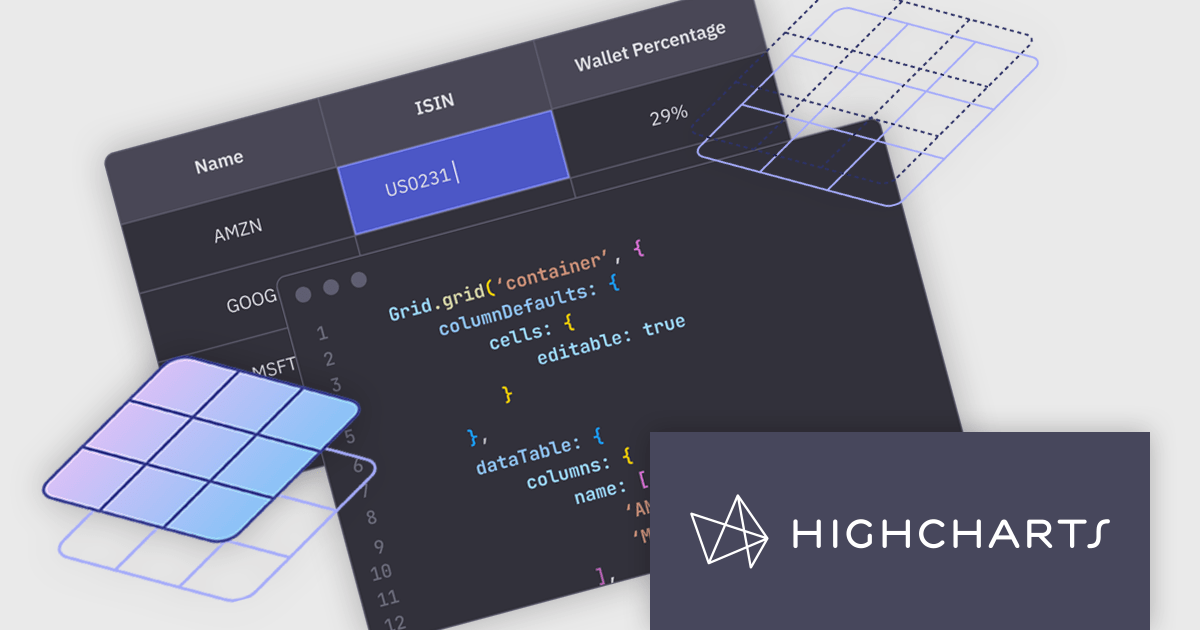
Highcharts Grid is a feature-rich data grid component developed by Highsoft, designed for use within Highcharts Dashboards or as a standalone component. Grid Lite is a free, lightweight version ideal for developers seeking a performant and accessible data grid with a basic feature set. Grid Pro is a commercial, feature-rich version built for complex applications that demand advanced data manipulation and interactivity. It includes all the capabilities of Grid Lite, along with a highly customizable and interactive interface that supports inline editing, column sorting, and event handling, enabling developers to build responsive data visualization applications.
Highcharts Grid delivers high performance when handling large datasets by employing row virtualization, a technique that renders only the rows currently visible within the viewport. This significantly reduces memory consumption and ensures fluid, responsive scrolling, even when working with thousands of records.
Highcharts Grid Pro requires a license for Highcharts Dashboards, licensed per developer as an Annual or Perpetual License with Internal, Saas, SaaS+ and OEM distribution options. The annual license includes support and all product updates for 1 year and must be renewed to continue to use the software. The perpetual license includes an "Advantage Subscription" for 1 to 5 years which provides support and updates for that period. If you do not renew Advantage then you may continue to use the software at the last release available during the active Advantage period. See our Highcharts Dashboards licensing page for full details.
Learn more on our Highcharts Dashboards product page.
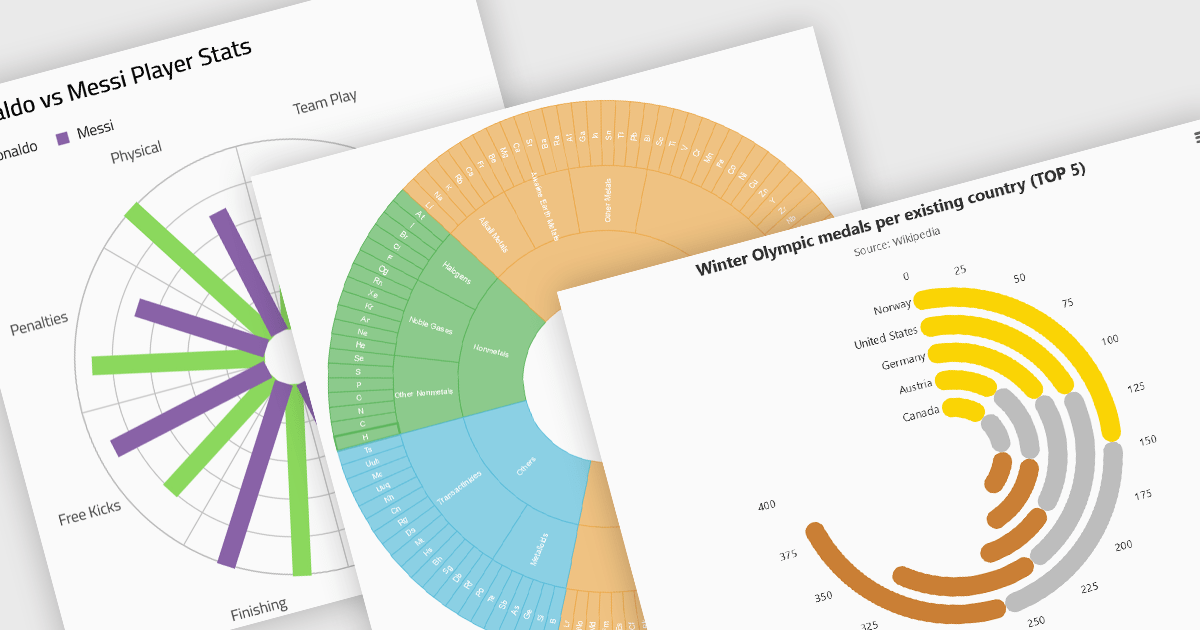
Radial charts provide an intuitive way to visualize hierarchical and categorical data. They display bars on a polar coordinate system instead of a cartesian system, which uses an x-y grid for positioning data. These charts represent values in a circular layout, making it ideal for comparing proportions and relationships between data points. Circular bar charts, a variation of the traditional bar chart, arrange data in a radial format for displaying comparisons between categories. They are particularly useful for visualizing periodic or cyclical data, such as time-based metrics. Sunburst charts break down hierarchical structures into concentric rings. The center of the chart typically represents the root category, while outer rings depict subcategories. These are used for visualizing part-to-whole relationships within a dataset.
Several React chart controls offer radial charts including:
For an in-depth analysis of features and price, visit our React chart controls comparison.
联系电话: (888) 850 9911
传真: +1 770 250 6199


