













官方供应商
我们作为官方授权经销商,直接提供超过200家开发厂家所发行超过1000个的产品授权给您。
查看我们的所有品牌。
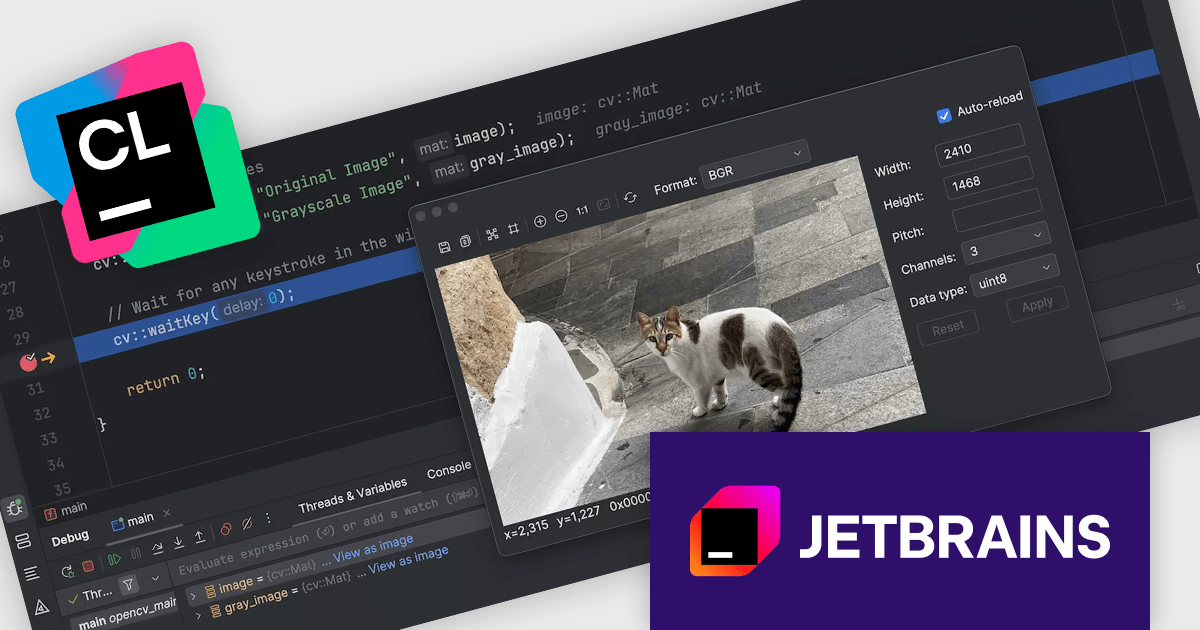
CLion, by JetBrains, is a robust Integrated Development Environment (IDE) tailored for C and C++ development, with support for other languages like Python, Kotlin, and Rust via plugins. Designed for software developers and embedded engineers, it streamlines coding with features like intelligent code completion, real-time analysis, and an advanced debugger. CLion integrates seamlessly with tools like CMake, version control systems, and remote development setups, making it ideal for cross-platform and performance-critical projects. By automating repetitive tasks and enhancing code quality, it helps developers focus on innovation and problem-solving.
The JetBrains CLion 2024.3 update introduces an OpenCV (Open Source Computer Vision Library) image viewer feature that enhances the debugging process for software developers working with computer vision and machine learning applications. This feature allows two-dimensional OpenCV arrays to be visualized directly as images within a separate dialog during debugging, enabling a more intuitive understanding of complex data. By integrating image editing capabilities into the development workflow, it eliminates the need for external tools, streamlining tasks such as data inspection and manipulation. This addition ensures a faster, more efficient debugging experience, improving overall productivity and precision when developing vision-based applications.
To see a full list of what's new in version 2024.3, see our release notes.
CLion is licensed per user as a commercial annual subscription. We can supply New Subscriptions, Subscription Renewals, Lapsed Subscription Renewals, and Additional Developer Licenses. See our CLion licensing page for full details.
CLion is available to buy individually or as part of JetBrains All Products Pack.
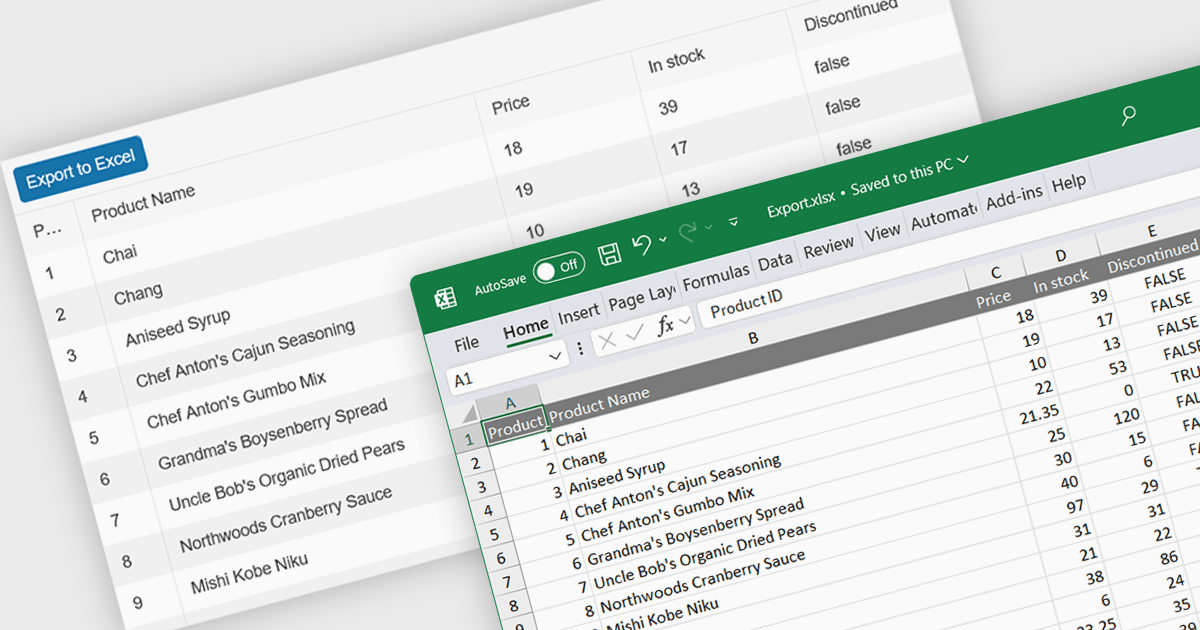
Spreadsheet component with XLSX export functionality allow users to output spreadsheet data into the industry standard Excel-compatible format. This feature is especially useful for applications where data needs to be analyzed, shared, or integrated into external workflows. By enabling XLSX export, users can download structured data directly from the web application in a format widely supported across platforms and software. The benefits of this functionality include maintaining data accuracy, preserving formatting, and supporting large datasets with advanced features like formulas, filters, and charts. Use cases for XLSX export range from financial dashboards and inventory management systems to data analytics platforms and collaborative tools, offering users the flexibility to work offline or share data in a familiar format.
Several React spreadsheet components offer XLSX export, including:
For an in-depth analysis of features and price, visit our React spreadsheet controls comparison.
Kendo UI by Telerik is a comprehensive suite of JavaScript UI components designed to accelerate web application development. Offering pre-built, customizable elements for grids, charts, schedulers, and more, it streamlines UI creation across popular frameworks like jQuery, Angular, React, and Vue. Key features include responsive design, accessibility, and high performance, enhancing user experience. Developers benefit from reduced development time, consistent UI patterns, and the ability to build feature-rich applications faster.
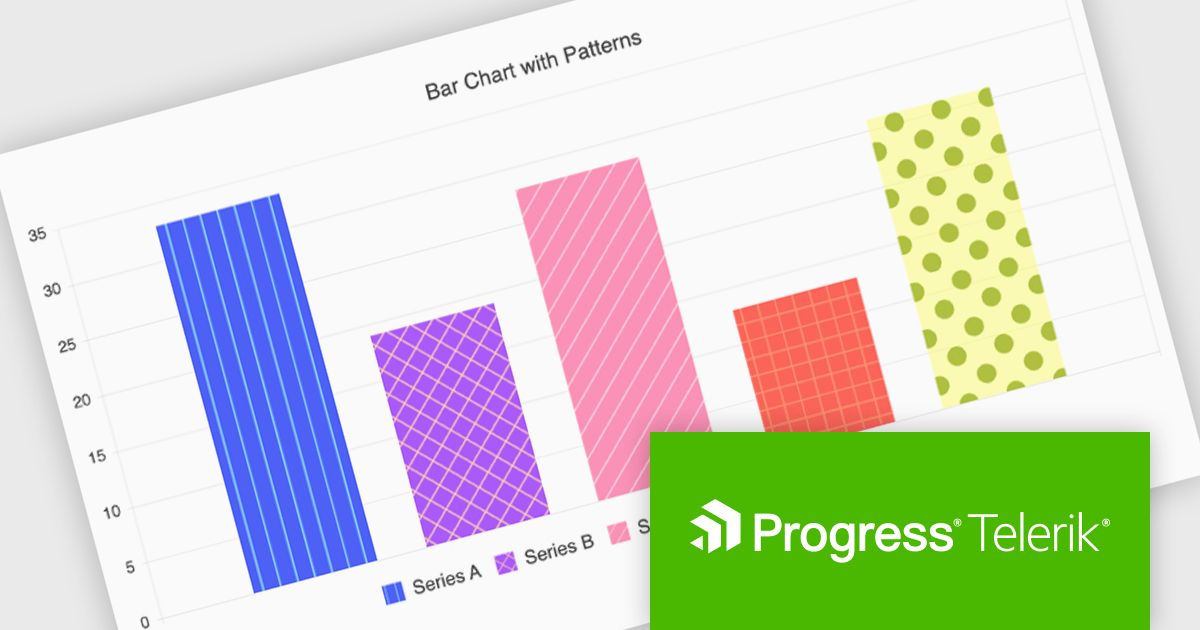
The Kendo UI for Angular v17.1.0 release (part of the 2024 Q4 update) introduces flexible pattern designs for chart series, allowing developers to create visually distinctive and accessible data visualizations. By providing an alternative to solid colors, patterns such as stripes, dots, or grids improve clarity in charts, especially for users with color vision deficiencies or when detailed data differentiation is needed. This feature enables developers to align visualizations with branding guidelines or specific design needs while enhancing the overall user experience with more intuitive and inclusive data representations.
To see a full list of what’s new in v17.1.0 (2024 Q4) see our release notes.
Kendo UI is licensed per developer and is available as a perpetual license with a 1 year support subscription, which is available in 3 tiers: Lite, Priority or Ultimate. See our Kendo UI licensing page for full details.
Kendo UI is also available to buy individually or as part of:
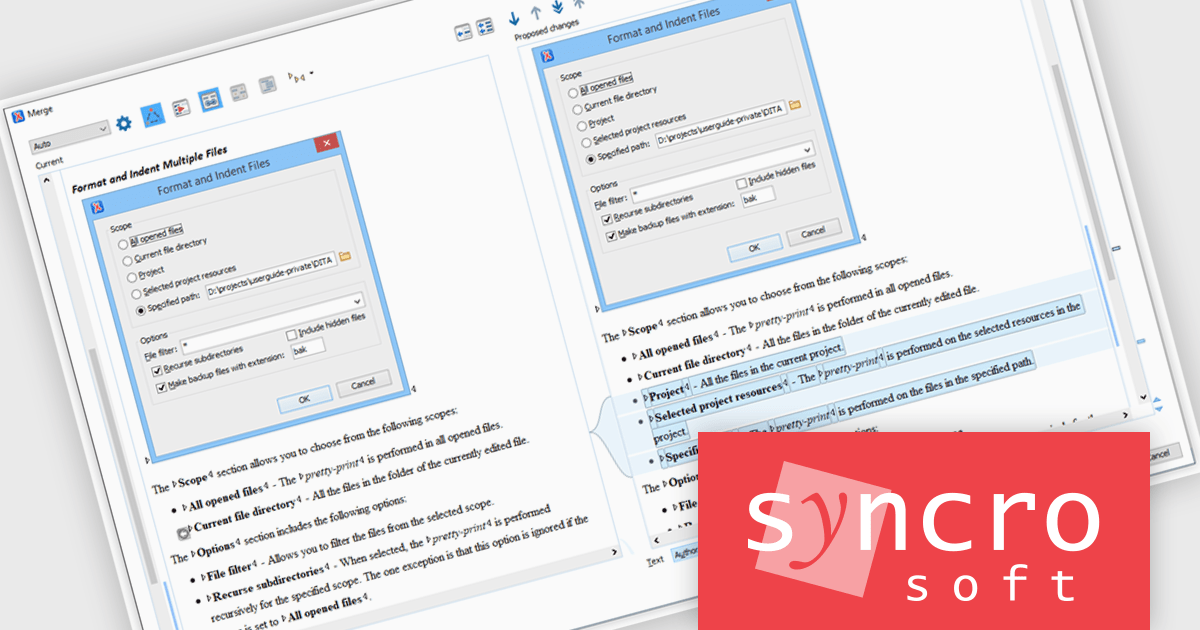
Oxygen XML Editor is a cross-platform XML editor that provides a comprehensive suite of tools for XML authoring and development. It is designed for users of all levels of experience, and includes support for all aspects of XML development, including editing, validating, generating output, debugging, and managing XML projects. Its wide feature set includes XML schema editing, graphical XML document browser, syntax highlighting, context-aware code completion, and powerful search and replace functionality.
The Oxygen XML Editor Enterprise V27.0 release introduces a new 'update content based on images' action, designed to streamline the documentation process. This feature automatically analyzes images referenced within a DITA XML topic to identify missing or incomplete information, offering precise suggestions for content improvements. Powered by the advanced GPT-4o engine, it ensures accurate, context-aware updates, reducing the need for review and edits. By integrating this capability, developers can maintain high-quality, comprehensive documentation while saving time and ensuring consistency across their projects.
To see a full list of what's new in version 27, see our release notes.
Oxygen XML Editor is licensed per Named or Floating user and is available as a Timed or Perpetual License with support and maintenance subscription. See our Oxygen XML Editor licensing page for full details.
Oxygen XML Editor is available in the following editions:
Over the past 15 years, this successful partnership has centered on delivering innovative tools tailored for the Microsoft Cloud ecosystem. With a shared vision of simplifying complex business processes, the collaboration underscores a steadfast commitment to helping developers streamline operations, boost productivity, and ensure seamless communication between diverse systems.
Layer2 is renowned for its expertise in data connectivity and document management, offering solutions that specialize in Office 365, SharePoint, and Azure. The company’s products are designed to sync files and integrate data effortlessly across over 150 platforms, whether hosted on-premises or in the cloud. These tools not only bridge the gap between disparate applications but also ensure information remains consistent, up-to-date, and accessible. By choosing Layer2, businesses can enhance collaboration, maintain data integrity, and boost operational efficiency.
ComponentSource, a leading distributor of software components and development tools, has played a crucial role in expanding the reach of Layer2's product range. Through this partnership, ComponentSource has helped make Layer2 Cloud Connector, and Layer2 Business Data List Connector accessible to a broader audience of developers.
The enduring collaboration between ComponentSource and Layer2 has had a significant, positive impact on the developer community by making powerful integration and synchronization tools more accessible. As we celebrate this 15-year partnership, we look forward to strengthening our relationship and continuing to provide developers worldwide with cutting-edge solutions to meet their evolving integration needs.
Learn more about Layer2.
联系电话: (888) 850 9911
传真: +1 770 250 6199


