













官方供应商
我们作为官方授权经销商,直接提供超过200家开发厂家所发行超过1000个的产品授权给您。
查看我们的所有品牌。
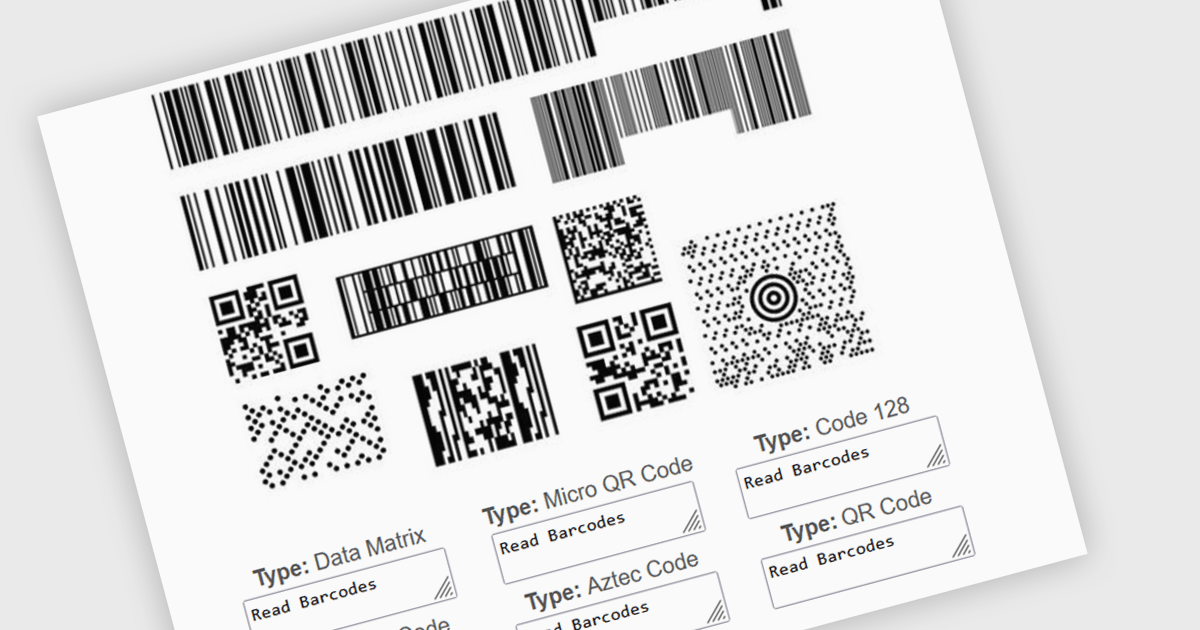
Multiple barcode detection within a barcode component refers to the capability of a system to identify and process multiple barcodes simultaneously within a single image or document. This functionality enables efficient and accurate data extraction from various sources, such as product packaging, shipping labels, and inventory documents. By automating the process of detecting and decoding multiple barcodes, developers can significantly improve the speed and reliability of data input, reduce human error, and enhance overall system performance.
Several .NET barcode components support multiple barcode detection including:
Explore our range of .NET barcode products with multiple barcode detection within Barcode Components.
Need help to find the right software license, upgrade or renewal? Call, Email, or Live Chat with our experts.
ThinkAutomation is a comprehensive on-premise automation system by Parker Software designed for automating on-premises and cloud-based business processes. It enables developers to create complex automations through an intuitive, low-code, drag-and-drop interface, facilitating the integration of various message sources, including emails, databases, webhooks, and files, and the execution of numerous actions such as database updates, CRM interactions, document processing, and ChatGPT integration. The platform also supports custom scripting in C# or VB.NET, allowing for extensive customization and scalability to meet specific business requirements.
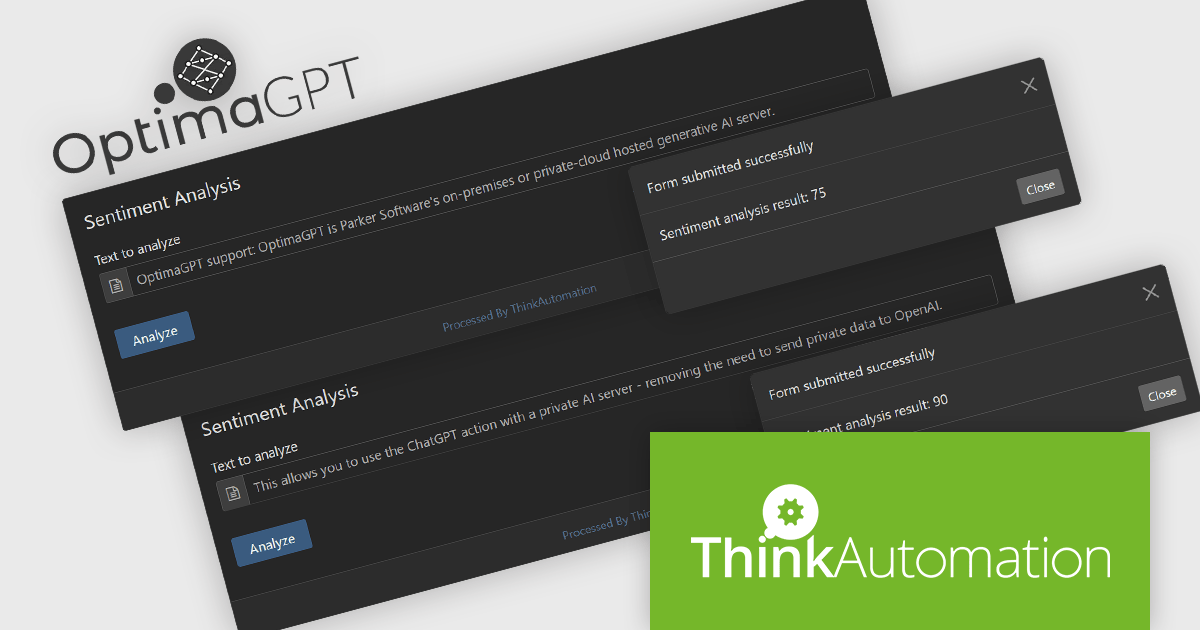
The ThinkAutomation v5.0.1010 update adds support for OptimaGPT, Parker Software's on-premises or private-cloud hosted generative AI server. This integration allows developers to utilize the ChatGPT action within ThinkAutomation while maintaining all data processing in-house, thereby eliminating the need to transmit sensitive information to a third-party (OpenAI, the provider of ChatGPT). Through OptimaGPT, organizations can make use of AI-driven automation capabilities and ensure data privacy and compliance with internal security policies, offering a secure and efficient solution for implementing automated workflows.
To see a full list of what's new in v5.0.1010, see our release notes.
ThinkAutomation is licensed per user and is available as an annual license with 1 year support and updates, or a perpetual license which doesn't include support. Premium support is available for purchase. See our ThinkAutomation licensing page for full details.
For more information, see our ThinkAutomation product page.
FastReport VCL is a library for creating documents and reports in Embarcadero C++Builder, Delphi, RAD Studio, and Lazarus. It is an add-on component that includes all of the tools needed to create reports, such as a visual report designer, a reporting core, and a preview window, allowing you to add functionality to your application for efficient report generation.
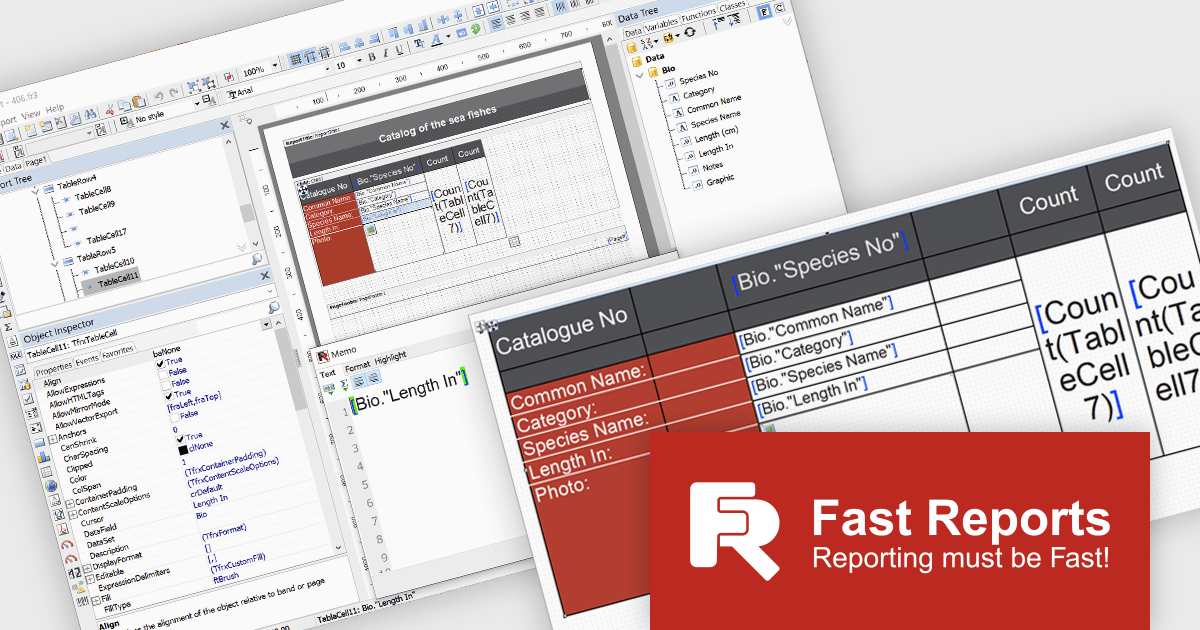
The FastReport VCL v2025.1 release introduces a new Word-style interactive table editor that offers a streamlined, user-friendly approach to designing and editing tables directly within reports. The new editor is particularly valuable for users creating financial reports, invoices, and data-driven documents where clarity and visual appeal are essential. By simplifying the table creation process, it reduces design time, enhances readability, and ensures consistency across reports, making it an ideal tool for professionals who need efficient, high-quality reporting.
To see a full list of what's new in v2025.1, see our release notes.
FastReport VCL is licensed per named user and is available as a Perpetual license with 1 year of technical support and product updates. See our FastReport VCL licensing page for full details.
For more information, see our FastReport VCL product page.
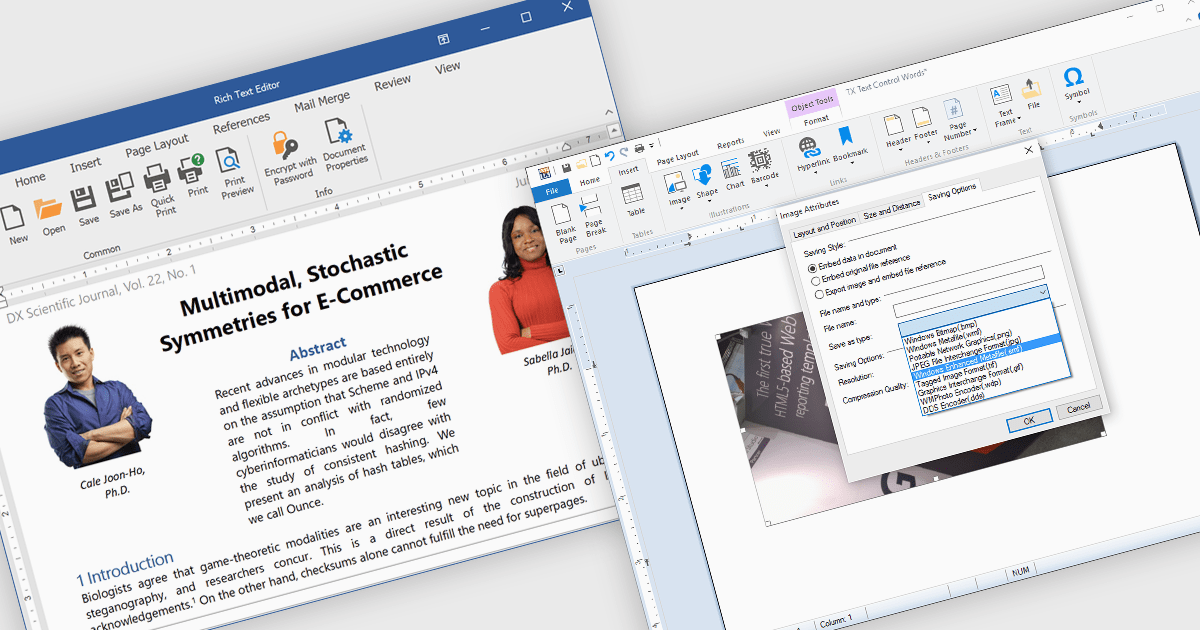
The integration of images within a rich text component enhances the flexibility and visual appeal of digital content by allowing users to embed and format images directly alongside text. This functionality supports a more immersive, informative experience, as images can clarify complex ideas, provide visual examples, or highlight key points within a block of text. For instance, in a blog post, users can insert images to illustrate steps in a tutorial, while marketers may use embedded images to create visually engaging product descriptions within a text editor. This approach streamlines workflows by eliminating the need for separate image and text components, offering a unified platform for visually enriched content creation. The rich text component's support for embedded images facilitates a dynamic presentation, fostering greater user engagement and enhancing readability.
Several .NET WinForms products offer image insertion within rich text components including:
Explore our range of .NET WinForms rich text editors within Word Processing Components.
Need help to find the right software license, upgrade or renewal? Call, Email, or Live Chat with our experts.
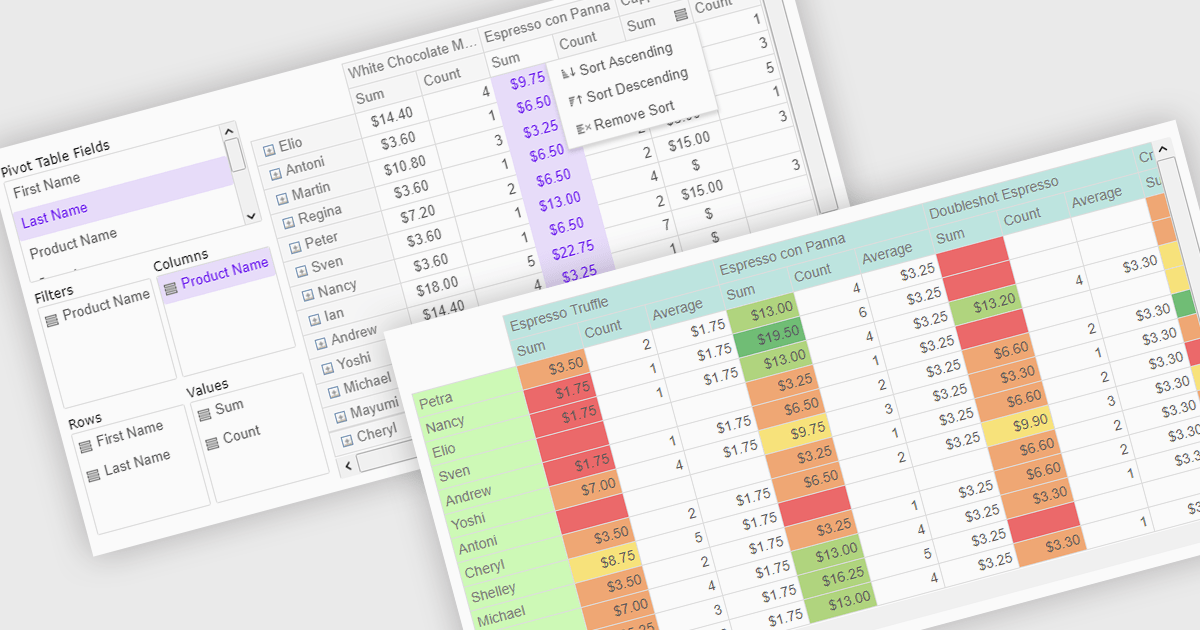
Pivot grids or tables are dynamic tools that allow users to organize and analyze large datasets interactively by allowing them to group, filter, and summarize data across multiple dimensions. This functionality makes it easier to spot patterns and insights, supporting faster decision-making and data processing. Common use cases include help to identify trends in product performance or customer demographics, or financial applications, where users can analyze and forecast expense patterns. Pivot grids empower users with an adaptable and user-friendly interface, offering both high-level overviews and detailed insights with minimal effort.
Several Vue.js UI suites offer pivot grid components including:
For an in-depth analysis of features and price, visit our comparison of Vue.js UI suites.
联系电话: (888) 850 9911
传真: +1 770 250 6199


