













官方供应商
我们作为官方授权经销商,直接提供超过200家开发厂家所发行超过1000个的产品授权给您。
查看我们的所有品牌。
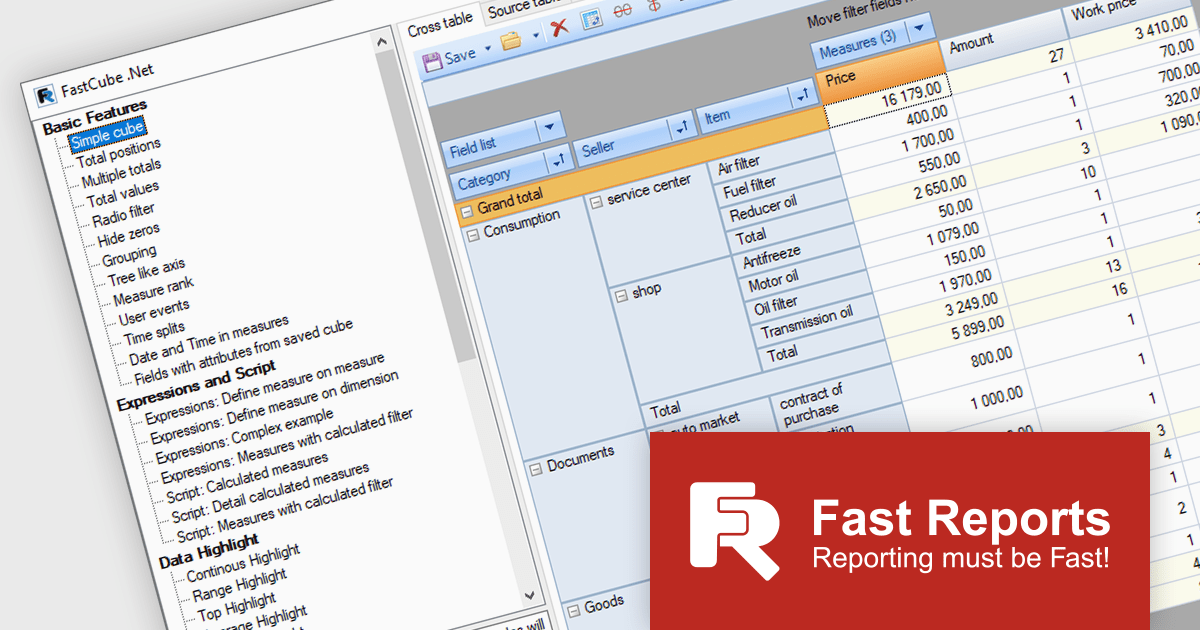
FastCube .NET is a powerful data analysis tool designed for .NET applications, offering rapid and efficient OLAP (Online Analytical Processing) capabilities. It enables developers to integrate interactive pivot tables, charts, and data visualization features into desktop and web-based applications. With FastCube .NET, users can analyze and process data from various sources, including databases, without the need for additional servers or services. Key features include data slicing and dicing, customizable reports, hierarchical data representation, calculated measures, and support for large datasets. The tool is highly customizable and offers advanced data filtering, sorting, and grouping functionalities, making it ideal for business intelligence and reporting solutions.
The FastCube .NET 2025.1 update introduces macOS and Linux support for FastCube.Core.Web, significantly expanding the platform’s versatility and deployment options for software developers. This enables cross-platform development and simplifies the integration of FastCube's sophisticated data analysis and visualization capabilities into web applications running on several operating systems. Developers can now create and deploy web apps that use FastCube's OLAP capability across a wider range of settings, giving users a more seamless experience.
To see a full list of what's new in 2025.1, see our release notes.
FastCube .NET is available as part of FastReport Ultimate .NET and is licensed per named user. See our FastReport .NET Component Packages licensing page for full details.
Learn more on our FastCube .NET product page.
Aspose.PDF for Python via C++ is a powerful library that enables developers to create, manipulate, and convert PDF documents within Python applications. This new solution leverages the capabilities of the Aspose.PDF for C++ engine, providing a seamless interface for Python developers to interact with PDF files.
Aspose.PDF for Python via C++ offers a wide range of features including the ability to extract text, images, and metadata from PDF documents, merge and split PDFs, add annotations and watermarks, and convert PDFs to Word, Excel, and various images formats. These capabilities make it a valuable tool for various applications, such as document automation, data extraction, and PDF generation within Python-based systems.
Aspose.PDF for Python via C++ is offered as Developer Small Business, Developer OEM, Developer SDK, Site Small Business, Site OEM, and Site SDK licenses catering to a range of business needs. Licenses are perpetual, and include 1 year of support and maintenance. Subscription renewals are also available. See our Aspose.PDF for Python via C++ licensing page for full details.
Aspose.PDF for Python via C++ is available in the following products:
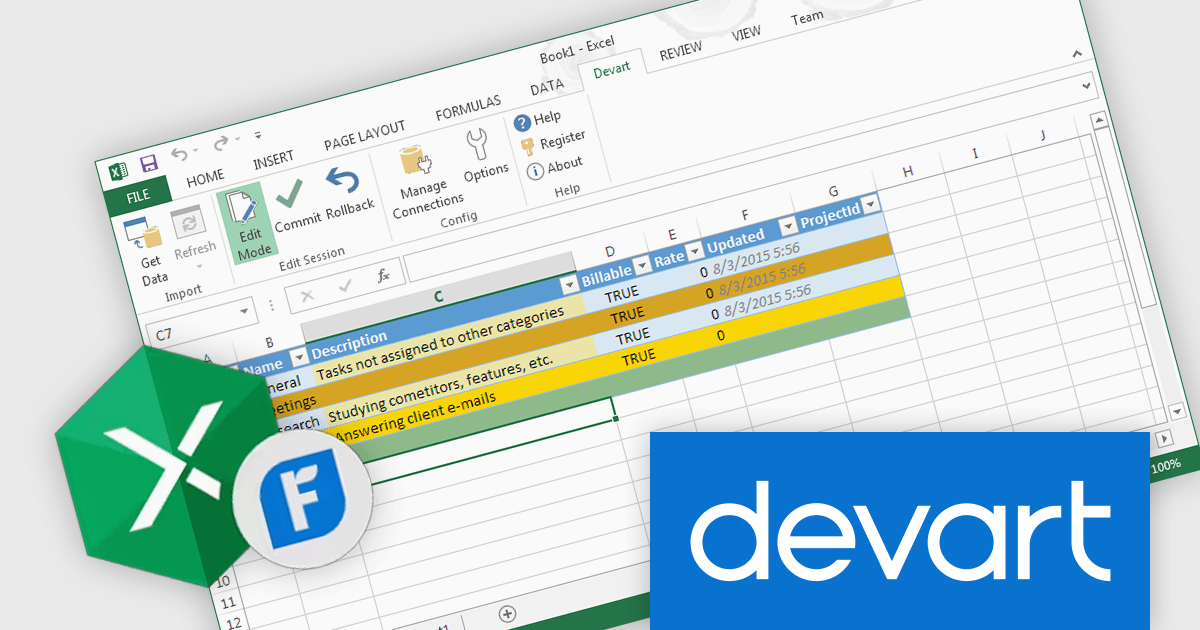
Devart Excel Add-in for FreshBooks is a powerful tool that seamlessly integrates Excel with the FreshBooks accounting software. It enables users to directly import and export data between the two platforms, automating tasks such as creating invoices, tracking expenses, and managing client information. This integration streamlines workflows, eliminates manual data entry, and ensures accuracy and efficiency in financial management.
The Devart Excel Add-in for FreshBooks 2.10.1404 release adds the BillVendor, Bill, BillLine, and BillPayment tables. This significantly enhances the granularity and flexibility of financial data management. These tables enable detailed tracking of vendor information, invoice details, line items, and payment history. This structured approach facilitates accurate reporting, analysis, and compliance with financial regulations. By breaking down financial transactions into distinct components, organizations can gain deeper insights into their spending patterns, identify cost-saving opportunities, and maintain better control over their financial operations.
To see a full list of what's new in 2.10.1404, see our release notes.
Devart Excel Add-in for FreshBooks is licensed per user and is available as a Perpetual license with 1 year support and maintenance. See our Devart Excel Add-in for FreshBooks licensing page for full details.
Devart Excel Add-in for FreshBooks is available in the following products:
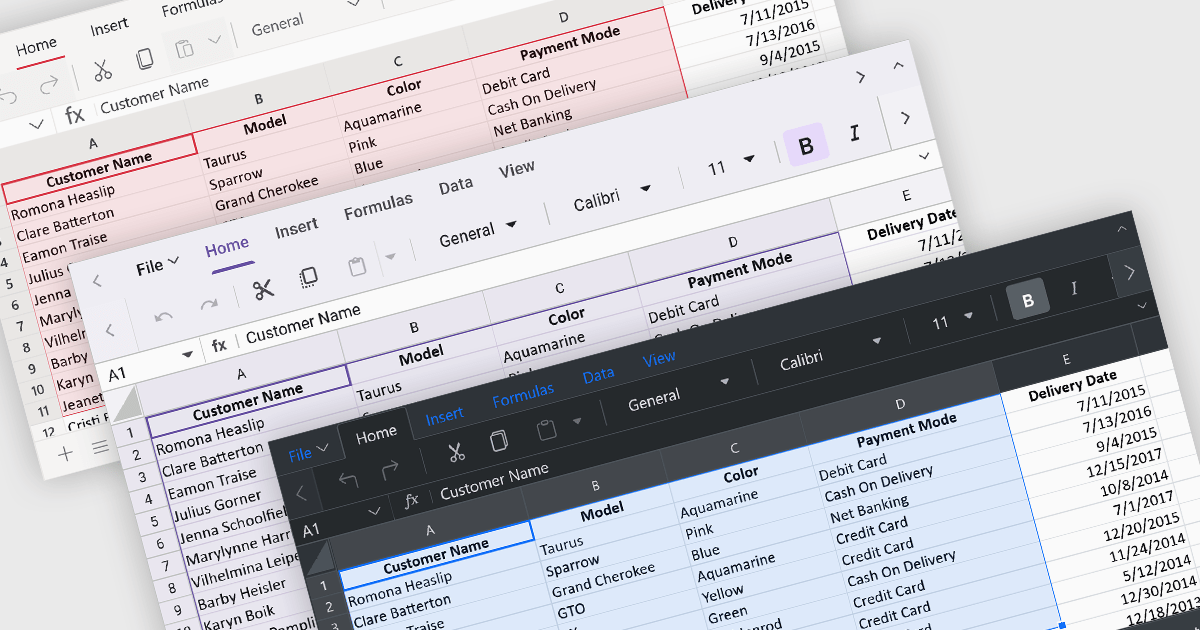
Theming provides users with the ability to customized the visual elements like colors, fonts, and layouts to create a consistent and visually appealing user interface to their spreadsheets. By applying themes, you can enhance the overall aesthetic of your spreadsheet, improve readability, and make it more engaging for users. Themes can also help to align your spreadsheet with your brand guidelines, creating a cohesive and professional look.
Several ASP.NET Core spreadsheet controls offer support for applying themes including:
For an in-depth analysis of features and price, visit our ASP.NET Core spreadsheet controls comparison.
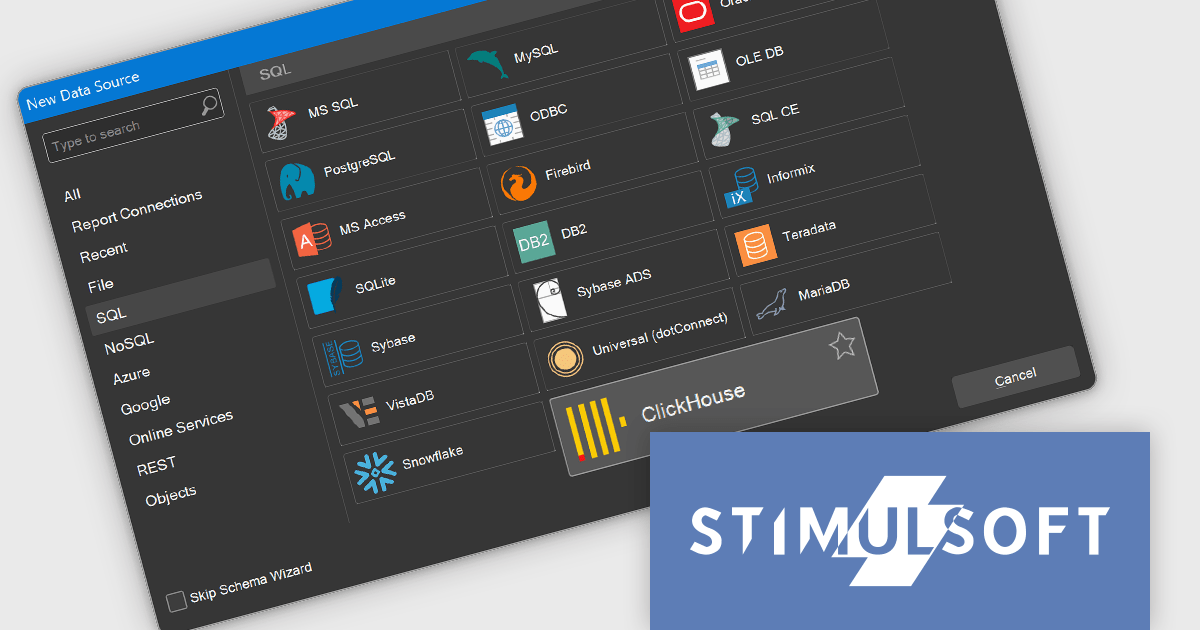
Stimulsoft Reports.WEB is a cross-platform reporting solution designed for integration within web applications. It leverages a client-server architecture for report generation, viewing, printing, and exporting directly in web browsers. Its powerful .NET report engine offers efficient report processing, a user-friendly HTML5 report designer for building reports with various data sources and visualizations, and an interactive HTML5 viewer for seamless report display within web applications. This integration allows developers to implement robust reporting functionalities without browser plugins or additional client-side dependencies.
The Stimulsoft Reports.WEB 2024.4.1 release adds the ability to connect to the ClickHouse online data storage and exchange service directly from the report designer. This eliminates the need for complex data extraction and transformation processes, streamlining the reporting workflow and improving efficiency. By connecting to ClickHouse, users can leverage its powerful analytical capabilities and real-time data processing features to generate dynamic and informative reports.
To see a full list of what's new in 2024.4.1, see our release notes.
Stimulsoft Reports.WEB is licensed per developer and is available as a perpetual license with 1 year support and maintenance. See our Stimulsoft Reports.WEB licensing page for full details.
Stimulsoft Reports.WEB is available in the following products:
联系电话: (888) 850 9911
传真: +1 770 250 6199


