













官方供应商
我们作为官方授权经销商,直接提供超过200家开发厂家所发行超过1000个的产品授权给您。
查看我们的所有品牌。
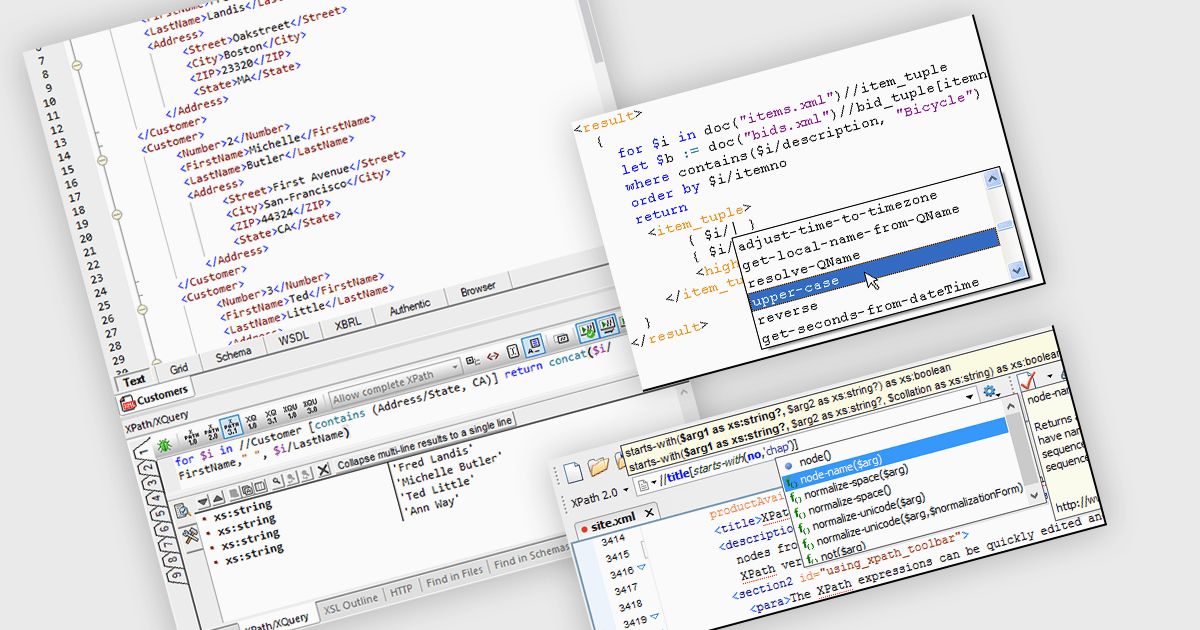
An XPath Analyzer is a crucial tool that enables developers to efficiently navigate, query and manipulate XML documents. It provides a powerful mechanism for selecting specific nodes within an XML tree structure based on their attributes, values and relationships. By using XPath expressions, developers can precisely target elements and attributes, facilitating tasks such as data extraction, modification and validation. The analyzer's ability to interpret and execute XPath expressions streamlines development processes, enhances code readability and promotes maintainable XML-based applications.
Several structured document tools include an XPath Analyzer, including:
For an in-depth analysis of features and price, visit our structured document tools comparison.
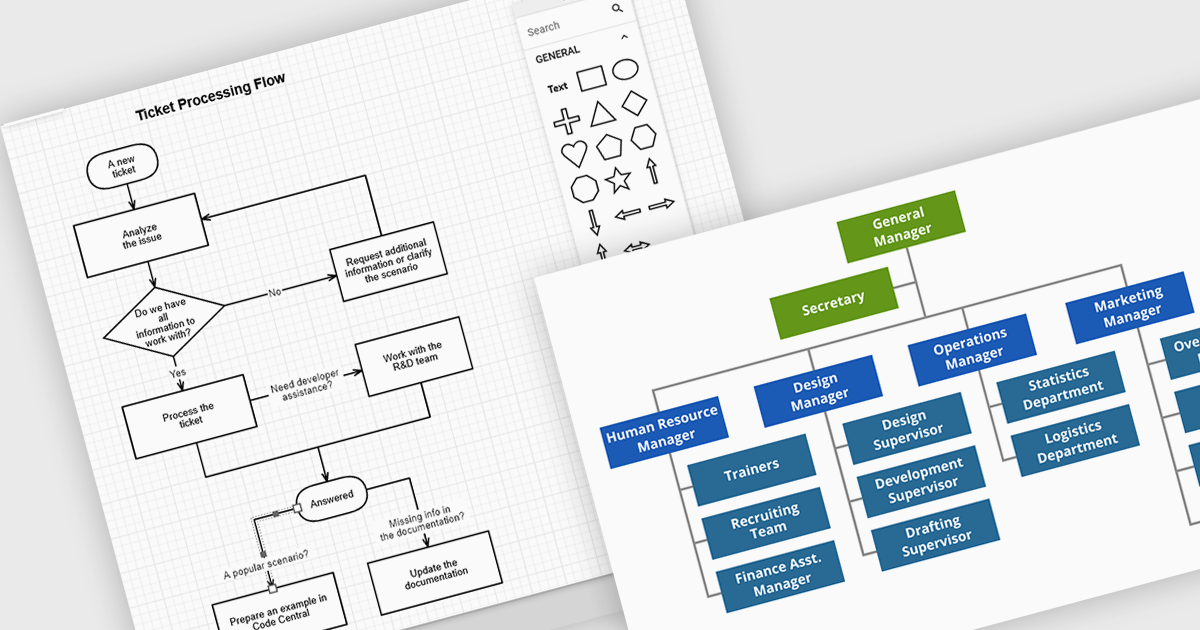
JavaScript diagramming components are libraries that enable developers to create interactive and dynamic diagrams in web applications. By offering customizable elements like nodes and connectors, they simplify the visualization of complex data, workflows, and processes. These components save development time and enhance user experience with pre-built tools for creating diagrams without the need for manual graphics handling. Common use cases include business process modeling, network architecture visualization, and organizational charts, making them ideal for applications requiring dynamic content and real-time collaboration.
Several JavaScript UI suites offer diagramming controls including:
For an in-depth analysis of features and price, visit our JavaScript UI suites comparison.

JetBrains is a technology-leading software development firm specializing in the creation of intelligent, productivity-enhancing software. ComponentSource is in the highest level of the JetBrains partner program, a Premium Reseller, reselling the JetBrains product range worldwide. JetBrains is widely known for its innovative, award-winning Java integrated development environment: IntelliJ IDEA; Integrated JavaScript and TypeScript development environment: WebStorm; and polyglot IDE for test automation: Aqua.
If you are a JavaScript developer looking to get up to speed with the latest trends in modern JavaScript and TypeScript development, then JetBrains JavaScript Day is for you! Back for its fourth year, JavaScript Day is a FREE online community event on Thursday, October 24, 2024 where you can refine your JavaScript skills by leveraging the combined knowledge from a host of industry experts.
Register now for this FREE online event.

Codejock Suite Pro is a comprehensive collection of UI components and libraries designed to enhance the development process and create visually stunning applications. With a rich array of features including grids, charts, editors, docking windows and more, the suite empowers developers to rapidly build robust and user-friendly interfaces. Whether you're building enterprise applications, data visualization tools or custom user interfaces, Codejock Suite Pro provides the essential tools to elevate your projects and deliver exceptional user experiences.
The Codejock Suite Pro 24.0.0 release now boasts robust Scalable Vector Graphics (SVG) support, revolutionizing how developers incorporate icons and images into their applications. The new CXTPSvgImage class enables seamless integration of SVGs across various UI components, ensuring crisp, high-quality visuals regardless of screen resolution. This feature empowers developers to create visually stunning, modern interfaces that adapt flawlessly to different devices and display settings, elevating the overall user experience.
To see a full list of what's new in the 24.0.0 release, see our release notes.
Codejock Suite Pro is licensed per developer and is available as a perpetual license with 30 days or 1 year subscription (product updates and phone/email technical support). See our Codejock Suite Pro licensing page for full details.
For more information, visit our Codejock Suite Pro product page.
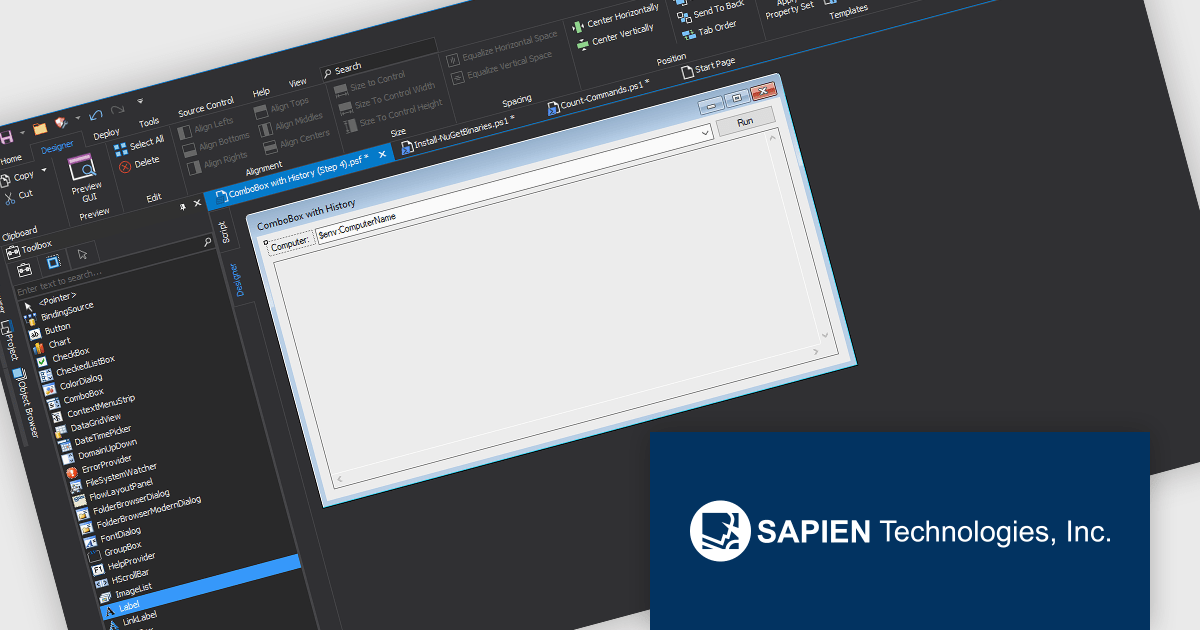
PowerShell Studio by SAPIEN Technologies is an Integrated Scripting Environment (ISE) designed specifically for PowerShell development. It offers a comprehensive editing experience with features like syntax coloring, code completion, and debugging. Beyond editing, PowerShell Studio allows you to visually design GUIs for your scripts, convert them into executables, and create modules and Windows services. This comprehensive toolset caters to developers who want to streamline PowerShell scripting and extend its functionality.
PowerShell Studio includes a GUI Designer within the Enhanced Form Designer, transforming how developers and designers build user interfaces. By offering a visual, drag-and-drop design experience combined with pre-wired controls, the GUI Designer eliminates the need for extensive manual coding, allowing even non-developers to craft professional-grade GUIs with ease. This tool accelerates project timelines, reduces coding errors, and ensures that interfaces are both functional and polished. Developers can now focus on core application logic, making GUI creation more efficient, customizable, and collaborative than ever before.
PowerShell Studio is licensed per user and includes 1 year of product maintenance which may be renewed each year thereafter to continue to receive the latest updates. See our PowerShell Studio licensing page for full details.
Learn more on our PowerShell Studio product page.
联系电话: (888) 850 9911
传真: +1 770 250 6199


