













官方供应商
我们作为官方授权经销商,直接提供超过200家开发厂家所发行超过1000个的产品授权给您。
查看我们的所有品牌。
The ComPDFKit Conversion SDK is used to convert PDF files to a variety of other formats such as Microsoft Word, Excel, PowerPoint, HTML, TXT, CSV, RTF, and JSON. Instead of having server-side dependencies, it uses its own built-in conversion engine with no dependency on external apps. This is more secure than traditional converters as it doesn't need to transmit sensitive data to external servers. It has advanced PDF parsing capabilities, can analyze a PDF's logical structure to accurately recreate the original document, and can handle complex and irregular tables.
ComPDFKit Conversion SDK v1.10.0 (Windows and Mac editions) further enhances its OCR capabilities by adding the ability to convert scanned documents into PDFs that you can edit and search. This empowers users to modify existing content, conduct efficient text searches within the document, and streamline information retrieval, significantly enhancing document workflow and accessibility.
To see a full list of what's new in v1.10.0, see our release notes for Mac.
ComPDFKit Conversion SDK is licensed per application per platform and is available as an annual license. See our ComPDFKit Conversion SDK for Windows licensing page for full details.
ComPDFKit Conversion SDK for Windows/Mac is available to buy in the following products:
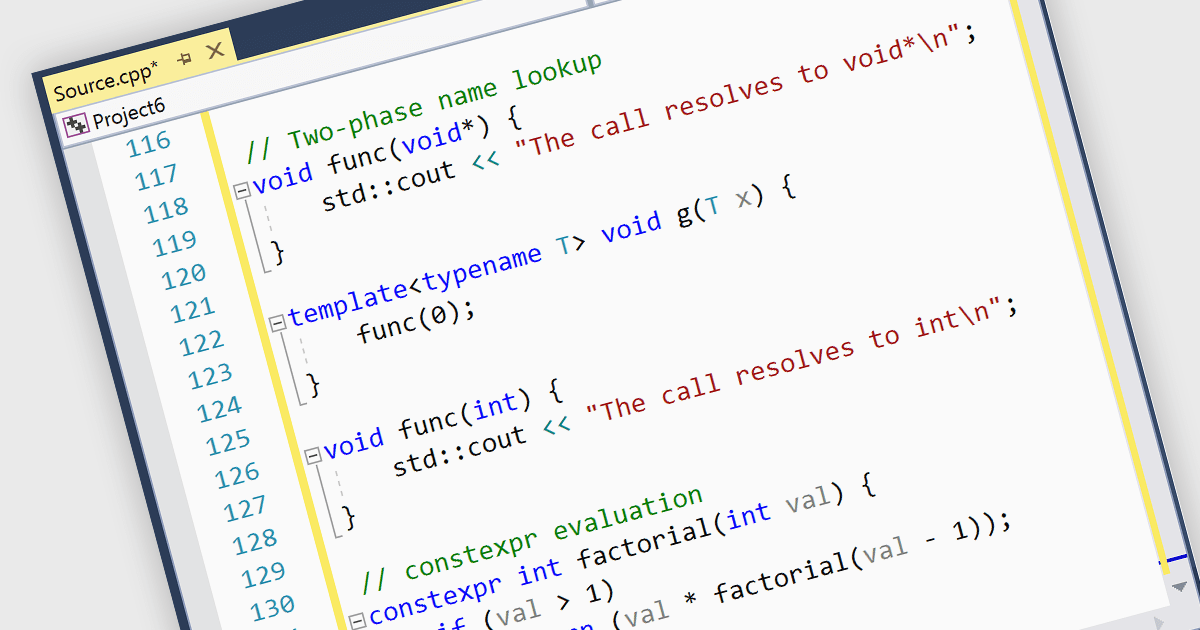
Integrated development environments (IDEs) that support C++ come equipped with functionalities designed to simplify and expedite C++ coding. This includes syntax highlighting for better code readability, intelligent code completion for faster and more accurate coding, integrated debugging to identify and fix errors, refactoring assistance to restructure code safely, and built-in compilation and build systems for seamless project management. These benefits result in increased developer productivity, enhanced code quality, and a smoother overall development experience.
Several IDEs provide C++ support including:
For an in-depth analysis of features and price, visit our IDEs comparison.
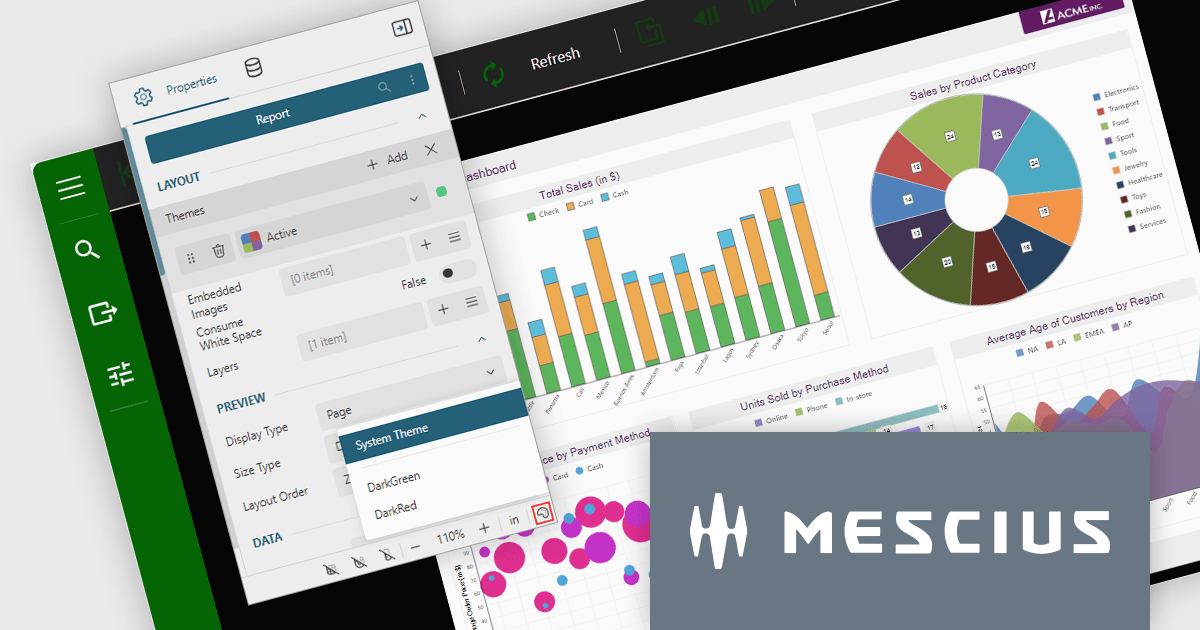
ActiveReports.NET is a reporting tool that allows developers to design and deliver reports with intuitive, reliable, and user-friendly report designers and controls. Features include the ability to create reports in a variety of formats, such as PDF, Excel, and HTML. ActiveReports.NET is also highly customizable, with an extensive API and advanced feature library.
ActiveReports.NET v18 brings robust theme support to its JS Viewer and Web Designer components, granting you extensive control over the user interface. Choose from a diverse selection of built-in UI themes for instant customization, or exercise fine-grained control by creating your own theme. This allows you to precisely match the components' appearance with your application's unique branding, ensuring a visually cohesive and professional user experience.
To see a full list of what's new in version 18, see our release notes.
ActiveReports.NET is licensed per developer and is available with or without a 12 month support and maintenance subscription. See our ActiveReports.NET licensing page for full details.
For more information, visit our ActiveReports.NET product page.
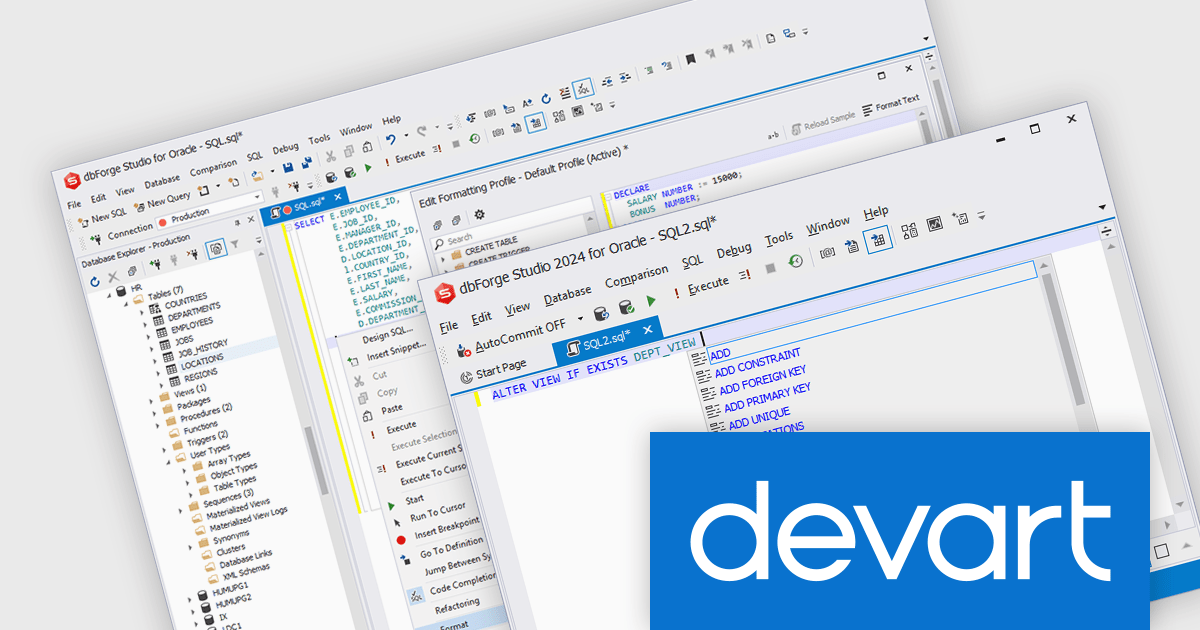
dbForge Studio for Oracle is a comprehensive software tool designed to streamline the development and administration of Oracle databases. It functions as a powerful IDE, offering features like code completion, debugging, and optimization for PL/SQL programming. It also provides versatile data editing tools, schema management, and data synchronization between Oracle servers. dbForge Studio for Oracle aims to enhance productivity for both developers and database administrators working with Oracle environments.
The dbForge Studio for Oracle V4.6.15 release adds support for CREATE, ALTER, and DROP VIEW statements, which allow you to manage views within a database. A view is a virtual table derived from the result set of a query against one or more underlying tables.
To see a full list of what's new in V4.6.15, see our release notes.
dbForge Studio for Oracle is licensed per developer and is available as an Annual or Perpetual License with a 12 month support and maintenance subscription. See our dbForge Studio for Oracle licensing page for full details.
dbForge Studio for Oracle is available in the following products:
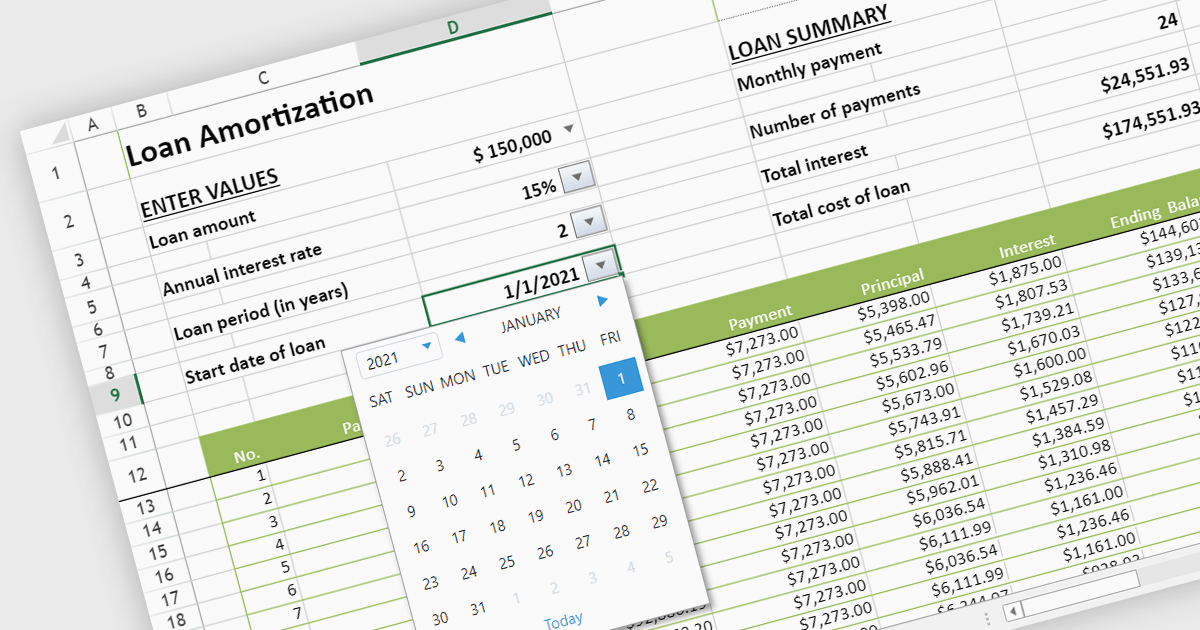
Using varied cell types in spreadsheets enhances organization, efficiency, and clarity. Text-based cells streamline labeling and categorization, while numeric cells enable calculations and analysis. Date and time cells simplify the tracking of schedules and deadlines. Formulas automate complex computations, and logical cells support conditional formatting and decision-making processes. This diversity in cell types optimizes data representation and manipulation, making your spreadsheets more powerful and versatile tools.
Several JavaScript spreadsheet controls offer support for different cell types, including:
For an in-depth analysis of features and price, visit our comparison of JavaScript Spreadsheet controls.
联系电话: (888) 850 9911
传真: +1 770 250 6199


