













官方供应商
我们作为官方授权经销商,直接提供超过200家开发厂家所发行超过1000个的产品授权给您。
查看我们的所有品牌。
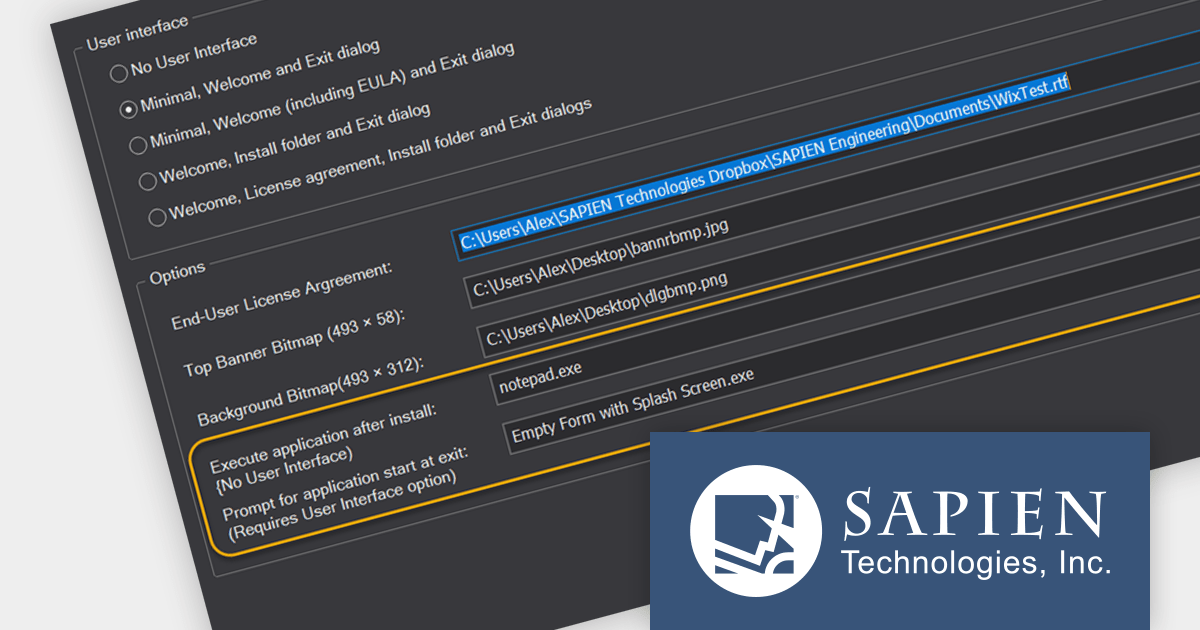
PrimalScript by SAPIEN Technologies is a comprehensive integrated development environment (IDE) designed for scripting and automation tasks. Offering a powerful platform for various scripting languages, PrimalScript streamlines the development process by providing robust editing, debugging, and deployment tools. Its user-friendly interface caters to both novice and experienced developers, fostering efficient script creation. With features like script packagers and advanced debugging capabilities, PrimalScript empowers users to enhance productivity in tasks ranging from small automation scripts to complex software development projects.
The PrimalScript 2024 update answers a frequently asked question from users: "How do I run an application or command after install?". It introduces innovative features to streamline application launch and post-install actions:
To see a full list of what’s new in version 2024, see our release notes.
PrimalScript is licensed per user and includes 1 year of product updates and support. Annual Premium Support is available and provides 1 Year of access to SAPIEN Technologies direct technical support ticketing system and a guaranteed response within 24 hours. The premium support package must be purchased at the same time as the initial software purchase, subscription renewal, or upgrade, and can be renewed on an annual basis. See our PrimalScript licensing page for full details.
For more information, visit our PrimalScript product page.
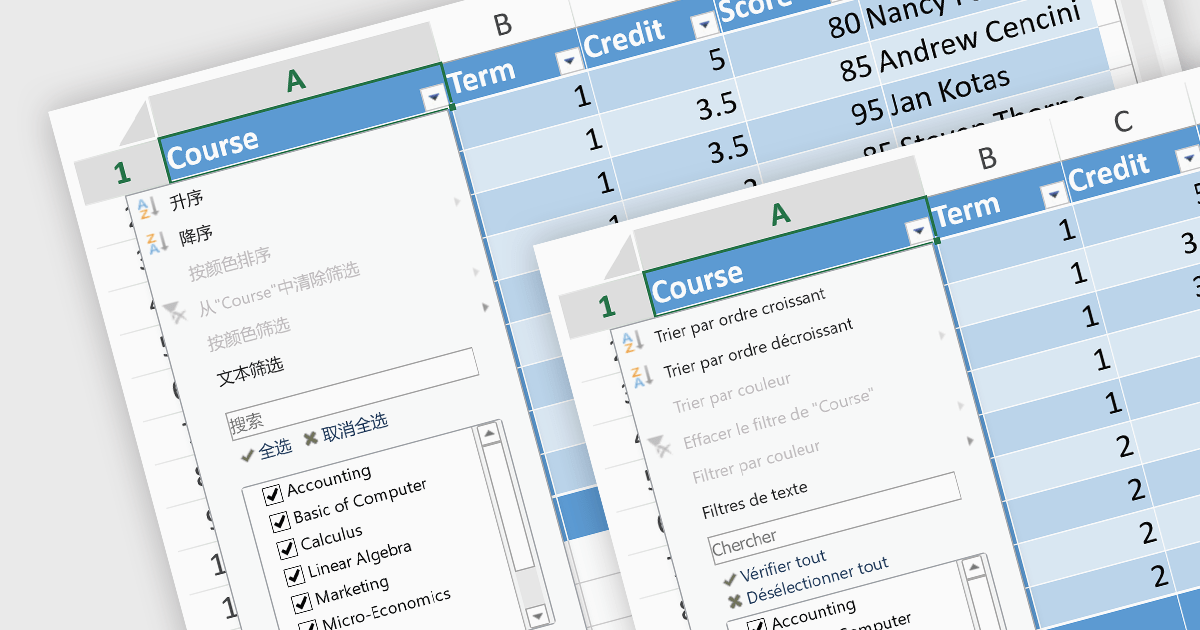
In spreadsheet controls, localization refers to adapting the user interface and functionality to different languages and cultural contexts. This involves translating static text like menu labels and buttons, formatting dates and numbers according to regional conventions, and even adjusting features like formula syntax to match users' expectations. Effective localization ensures intuitive interaction for global audiences, boosting user adoption and enhancing the overall spreadsheet experience.
Several Angular spreadsheet controls support localization including:
For an in-depth analysis of features and price, visit our Angular Spreadsheet Controls comparison.
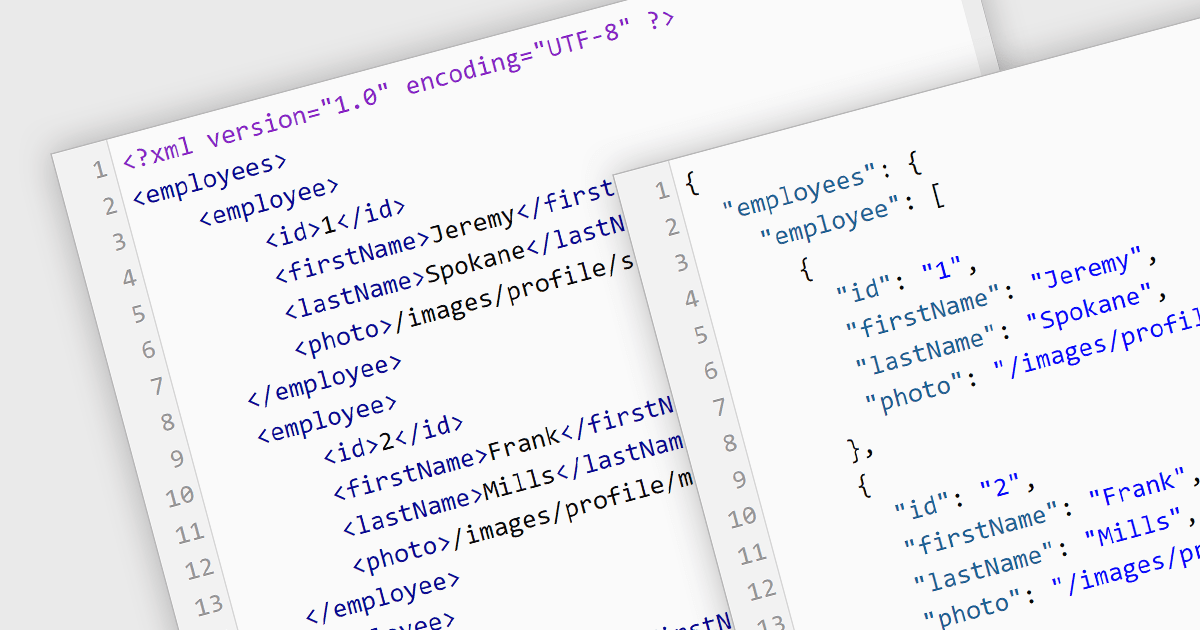
Converting XML (Extensible Markup Language) to JSON (JavaScript Object Notation) unlocks a wealth of benefits for web applications and data exchange. JSON's inherent simplicity translates to smaller file sizes, faster parsing, and broader language support, leading to improved communication speed and performance. Its flexible key-value structure seamlessly integrates with modern development frameworks, simplifying data manipulation and ultimately creating a more agile and efficient data ecosystem. This conversion is important for modernizing the data exchange process, particularly when migrating systems from XML-based backends to JSON-based frontends. By embracing JSON, you empower your applications to flourish in today's dynamic data landscape.
Several structured document tools offer XML to JSON conversion, including:
For an in-depth analysis of features and price, visit our Structured Document Tools comparison.

MDBootstrap Pro Angular (MDB Pro Angular) is a UI component library that combines Material Design aesthetics with the Bootstrap and Angular frameworks. It empowers developers to craft visually appealing and interactive web applications with ease, offering an extensive collection of pre-built components like modals, charts, carousels, and data tables. Tailored for professional projects, it unlocks advanced features like dark mode theming, advanced form controls, and integrated charting libraries, all while adhering to industry-leading coding standards and comprehensive documentation for a smooth development experience.
MDB Pro Angular v6.0.0 adds support for Angular 17, which boasts a game-changing application builder for dramatically faster build times, a streamlined control flow syntax for enhanced developer productivity, and an optimized lazy loading system with Deferrable views that enable both declarative and deferred loading for improved initial rendering speeds. This powerful combination empowers developers to craft even more robust and performant web applications with greater ease.
To see a full list of what's new in version 6.0.0, see our release notes.
MDB Pro Angular is licensed per developer, per project/domain with packages for individual developers, development teams and Enterprises. See our MDB Pro Angular licensing page for full details.
For more information, visit our MDB Pro Angular product page.
AdminStudio, by Flexera, empowers IT teams to seamlessly and securely package and deploy applications across various platforms. This comprehensive suite automates key processes, from building new packages to testing compatibility and mitigating risks, ensuring efficient and reliable software distribution within your organization. Whether managing physical or virtual applications, AdminStudio simplifies the entire journey, from initial packaging to endpoint delivery, ultimately driving greater efficiency and minimizing deployment risks.
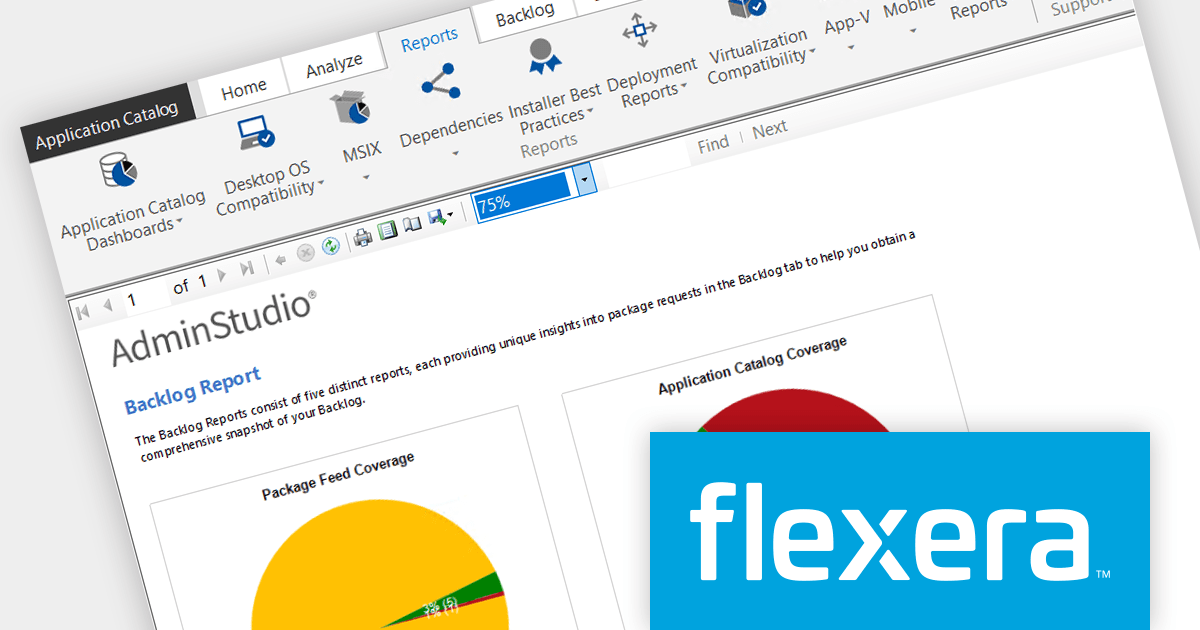
AdminStudio 2023 R2 SP1 adds new Backlog Reports, providing invaluable insights into your packaging requests. These pie-chart reports cover various aspects like Package Feed and Application Catalog coverage, Package Request Status, Automation Subscription, and Package Request Source, giving you a comprehensive snapshot of your packaging backlog and aiding informed decision-making for efficient application distribution.
To see a full list of what's new in version 2023 R2 SP1, see our release notes.
AdminStudio is licensed per user and is available as a 3 Year Timed Subscription. See our AdminStudio Professional licensing page or AdminStudio Enterprise licensing page for full details.
For more information, visit our AdminStudio Professional or AdminStudio Enterprise product pages.
联系电话: (888) 850 9911
传真: +1 770 250 6199


