













官方供应商
我们作为官方授权经销商,直接提供超过200家开发厂家所发行超过1000个的产品授权给您。
查看我们的所有品牌。
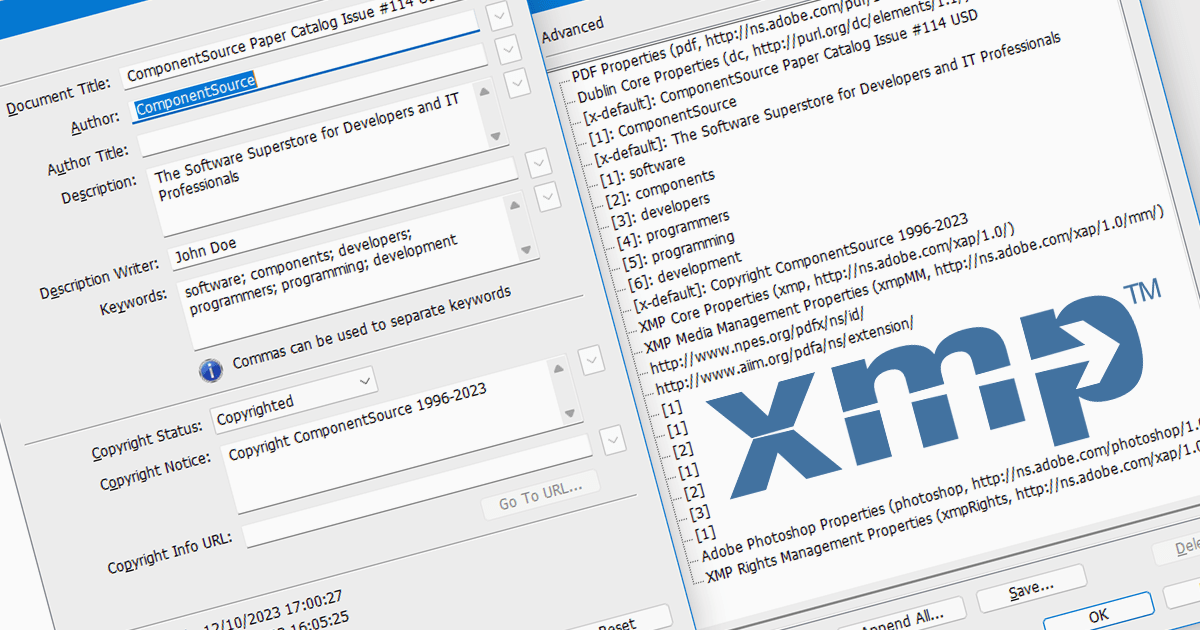
XMP, or Extensible Metadata Platform, acts like a digital label embedded within PDFs, carrying information beyond the document itself. It holds details like author names, creation dates, keywords, and even revision history. Programmatically extracting this XMP data unlocks a treasure trove of possibilities. Imagine automatically organizing PDFs based on author or keyword, extracting copyright information for legal purposes, or even tracing the evolution of a document through its XMP timestamps. This power makes XMP extraction invaluable for researchers, librarians, and anyone who wants to squeeze the most out of their PDF collection.
Several .NET Core PDF components support the extraction of XMP metadata including:
For an in-depth analysis of features and price, visit our .NET Core PDF Components comparison.
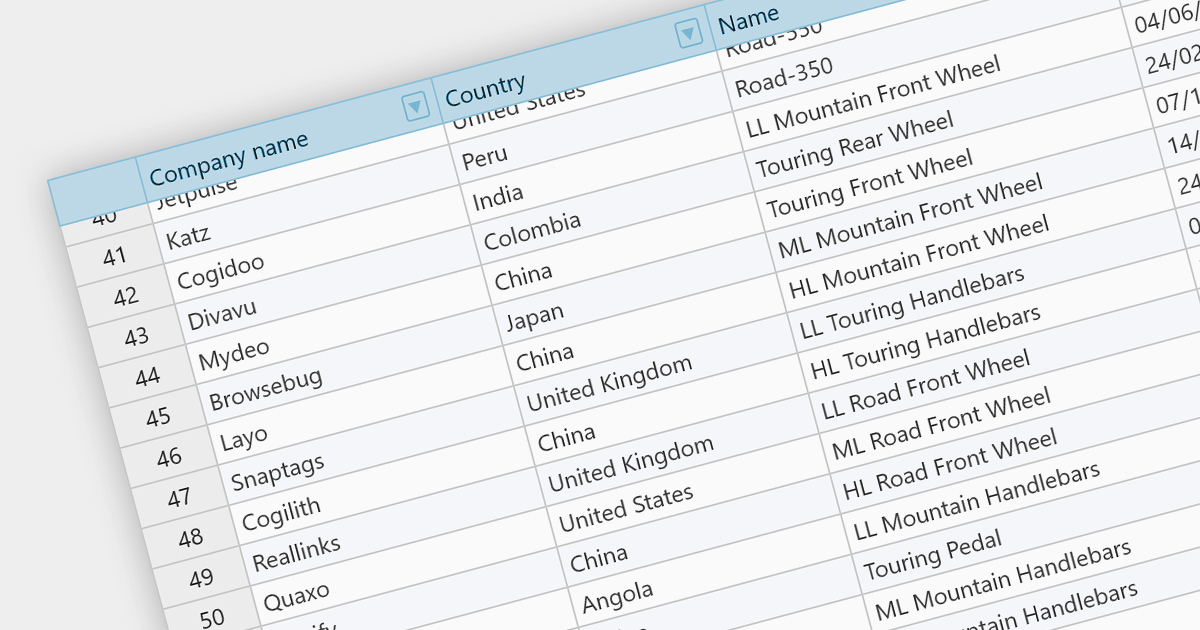
Fixed headers are a user interface element found in grids, particularly those managing large datasets. They comprise the top section of the grid, typically encompassing the row containing column labels and potentially additional rows with key information. Unlike the scrollable body of the grid, these headers remain anchored to the viewport, acting as a persistent reference point while users navigate through the data, thus improving user experience.
Several React grids support fixed headers including:
For an in-depth analysis of features and price, visit our React grids comparison.
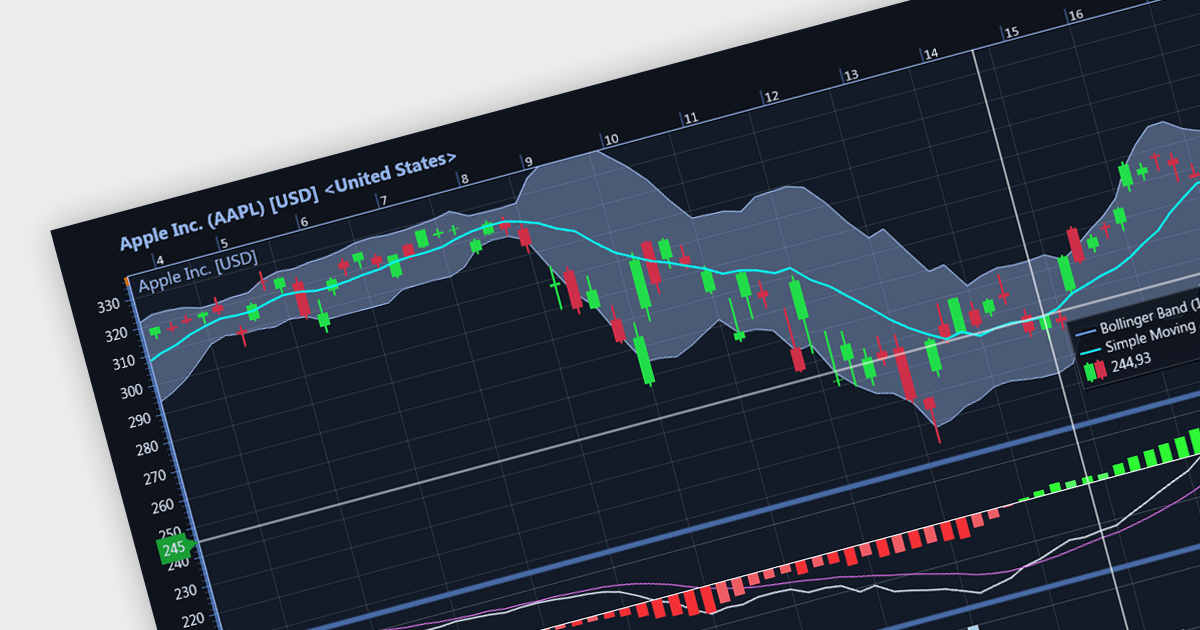
Candlestick charts are a style of financial chart used to describe price movements of a security, derivative, or currency. Each "candlestick" typically shows one day, with the central "box" representing the range between the opening and closing prices and the lines showing highs and lows. Their unique visual format helps traders to quickly understand market sentiment.
Several WinForms chart controls offer Candlestick charts including:
For an in-depth analysis of features and price, visit our WinForms chart controls comparison.
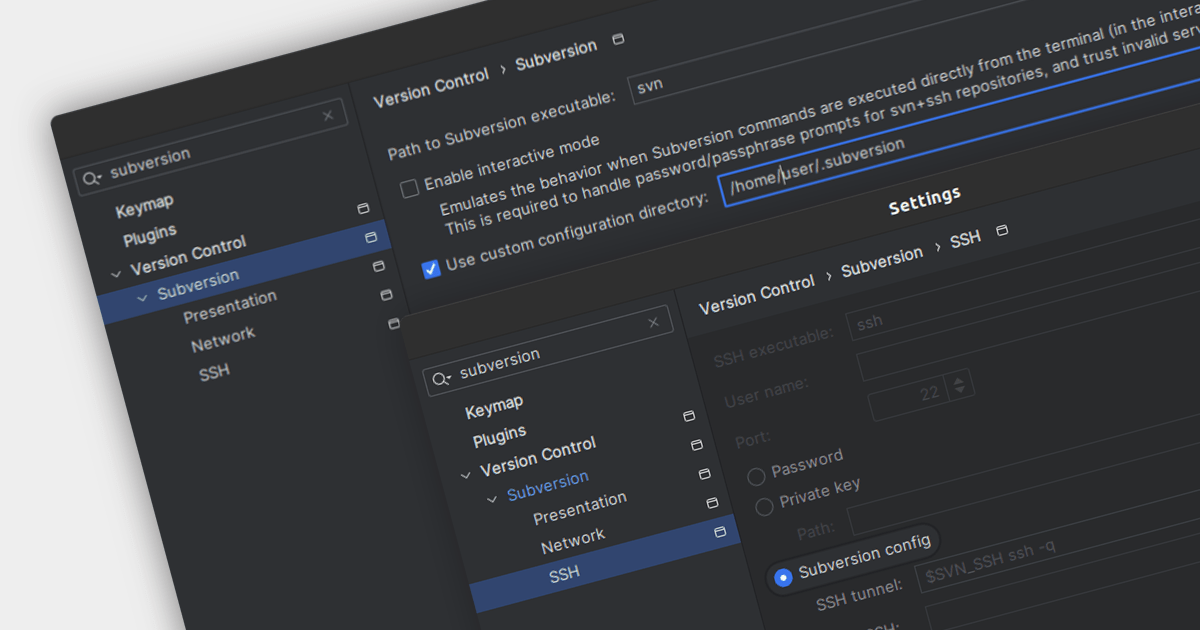
Subversion (SVN) is a mature, open-source version control system (VCS) designed for reliable collaboration and historical tracking of digital assets. It employs a centralized repository to store and manage file revisions, enabling teams to track changes, revert to previous versions, and merge concurrent edits seamlessly. Integrated Development Environments (IDEs) with Subversion support help manage changes to files such as source code, web pages and documentation over time, without leaving the environment.
Several IDEs offer Subversion capabilities including:
For an in-depth analysis of features and price, visit our IDEs comparison.
RubyMine by JetBrains is a powerful Integrated Development Environment (IDE) specifically designed for Ruby and Ruby on Rails development. It offers a comprehensive suite of features to boost your coding efficiency, including smart code completion, syntax highlighting, code refactoring tools, built-in debugging and testing frameworks, and seamless integration with popular libraries and databases. Whether you're a seasoned Rails developer or just starting out, RubyMine's intuitive interface and robust features can help you write cleaner, more maintainable code and accelerate your development workflow.
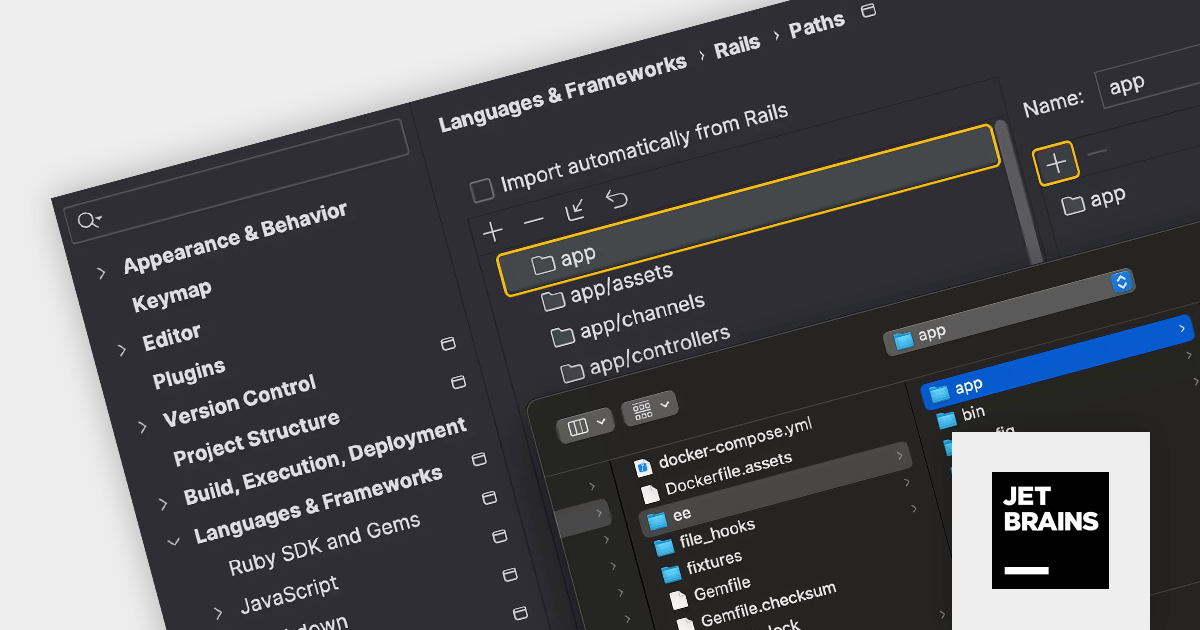
The RubyMine 2023.3 release adds support for custom paths for Rails applications and engines. In addition to the default paths, such as app, app/controllers, and app/models, RubyMine now embraces your custom folder structures in Rails projects. This means you can redefine the layout while still enjoying the IDE's powerful code insight features. Simply set your preferred paths in settings and RubyMine will automatically detect them every time you open the project.
To see a full list of what's new in version 2023.3, see our release notes.
RubyMine is licensed per user, and is available as a commercial annual subscription license. We can supply new subscriptions, subscription renewals (including continuity discounts), lapsed renewals, and additional user licenses. See our RubyMine licensing page for full details.
For more information, visit our RubyMine product page.
联系电话: (888) 850 9911
传真: +1 770 250 6199


