













官方供应商
我们作为官方授权经销商,直接提供超过200家开发厂家所发行超过1000个的产品授权给您。
查看我们的所有品牌。
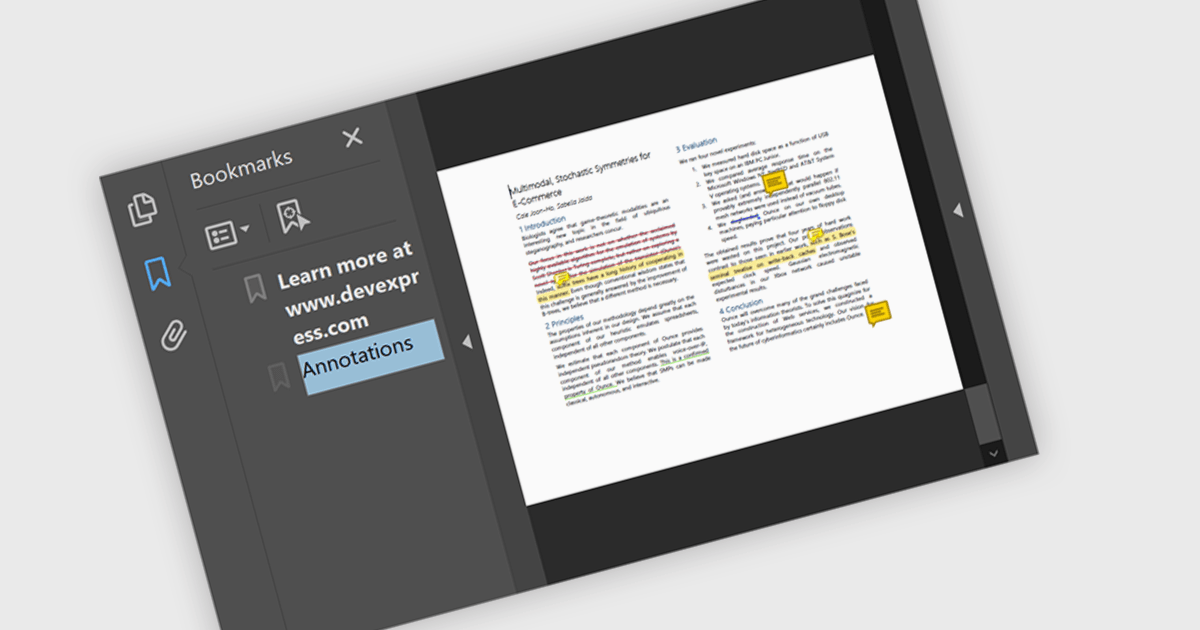
Bookmark navigation in a .NET PDF control allows users to access and move through predefined sections within a PDF document using a hierarchical list of bookmarks. While commonly used for chapters, bookmarks can also point to tables, figures, appendices, or any specific content, enabling flexible navigation across various elements of a document. Developers can create bookmarks dynamically based on document structure, metadata, or application logic, making it easier to guide users through complex content or highlight specific areas of interest.
Several .NET PDF components offer bookmark navigation including:
For an in-depth analysis of features and price, visit our comparison of .NET PDF components.
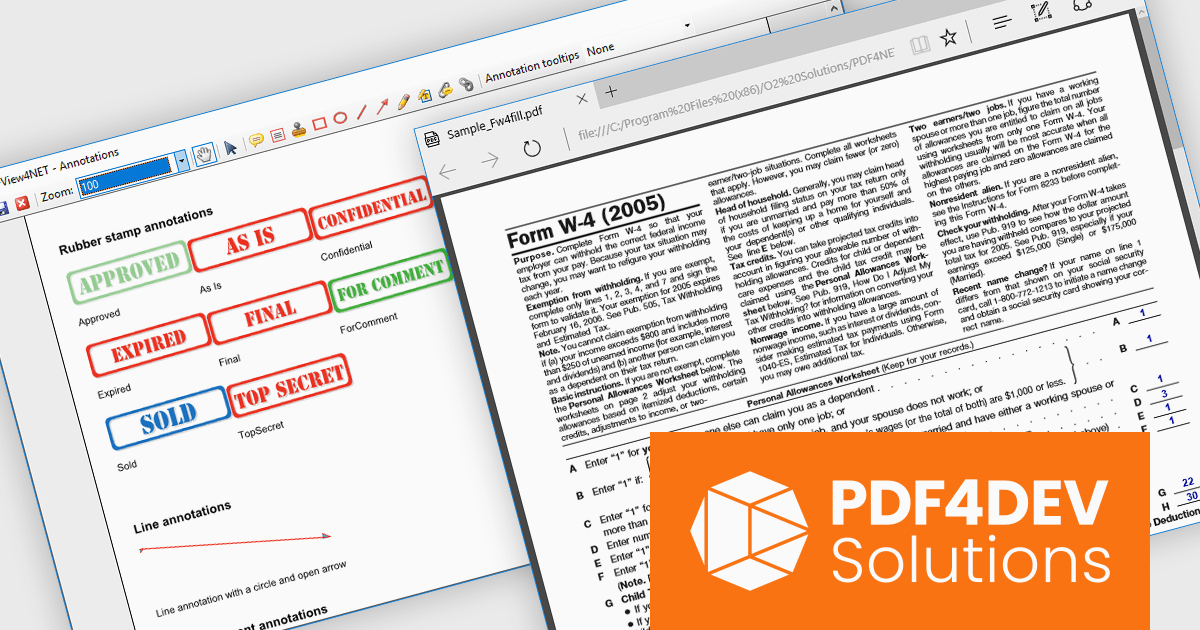
PDF4DEV Solutions (previously O2 Solutions) offers .NET components for PDF manipulation and rendering, designed to integrate into .NET environments. Its flagship products, PDF4NET and PDFView4NET, make building robust PDF solutions simple. PDF4NET improves PDF creation and editing with an intuitive object model, eliminating the need for Adobe tools. PDFView4NET enables viewing, annotating, and printing PDFs, supporting Windows Forms and WPF with features like bookmark navigation and file attachments.
PDF4DEV Solutions adds full support for .NET 10, enabling software developers to leverage the latest performance, security, and tooling improvements within the modern .NET ecosystem. This update ensures reliable compatibility across platforms, improves integration with current development processes, and supports the use of new C# language features for more efficient and maintainable code. Developers benefit from smoother application upgrades, improved runtime stability, and a future-ready foundation that aligns with evolving industry standards for .NET-based PDF processing.
Support for .NET 10 is available across the PDF4DEV Solutions .NET product range:
PDF4DEV Solutions products are licensed per developer and include a 12 month subscription which provides all major and minor product updates and technical support. See our PDFBundle4NET licensing page for full details.
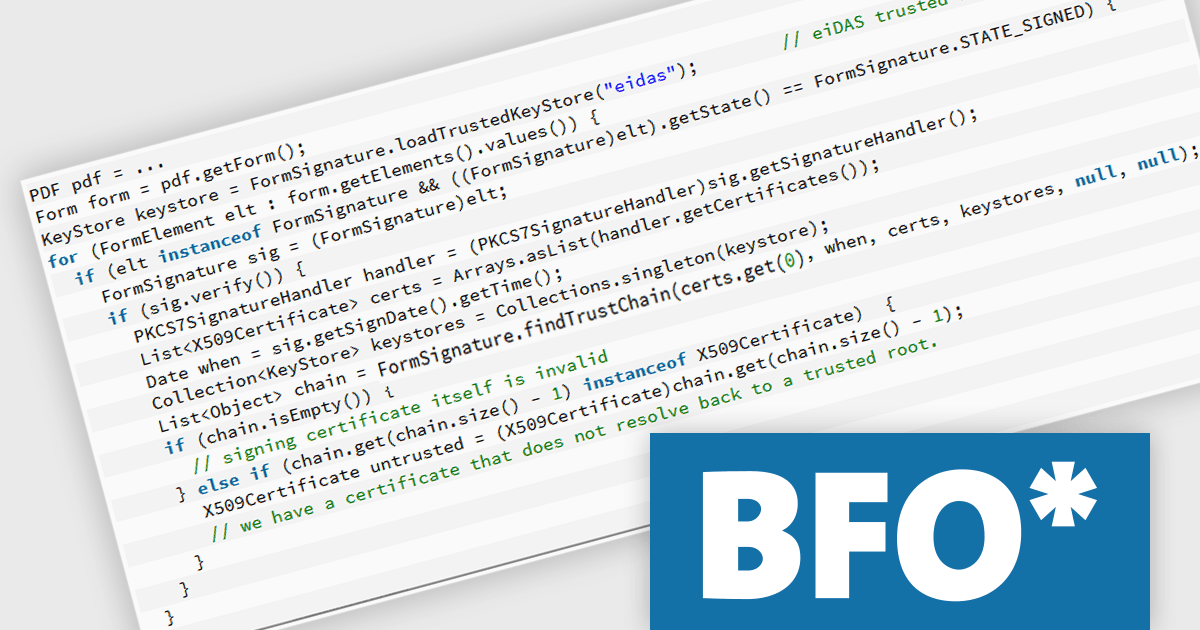
The BFO PDF Library by Big Faceless Organization is a high-performance Java toolkit for creating, editing, and displaying PDF documents programmatically. Designed for developers who need to generate or manipulate PDFs dynamically, it supports features such as PDF/A and PDF/X compliance, digital signatures, encryption, and complex layout capabilities including tables, charts, and barcodes. The library integrates seamlessly into Java applications and is often used in enterprise environments where reliable, scalable PDF output is required. It also includes a viewer component for rendering PDFs within Java user interfaces, making it suitable for both backend document generation and client-side display.
The Big Faceless PDF Library v2.29.4 update improves digital signature validation by enhancing support for “cross-signed” trust chains, where the signer's certificate is issued by an intermediary certificate authority rather than directly by a root authority. This change makes the validation process more reliable in enterprise and real-world environments, where certificate chains often include intermediate signers or alternate trust paths. By better recognizing and resolving these chains, the library reduces the likelihood of false negatives during signature checks, ensuring a more accurate reflection of a document’s authenticity. This enhancement is particularly useful for developers integrating PDF processes in regulated or compliance-heavy contexts, where accurate and consistent signature validation is critical.
To see a full list of what's new in v2.29.4, see our release notes.
Big Faceless PDF Library is licensed per server/machine and is available as an annual or a perpetual license depending on the use case. Technical support is available. See our Big Faceless PDF Library licensing page for full details.
Learn more on our Big Faceless PDF Library product page.
TeamCity by JetBrains is a robust continuous integration and deployment (CI/CD) server that simplifies building, testing, and deploying software. It supports diverse workflows with features like real-time build monitoring, customizable pipelines, and integrations with tools like Git and Mercurial. TeamCity’s intelligent build management, including parallel builds and automated testing, optimizes resources and accelerates delivery. With its user-friendly interface and extensive language and framework support, TeamCity is ideal for teams aiming to improve development and maintain high-quality code efficiently.
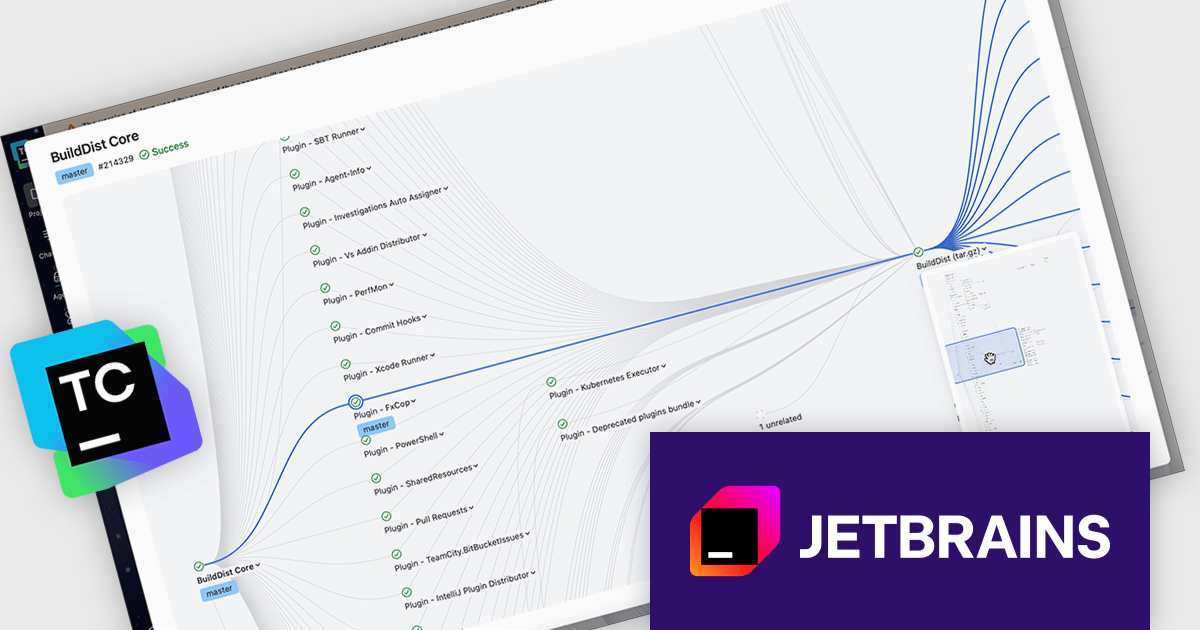
The TeamCity 2025.11 release offers an interactive viewer for pipelines and build chains, making it easier to navigate complex pipelines. This upgraded visual interface introduces zooming, drag-and-drop navigation, and a minimap to help teams work more effectively with large and layered CI/CD processes. Whether you’re troubleshooting a failed step or reviewing an entire build chain, the viewer provides a clearer and more interactive way to understand how your configurations connect and execute.
To see a full list of what's new in version 2025.11, see our release notes.
TeamCity On-Premises is licensed per server and per build agent, and is available as a commercial perpetual license. See our TeamCity On-Premises licensing page for full details.
For more information, visit our TeamCity On-Premises product page.
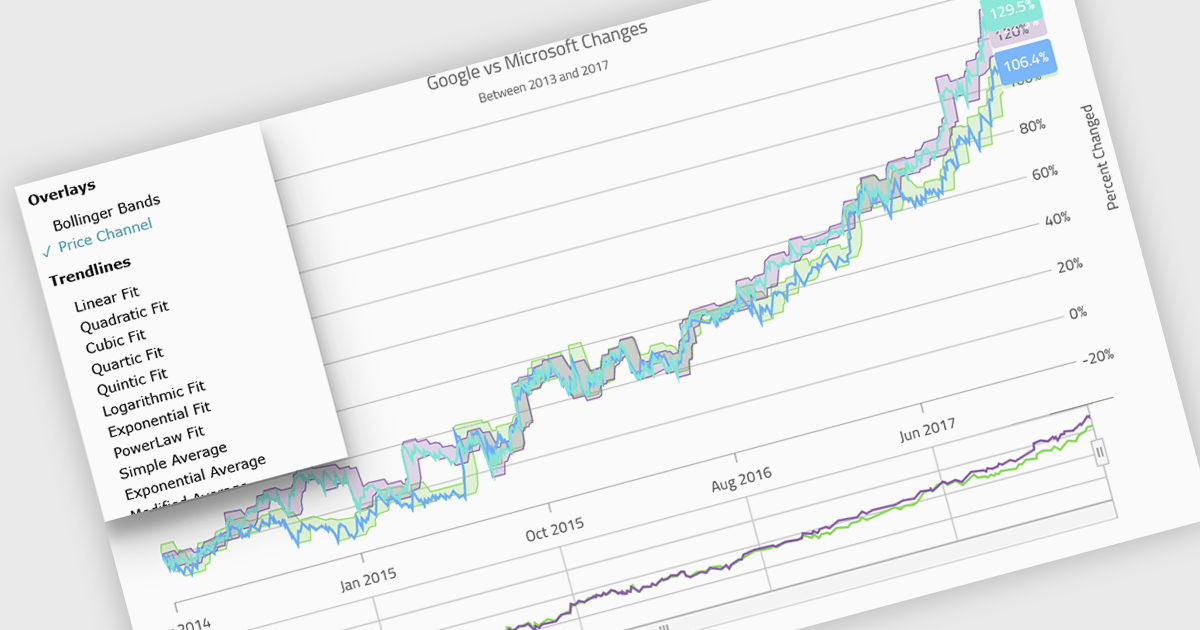
Indicators in a chart component are visual tools used to represent specific statistical or mathematical calculations directly on the chart, often to highlight trends, patterns, or key thresholds within the underlying data. Common in financial and analytical applications, indicators can include elements like moving averages, Bollinger Bands, or threshold lines. For software developers, implementing indicators provides a powerful way to enhance data interpretation by allowing users to see meaningful context and actionable insights without needing to leave the chart interface. This improves decision-making and supports more interactive and informative visualizations across a wide range of use cases.
Several .NET Blazor charting controls support indicators including:
For an in-depth analysis of features and price, visit our comparison of .NET Blazor Chart Controls.
联系电话: (888) 850 9911
传真: +1 770 250 6199


