













官方供应商
我们作为官方授权经销商,直接提供超过200家开发厂家所发行超过1000个的产品授权给您。
查看我们的所有品牌。
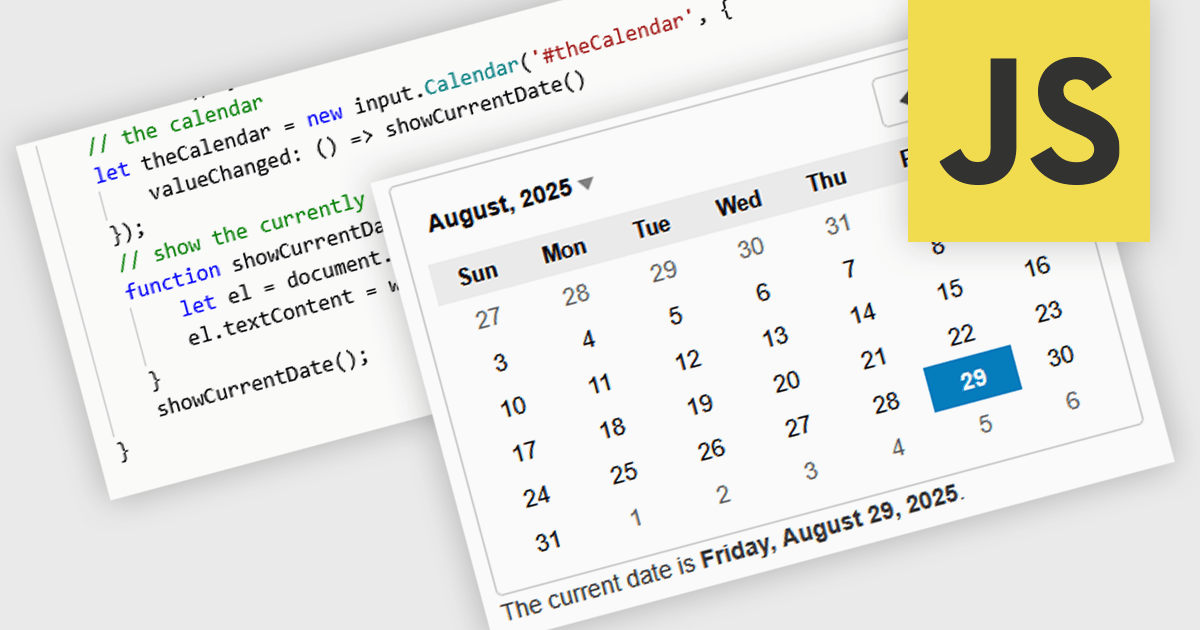
JavaScript calendar controls are user interface components that allow users to select and edit date values directly within data editing environments, such as forms or grids. These controls typically integrate a visual calendar picker, enabling consistent and accurate date input while reducing manual entry errors. For developers, they simplify validation, support localization, and integrate with various data sources, helping ensure a more efficient and user-friendly experience in web applications that require date-related input or filtering.
Several JavaScript data editor collections offer calendar controls including:
For an in-depth analysis of features and price, visit our comparison of JavaScript Data Editors.

RadiantQ is a globally recognized developer of high-quality .NET-based UI components, with a clear focus on delivering robust scheduling and planning solutions. Their suite of products empowers developers to create sophisticated project management and resource scheduling interfaces within modern applications. Their offerings span a range of platforms, making them a go-to partner for organizations building cross-platform enterprise solutions.
At the core of RadiantQ’s product line is RadiantQ WPF Gantt, a powerful control set built natively in WPF for performance and elegance. With features like effort-driven scheduling, progress tracking, localization, flexible printing, and intuitive data binding, developers gain a complete toolkit for building dynamic, enterprise-grade scheduling applications.
Through its partnership with RadiantQ, ComponentSource is able to extend a compelling catalog of UI components to its global customer base. By offering RadiantQ’s specialized Gantt solutions, ComponentSource addresses a niche for customers seeking advanced project visualization tools, while ensuring worldwide access, licensing support, and regional purchasing convenience. This collaboration reinforces ComponentSource’s role as a trusted distributor of software components from leading vendors around the world.
RadiantQ WPF Gantt is licensed per named developer. It allows royalty-free distribution within your organization. It includes a one-year subscription with support and updates, while the Source Edition adds full source code and priority support. See our RadiantQ WPF Gantt licensing page for more details.
Learn more on our RadiantQ brand page.
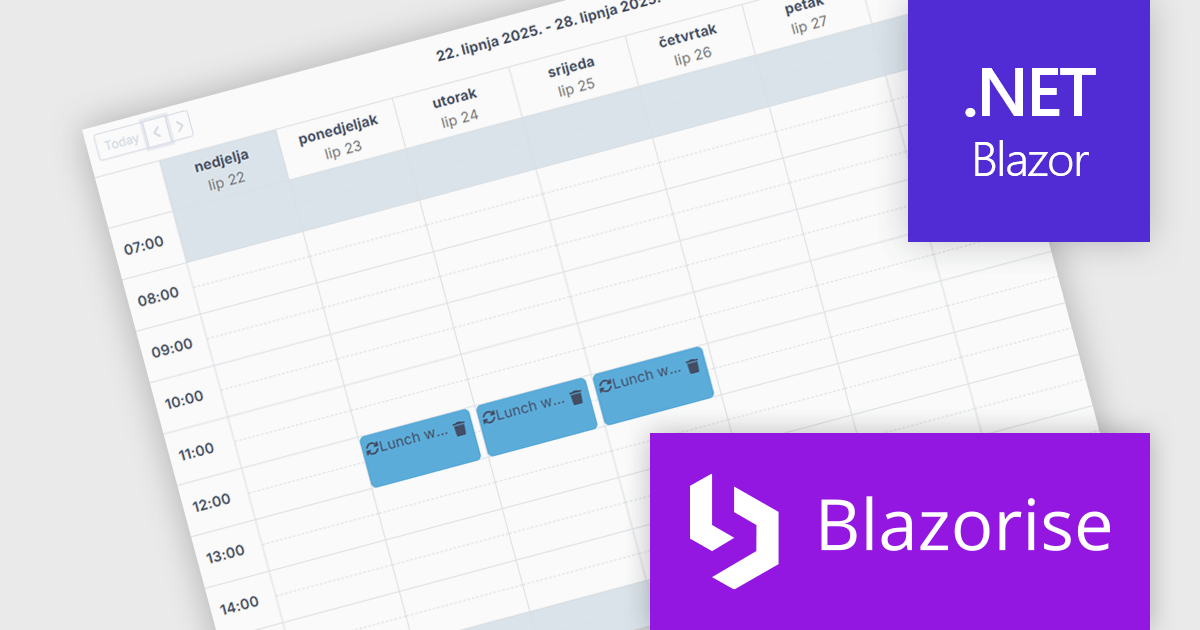
Blazorise is a versatile component library that empowers developers to build modern and feature-rich web applications using Blazor, a client-side web development framework from Microsoft. It offers a comprehensive collection of user interface components, including buttons, forms, charts, and navigation elements, all built with accessibility and responsiveness in mind.
The Blazorise 1.8 update introduces a new Scheduler component that enables developers to implement robust calendar and event management functionality directly within their applications. Built entirely with Blazorise core components and free from third-party dependencies, the Scheduler offers a clean and consistent development experience while ensuring full customization and extensibility. It supports multiple calendar views such as Day, Week, and Month, along with essential features like in-place editing, drag-and-drop event management, and recurring event handling. This addition improves the development of scheduling interfaces, making it easier to deliver user-friendly and interactive planning tools.
To see a full list of what’s new in version 1.8, see our release notes.
Blazorise is licensed per developer and is runtime royalty free. Licenses include a 1 year subscription for updates and premium support. Professional, Enterprise, and Enterprise Plus editions are available, each offering tailored levels of support and service to meet varying business needs. See our Blazorise licensing page for full details.
For more information, visit our Blazorise product page.
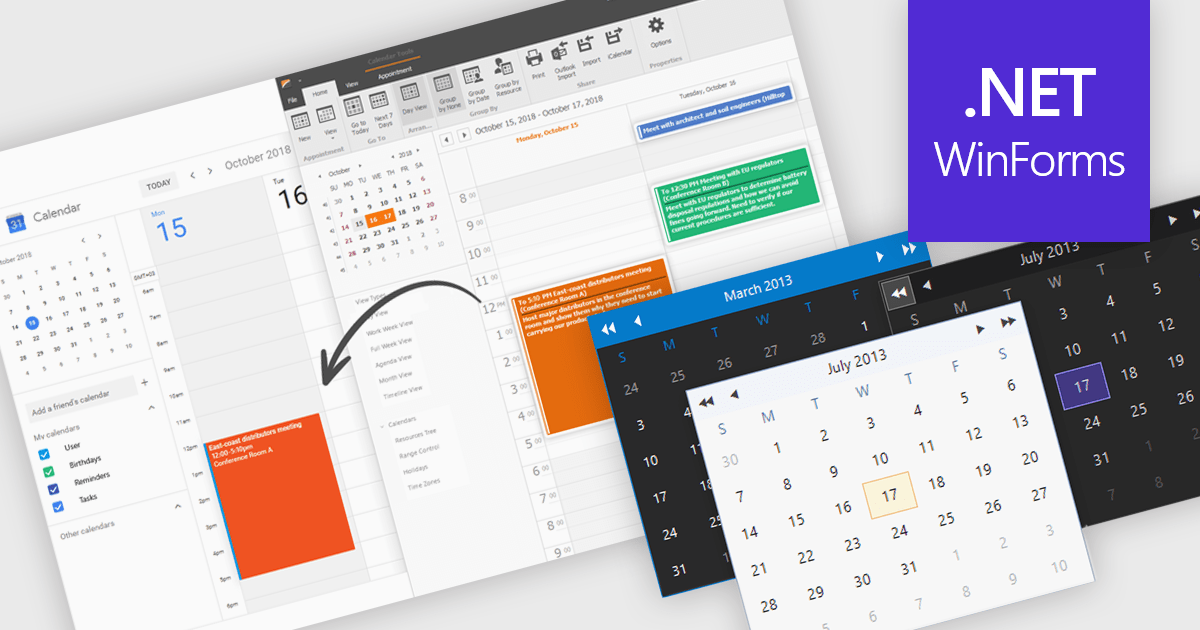
Calendars are specialized components that allow developers to present and manage dates and events directly within their applications. They provide ready-made interfaces for selecting dates and displaying scheduled items while synchronizing with external services such as Microsoft 365 and Google Calendar. Common use cases include online booking systems for reserving resources, shift planning tools for staff schedules, and customer-facing appointment portals in industries like healthcare or personal services. By leveraging these calendar components, teams deliver polished, reliable scheduling experiences with minimal effort.
Several .NET Winforms UI suites offer a calendar component including:
For an in-depth analysis of features and price, visit our .NET Winforms UI suites comparison.
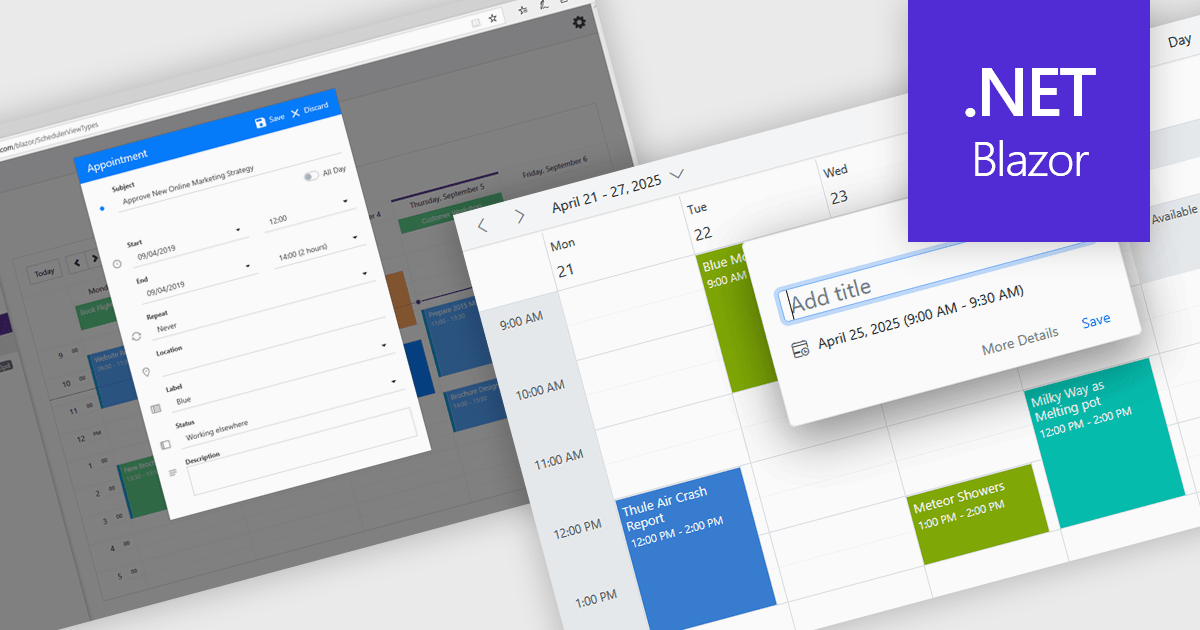
Scheduling controls offer an intuitive interface for efficient task, appointment, and resource management. Real-time updates, automated scheduling, and conflict detection ensure seamless team and workflow coordination. Users can personalize views, preferences, and recurring events, enhancing productivity and user experience. Integrated with backend systems and APIs, these tools support dynamic data, making them ideal for workforce management, appointment booking, and project planning in industries such as healthcare, finance, and customer service.
Several .NET Blazor User Interface suites offer scheduling controls including:
For an in-depth analysis of features and price, visit our .NET Blazor UI suites comparison.
联系电话: (888) 850 9911
传真: +1 770 250 6199


