













官方供应商
我们作为官方授权经销商,直接提供超过200家开发厂家所发行超过1000个的产品授权给您。
查看我们的所有品牌。
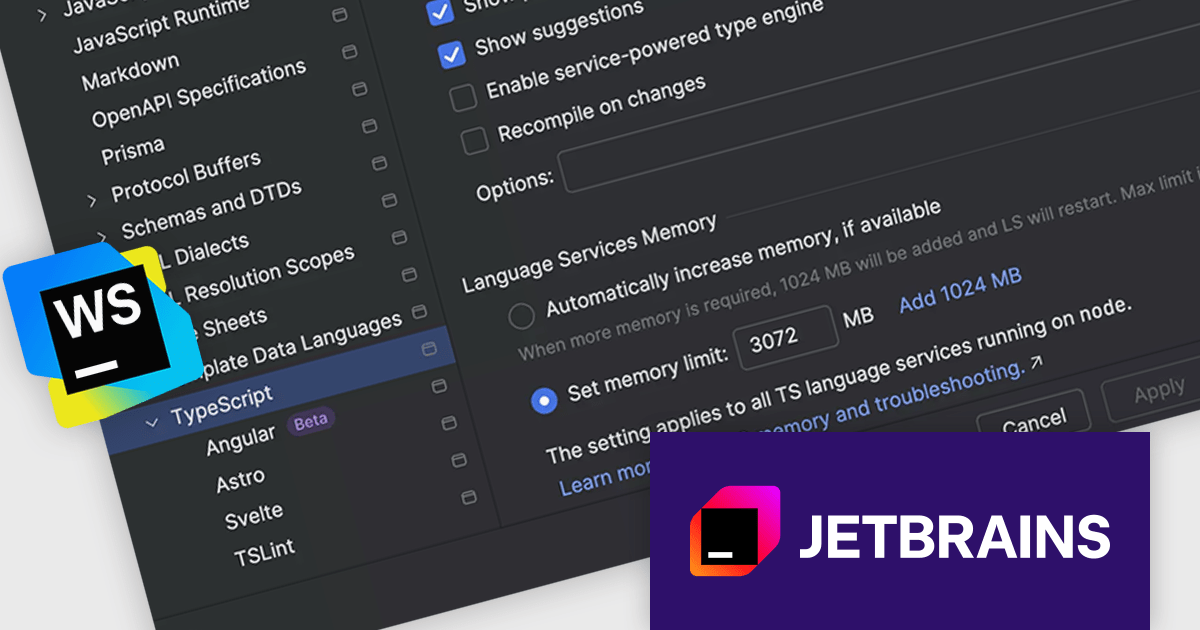
JetBrains WebStorm is a powerful and modern Integrated Development Environment (IDE) specifically designed for web development. It offers a feature-rich environment that supports popular web technologies like JavaScript, HTML, CSS, and Node.js. WebStorm helps you write cleaner, more efficient code with features like syntax highlighting, auto-completion, code refactoring, and built-in testing tools. It integrates seamlessly with various web frameworks and libraries, making it a versatile choice for both front-end and back-end development.
The WebStorm 2025.3 update now monitors 'stderr' output for out‑of‑memory messages from the TypeScript language service. When it detects an out-of-memory (OOM) event during a large project compile or analysis, it immediately shows a notification recommending you boost the service’s heap size. This makes diagnosing memory issues more transparent and helps you get back to coding faster.
To see a full list of what's new in version 2025.3, see our release notes.
WebStorm is licensed per user, and is available as a commercial annual subscription license. We can supply new subscriptions, subscription renewals, lapsed renewals, and additional user licenses. See our WebStorm licensing page for full details.
WebStorm is available to buy in the following products:
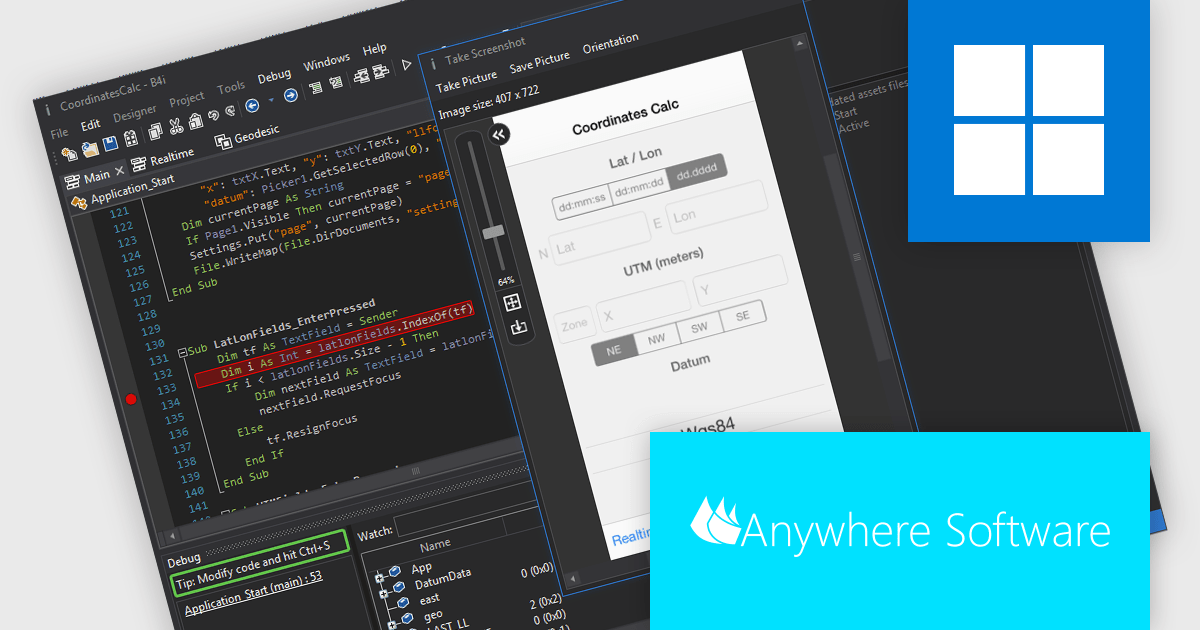
B4i (iOS), by Anywhere Software, is a Rapid Application Development (RAD) tool for building native iOS apps on Windows machines. It bypasses the need for a local Mac computer, allowing developers to create iOS apps entirely within their Windows environment if they use Anywhere Software's Hosted Mac Builder service to execute the compilation process. B4i offers a powerful solution for Windows developers wanting to tap into the iOS app market.
The B4i (iOS) v10.0 update provides developers with full support for Xcode 26 and iOS 26, ensuring compatibility with Apple’s latest toolchain, APIs, and platform requirements. This update enables more efficient development, testing, and deployment by aligning projects with current OS standards and taking advantage of recent performance, stability, and Swift language improvements. It also helps maintain long-term app reliability by reducing issues related to deprecated technologies and ensuring readiness for future updates and App Store submissions, improving overall development productivity and confidence.
To see a full list of what's new in v10.0, see our release notes.
B4i (iOS) is licensed per developer and is available as a perpetual license in either the Standard Edition (which includes two months of upgrades) or the Enterprise Edition (which includes two years of upgrades). The Hosted Mac Builder service must be renewed annually to remain active. See our B4i (iOS) licensing page for full details.
For more information, see our B4i (iOS) product page.
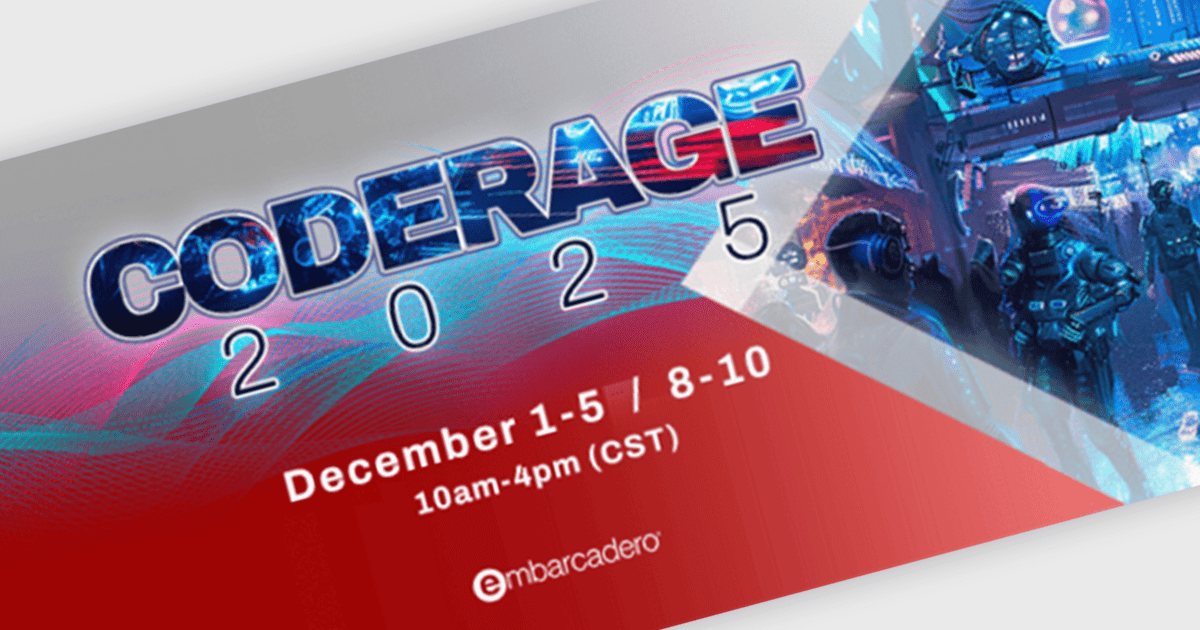
CodeRage 2025 is Embarcadero’s highly popular and widely anticipated online conference on software development. This year, CodeRage is scheduled for 1 to 10 December, and will involve dozens of online sessions by recognized experts, with live Q&A, on the hottest topics software developers are interested in today.
Hosted by widely-renown Delphi and C++Builder experts, you will benefit from in-depth online sessions that include clear demos on multicore tasks, Windows and mobile deployment, and modern UI patterns - with working code and tested methods - expanded Q&A, and much more!
Register now and join thousands of software developers for expert talks and live Q&A over 8 full days of CodeRage, tackling the hottest topics in the industry today.
Sessions are still being added and finalized, so check the updated schedule regularly to ensure that you find the right sessions for all the topics you are interested in.
ActiveState Platform is a cloud-based solution that optimizes the secure development, management, and deployment of applications built on Python, Perl, Tcl and Ruby. It offers a curated catalog of open-source packages vetted for security and licensing, along with secure build services that create isolated and verifiable runtime environments. The platform ensures application integrity throughout the development process, from dev environments to CI/CD pipelines, and provides visibility and control over your open source from discovery to deployment. By using ActiveState Platform, you can secure your open source software supply chain in one unified place.
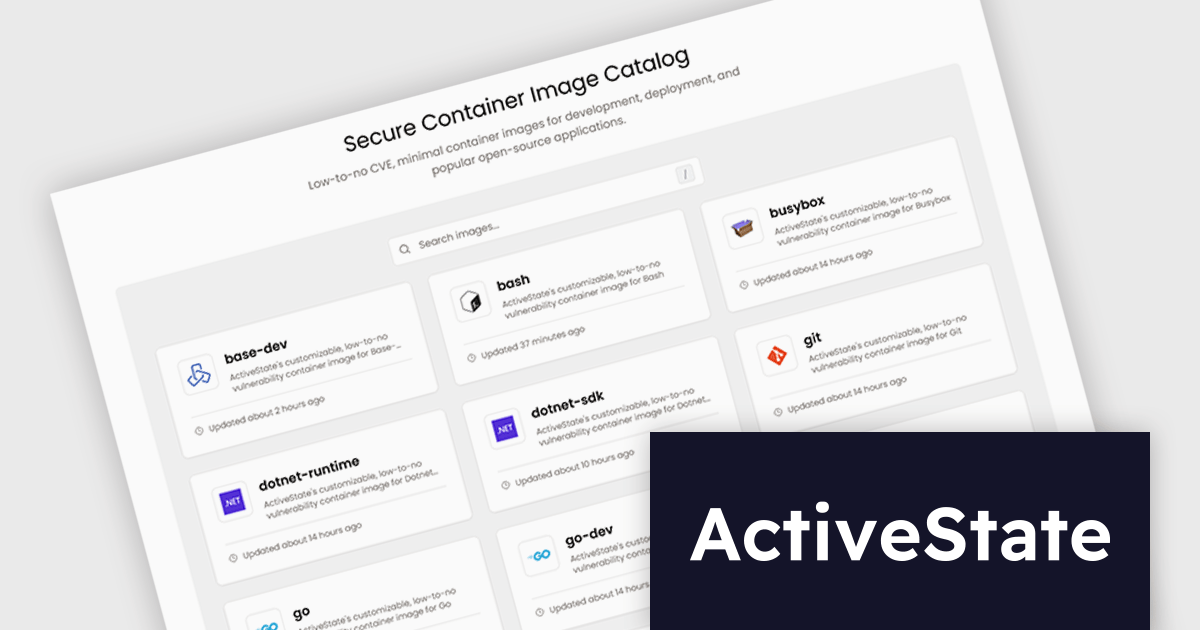
The ActiveState November 2025 update introduces a Public Image Catalog that provides software developers with secure, minimal, and fully transparent container images to improve application delivery. By offering low-to-no-CVE (Common Vulnerabilities and Exposures) containers, clear pull instructions, architecture details, documentation links, and comprehensive metadata such as SBOMs and version history, the update simplifies evaluation and integration while reducing security overhead. This enables teams to maintain consistent environments, and adopt trusted container images with greater confidence.
To see a full list of what's new, see our release notes.
ActiveState Platform is licensed per developer as an annual license. See our ActiveState Platform licensing page for full details.
Learn more on our ActiveState Platform product page.
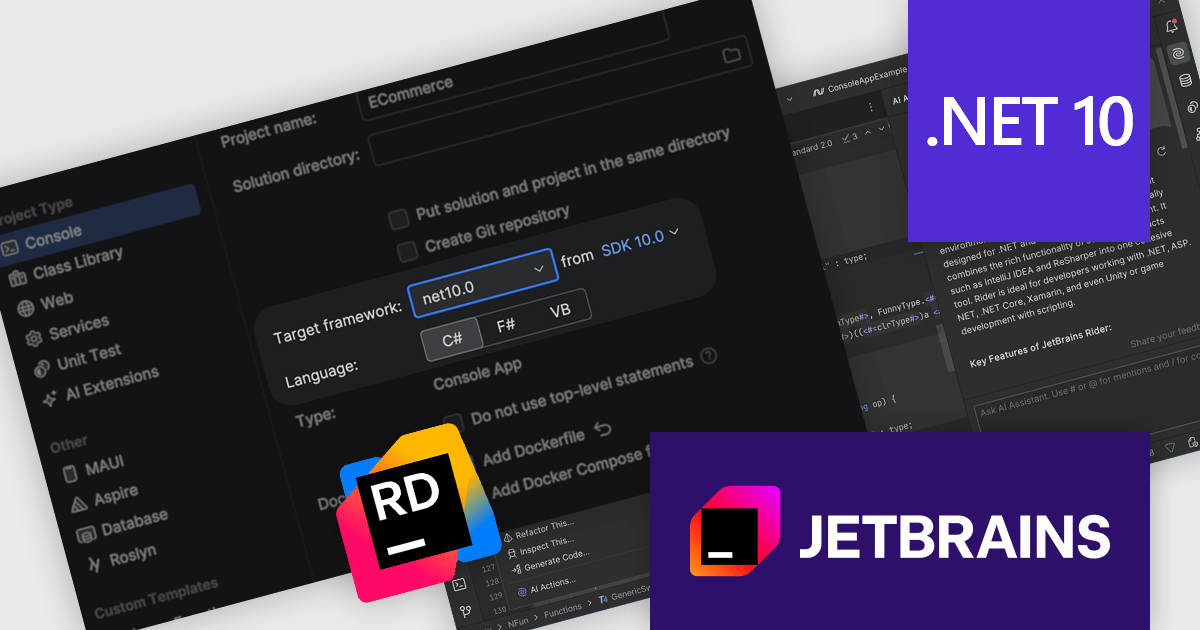
Rider by JetBrains is a cross-platform integrated development environment (IDE) tailored for .NET developers. Combining the power of ReSharper with the IntelliJ platform, it delivers a fast and feature-rich experience for editing, debugging, and testing .NET, ASP.NET, Unity, and more. Rider supports a wide array of languages and project types, allowing developers to work seamlessly across codebases. With intelligent code analysis, version control integration, and a responsive UI, Rider helps developers maintain high code quality and productivity in diverse development environments.
The JetBrains Rider 2025.3 update delivers support for the .NET 10 SDK, allowing developers to adopt the latest platform while retaining a stable, fully featured IDE experience. You can create new solutions using the official project templates from the new SDK, then create, run, and debug applications targeting .NET 10 without leaving Rider or falling back to command-line tooling. At the same time, comprehensive C# 14 support ensures that new and updated language features are correctly understood by code analysis, navigation, and refactoring tools, so you can write modern .NET code confidently and maintain productivity as your projects move to the latest runtime and language versions.
To see a full list of what’s new in version 2025.3, see our release notes.
Rider is licensed per user, and is available as a commercial annual subscription license. We can supply new subscriptions, subscription renewals, lapsed renewals, and additional user licenses. See our Rider licensing page for full details.
Rider is available to purchase in the following products:
联系电话: (888) 850 9911
传真: +1 770 250 6199


