













官方供应商
我们作为官方授权经销商,直接提供超过200家开发厂家所发行超过1000个的产品授权给您。
查看我们的所有品牌。

Localization capabilities in PDF viewer components allow for a user-friendly experience across various languages. By providing translated text and right-to-left support for interface elements like menus, buttons, and error messages, viewers can navigate and interact with PDFs in their native language. This improves international accessibility and fosters a wider user base for applications that utilize PDF documents.
Several React PDF Viewer controls offer localization including:
For an in-depth analysis of features and price, visit our React PDF Viewer controls comparison.
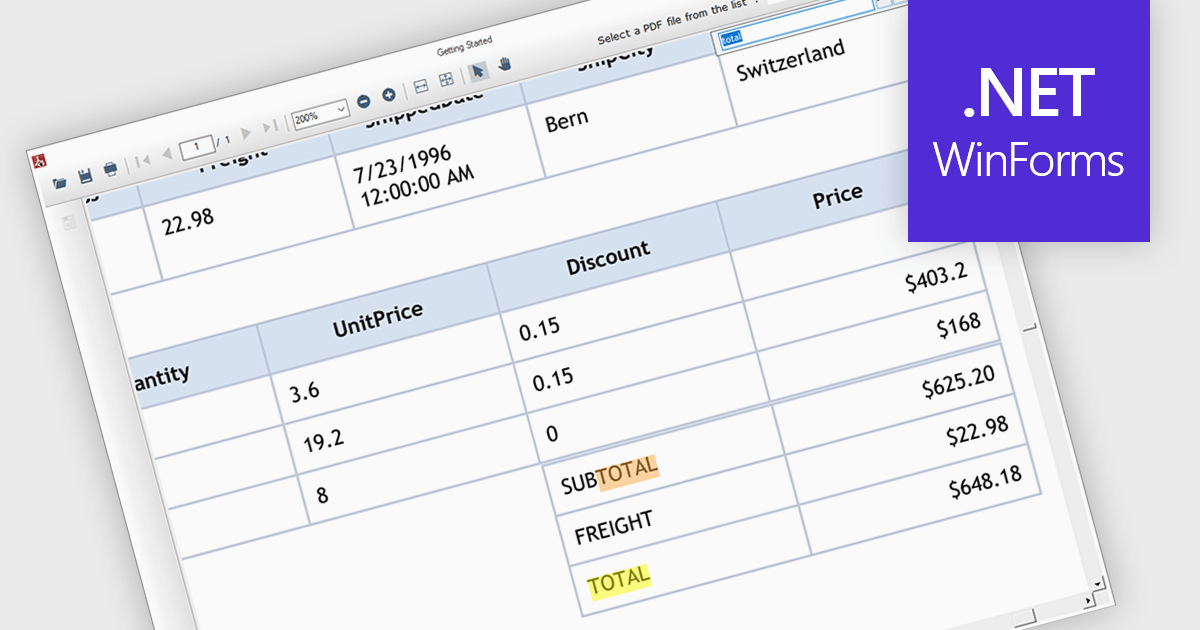
Text search functionality in PDF components enables developers to integrate a search bar or button within their application, allowing users to find specific terms or phrases within a loaded PDF document. This empowers users to quickly locate relevant information, improving efficiency and user experience. Text search is particularly beneficial for applications dealing with large or complex PDFs, such as legal documents, research papers, or technical manuals.
Several .NET WinForms PDF components offer support for text searching including:
For an in-depth analysis of features and price, visit our WinForms PDF Components comparison.
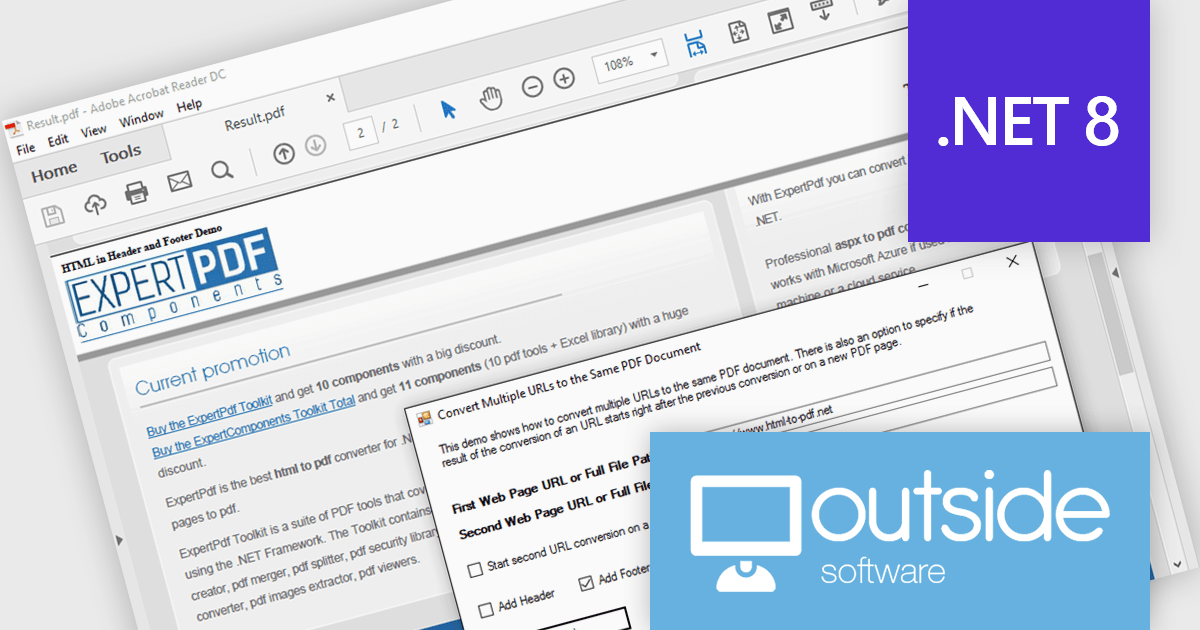
ExpertPDF HtmlToPdf Converter is a .NET library developed by Outside Software that enables programmers to integrate HTML to PDF conversion functionality within their .NET applications. The library boasts compatibility with modern web standards like HTML5, CSS3, and JavaScript, streamlining the process of generating PDF reports directly from ASP.NET pages.
The ExpertPDF HtmlToPdf Converter 19.0 update expands its reach by offering compatibility with .NET 8. This addition allows developers to leverage the latest features of .NET within their applications while utilizing the robust HTML to PDF conversion capabilities of ExpertPDF. This ensures seamless integration and continued support for modern development environments.
ExpertPDF HtmlToPdf Converter is licensed per developer, single application deployment, and is available as a Perpetual license with or without 1 year support and maintenance. See our ExpertPDF HtmlToPdf Converter licensing page for full details.
ExpertPDF HtmlToPdf Converter is available to buy in the following products:
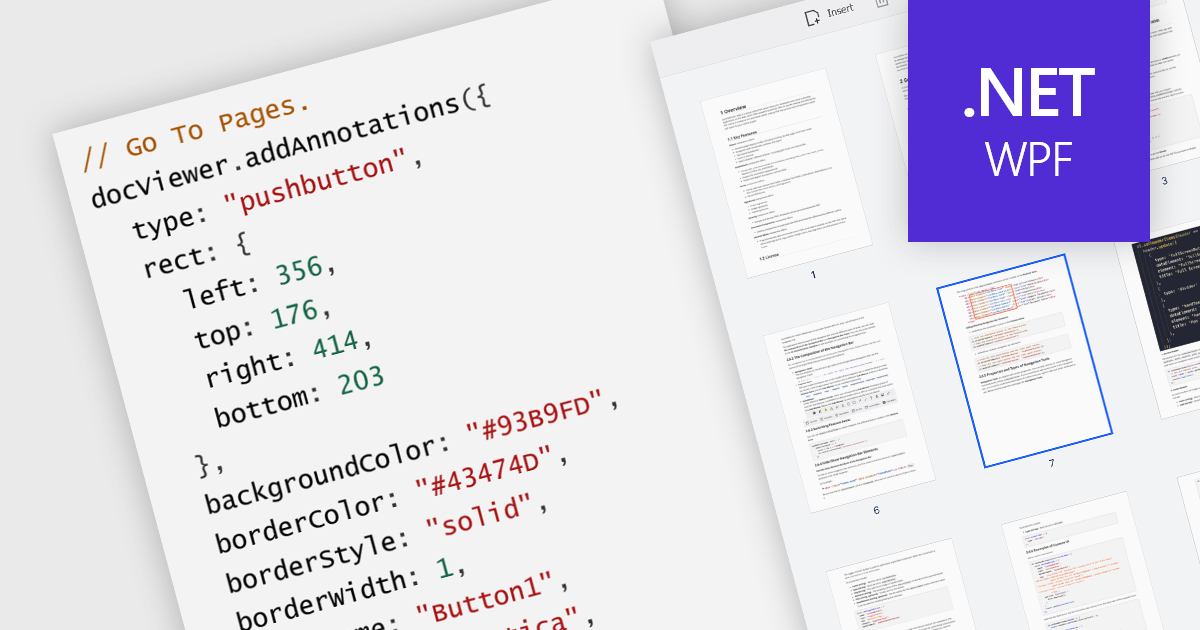
A GoTo action in a PDF component is a clickable link or button that directs users to a specific destination within the same PDF or even a different one. This feature enhances user experience by offering quick jumps to designated parts of the document, references, or connected information. For instance, a table of contents with GoTo actions lets readers instantly access the desired chapter by clicking on the relevant entry. Benefits of the GoTo Action include streamlined document navigation, improved content accessibility, and enhanced interactivity, making it an ideal feature for developing dynamic, user-friendly PDF applications.
Several .NET WPF PDF Components offer GoTo Action including:
For an in-depth analysis of features and price, visit our comparison of .NET WPF PDF Components.
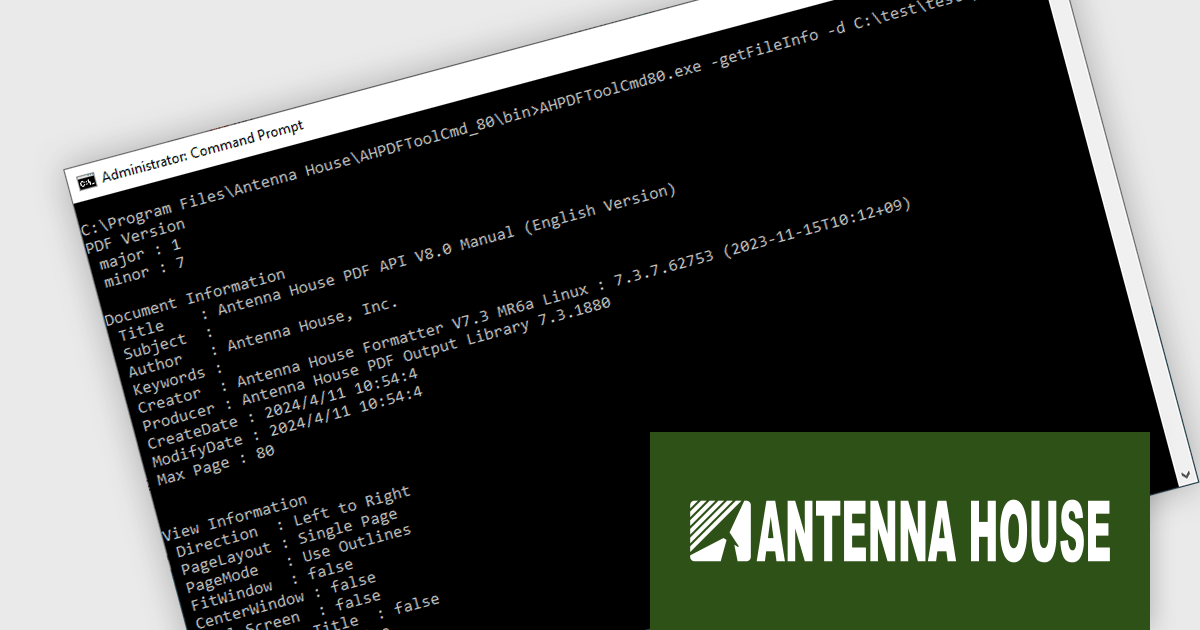
Antenna House PDF API is a command-line program enabling developers to integrate PDF processing functionalities into their applications and web services*. It offers features like information retrieval, text extraction, page manipulation, watermarking, and security settings, simplifying tasks like creating searchable archives or password-protecting documents. It also enables advanced PDF processing, such as converting to the international standards PDF/A-1b and 2b for long-term PDF preservation, embedding and integrating fonts, optimizing PDFs, linearization for Web display, and 256-bit AES encryption.
Because the software is run by providing commands and options, information retrieval, processing, and editing of PDF files can be accomplished with minimal development effort. It can also be used with programming languages like PHP, Python, Ruby, and others to call and control executables, making it simple to integrate into web services.
Antenna House PDF API is available in Server, Standalone, and OEM/ASP licenses. Licensed per server/user, and available as perpetual licenses with annual renewable maintenance or annual subscription licenses that must be renewed each year to continue using the software. See our Antenna House PDF API licensing page for full details.
Learn more on our Antenna House PDF API product page.
*A separate ASP contract is required if the service is embedded in a Web service and provided to an unspecified number of people.
联系电话: (888) 850 9911
传真: +1 770 250 6199


