













官方供应商
我们作为官方授权经销商,直接提供超过200家开发厂家所发行超过1000个的产品授权给您。
查看我们的所有品牌。
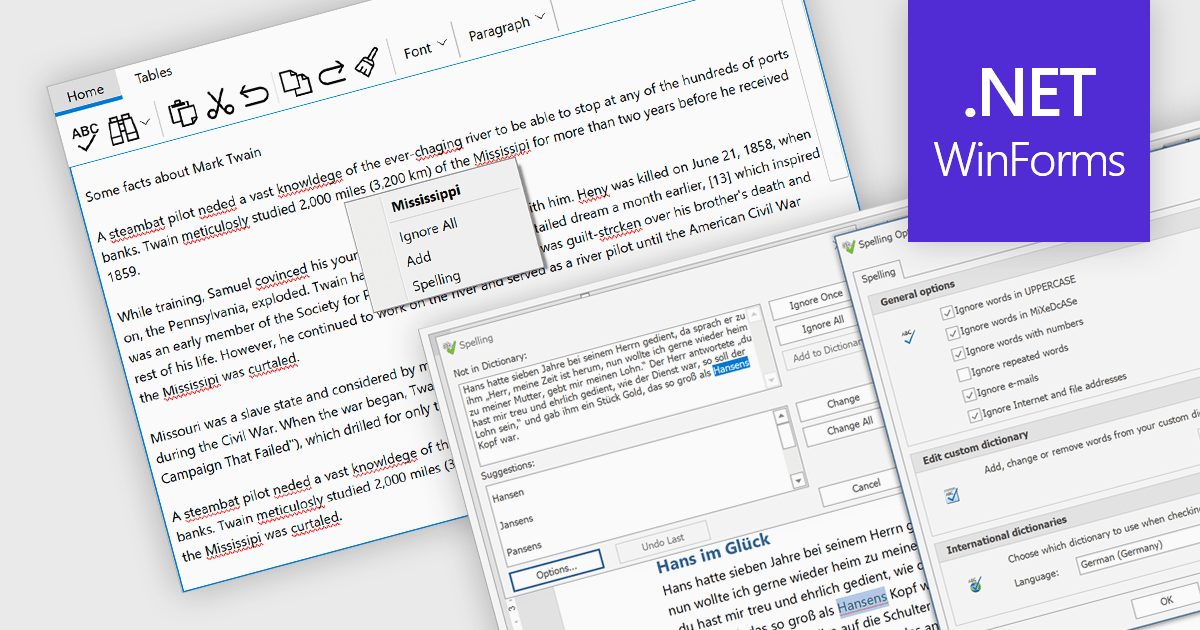
Spell checker components are reusable software modules that provide automated spelling validation within applications, typically integrated into text editors, data entry forms, or rich text controls. They use dictionaries and optional user-defined vocabularies to identify and suggest corrections for misspelled words, either in real time or during batch processing, with some implementations also incorporating language-specific rules. The primary benefits include improved data accuracy, enhanced user experience, and reduced manual proofreading effort, particularly in applications that rely heavily on text input such as document management systems, messaging tools, and reporting interfaces.
Several WinForms UI suites provide you with spell checker components, including:
For an in-depth analysis of features and price, visit our comparison of WinForms UI suites.

Spell-checker components in UI suites provide built-in functionality to detect and correct spelling errors within user-input fields and documents. They enhance text accuracy by underlining errors as the user types and offering context-menu corrections or dialog-based review, mirroring the familiar, production-grade experience found in Microsoft Office. These components typically support multiple dictionary formats (such as ISpell, OpenOffice, Hunspell, or custom dictionaries), integrate seamlessly into both basic and advanced text editors, and are essential for ensuring text quality in enterprise and productivity applications.
Several WPF UI suites offer spell checker components including:
For an in-depth analysis of features and price, visit our WPF UI suites comparison.
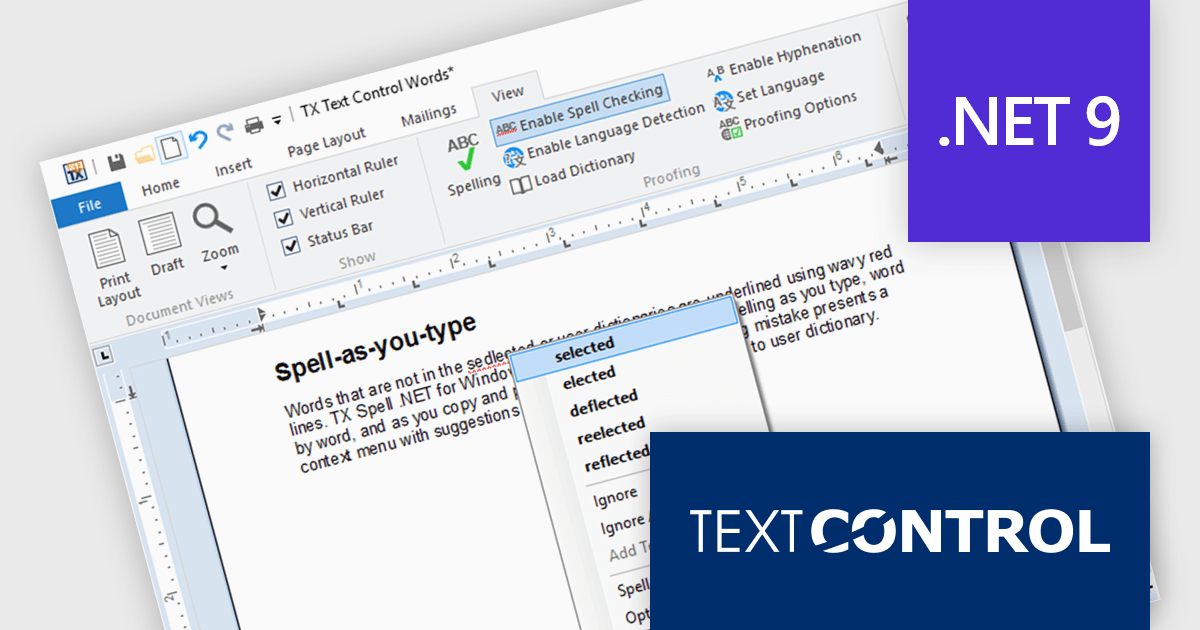
TX Spell .NET is a component that offers developers an easy way to integrate advanced spelling correction into their software. It supports multiple dictionaries, including custom word lists, and provides real-time spell checking for rich text editors, word processors, and other text-based applications. Whether for desktop, web, or cloud-based applications, it enhances text input quality with minimal development effort.
The TX Spell .NET 11.0 release fully supports .NET 9, integrating with the latest framework. This update includes adjustments to licensing, improved NuGet package compatibility, and other refinements to align with .NET 9’s evolving ecosystem. Developers can confidently use TX Spell .NET in modern applications, ensuring stability and compatibility with the latest runtime advancements.
TX Spell .NET for WinForms and ASP.NET and TX Spell .NET for WPF are licensed per developer and are available as a Perpetual License with a 12 month support and maintenance subscription. See our TX Spell .NET for WinForms and ASP.NET licensing page or TX Spell .NET for WPF licensing page for full details.
TX Spell .NET is available to buy in the following products:
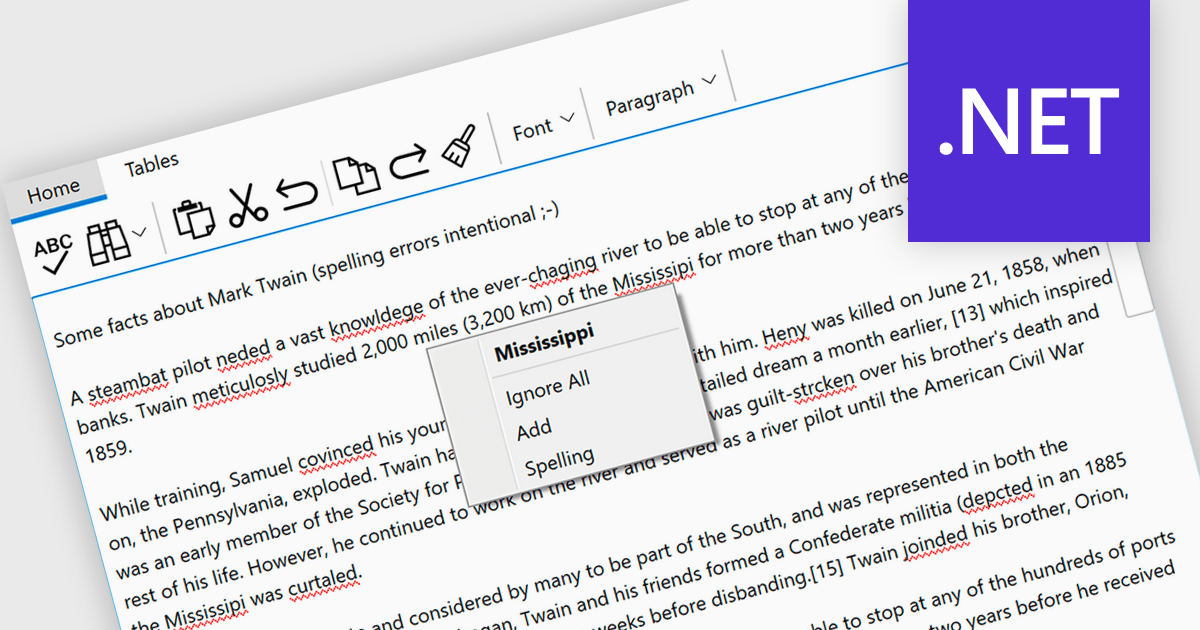
Spell checking controls are tools within software applications that automatically identify and correct spelling errors. They offer features like real-time error detection, context-aware suggestions, autocorrect, and customizable dictionaries for specialized terms. These tools enhance communication quality, reduce documentation errors, and improve the professionalism of written content. Spell checking controls are essential in word processors, content management systems, and any platform where clear, accurate text is crucial.
Several .NET spell checkers can highlight misspelled words with red underlines including:
Explore our range of .NET spell checker controls within Input and Validation Components.
Need help to find the right software license, upgrade or renewal? Call, Email, or Live Chat with our experts.
联系电话: (888) 850 9911
传真: +1 770 250 6199


