













官方供应商
我们作为官方授权经销商,直接提供超过200家开发厂家所发行超过1000个的产品授权给您。
查看我们的所有品牌。
Aspose.LLM for .NET is a library that enables developers to integrate large language model (LLM) capabilities directly into .NET applications with minimal complexity. It provides a structured and developer-friendly API for working with AI-driven text generation, summarization, and conversational scenarios, allowing teams to incorporate intelligent features without needing deep expertise in machine learning.
Aspose.LLM for .NET can be applied across a wide range of practical scenarios where intelligent text processing adds value to applications. It is well suited for building conversational interfaces such as chatbots and virtual assistants, as well as automating content generation for reports, documentation, and customer communications. Development teams can also use it to implement features like text summarization, sentiment analysis, and knowledge extraction from large datasets.
Aspose.LLM for .NET is offered as Developer Small Business, Developer OEM, Developer SDK, Site Small Business, Site OEM and Site SDK licenses catering to a range of business needs. Licenses are perpetual, and include 1 year of support and maintenance. Subscription renewals are also available. See our Aspose.LLM for .NET licensing page for full details.
Aspose.LLM for .NET is available individually or as part of the following products:
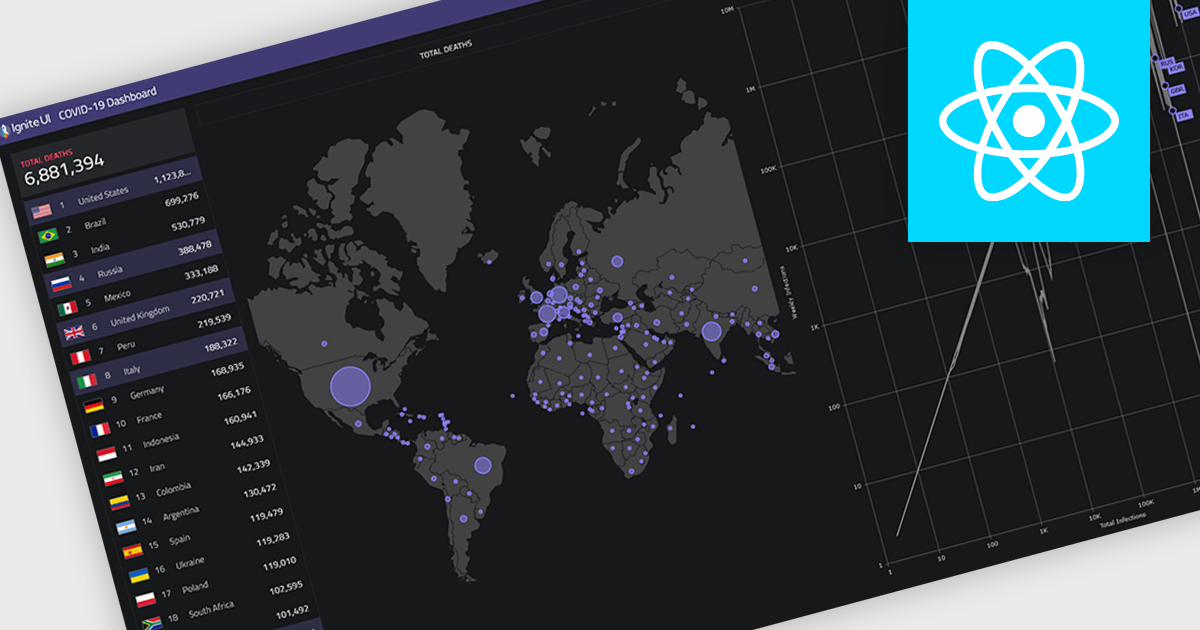
Map components allow developers to embed interactive, location-based data visualizations into applications and dashboards. By presenting data in a geographic context, they make it easier to identify patterns, monitor activity, and support faster decision-making. With features like real-time updates, data layering, and interactive navigation, maps are commonly used for tracking regional performance, visualizing logistics and routes, and monitoring live or spatial data within modern dashboards.
Several React UI suites provide map controls including:
For an in-depth analysis of features and price, visit our React chart controls comparison.
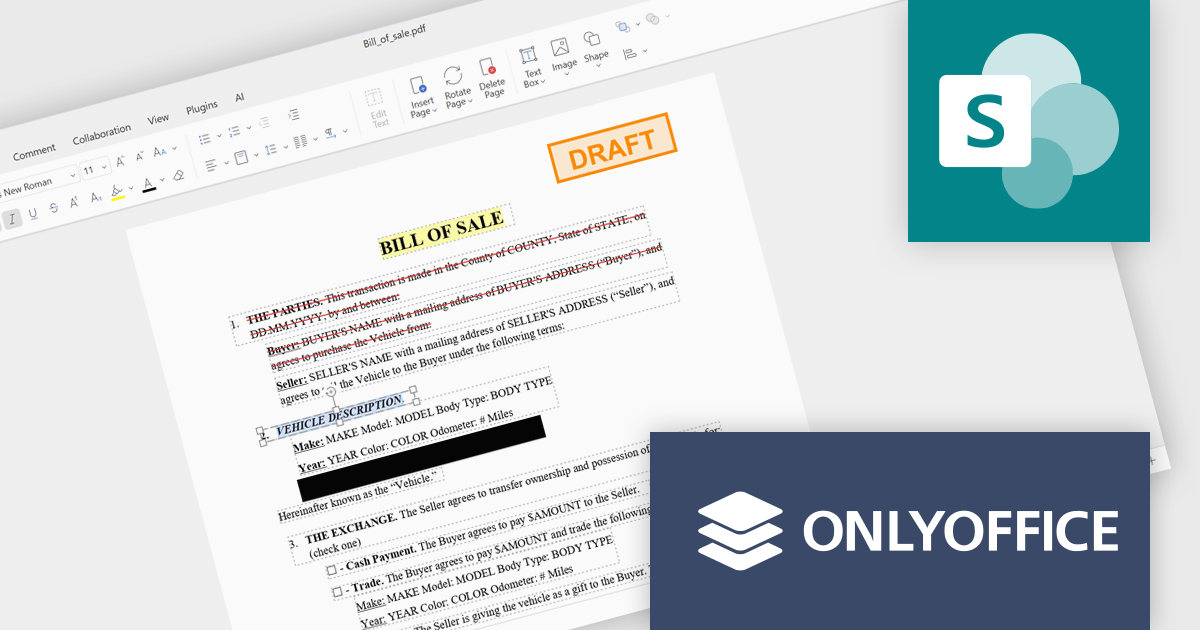
ONLYOFFICE Docs is a comprehensive online editor, allowing users to create text documents, spreadsheets, presentations, and forms. It enables your users to edit, share, and collaborate on documents online in their preferred browser, within your own application. It is fully compatible with OOXML (Office Open XML) formats and supports popular Microsoft Office and other document formats such as CSV, DOC, DOCX, EPUB, HTML, ODP, ODS, ODT, PDF, PPT, PPTX, RTF, TXT, XLS, and XLSX.
The ONLYOFFICE Docs Enterprise Edition SharePoint Connector v9.3.1 update introduces native PDF editing capabilities directly within SharePoint, enabling developers to integrate advanced document functionality such as object insertion, annotation, conversion to editable formats, OCR-based text recognition, form creation and signing, redaction, and real time collaboration into their existing environments.
To see a full list of what's new in v9.3.1 (3.1.0), see our release notes.
ONLYOFFICE Docs Developer Edition is licensed by the number of simultaneous document connections and is available as an annual license with 1 year support and upgrades. See our ONLYOFFICE Docs Developer Edition licensing page for full details.
For more information, see our ONLYOFFICE Docs Developer Edition product page.
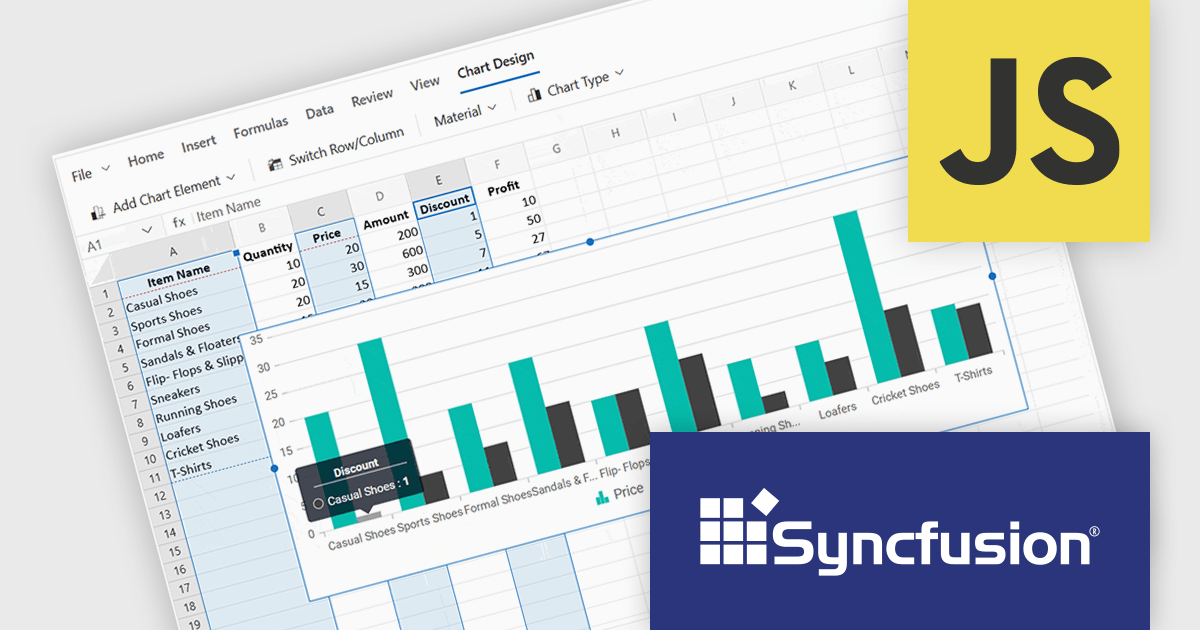
Syncfusion Essential Studio Spreadsheet Editor SDK is a library that lets developers embed spreadsheet functionality into web and desktop applications without requiring Microsoft Excel. It supports editing, formatting, and data analysis features such as cross sheet formula calculation, data binding to local and remote sources including JSON and REST, conditional cell styling, charts, data validation, worksheet protection, and workbook permissions. Available across frameworks including Blazor, React, Angular, Vue, JavaScript, ASP.NET Core and MVC, WPF and WinForms, it helps teams deliver a familiar spreadsheet experience for use cases like reporting, budgeting, and forecasting directly within their applications.
The Syncfusion Essential Studio Spreadsheet Editor SDK 2026 Volume 1 update introduces discontinuous chart range support, enabling developers to create charts from multiple non-adjacent rows, columns, or cell ranges without modifying the original data structure. This capability provides greater flexibility when working with complex, fragmented, or selectively relevant datasets, eliminating the need for manual data consolidation or duplication. It also ensures that charts remain automatically synchronized with updates across all referenced ranges, supporting more accurate, efficient, and maintainable data visualization within modern web and enterprise applications.
To see a full list of what's new in Syncfusion Essential Studio Spreadsheet Editor SDK 2026 Volume 1 (33.1.45), see our release notes.
Syncfusion Essential Studio Spreadsheet Editor SDK is licensed per developer on a one year timed subscription basis, with runtime royalty free redistribution included when the subscription is current, and includes one year of unlimited technical support and updates. See our Syncfusion Essential Studio Spreadsheet Editor SDK licensing page for full details.
Learn more on our Syncfusion Essential Studio Spreadsheet Editor SDK product page.
Wijmo is a cutting-edge collection of over 100 high-performance JavaScript UI controls designed for modern enterprise applications. Built for speed and flexibility, Wijmo empowers developers to deliver superior user experiences with fully responsive, touch-friendly, and accessible components.
In this blog post, MESCIUS Product Manager Joel Parks takes you through the process to Implement a PostgreSQL JavaScript workflow by capturing DataGrid state changes, issuing asynchronous POST requests, and processing updates through an Express API to reliably persist validated, row-level modifications in PostgreSQL. Steps include:
Detailed source code is included to help you get started.
Read the full blog now and get ready to build fully interactive, data-driven applications backed by PostgreSQL.
Wijmo is licensed per developer. Developer Licenses are perpetual and include 1 year Subscription which provides upgrades, including bug fixes and new features. See our Wijmo licensing page for full details.
Learn more on our Wijmo product page.
联系电话: (888) 850 9911
传真: +1 770 250 6199


