













官方供应商
我们作为官方授权经销商,直接提供超过200家开发厂家所发行超过1000个的产品授权给您。
查看我们的所有品牌。
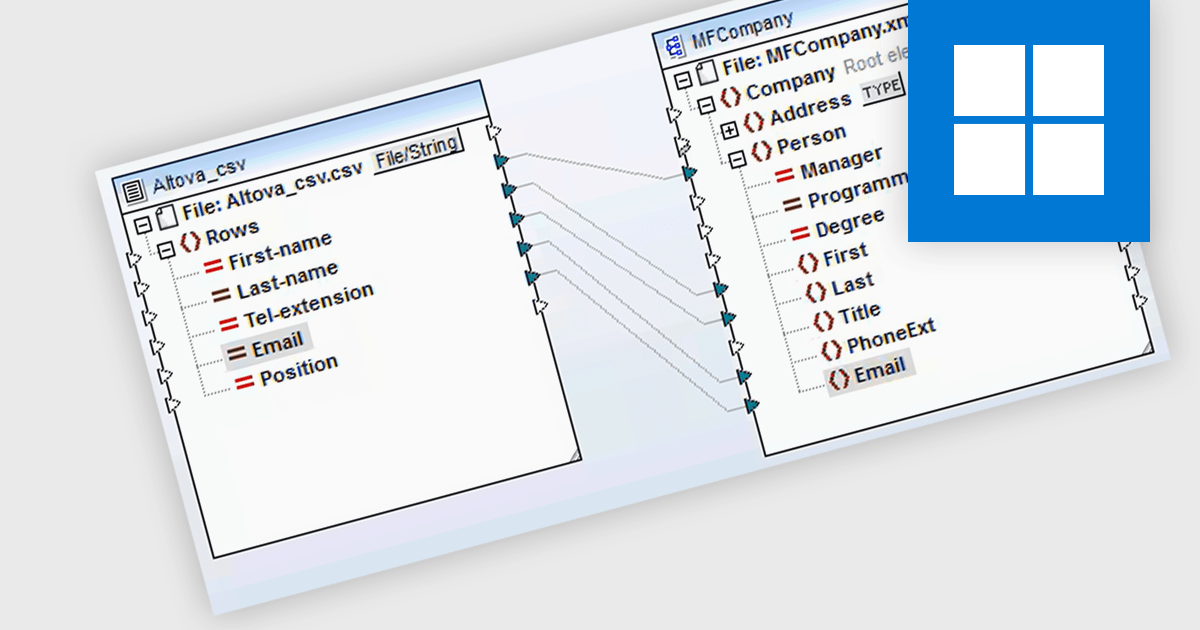
CSV to XML conversion is the process of transforming data stored in a flat, delimited format (CSV) into XML, a hierarchical and self-descriptive markup language. This transformation enables developers to leverage XML's rich structure, allowing for better data organization, schema validation, and compatibility with systems and applications that rely on XML for data exchange or configuration. The conversion facilitates interoperability, supports advanced querying with technologies like XPath and XQuery, and integrates seamlessly with web services, APIs, and other XML-based workflows, enhancing data portability and usability in diverse software environments.
Several structured document tools offer CSV to XML conversion including:
For an in-depth analysis of features and price, visit our structured document tools comparison.
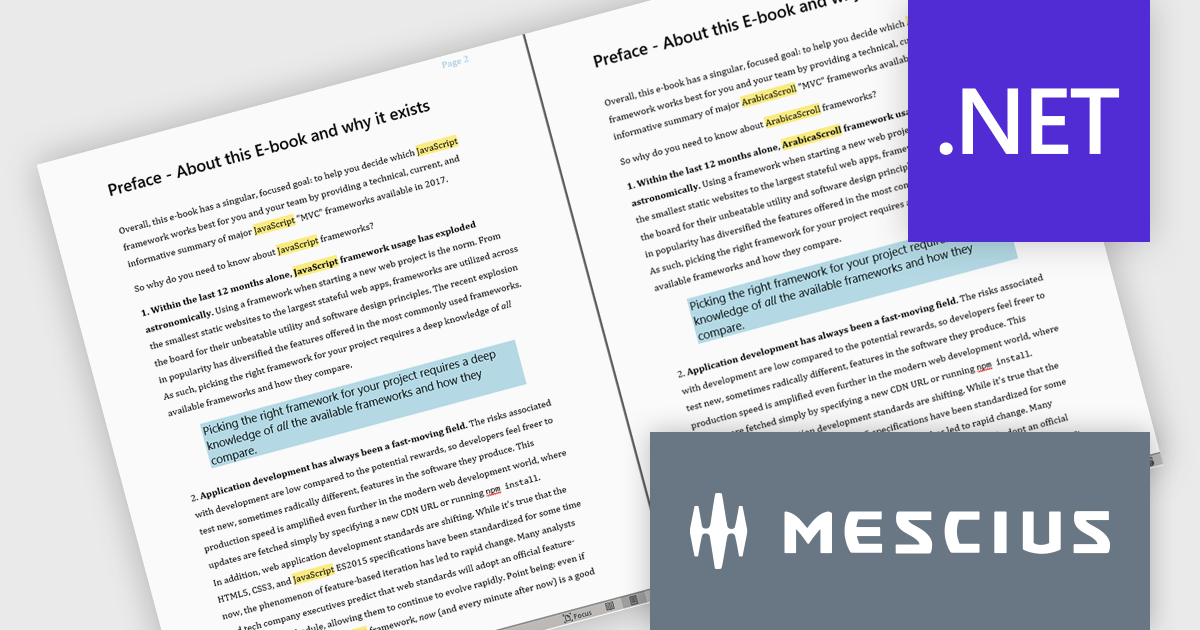
Document Solutions for Word by MESCIUS is a comprehensive software development toolkit designed to facilitate the creation, manipulation, and management of Microsoft Word documents within various applications. It offers a robust API that provides developers with granular control over document structure, formatting, and content, enabling the integration of Word document functionality into custom applications. Key features include support for advanced formatting options, document automation, and compatibility with various Word document formats.
Document Solutions for Word offers a powerful Find and Replace feature, enabling software developers to efficiently manipulate text within DOCX files using C#/VB .NET. This feature supports advanced search capabilities, including regex patterns and formatting-specific criteria, allowing precise identification and replacement of text. Developers can streamline workflows by automating repetitive tasks such as replacing all occurrences of text, inserting content at specific locations, and handling complex pattern-based modifications. By providing robust and flexible tools for text management, the update significantly enhances productivity and simplifies the development of custom document processing solutions.
Document Solutions for Word is licensed per developer and is available in several license options for differing distribution needs. Team licenses are also available for multiple developers within the same organization. Visit our Document Solutions for Word licensing page to see more information regarding licenses.
Document Solutions for Word is available to buy individually or as part of Document Solutions .NET Bundle.
Skyvia Connect is a cloud-based integration platform that enables developers to connect and synchronize data between various applications and databases. It offers a flexible and scalable solution for building data pipelines and automating data workflows, supporting a wide range of data sources and formats. By providing a user-friendly interface and pre-built connectors, Skyvia Connect simplifies the process of integrating data systems, allowing developers to focus on core application development and data management tasks.
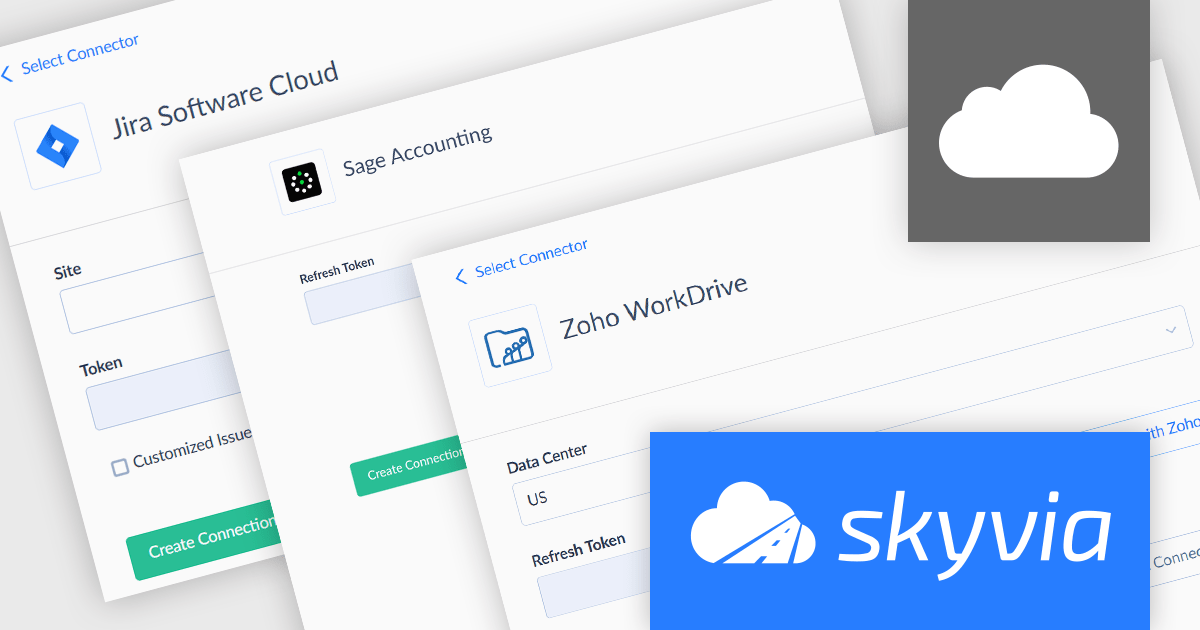
The latest release of Skyvia Connect adds new connectors for Jira Software Cloud, Sage Accounting, and Zoho WorkDrive, enabling seamless data synchronization and integration across these services. Businesses using Jira Software Cloud can easily extract and integrate project management data with other systems, enabling better reporting and automation. Sage Accounting users gain the ability to connect financial data with other applications, streamlining bookkeeping, analytics, and financial forecasting. Zoho WorkDrive support allows businesses to integrate cloud storage with their existing workflows, ensuring that files and documents remain in sync across different platforms.
To see a full list of what's new, see our release notes.
Skyvia Connect is licensed based on volume of traffic per month and is available as an Annual License. See our Skyvia Connect licensing page for full details.
Learn more on our Skyvia Connect product page.
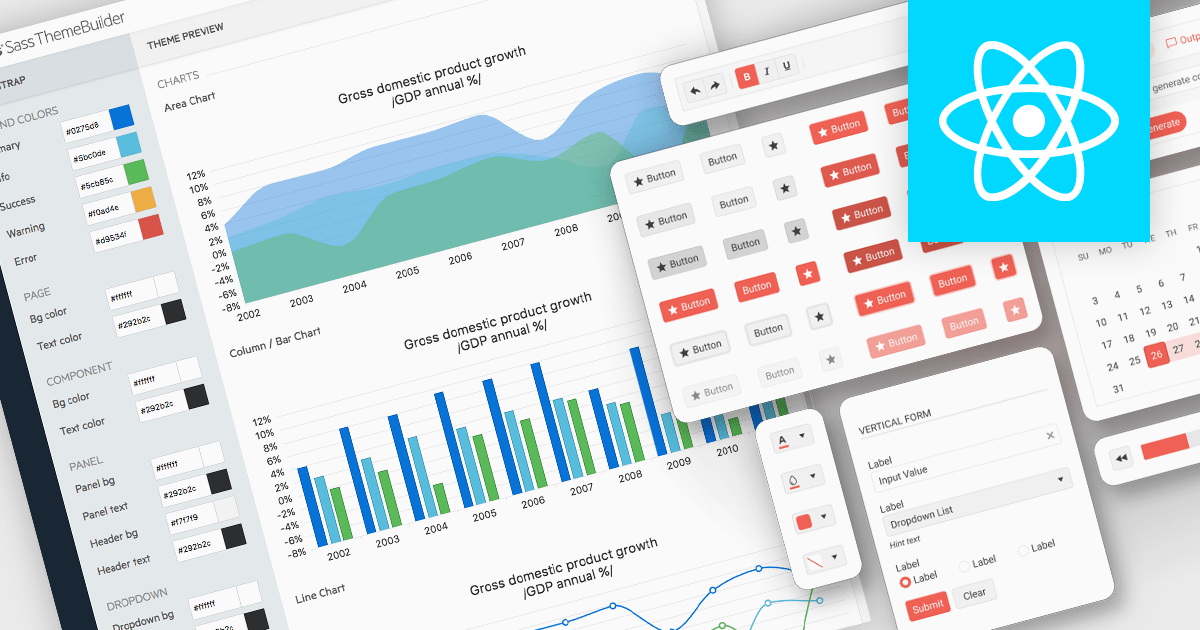
UI theming is the process of defining and applying a consistent visual style across a user interface using centralized settings for elements like colors, typography, spacing, and component styles. It allows developers to create cohesive designs that align with branding requirements, ensure cross-platform consistency, and adapt easily to user preferences or accessibility needs. By leveraging theming, software developers can streamline development workflows, reduce redundancy, and simplify maintenance while delivering customizable, scalable, and user-friendly applications.
Several React UI suites offer theming support, including:
For an in-depth analysis of features and price, visit our comparison of React UI suites.
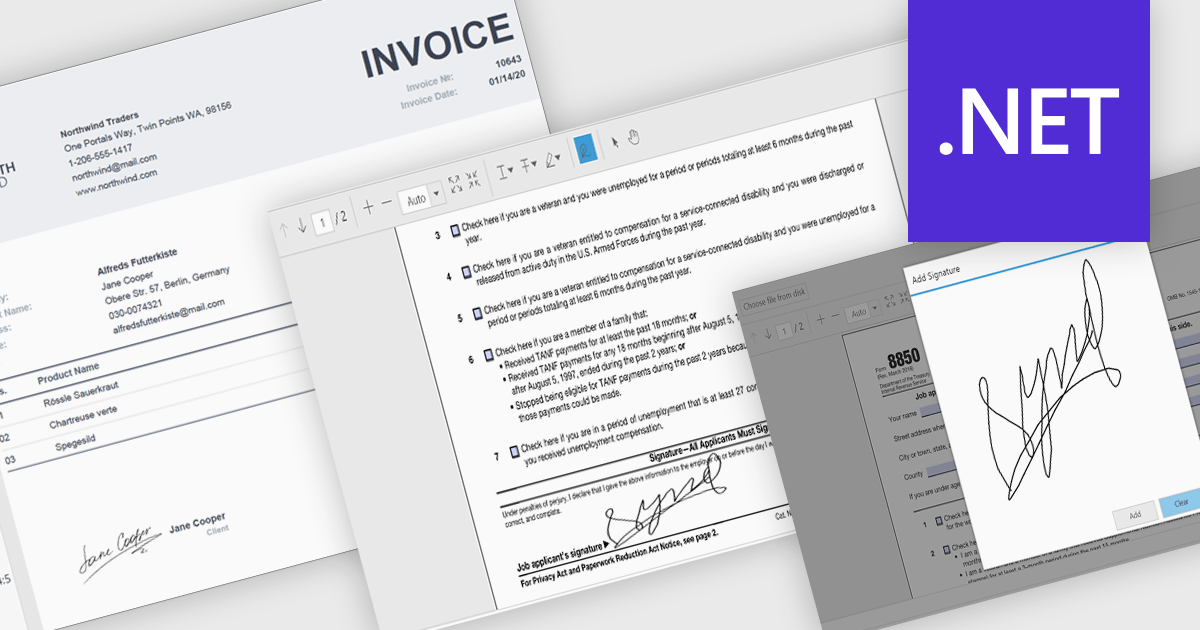
Hand-written signature support allows users to draw or insert a stylized representation of their physical signature directly onto a digital document. This feature provides a familiar and intuitive way to sign documents electronically while maintaining a personal touch. For software developers, integrating hand-written signatures into applications offers an accessible and user-friendly signing option that enhances user engagement, reduces reliance on paper-based workflows, and streamlines document processing. By supporting this functionality, developers can provide users with a convenient, secure, and legally compliant method for signing digital documents, improving overall workflow efficiency.
Several .NET PDF controls offer handwritten signature support including:
For an in-depth analysis of features and price, visit our .NET PDF controls comparison.
联系电话: (888) 850 9911
传真: +1 770 250 6199


