













官方供应商
我们作为官方授权经销商,直接提供超过200家开发厂家所发行超过1000个的产品授权给您。
查看我们的所有品牌。
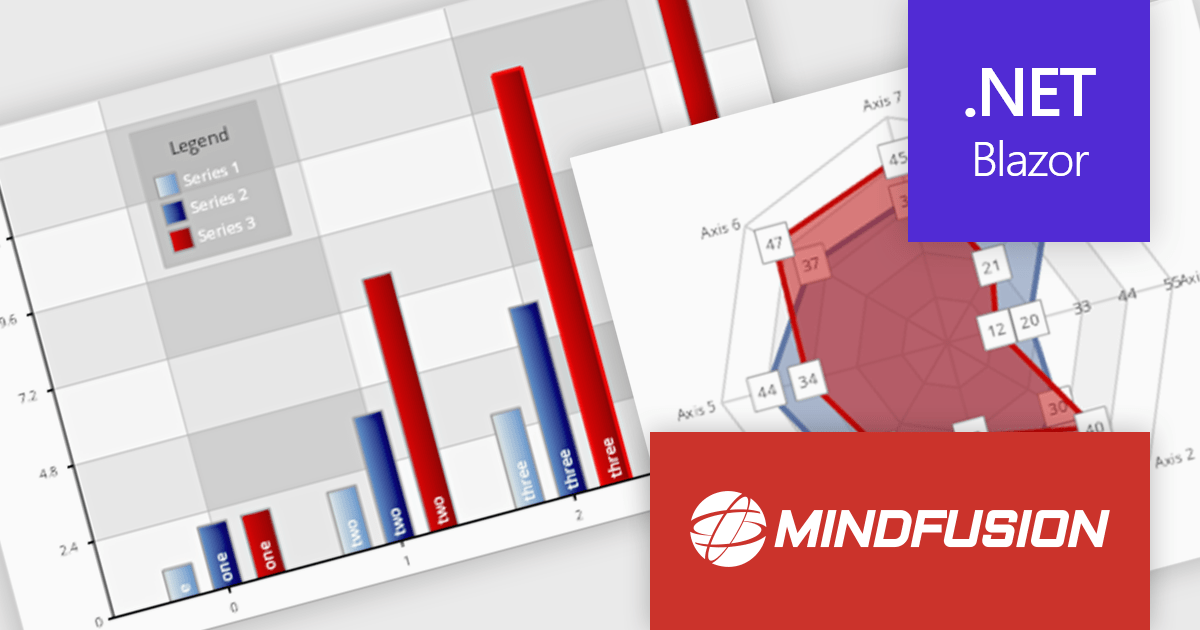
MindFusion.Charting for .NET Blazor is a robust solution that allows developers to effortlessly incorporate a diverse array of interactive and customizable charts and dashboards into Blazor applications. Supporting a wide range of chart types, from basic bar and line charts to more complex visualizations, it simplifies the creation of data-driven web applications. With flexible styling, user-friendly APIs, and smooth rendering, this library is perfect for building dynamic and visually engaging charting solutions in Blazor projects.
MindFusion Charting for .NET Blazor is ideal for building interactive, data-driven applications where dynamic visualization is key. It can be used for dashboards, reports, financial data analysis, performance tracking, and real-time monitoring. With its wide range of chart types, customization options, and user interaction features like pan, zoom, and hit testing, it enables developers to create intuitive, visually appealing interfaces for a variety of industries, including finance, healthcare, education, and business intelligence.
MindFusion.Charting for .NET Blazor is licensed per developer and is available as a perpetual license with 1 year subscription and support. See our MindFusion.Charting for .NET Blazor licensing page for full details.
For more information, visit our MindFusion.Charting for .NET Blazor product page.
Devolutions Server is a secure, on-premises solution designed to centralize and manage privileged access, credentials, and remote connections for organizations. It enables IT professionals and software developers to securely store and share sensitive data like passwords, API keys, and remote session details within a centralized vault, with robust user access controls and role-based permissions. Devolutions Server integrates with existing infrastructure, supports multi-factor authentication, and provides auditing and logging capabilities to track activities and ensure compliance with security policies.
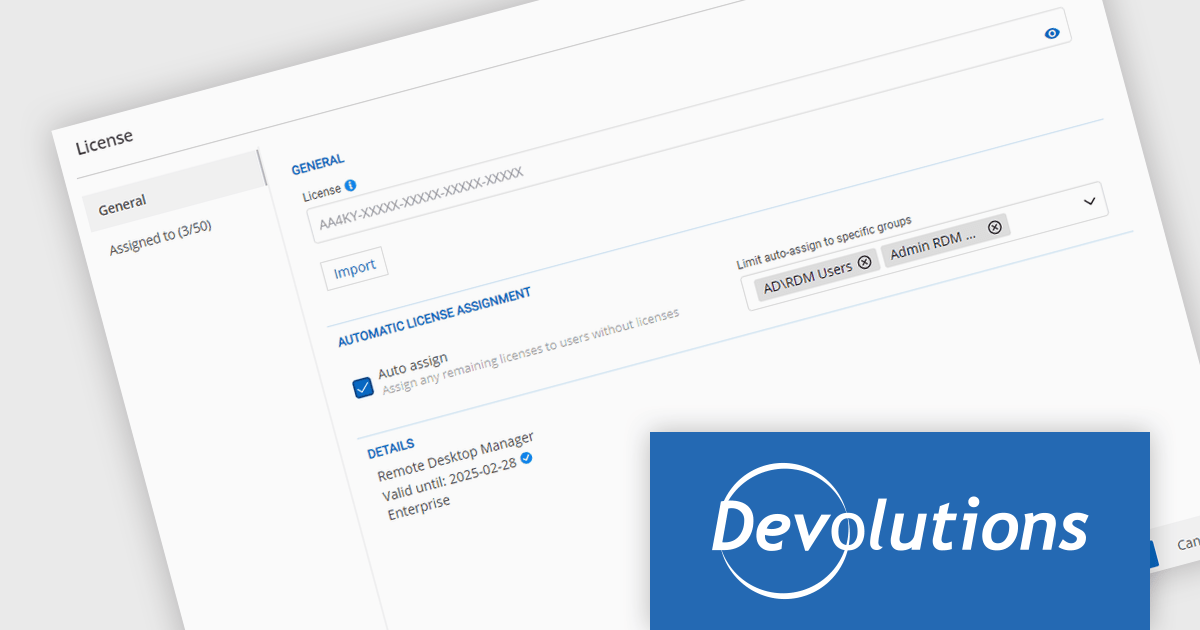
The Devolutions Server 2024.3.2.0 update introduces the ability to create member groups for automatically assigning product licenses, streamlining the license management process and enhancing administrative efficiency. This feature allows organizations to automatically allocate licenses to predefined user groups as and when the license is required, giving users immediate access to the features they need. Now administrators can efficiently assign the appropriate product licenses to each group, eliminating manual license distribution and removing the delay in feature delivery.
To see a full list of what's new in 2024.3.2.0, see our release notes.
Devolutions Server is available as an annual or tri-annual subscription license, with support and maintenance for the chosen duration, and is offered in 3 editions: Team, Enterprise or Platinum. See our Devolutions Server licensing page for full details.
For more information, visit our Devolutions Server product page.
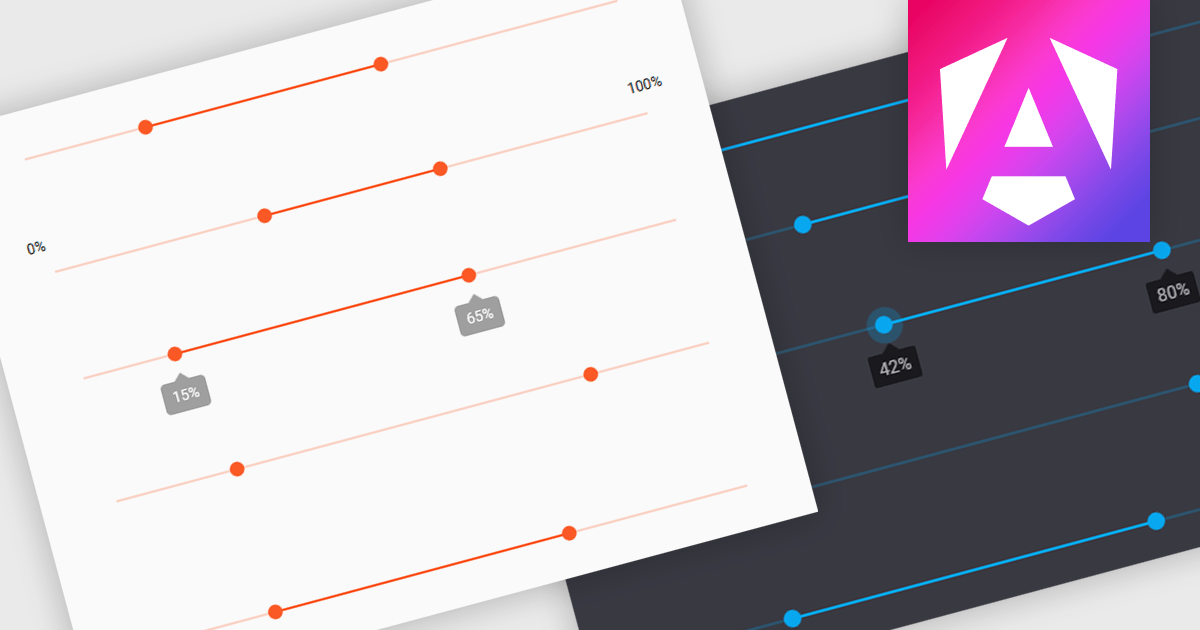
A range trackbar is a UI control that allows users to select a numeric value or a range of values within a predefined minimum and maximum. The range trackbar offers a user-friendly way to adjust values dynamically by dragging a slider, and it can be bound to data using Angular's two-way data binding. This component is particularly beneficial for scenarios where precision control over numeric input is needed, such as setting thresholds, adjusting parameters, or configuring settings, enhancing user interaction and simplifying input collection.
Several Angular Data Editor controls support range trackbars including:
For an in-depth analysis of features and price, visit our comparison of Angular Dada Editor components.
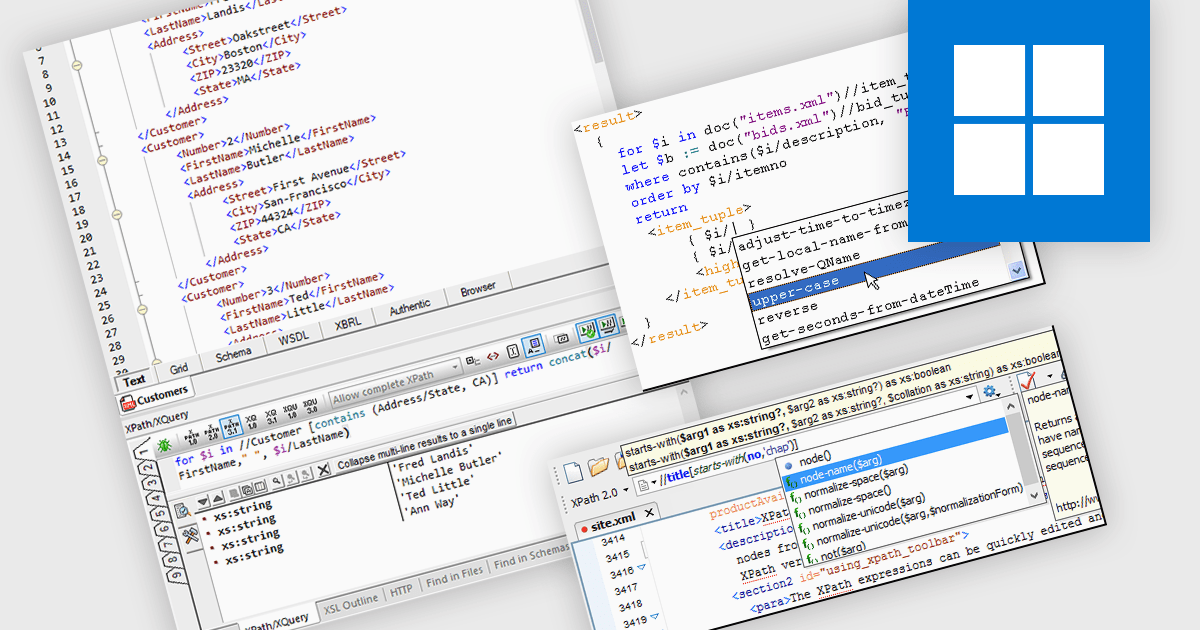
An XPath Analyzer is a crucial tool that enables developers to efficiently navigate, query and manipulate XML documents. It provides a powerful mechanism for selecting specific nodes within an XML tree structure based on their attributes, values and relationships. By using XPath expressions, developers can precisely target elements and attributes, facilitating tasks such as data extraction, modification and validation. The analyzer's ability to interpret and execute XPath expressions streamlines development processes, enhances code readability and promotes maintainable XML-based applications.
Several structured document tools include an XPath Analyzer, including:
For an in-depth analysis of features and price, visit our structured document tools comparison.
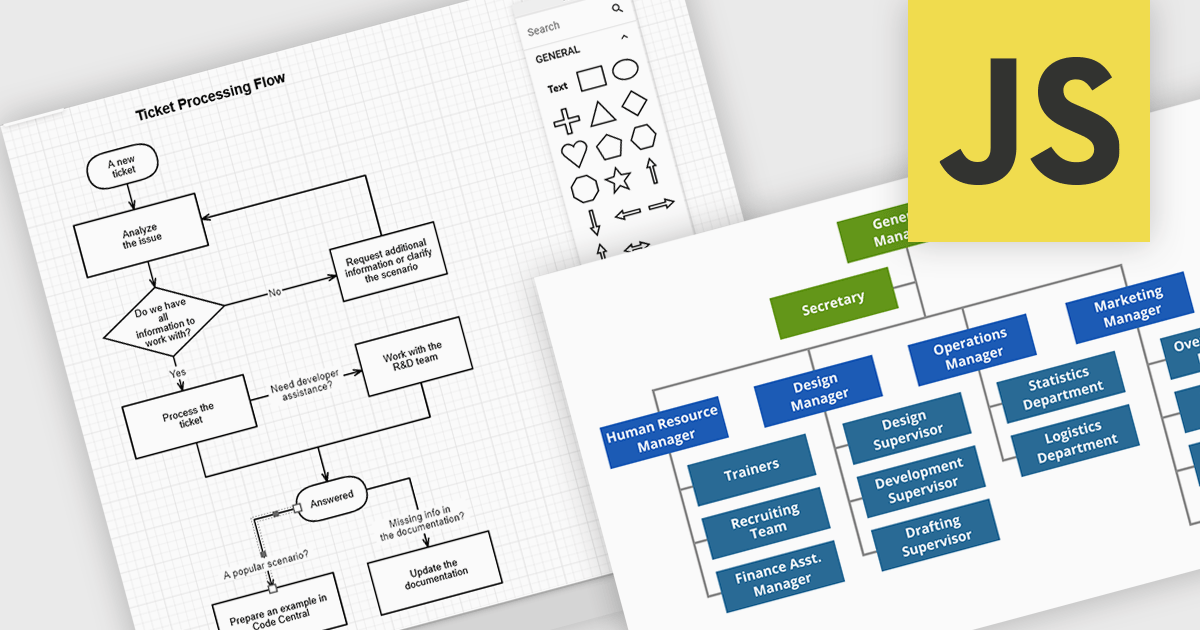
JavaScript diagramming components are libraries that enable developers to create interactive and dynamic diagrams in web applications. By offering customizable elements like nodes and connectors, they simplify the visualization of complex data, workflows, and processes. These components save development time and enhance user experience with pre-built tools for creating diagrams without the need for manual graphics handling. Common use cases include business process modeling, network architecture visualization, and organizational charts, making them ideal for applications requiring dynamic content and real-time collaboration.
Several JavaScript UI suites offer diagramming controls including:
For an in-depth analysis of features and price, visit our JavaScript UI suites comparison.
联系电话: (888) 850 9911
传真: +1 770 250 6199


