













官方供应商
我们作为官方授权经销商,直接提供超过200家开发厂家所发行超过1000个的产品授权给您。
查看我们的所有品牌。
Aspose.PDF for Node.js via C++ empowers developers to leverage the functionality of Aspose.PDF for C++ within their Node.js applications. This bridge library, built on WebAssembly technology, grants Node.js environments the ability to manipulate PDF documents directly on the web server. It provides a comprehensive suite of features for working with PDFs, including creation, editing, merging, splitting, and conversion to various formats.
This solution unlocks a multitude of benefits for Node.js developers. Aspose.PDF for Node.js via C++ streamlines the process of generating complex PDF documents on the server-side, eliminating the need for browser-based rendering. It also facilitates seamless PDF manipulation within Node.js applications, enabling developers to integrate functionalities like form filling, watermarking, and security management directly into their workflows. This translates to enhanced flexibility, performance, and control over PDF processing within Node.js.
Aspose.PDF for Node.js via C++ is offered as Developer Small Business, Developer OEM, Developer SDK, Site Small Business, Site OEM, and Site SDK licenses catering to a range of business needs. Licenses are perpetual, and include 1 year of support and maintenance. Subscription renewals are also available. See our Aspose.PDF for Node.js via C++ licensing page for full details.
Aspose.PDF for Node.js via C++ is available in the following products:

For the past 15 years, ComponentSource and Stylus Studio (IVI Technologies) have forged a powerful partnership, bringing top-tier XML tools to developers around the globe. Stylus Studio, a leading provider of XML editors, has revolutionized how developers work with XML, XSLT, XQuery, and other related technologies. Its primary product, Stylus Studio XML Enterprise Suite, offers a comprehensive suite of tools that simplifies complex data transformations and integrations, enabling developers to streamline their workflows and boost productivity. The platform’s robust features and intuitive interface have made it an indispensable asset for XML developers, facilitating faster and more accurate coding.
ComponentSource, a global distributor of software components and developer tools, has played a crucial role in making Stylus Studio accessible to a wider audience. By leveraging its extensive distribution network and customer support, ComponentSource has ensured that developers around the world can easily obtain and utilize Stylus Studio’s powerful XML IDEs. This collaboration has enabled both companies to enhance their offerings and support the developer community more effectively.
Learn more about Stylus Studio.
IronWord for .NET by Iron Software is a C# library designed to enable developers to programmatically manage and manipulate Microsoft Word documents within .NET applications. This tool provides Word document processing functionality, such as creating, editing, and converting Word documents (DOC and DOCX) without the need for Microsoft Office dependencies or Interop. It offers a user-friendly API for working with document elements like text, paragraphs, tables, and images, and supports a range of document operations, including text formatting, image embedding, and complex document constructions.
The IronWord for .NET 2024.6.1 update offers a wider range of text styling options, including the ability to apply and modify 3D effects, gradients, reflections, glows, outlines, shadows, and underlines. The addition of these advanced styling options helps developers deliver richer, more engaging content experiences in document-centric applications, improving both the aesthetics and the functional appeal of generated documents.
To see a full list of what's new in 2024.6.1, see our release notes.
IronWord for .NET is licensed based on the number of developers, organization locations and projects, and is available as a Perpetual license with one free year of product updates and support services. See our IronWord for .NET licensing page for full details.
IronWord for .NET is available in the following products:

MSI authoring within an installation tool allows software developers to create Microsoft Installer (.msi) files using a visual interface or code. They offer significant advantages for deploying software, particularly in corporate environments. MSI creates a standardized and reliable installation process, enabling features like remote deployment, rollback on failures, and easy uninstalls. This translates to reduced IT support costs, improved software consistency across machines, and simplified management of applications within your organization.
Several installation tools offer MSI authoring including:
For an in-depth analysis of features and price, visit our comparison of Installation Tools.
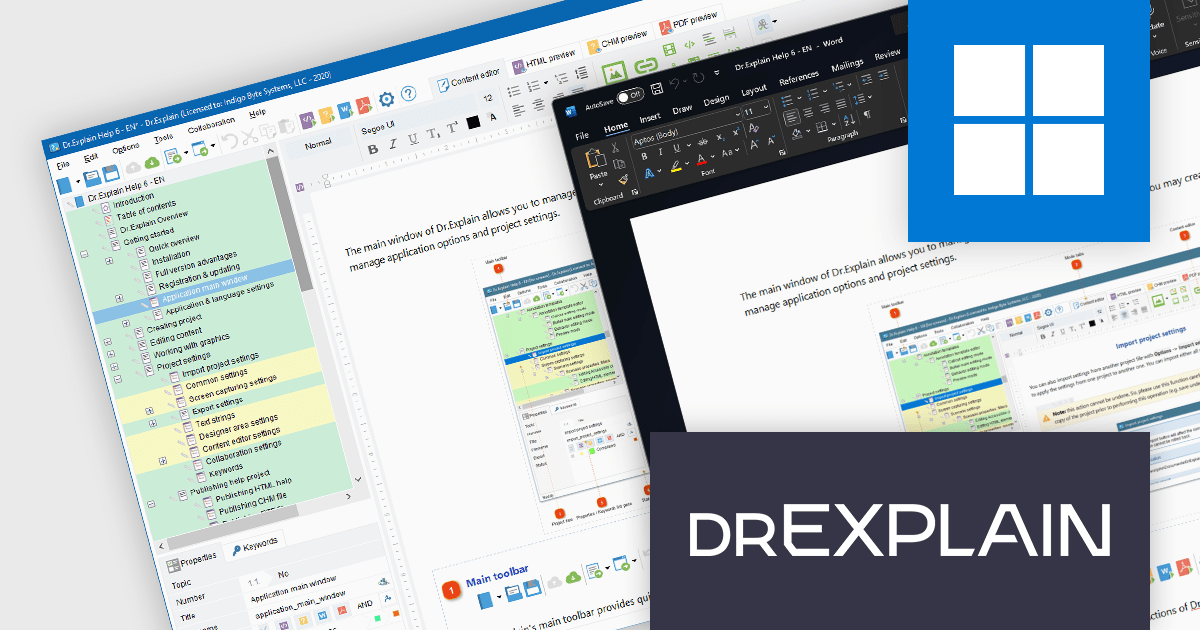
Dr.Explain by Indigo Byte Systems is a sophisticated software documentation tool designed to streamline the creation of detailed help files, user guides, online manuals, and technical documentation. It captures screenshots from a live software application or web site and allows you to directly embed explanations and instructions, reducing the time and effort required to produce high-quality, context-sensitive user guides. With robust features for editing and organizing content, Dr.Explain supports various output formats, including HTML, CHM, RTF, and PDF, ensuring compatibility with different platforms and user needs. This tool enhances productivity by streamlining the documentation process, enabling developers to produce professional and user-friendly documentation efficiently.
The Dr.Explain v6.8 update adds the ability to export to the DOCX file format, an Open XML formatted Microsoft Word document. This new functionality enables developers to seamlessly integrate their user guides and tutorials directly into their existing documentation sets, streamlining the delivery of comprehensive and up-to-date user information. It ensures that the documentation remains accessible and easily modifiable, catering to diverse documentation workflows and requirements while maintaining the professional quality of the content generated by Dr.Explain.
To see a full list of what's new in v6.8, see our release notes.
Dr.Explain is licensed per user-PC schema and is available as an annual license with Premium maintenance and free updates, or as a perpetual license with only Basic maintenance and minor updates. See our Dr.Explain licensing page for full details.
For more information, see our Dr.Explain product page.
联系电话: (888) 850 9911
传真: +1 770 250 6199


