













官方供应商
我们作为官方授权经销商,直接提供超过200家开发厂家所发行超过1000个的产品授权给您。
查看我们的所有品牌。
Aspose.OCR is a software product family that provides Optical Character Recognition (OCR) capabilities for developers. It allows you to integrate text extraction from images, scans, and PDFs into your applications with minimal coding effort. Aspose.OCR offers options for various programming languages including .NET, Java, C++, supporting a wide range of languages and output formats.
The latest Aspose.OCR release adds the ability to recognize Persian (Farsi), Urdu, and Uyghur languages and text in mixed Persian/English. This broadens its reach to users working with documents in these geographically significant languages, allowing it to cater to a wider audience, particularly those in Central and South Asia, where these languages are prominent. By enabling accurate text extraction from Farsi, Urdu, and Uyghur resources, Aspose.OCR empowers businesses and developers to process multilingual documents for tasks like data extraction, archiving, and content management.
To see a full list of what's new in Aspose.OCR, see our .NET and Java release notes.
Aspose.OCR is offered as Developer Small Business, Developer OEM, Site Small Business, and Site OEM licenses catering to a range of business needs. Licenses are perpetual, and include 1 year of support and maintenance. Subscription renewals are also available. See our Aspose.OCR licensing pages for .NET and Java for full details.
Aspose.OCR for .NET is available to buy in the following products: Aspose.OCR for .NET, Aspose.OCR Product Family, Aspose.Total for .NET, Aspose.Total Product Family, Conholdate.Total for .NET, and Conholdate.Total Product Family.
Aspose.OCR for Java is available to buy in the following products: Aspose.OCR for Java, Aspose.OCR Product Family, Aspose.Total for Java, Aspose.Total Product Family, Conholdate.Total for Java, and Conholdate.Total Product Family.
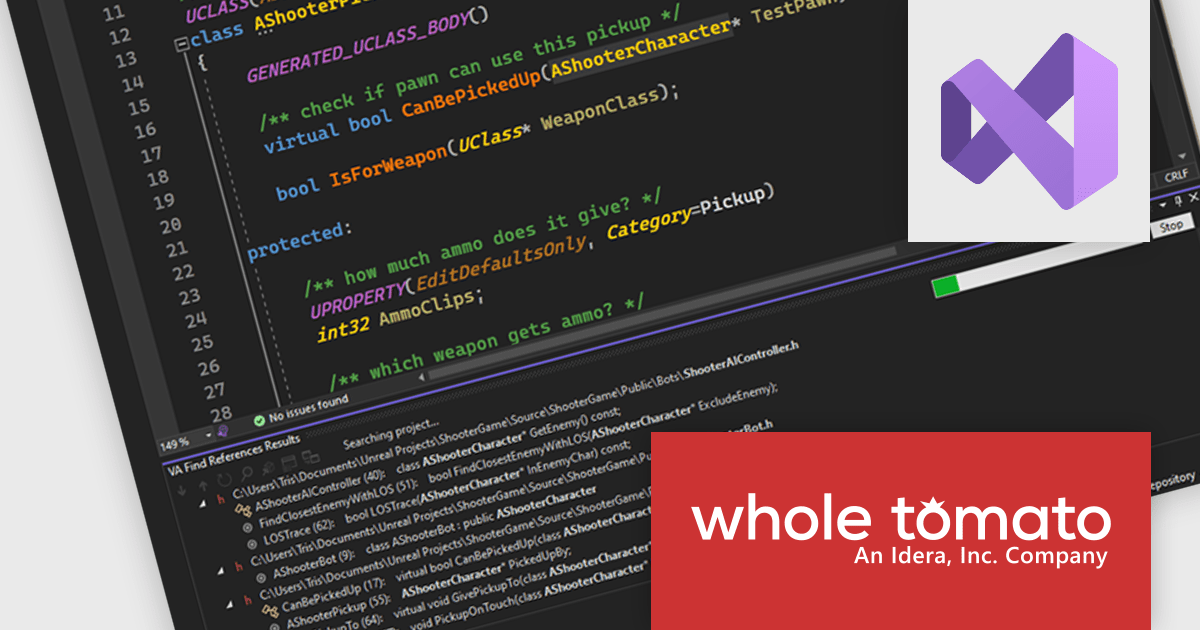
Visual Assist by Whole Tomato Software is a productivity add-in for Visual Studio designed to improve the coding process and reduce errors. Its features include code completion, syntax highlighting, code inspections, navigation, and refactoring capabilities, which make Visual Studio more efficient for C/C++ and C# developers.
Version 2024.3 includes a significant performance upgrade for the Find References feature. This feature helps you quickly locate all instances of a symbol (function, variable, etc.) within your project or solution. The improved Find References engine powers many other core functionalities in Visual Assist. This means the performance boost extends to features you rely on daily.
To see a full list of what's new in version 2024.3, see our release notes.
Visual Assist is licensed on a per-developer basis and offers three licensing options: Standard, Network Named User, and Concurrent. All new licenses include a 1 Year Maintenance Subscription, and Subscription Renewals are also available. See our Visual Assist Licensing page for full details.
For more information, visit our Visual Assist product page.
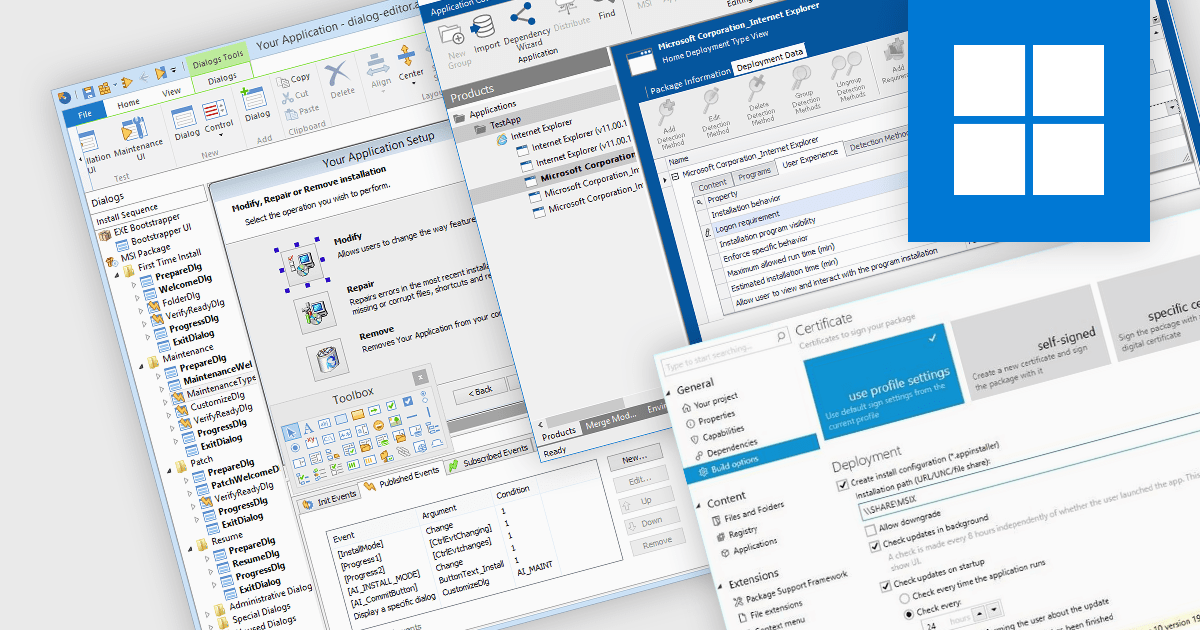
Cloud deployment is the process of delivering and managing software applications in a cloud computing environment. This eliminates the need for physical installations on individual devices and allows for centralized updates, easier scaling, and improved accessibility for users. Cloud deployment streamlines development workflows and reduces infrastructure costs, making it an attractive option for modern software development.
Several installation tools offer Cloud deployment including:
For an in-depth analysis of features and price, visit our comparison of Installation Tools.
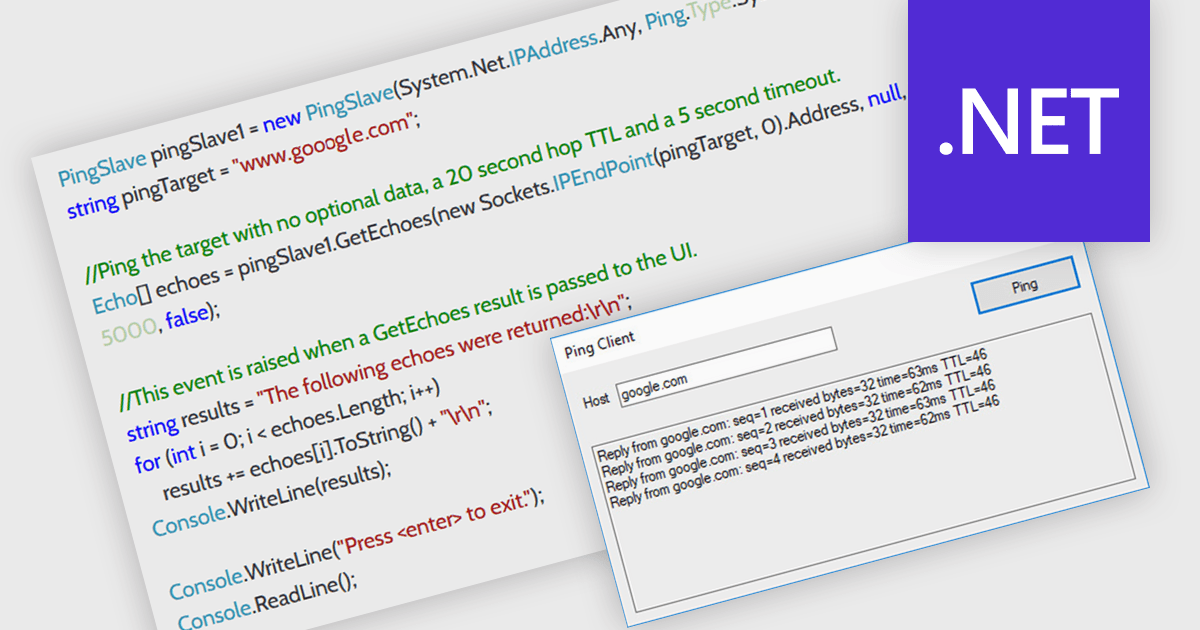
In a .NET communication component, ping support refers to the ability to send a simple message to a remote endpoint to verify its connectivity and responsiveness. This functionality is valuable for developers as it allows them to proactively check if the target device or service is online before attempting data exchange. This can help identify potential connection issues early in the communication process, improving the overall reliability and efficiency of the application.
Several .NET communications and messaging components offer ping support including:
For an in-depth analysis of features and price, visit our comparison of .NET Comms & Messaging components.
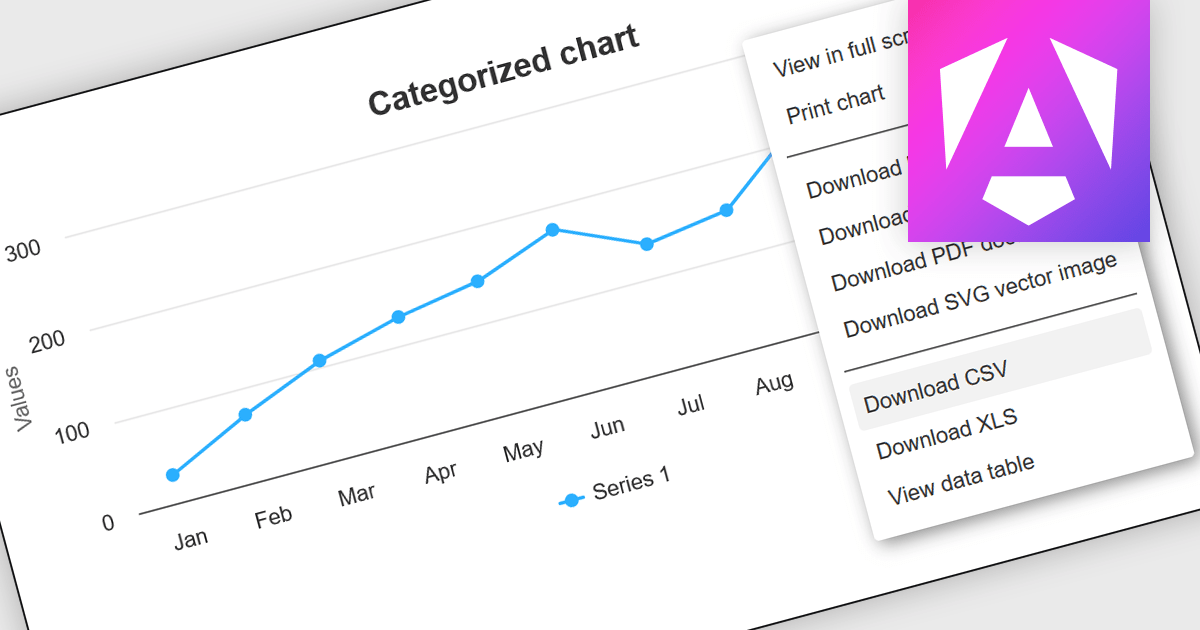
CSV export functionality in Angular chart components enables users to download the data represented in chart form as a CSV (comma-separated values) file directly from Angular-based web applications. This feature is particularly useful for developers who need to provide end-users with the flexibility to manipulate, analyze, or store chart data independently from the web interface. By integrating CSV export, applications can enhance data accessibility and user satisfaction, allowing for data transfer and offline analysis. This functionality also supports better data management practices and can be vital in environments where data needs to be shared across different platforms or systems, thereby increasing the interoperability and practical utility of the application.
Several Angular chart controls offer export to CSV including:
For an in-depth analysis of features and price, visit our comparison of Angular chart controls.
联系电话: (888) 850 9911
传真: +1 770 250 6199


