













官方供应商
我们作为官方授权经销商,直接提供超过200家开发厂家所发行超过1000个的产品授权给您。
查看我们的所有品牌。
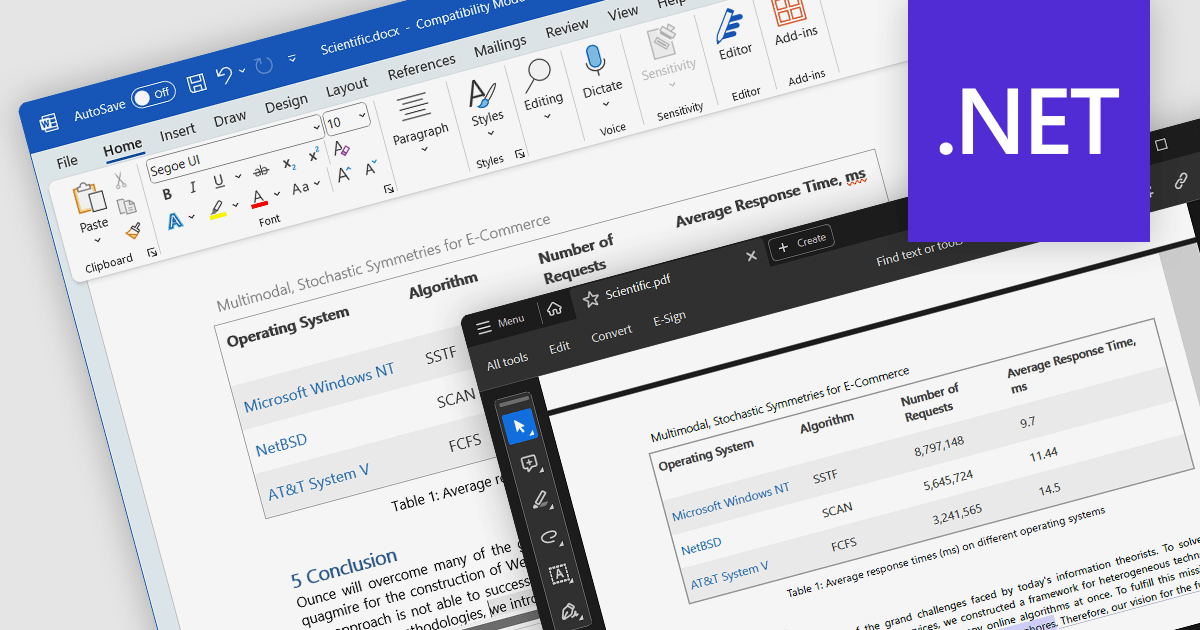
Word to PDF conversion streamlines the transfer of editable Word documents into universally shareable and platform-independent PDFs. This functionality empowers developers to offer document preservation and secure distribution directly within their applications. Users can convert reports, forms, or agreements into PDFs with consistent formatting and layout, ensuring content integrity and accessibility across various devices and software.
Several .NET components offer Word to PDF conversion including:
For an in-depth analysis of features and price, visit our comparison of .NET PDF components.
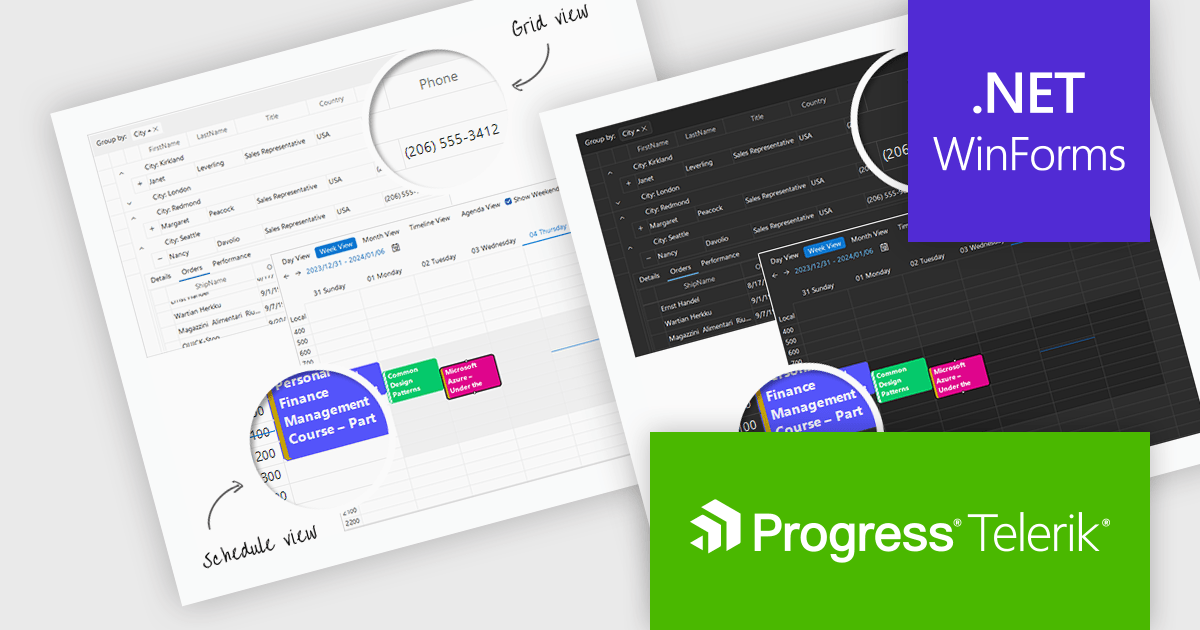
Telerik UI for WinForms is a comprehensive UI library offering over 160 versatile controls designed to streamline the development of modern, data-rich desktop applications. With features like built-in High DPI support, extensive customization options, and components ranging from grids and charts to schedulers and rich text boxes, it empowers developers to craft visually appealing and feature-packed Windows Forms applications.
The Telerik UI for WinForms 2024 Q1 update adds new Windows 11 Light and Dark compact themes, empowering developers to deliver modern, space-optimized UIs tailored to user preferences. These compact alternatives to the existing Windows 11 themes enhance application aesthetics, align with the latest design trends, and cater to users who prefer more compact interfaces. Users will enjoy improved focus and clarity with the uncluttered interface, ideal for multitasking and complex workflows.
To see a full list of what's new in 2024 Q1, see our release notes.
Telerik UI for WinForms is licensed per developer and is available as a perpetual license with a one year support subscription, which is available in three tiers: Lite, Priority or Ultimate. See our Telerik UI for WinForms licensing page for full details.
Telerik UI for WinForms is available to buy in the following products:

Altova MobileTogether is a rapid app development platform that empowers anyone, regardless of coding experience, to build sophisticated data-driven apps for all mobile and desktop platforms. With its visual UI design, drag-and-drop functionality, and powerful Action Tree programming language, MobileTogether streamlines the development process, enabling you to create custom database apps, integrate with backend systems, and deploy secure solutions swiftly and cost-effectively.
The MobileTogether 9.1 release speeds up business app development with a new integrated AI Assistant. This no-code solution eliminates the traditional, time-consuming process of database design, empowering you to build robust and functional apps faster than ever. Simply communicate your data needs through natural language prompts, and the AI Assistant swiftly generates a full-featured database structure, including tables and sample data. This intelligent automation frees you from technical complexities and allows you to focus on what truly matters - crafting an exceptional user experience and refining your app's functionality.
To see a full list of what's new in version 9.1, see our release notes.
MobileTogether is licensed per server core as an annual subscription. See our MobileTogether licensing page for full details.
For more information, visit our MobileTogether product page.
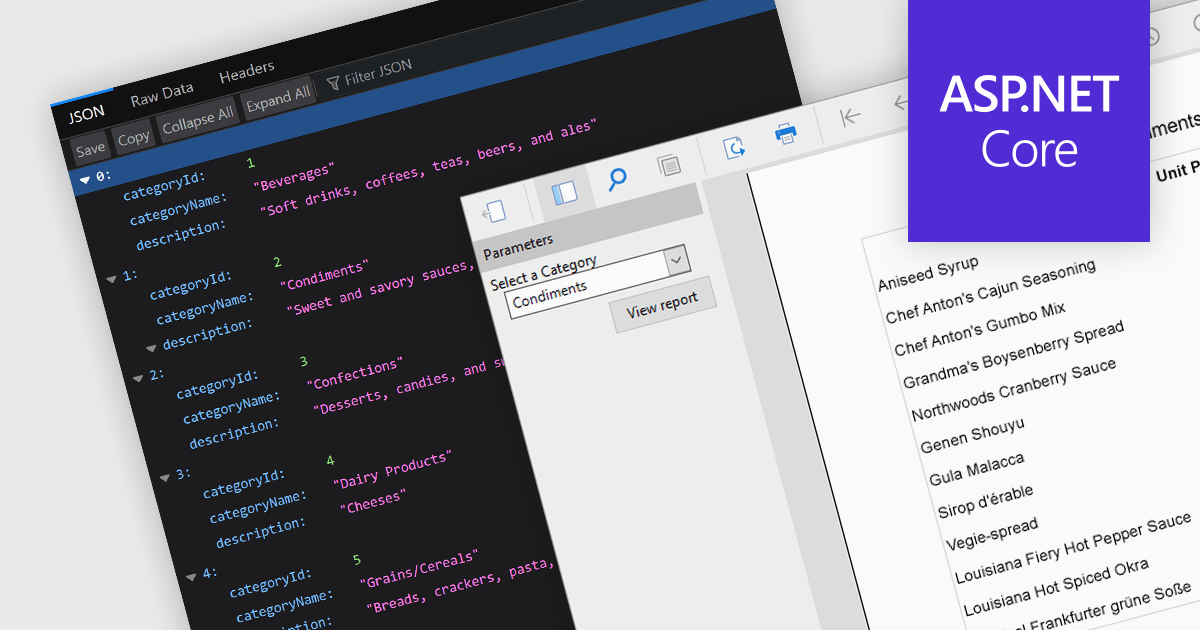
JSON support lets reporting tools directly use data in the human-readable JavaScript Object Notation format, unlocking flexibility, ease-of-use, and real-time insights. JSON enabled reports can directly consume diverse data, bypassing rigid schemas, thanks to the format's source-agnostic nature. This empowers developers with ease-of-use and efficiency, as JSON's readability simplifies integration and reduces code. Additionally, JSON seamlessly handles dynamic data, enabling real-time reporting for ever-changing insights.
Several ASP.NET Core reporting controls offer the ability to connect to JSON data sources including:
For an in-depth analysis of features and price, visit our ASP.NET Core Reporting Controls comparison.
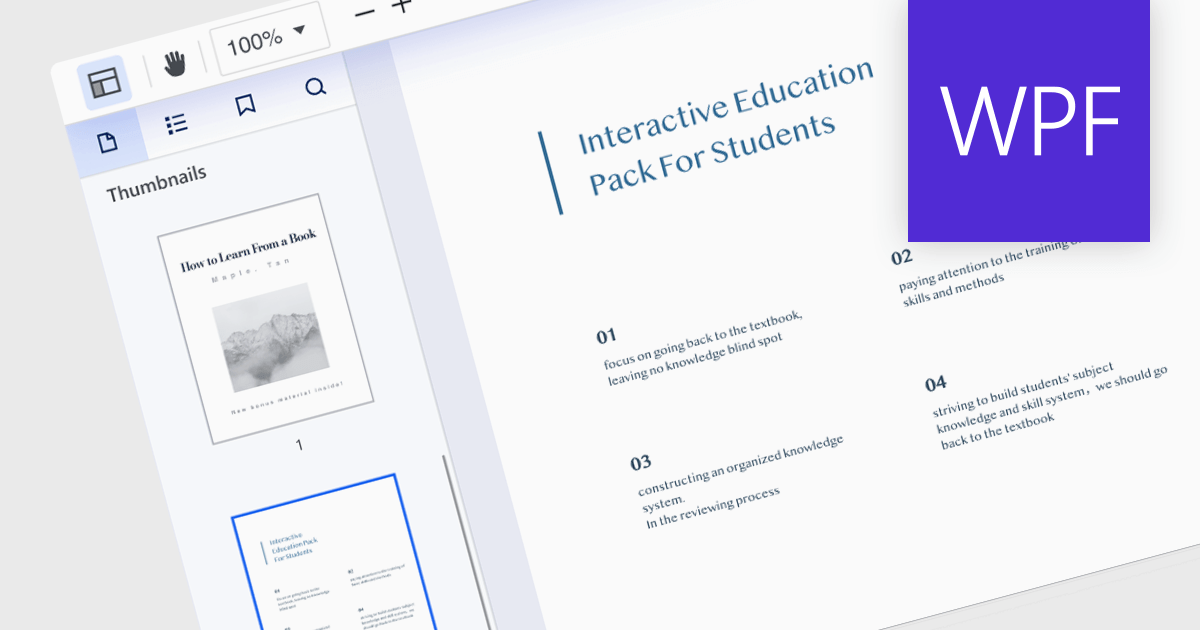
Thumbnail navigation, a feature in many PDF readers, offers a visual and efficient way of browsing and switching between pages in a document. It presents miniature representations of each page, typically in a sidebar or panel, providing a visual overview of the document's content. It allows users to quickly scan content, identify sections, and jump directly to the desired page with a single click. This method is faster and more intuitive than scrolling or manually entering page numbers, making the information within the PDF more easily accessible.
Several PDF components for WPF offer thumbnail navigation including:
For an in-depth analysis of features and price, visit our WPF PDF Components for comparison.
联系电话: (888) 850 9911
传真: +1 770 250 6199


