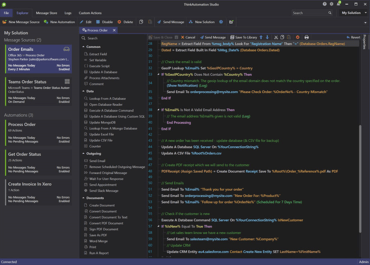
When selecting a Message Source in the explorer, the Automation assigned to it is now moved to the top of the Automations view along with any called Automations.
You can now reset the error counts shown in the Studio status bar by right-clicking the Message Source or Automation logs. The error count is also reset if you reprocess any messages or edit an Automation.
Added 'Convert Document To Text' option for PDF to text conversion, to return all text elements along with position and font information as CSV text.
The schedule for Message Sources can now be set to every x seconds or hours in addition to minutes.