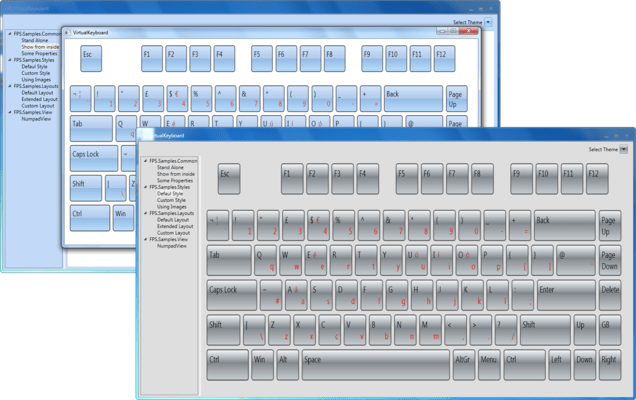
MindFusion.Virtual Keyboard for WPF V5.1
Released: Jul 26, 2025
V5.1 中的更新
特性
- Layout Ring:
- You can now define a sequence of keyboard layouts that can be cycled through by setting the LayoutRing property. Add LayoutRingKey to your layouts to let users cycle through the list. Layouts from this list are automatically assigned to TemplateLayout when user presses the LayoutRingKey, or if you call the SelectLayout method from code.
- The KeyboardLayout class includes two new properties to control the appearance of the LayoutRingKey: Image and Label. One of these is displayed by the key to indicate the next layout in the cycle, following this priority:
- If the next layout has a non-null / empty Image property, that image is displayed.
- If there is no Image assigned to the layout, but the Label property is set, that text is displayed as key's Content.
- If neither Image nor Label is set, the key will display the Unicode keyboard symbol (U+2328) as a fallback.
- SVG Images:
- The library now includes an SVG renderer, letting you load key icons from SVG files.
- Miscellaneous
- The Image setter of Key objects no longer changes the specified value to an absolute path relative to current executable. The KeyImageConverter lets you revert to that behavior if binding to loose image files.
- Added a new color schemes in Themes.dll resource dictionary.
修补程序