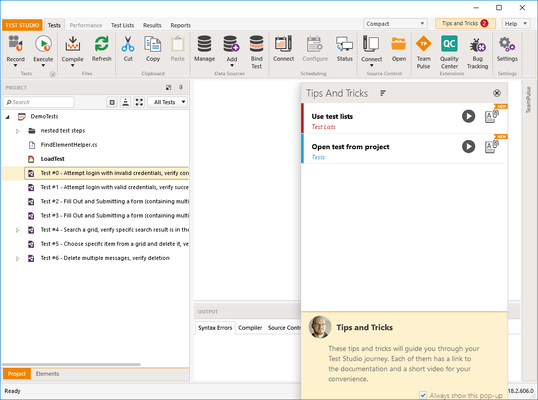
Telerik Test Studio Web & Desktop R1 2022 SP2

Released: Jun 1, 2022

R1 2022 SP2 中的更新

特性

  • Google Chrome
    • Chrome Headless/Extensionless no longer runs in incognito mode.
    • Chrome Headless/Extensionless now uses a custom user data directory.
    • Chrome Headless/Extensionless now preserves browser window state and position.
  • UI
    • Improved 'Smart Find Logic' attribute settings.
    • Improved empty test area.
    • Improved 'create new test' experience and test naming mechanism.
    • Improved 'Manual Step' window layout and the size is now persisted.
  • Translators and Wrappers: Added support for the latest Telerik and Kendo UI components (release R2 2022).

修补程序

  • WPF: Open File with a custom title is now being recorded correctly.
  • WPF: Save File with a custom title is now being recorded correctly.
  • WPF: ComboBox open and close actions are now being recorded correctly.
  • UI: Fixed Ctrl+R key shortcut malfunctioning when switched between different test types.
  • Execution: Fixed random mouse click failures in Chrome, ChromeHeadless, and Chrome Extensionless.
  • Execution: Fixed synchronization issue with ScrollToVisible.
  • Execution: Fixed issue with navigating back using Chrome v101.
  • Execution: OnBeforeUnload dialog not handled in Edge Chromium 101 on Windows 11.
  • Recorder: Chrome/Firefox recorder not closed after "run selected".
  • Chrome: Chrome Headless/Extensionless now clears cookies correctly.
  • Chrome: Chrome Headless/Extensionless highlighting works after navigating back and forward.
  • Chrome Extensionless: ActiveBrowser.ToggleFullScreen() is not working properly.