UltraEdit Enterprise

完全集成的数据编辑和管理工具。

由以下开发商制作:UltraEdit
ComponentSource开始代理销售的日期:2013年
价格从: $ 117.55 版本:v2025.x 更新: Jan 29, 2026

i

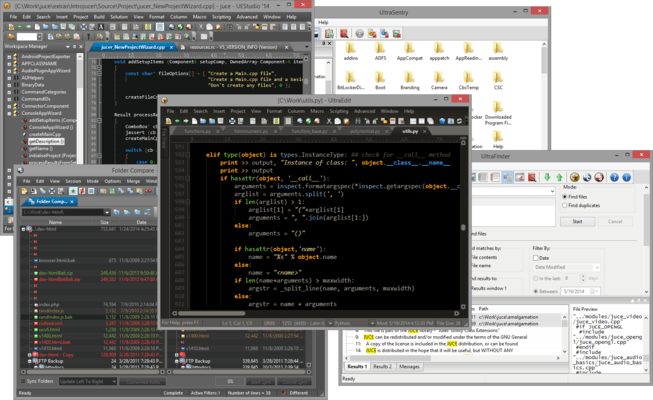
UltraEdit Enterprise (formerly UltraEdit All Access) includes UltraEdit, UltraCompare, UltraFTP, UEStudio and UltraFinder.

UltraEdit Enterprise - includes UltraEdit for Windows v2025.0

Released: Jun 6, 2025

UltraEdit for Windows v2025.0 中的更新

特性

  • Integrated Git into UltraEdit:
    • Git repo detection.
    • Branch manager, merge, push, pull, etc.
    • Project and File explorer integration and overlays.
  • Improved column mode support for Unicode.
  • WebTools Plugin (Preview) - Enhance your web development projects with advanced Webtools integration for HTML, CSS, JS, etc.
  • Added new plugin architecture with the new Plugin SDK (Preview).
    • Manager and Wizard.
    • Includes examples and SDK documentation.
  • Improved the 'Set HEX Selection' dialog window Classic theme.

修补程序

  • All characters shown with extra space between them in SSH console.
  • Hang after trying to close a newly created file.
  • Wikipedia web search function only supports single words.
  • "Sh&ow hints" shown in command palette.
  • Text2HTML "Use HTML Entity numbers" command output missing trailing ';'.
  • Markdown file detection ignores file extension.
  • Multi-line text cannot be pasted into SSH terminal.
  • ENTER key fails to open file in FTP Open dialog.
  • Certain URLs are not highlighted/underlined.
  • Trailing characters erroneously included in URL highlighting/underlining.
  • JSON reformat/compress options disabled.
  • Shutdown hang with specific settings and files.
  • Incorrectly underlines IP addresses as URLs.
  • Crash during file save with specific settings and files.
  • PowerShell terminal doesn't work with custom install directory.
  • CTRL+C with column mode selection causes file to be marked as modified.
  • Typing character with column mode selection doesn't replace all selected chars.
  • Column overstrike options not working.
  • Clicking on "Download Git for Windows" link returns 404 error.
  • Text field label is truncated in Git options dialog.
  • Duplicate attribute "onerror" in the HTML wordfile.
  • Editing and file refreshing very slow with files with long lines.
  • Column select and copy does not work with supplementary code points.
  • License ID missing in body of email created with Start support request.
  • Incorrect original file name in version information.
  • Space selection issue with certain fonts.
  • Crash during column mode editing with certain files.
  • Undo doesn't work as expected in column mode.
  • Help button in Print Setup dialog window opens doesn't open help.
  • Button Help in Account Manager dialog window opens the default help page.
  • Default help page opened on pressing key F1 for HEX Find/Replace.
  • Default help page opened on pressing key F1 for Find in Files and Replace in Files.
  • "Maximum number of backups" field accept more than the defined values.
  • In "Charcoal" theme, text area is difficult to see in Find and Replace dialog.