Neuigkeiten zu Charts

Exportieren von Diagrammen in PDF mit .NET 7 WPF

Oktober 7, 2023
Verteilen Sie Diagramme in einem sicheren, portablen und unterstützten Format, indem Sie sie als PDF exportieren.

Exporting charts to PDF enables developers to save charts as PDF documents, ensuring their appearance and data are preserved for sharing, printing, or archival purposes. It allows seamless integration of charting capabilities within WPF applications and facilitates the generation of high-quality, portable chart representations in PDF format.

Here is a selection of WPF chart controls that offer PDF export support:

  • ChartDirector for .NET by Advanced Software Engineering is a comprehensive charting library that supports numerous chart types and includes built-in PDF export functionality.
  • TeeChart WPF (part of TeeChart for .NET Standard Business Edition by Steema Software) is a feature-rich charting component that includes PDF export capabilities.
  • NOV Chart for .NET by Nevron provides a wide range of charting options and supports exporting to PDF.

Additionally, the following charting components are available as part of multi-function component suites:

  • DevExpress WPF Chart (Part of DevExpress WPF) provides rich charting capabilities and supports PDF export along with other export formats.
  • Infragistics WPF Charts (Part of Infragistics Ultimate UI for WPF) includes powerful charting controls with PDF export functionality.
  • Telerik WPF Chart (Part of Telerik UI for WPF) offers a wide range of chart types and seamless PDF export capabilities.
  • ComponentOne Charts for WPF (Part of ComponentOne Studio for WPF by GrapeCity) supports PDF export and provides extensive customization options.

For an in-depth analysis of features and price, visit our comparison of .NET 7 charts.

Compare .NET 7 Charts

Integrieren Sie detaillierte Karten von Südamerika in Ihre Apps

Oktober 5, 2023
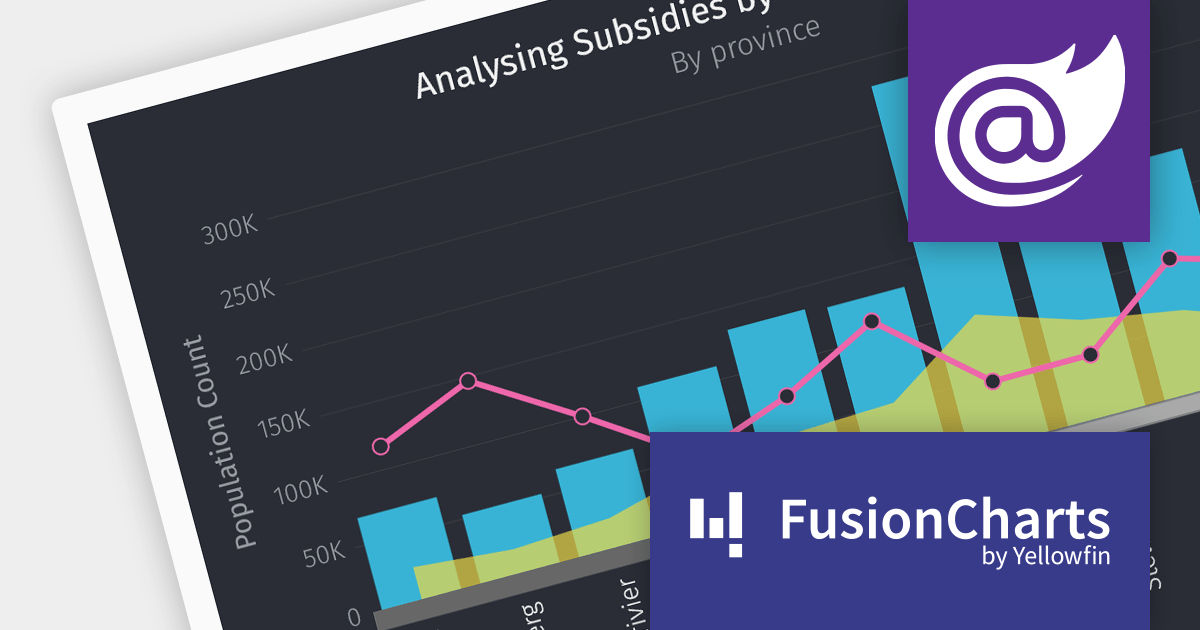
FusionCharts v3.21.0 führt 58 neue Karten für Argentinien, Peru und Costa Rica ein, die es Benutzern ermöglichen, bestimmte Abteilungen in jedem Land aufzuschlüsseln.

FusionCharts Suite XT is a JavaScript charting library that provides developers with a wide range of options for creating data visualizations. The suite includes over 100 chart types, 2,000+ maps, and a variety of features for customizing charts, adding interactivity, and exporting charts to different formats. It is used by developers of all skill levels to create data visualizations for a wide range of applications, including dashboards, reports, websites, and mobile apps.

FusionCharts v3.21.0 introduces new maps for Argentina, Peru, and Costa Rica. With a total of 58 new maps, you can now drill down to each specific department within those countries. This version added all 27 Peruvian provinces, all 24 Argentinian provinces, and all 7 Costa Rican provinces.

There are many benefits to using maps in your data visualization apps. Maps are a great way to visualize spatial data, such as customer location, sales by region, or traffic patterns. You can also identify trends and patterns in your data that might otherwise be difficult to see. FusionCharts maps can be used to create interactive dashboards and reports that allow users to explore data in more depth. For example, users could click on different regions on a map to see more detailed information about sales in those regions.

To see a full list of what’s new in version 3.21.0, see our release notes.

For more information, visit our FusionCharts Suite XT product page.

Gewährleisten der Zugänglichkeit von Angular Charts für alle Benutzer

August 17, 2023
Verbessern Sie die Benutzerfreundlichkeit Ihrer Diagramme durch die Einhaltung von Zugänglichkeitsstandards.

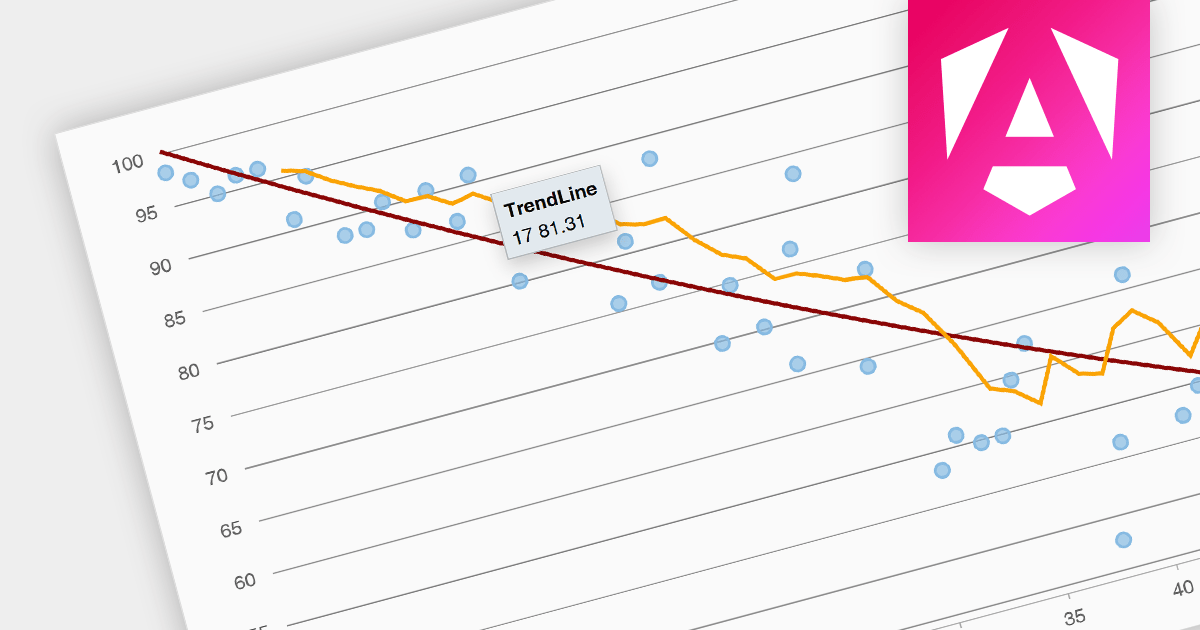
Accessibility features ensure that charts are usable by everyone, including people with disabilities. Examples include screen reader compatibility and keyboard navigation support. This ensures equal access to data visualizations, complying with accessibility standards, and enhancing user experience for all users.

Here is a selection of Angular charting components that provide accessibility features:

  • HighCharts Core is a powerful charting library that provides accessibility features like screen reader support, keyboard navigation, and customizable data labels.
  • AnyChart JS offers accessible charting solutions with features such as ARIA support, interactive tooltips, and focus highlighting for enhanced keyboard navigation.
  • amCharts 5: Charts comes with built-in accessibility options, making it easier to create inclusive charts by providing accessible descriptions, keyboard interaction, and visual cues for data points.

Many multi-function component suites also feature charting controls with accessibility support, including:

  • DevExtreme Chart (part of DevExtreme Complete) ensures accessible data visualizations with features including assistive technology compatibility and keyboard navigation.
  • Kendo UI for Angular Chart (part of Kendo UI) supports accessible charts through keyboard interaction, ARIA attributes, and other accessibility enhancements.
  • SmartClient offers accessibility support for its charting components, including accessible labels and keyboard navigation.

For an in-depth analysis of features and price, visit our comparison of Angular charts.

Compare Angular Charts

Kommentieren von Diagrammen mit jQuery

August 10, 2023
Erhöhen Sie die Übersichtlichkeit Ihrer Diagramme, indem Sie wichtige Datenpunkte und Trends mithilfe von Anmerkungen hervorheben.

Chart annotation involves adding labels, markers, or other visual cues to data points on a chart. It enhances data visualization, providing context and insights to users, improving chart readability, and conveying information effectively.

Here is a selection of individual jQuery chart components that offer the ability to add annotations:

  • Highcharts Core (by Highsoft) allows you to create interactive charts by seamlessly incorporating annotations. Highlight key data points, create callouts, and draw shapes and lines to enhance your visualizations.
  • TeeChart JS (by Steema Software) offers versatile and extensive annotation support. Add context to your charts through text, images, custom HTML, and shapes, enhancing data interpretation.
  • AnyChart JS allows you to elevate your charts with a rich array of annotations. Emphasize trends using text, images, shapes, lines, and arrows, making your data-driven insights more impactful and interactive.
  • ZingChart provides various annotation options. From text and images to shapes and lines, annotations add depth to your visualizations, improving communication of insights.

Many multi-function component suites provide charting components with annotation support, including:

  • DevExtreme Chart (part of DevExtreme Complete by DevExpress) allows you to add annotations to charts that can be animated and interactive. Enrich your charts with text, images, shapes, and lines for dynamic data visualization.
  • Ignite UI jQuery Chart (part of Ignite UI by Infragistics) allows you to seamlessly incorporate annotations into your charts. Add text, images, shapes, and lines to communicate key insights, making your visualizations more engaging and informative.
  • Kendo UI for jQuery Chart (part of Kendo UI by Telerik) allows you to harness extensive customization options, including animated and interactive annotations. Enhance your charts with text, images, shapes, and lines, delivering data-driven insights effectively.
  • Syncfusion JavaScript Chart (part of Syncfusion Essential Studio Enterprise) offers versatile annotation features, such as customizable text, images, shapes, and lines.

For an in-depth analysis of features and price, visit our comparison of jQuery charts.

Compare jQuery Charts

Infragistics Ultimate integriert die In-Chart-Analyse

August 1, 2023
Die Version 23.1 integriert eine neue Echtzeit-Datenanalysefunktion in Diagramme.

Infragistics Ultimate is a product suite that provides everything you need to create beautiful and engaging user interfaces, from a comprehensive library of UI controls to a complete design-to-code system. It simplifies development with a comprehensive library of enterprise-grade UI controls and UX Design-Development collaboration tools.

Version 23.1 introduces a new Chart Toolbar to App Builder, enabling you to deliver a next-generation visualization experience in your apps. The Chart Toolbar can access the chart's data in real time, allowing on-the-fly analysis of your data. It offers a variety of formatting options, including value overlays, data labels, crosshairs, and grid lines. You can also create custom buttons that extend the functionality of the toolbar.

For a full list of what's new in version 23.1, see our release notes.

For more information visit the Infragistics Ultimate product page.