
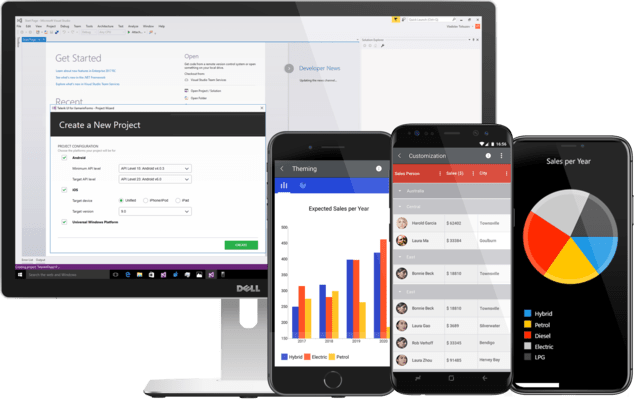
Telerik UI for Xamarin
Hochwertige Xamarin-UI-Steuerelemente für eine schnelle Entwicklung und überlegene Leistung.
Veröffentlicht von Telerik
Wird von ComponentSource seit 2018 vertrieben
Dieses Produkt wird nicht mehr von uns vertrieben.
Hochwertige Xamarin-UI-Steuerelemente für eine schnelle Entwicklung und überlegene Leistung.
Veröffentlicht von Telerik
Wird von ComponentSource seit 2018 vertrieben
Microsoft ended support for Xamarin in May 2024, and Telerik continued maintaining their component library until now to give developers time to transition. Effective February 19, 2025, Telerik will follow suit and discontinue Telerik UI for Xamarin. It will no longer be available for sale, nor will it be part of DevCraft. To further assist with the transition, Telerik will provide limited support...
Show moreMicrosoft ended support for Xamarin in May 2024, and Telerik continued maintaining their component library until now to give developers time to transition. Effective February 19, 2025, Telerik will follow suit and discontinue Telerik UI for Xamarin. It will no longer be available for sale, nor will it be part of DevCraft. To further assist with the transition, Telerik will provide limited support and critical updates until February 2026.
Released: Mar 15, 2018
Tel.: (888) 850 9911
Fax: +1 770 250 6199


