








Fornitore ufficiale
In qualità di distributori ufficiali e autorizzati, forniamo licenze software legittime direttamente da più di 200 autori di software.
Vedi tutte le nostre marche
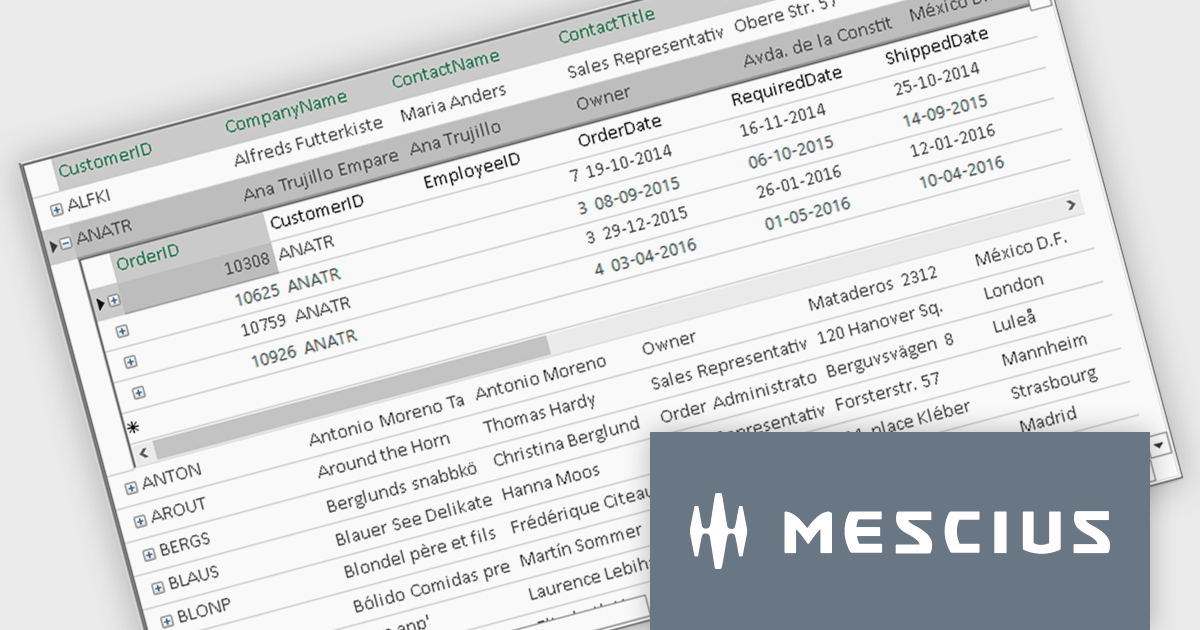
ComponentOne FlexGrid is a powerful Datagrid for your .NET WinForms applications, enabling .NET developers to display, edit, and analyze large data sets within a familiar Excel-like experience. It is optimized for high-performance and flexibility, allowing you to customize every aspect of the control.
On Wednesday, October 15th, at 11:00 AM EDT, MESCIUS (formerly GrapeCity) will be presenting a CodeClinic Live Webinar to demonstrate how you can upgrade your approach to data visualization through performance tuning, customized operations, and advanced data operations while learning practical tips and best practices. Key highlights include:
Register for the Live Webinar today and mark your calendar for October 15.
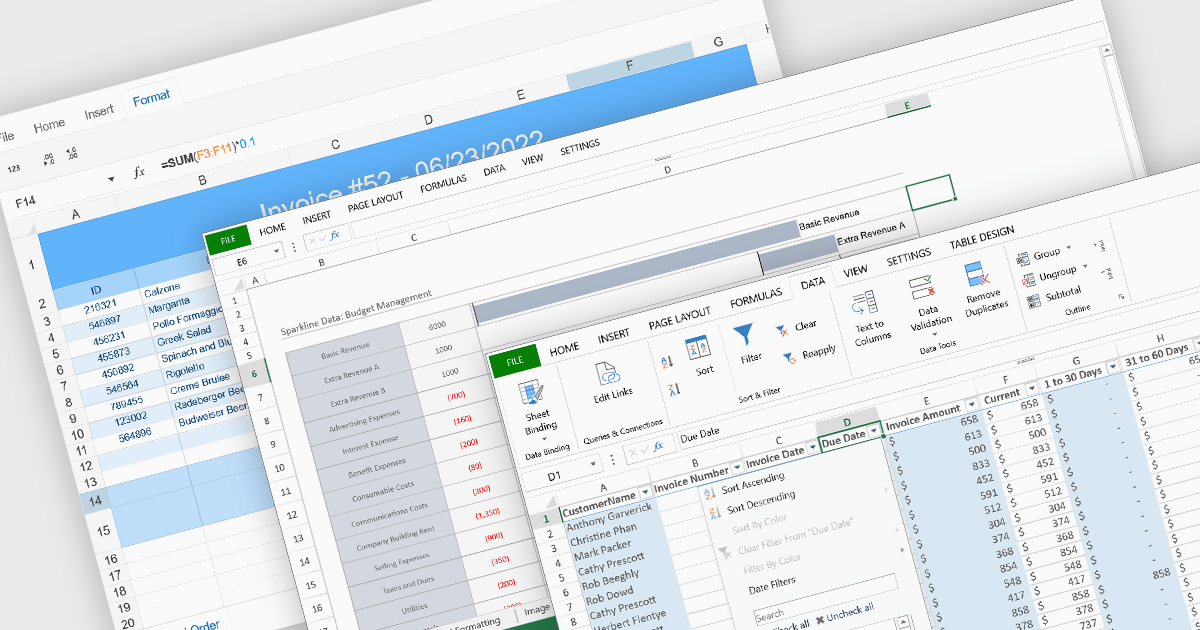
Data organization and analysis features form the backbone of a spreadsheet’s ability to transform raw inputs into meaningful insights. These capabilities go beyond simple data entry, providing the tools necessary to structure, manipulate, and interpret information effectively. By supporting both everyday tasks and complex analytical processes, they enable users to manage datasets of varying scale and complexity while ensuring that information remains accessible and actionable. Well-implemented organization and analysis features allow spreadsheets to serve not only as data storage tools but also as powerful environments for decision-making and reporting.
Common features include:
For an in-depth analysis of features and price, visit our React spreadsheet components comparison.
Infragistics Ultimate UI for WPF is a comprehensive suite of UI controls designed to streamline development and enhance the user experience of desktop applications. Boasting over 100 components, it offers a rich set of functionalities, including data visualization tools, high-performance grids, and modern UI elements that mimic the look and feel of Microsoft Office. These feature-packed libraries empower developers to craft powerful, visually appealing applications with a consistent user experience.
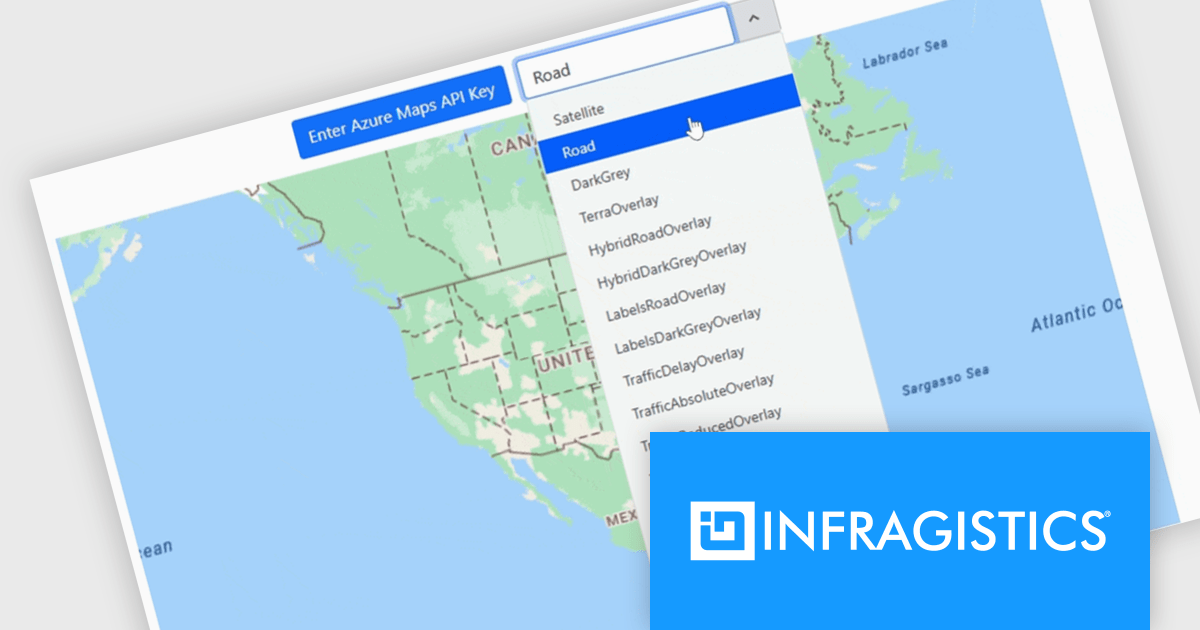
The Infragistics Ultimate UI for WPF 25.1.117 release introduces beta support for Azure Map imagery, giving developers access to rich, cloud-hosted geographic content. This enhancement allows multiple map layers to be combined, enabling more precise and interactive visualizations across various application types. Whether you're building dashboards, data exploration tools, or location-based analytics, the integration offers a flexible way to visualize spatial data while leveraging Microsoft's robust mapping services.
To see a full list of what's new in 25.1.117, see our release notes for Infragistics Ultimate UI for WPF.
Infragistics Ultimate UI for WPF is licensed per developer and is available as a Perpetual License with 1, 2 or 3 year support and maintenance subscription. See our Infragistics Ultimate UI for WPF licensing page for full details.
Infragistics Ultimate UI for WPF is available to buy in the following products:
DS Server by Text Control is a powerful document processing backend designed to integrate seamlessly into web applications, providing developers with a robust set of APIs for creating, editing, viewing, and converting documents. Built for scalability and security, DS Server allows organizations to automate document workflows within their own infrastructure or cloud environments, eliminating the need for external dependencies. With support for popular formats like DOCX, PDF, and HTML, it enables rich document capabilities while maintaining full control over data and compliance. Whether you're generating dynamic reports, creating user-editable templates, or embedding secure document viewers, DS Server delivers high-performance document services tailored to modern application needs.
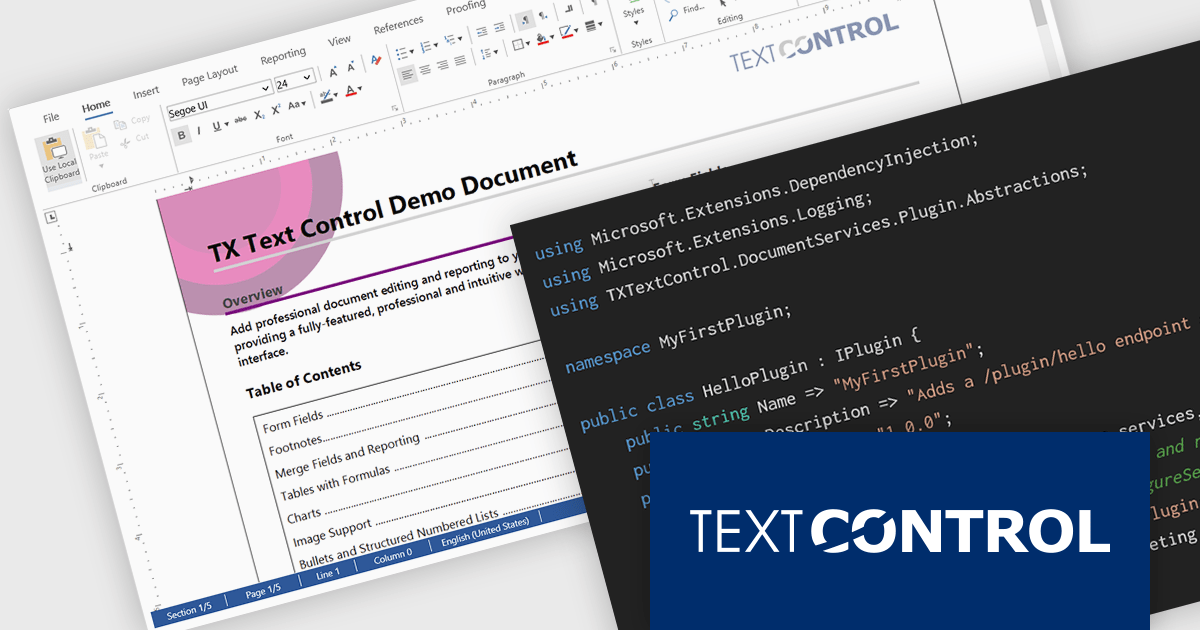
The DS Server 4.1.0 updated introduces a robust plug-in architecture that enables developers to extend the server’s core capabilities by injecting custom middleware, registering services, and integrating with APIs and the UI. Designed for easy deployment, plug-ins can be dropped into a dedicated folder and auto-loaded without altering the base system. Whether you're handling document conversion, templating, or workflow automation, the new plug-in architecture allows you to tailor DS Server’s behavior to match your application’s exact requirements.
To see a full list of what's new in version 4.1.0, see our release notes.
Text Control DS Server is licensed per server and is available as an Annual License that includes software updates. See our Text Control DS Server licensing page for full details.
For more information, visit our Text Control DS Server product page.
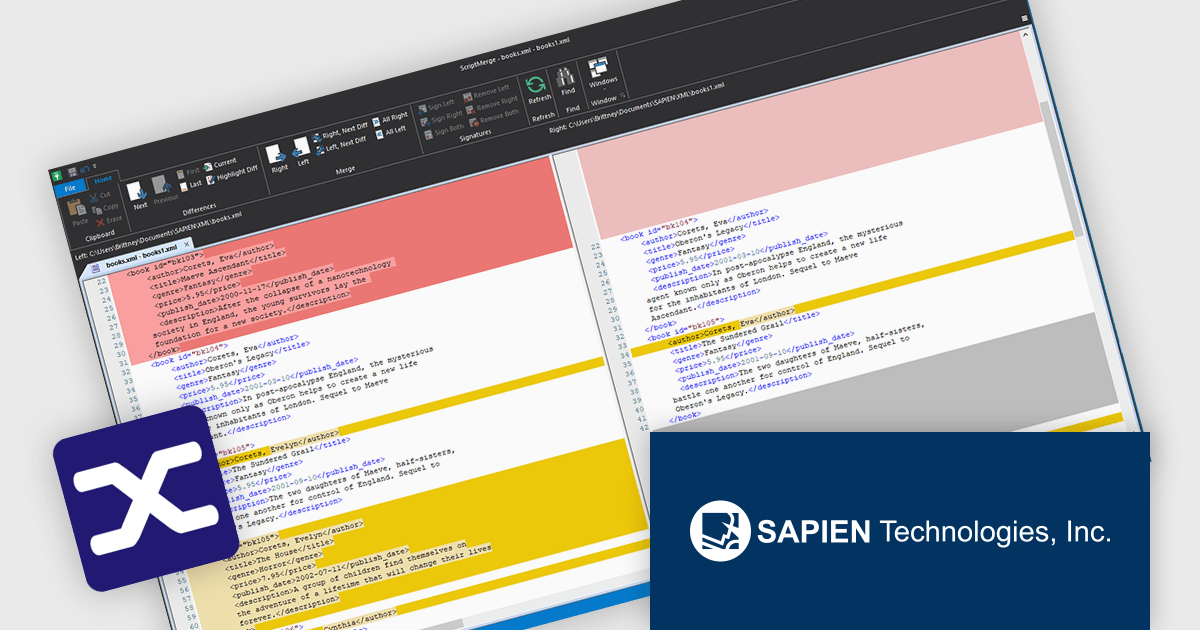
PrimalXML by SAPIEN Technologies is a powerful XML editor designed to help developers and IT professionals efficiently create, edit, and manage XML files. Users can view files as text or in an element tree, with syntax coloring that enhances readability. Built-in tools such as schema validation, stylesheet previews, bookmarking, find and replace, and attribute cloning improves everyday tasks. With advanced features like compare and merge, PrimalXML simplifies XML management, ensures accuracy, and maintains consistency across versions, making it ideal for developers, database administrators, and system integrators.
PrimalXML includes a compare and merge feature that enables developers to efficiently identify differences between XML files and consolidate changes with accuracy. This functionality improves version management by allowing side-by-side comparison, making it easier to review edits, resolve conflicts, and ensure consistency across multiple versions. By reducing the need for manual inspection and minimizing the risk of overlooked modifications, the feature improves efficiency and data integrity, helping developers maintain clean, synchronized XML structures throughout the development process.
PrimalXML is licensed per user and includes one year of product maintenance which may be renewed each year thereafter to continue to receive the latest updates. See our PrimalXML licensing page for full details.
Learn more on our PrimalXML product page.





Tel: (888) 850 9911
Fax: +1 770 250 6199


