













공식 공급 업체
200 이상의 소프트웨어 개발처와 판매 계약을 맺은 공인 디스트리뷰터로서 합법적인 라이선스를 제공합니다.
모든 브랜드 보기.
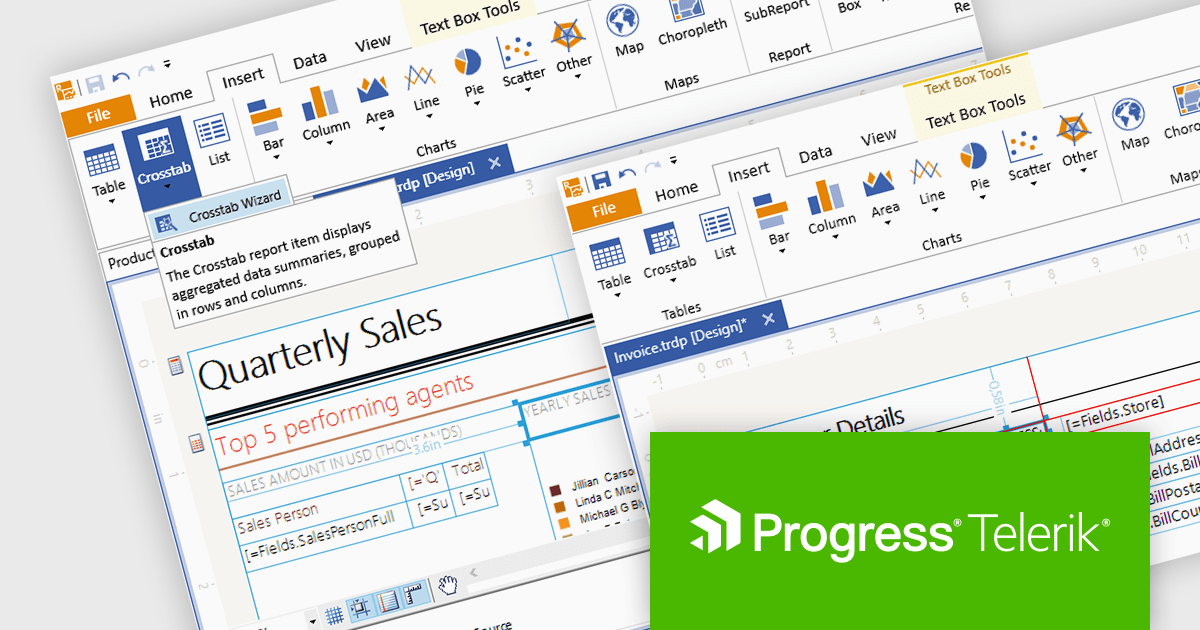
Telerik Reporting is a comprehensive and lightweight embedded reporting tool for .NET web and desktop applications. It enables developers and reporting users to create, design, and export visually appealing, interactive, and reusable reports to effectively present analytical and business data. It supports various technologies, including ASP.NET Core, Blazor, ASP.NET MVC, ASP.NET AJAX, HTML5/JS, Angular, WPF, WinForms, and WinUI.
The Telerik Reporting 2024 Q1 release updates the standalone report designer's target framework from .NET 6 to .NET 8. The designer is a desktop based WYSIWYG reporting tool for Windows, powered by Telerik's reporting engine, that enables users to generate, modify, preview, export and share reports with ease, which can now be achieved using the latest version of Microsoft's popular framework.
To see a full list of what's new in 2024 Q1, see our release notes.
Telerik Reporting is licensed per developer and is available as a perpetual license with a one year support subscription, which is offered in three tiers: Lite, Priority or Ultimate. See our Telerik Reporting licensing page for full details.
Telerik Reporting is available to buy in the following products:
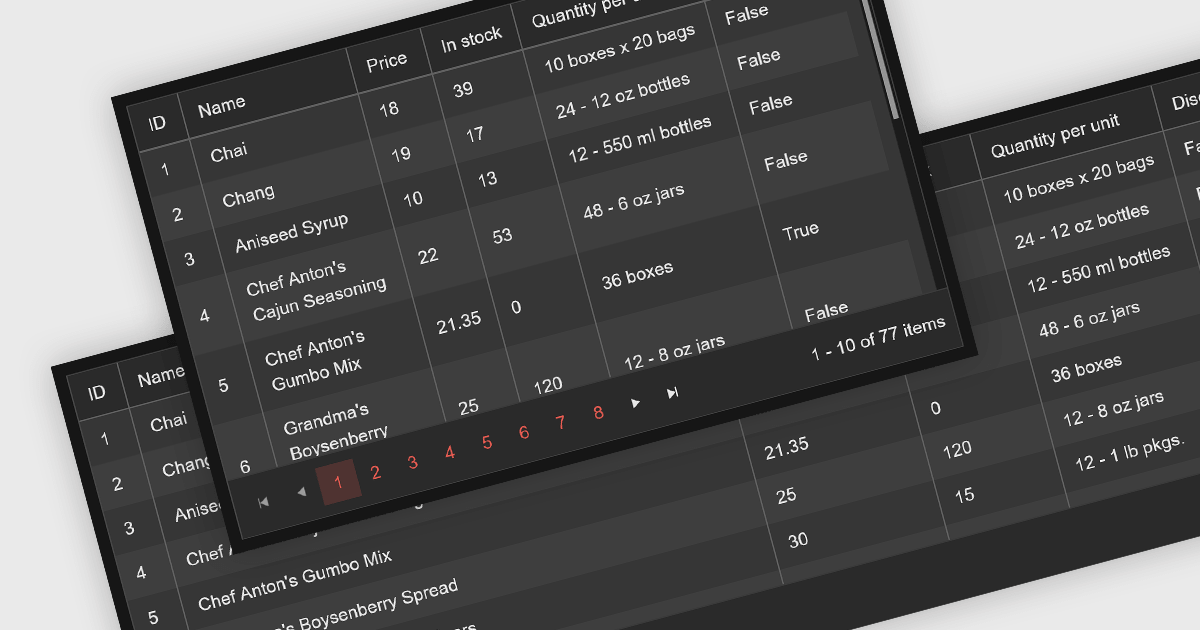
Leveraging a Blazor grid control with responsive layout empowers your application with optimal data visualization across diverse screen sizes and orientations. This enhances the user experience by ensuring seamless navigation, readability, and interaction with grid content, regardless of whether it's being accessed from a desktop computer, tablet, or mobile phone. This flexibility fosters wider accessibility, improves user engagement, and ultimately strengthens the overall value proposition of your Blazor application.
Several Blazor grid controls offer responsive layouts including:
For an in-depth analysis of features and price, visit our Blazor grid controls comparison.
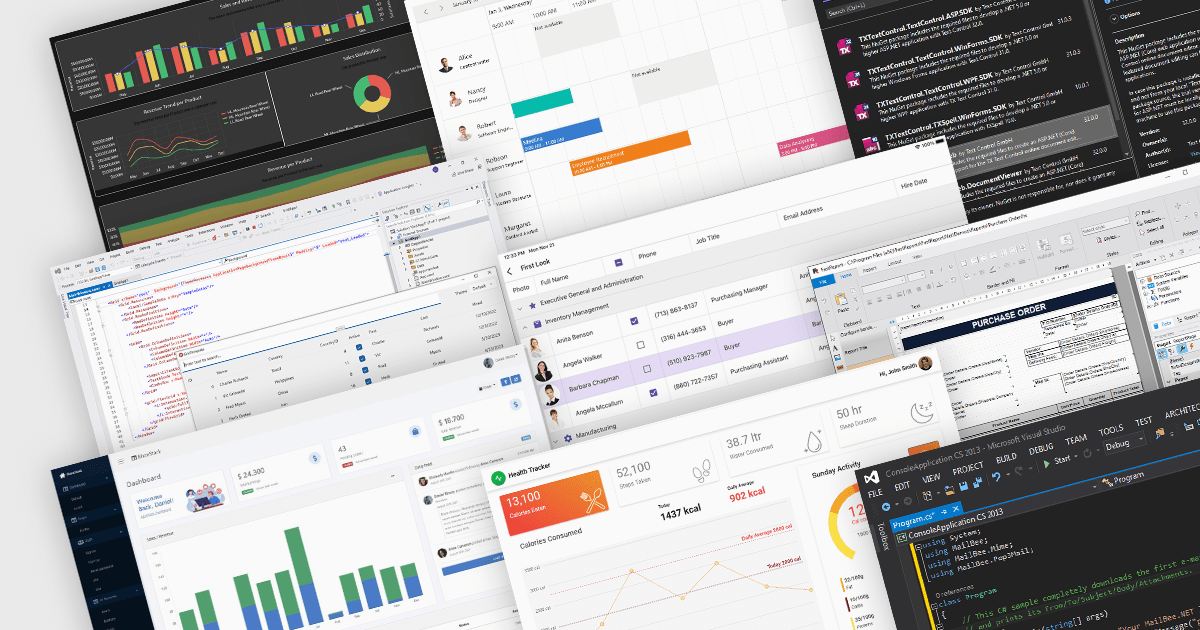
The .NET framework has become a cornerstone of the modern software ecosystem, as it provides a robust and versatile platform for developing a multitude of applications. With every new iteration, .NET brings a range of enhancements, making its adoption increasingly appealing to developers worldwide.
Launched in November 2023, .NET 8 includes a plethora of new features designed to streamline the development process and elevate the integrity of applications. This major release represents a significant step forward, embracing modern development paradigms and equipping software engineers with cutting-edge tools. From the adoption of more efficient methodologies like minimal APIs and Blazor, to profound under-the-hood changes, .NET 8 caters to the current and future needs of developers.
At ComponentSource, we've seen a surge in .NET 8 adoption, with numerous publishers updating their products to ensure compatibility with the new framework, including DevExpress, MESCIUS, Text Control, /n software, Aspose, and Telerik. We've added .NET 8 comparisons for many of our most popular categories, so you can easily compare products that support the latest release. See our Product Comparison page for more information.
The rapid adoption of .NET 8 is a testament to its innovative features and performance improvements. As more developers embrace this powerful framework, the demand for compatible components and libraries is surging. At ComponentSource, we're committed to providing you with the widest selection of .NET 8-ready solutions to fuel your development projects. Explore our extensive catalog of .NET compatible products today and discover the perfect tools to empower your applications.
TX Text Control .NET is a royalty-free, fully programmable document editor that empowers developers to add rich WYSIWYG word processing to desktop and web applications across various platforms. From Windows Forms and WPF for native apps to ASP.NET for web-based solutions, it provides everything from comprehensive text formatting and mail merge to PDF creation and processing, all through a robust API and intuitive user interface.
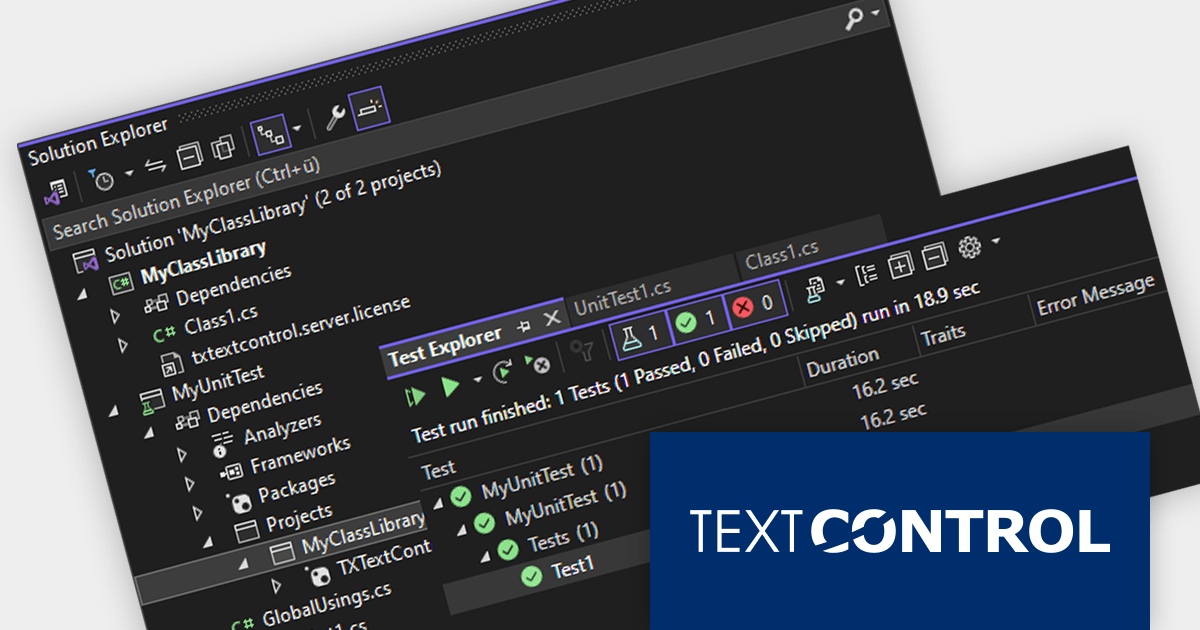
The TX Text Control .NET Version 32.0 Service Pack 2 release adds support for unit testing. You can now test your TX Text Control based software using NUnit, MSTest, or other testing frameworks. Unit tests help to ensure that code is well-written and well-structured, and leads to more modular and maintainable code.
To see a full list of what's new in version 32.0 Service Pack 2, see our release notes:
TX Text Control .NET for Windows Forms and TX Text Control .NET for WPF are licensed per developer and are available as a Perpetual License with a 12 month support and maintenance subscription. See our TX Text Control .NET for Windows Forms licensing page or TX Text Control .NET for WPF licensing page for full details.
TX Text Control .NET Server for ASP.NET is licensed per developer and is available as a Perpetual License with a 12 month support and maintenance subscription. Run time licenses are required for the deployment to production servers. See our TX Text Control .NET Server for ASP.NET licensing page for full details.
For more information, visit our product pages:
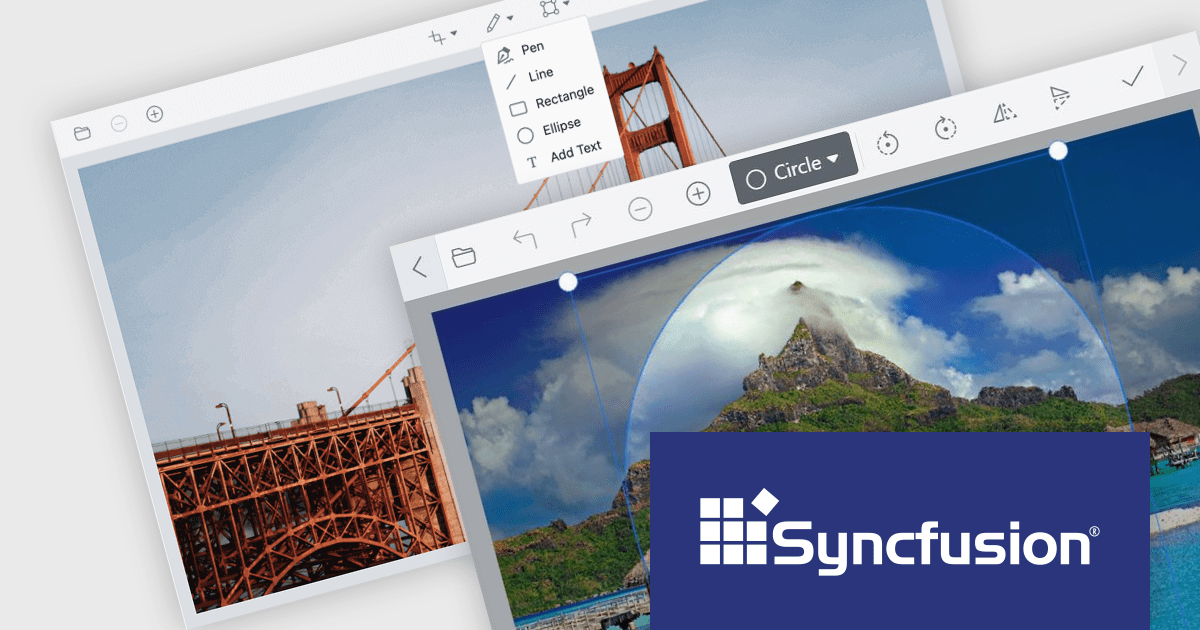
Syncfusion Essential Studio for Blazor (available as part of Syncfusion Essential Studio Enterprise) is a comprehensive UI component library designed to accelerate the development of high-performance, modern web applications using the Blazor framework. It boasts over 85+ responsive, lightweight, and modular components spanning various categories like data visualization, data editing, document processing, and interactive UI elements. This rich repertoire empowers developers to rapidly build user-friendly, feature-rich web interfaces, all with the advantage of seamless integration with both server-side and client-side Blazor applications.
Version 2023 Volume 4 (24.1.41) introduces the production-ready Blazor Image Editor component which allows you to crop, rotate, flip, zoom, and apply filters to your images. You can also add annotations like text, freehand drawings, shapes, and even other images. The Image Editor is designed for ease of use, with a drag-and-drop interface and a customizable toolbar that lets you tailor the editing experience to your specific needs. Additionally, it supports exporting images in various formats, including PNG, JPEG, and SVG, ensuring compatibility with your chosen workflow. The Blazor Image Editor is a valuable asset for any developer looking to add rich image editing capabilities to their Blazor applications.
To see a full list of what's new in version 2023 Volume 4 (24.1.41), see our release notes.
Syncfusion Essential Studio Blazor is available as part of Syncfusion Essential Studio Enterprise which is licensed per developer starting with a Team License of up to five developers. It is available as a 12 Month Timed Subscription License which includes support and maintenance. See our Syncfusion Essential Studio Enterprise licensing page for full details.
For more information, visit our Syncfusion Essential Studio Blazor product page.
전화 : 00798 14 800 6332
팩스 : +1 770 250 6199


