













공식 공급 업체
200 이상의 소프트웨어 개발처와 판매 계약을 맺은 공인 디스트리뷰터로서 합법적인 라이선스를 제공합니다.
모든 브랜드 보기.
The .NET framework has become a cornerstone of the modern software ecosystem, as it provides a robust and versatile platform for developing a multitude of applications. With every new iteration, .NET brings a range of enhancements, making its adoption increasingly appealing to developers worldwide.
Launched in November 2023, .NET 8 includes a plethora of new features designed to streamline the development process and elevate the integrity of applications. This major release represents a significant step forward, embracing modern development paradigms and equipping software engineers with cutting-edge tools. From the adoption of more efficient methodologies like minimal APIs and Blazor, to profound under-the-hood changes, .NET 8 caters to the current and future needs of developers.
At ComponentSource, we've seen a surge in .NET 8 adoption, with numerous publishers updating their products to ensure compatibility with the new framework, including DevExpress, MESCIUS, Text Control, /n software, Aspose, and Telerik. We've added .NET 8 comparisons for many of our most popular categories, so you can easily compare products that support the latest release. See our Product Comparison page for more information.
The rapid adoption of .NET 8 is a testament to its innovative features and performance improvements. As more developers embrace this powerful framework, the demand for compatible components and libraries is surging. At ComponentSource, we're committed to providing you with the widest selection of .NET 8-ready solutions to fuel your development projects. Explore our extensive catalog of .NET compatible products today and discover the perfect tools to empower your applications.
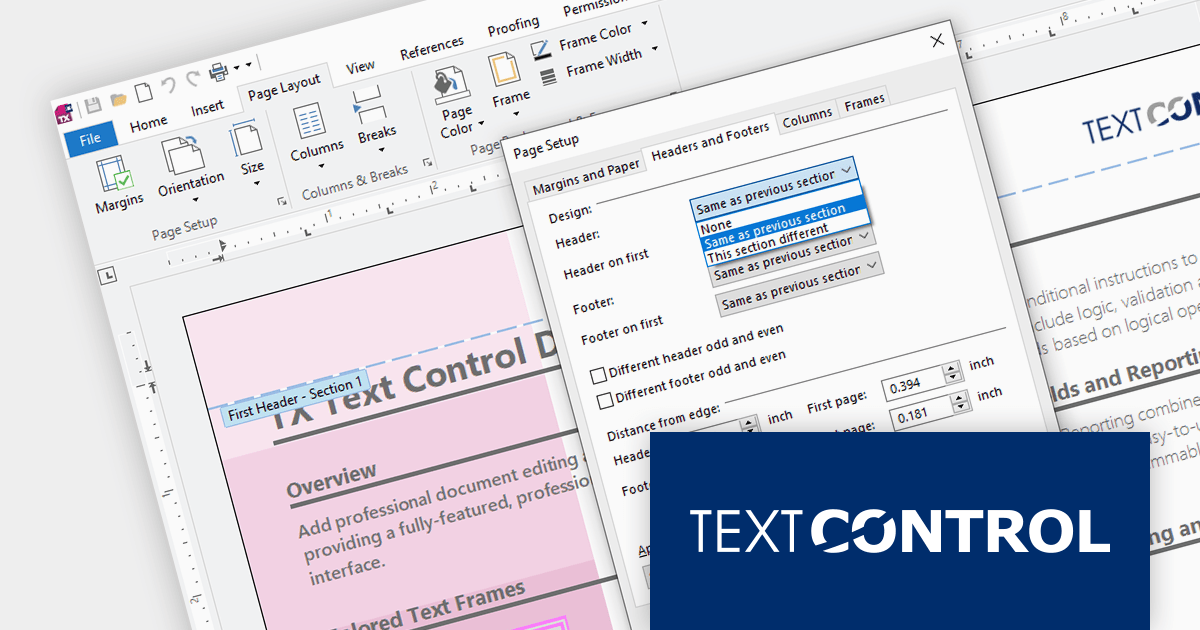
TX Text Control .NET is a royalty-free, fully programmable document editor that empowers developers to add rich WYSIWYG word processing to desktop and web applications across various platforms. It provides everything from comprehensive text formatting and mail merge to PDF creation and processing, all through a robust API and intuitive user interface.
The TX Text Control .NET for Windows Forms and WPF Version 32.0 Service Pack 2 adds support for .NET 8, allowing developers to build word processing applications with the new version of Microsoft's popular framework. Text Control's benchmark tests demonstrate .NET 8's clear advantage over .NET 6 in terms of resource utilization and document processing speed.
To see a full list of what's new in version 32.0 Service Pack 2, see our release notes:
TX Text Control .NET for Windows Forms and TX Text Control .NET for WPF are licensed per developer and are available as a Perpetual License with a 12 month support and maintenance subscription. Subscription renewals are also available. See our TX Text Control .NET for Windows Forms licensing page or TX Text Control .NET for WPF licensing page for full details.
For more information, visit our product pages:
Syncfusion Essential Studio WPF, available as part of Syncfusion Essential Studio Enterprise, is a powerful suite of over 95 UI controls, 50+ charts, and document processing libraries designed to boost the development of high-performance line-of-business applications for the Windows Presentation Foundation (WPF) framework. With built-in themes, touch-friendly interfaces, and seamless Visual Studio integration, it empowers developers to craft modern, feature-rich, and cross-platform experiences with ease.
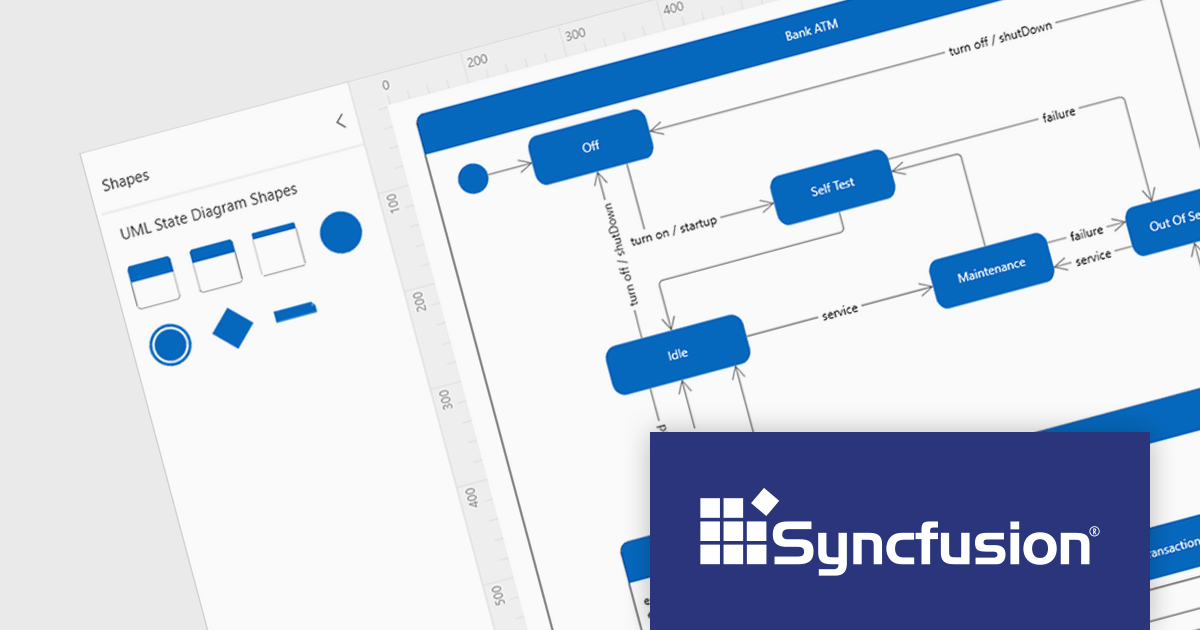
Version 2023 Volume 4 (24.1.41) adds the ability to create UML (Unified Modeling Language) state diagrams both programmatically and interactively using built-in UML state diagram symbols. This allows you to code your diagrams for robust automation and maintainability, or visually design intricate logic with built-in symbols. UML state diagrams visually depict the dynamic behavior of an object or system, focusing on the finite states it can occupy and the events that trigger transitions between them. These diagrams showcase the system's life cycle, highlighting valid sequences of events and ensuring predictable responses.
To see a full list of what's new in version 2023 Volume 4 (24.1.41), see our release notes.
Syncfusion Essential Studio WPF is available as part of Syncfusion Essential Studio Enterprise which is licensed per developer starting with a Team License of up to five developers. It is available as a 12 Month Timed Subscription License which includes support and maintenance. See our Syncfusion Essential Studio Enterprise licensing page for full details.
For more information, visit our Syncfusion Essential Studio WPF product page.
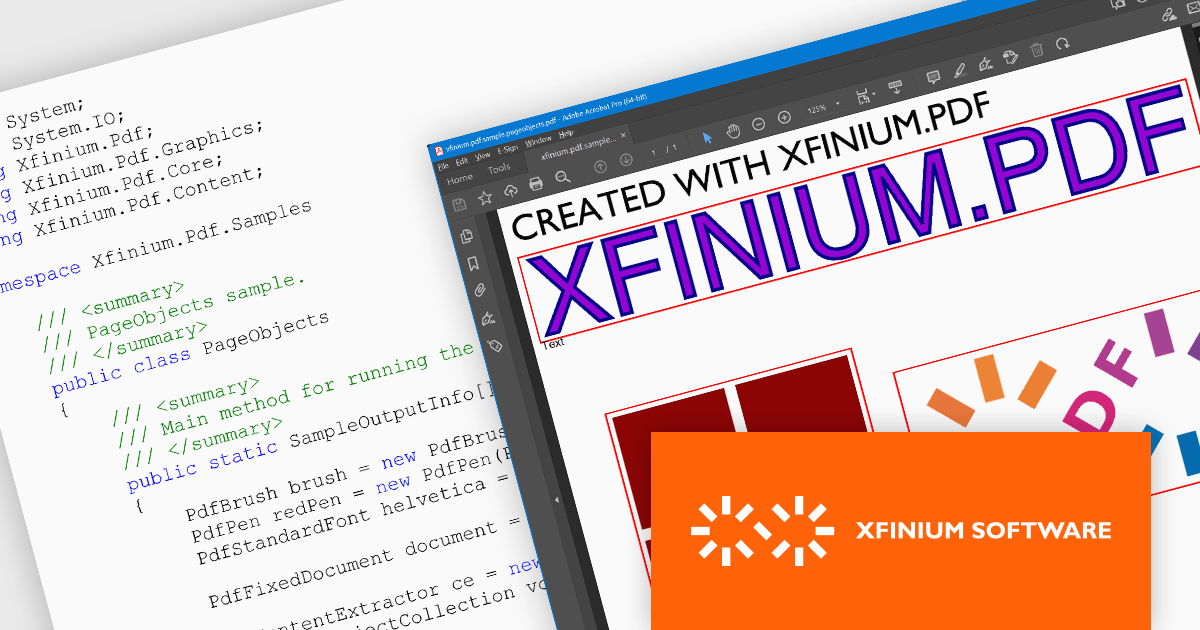
XFINIUM.PDF CROSS-PLATFORM BUNDLE is a software development library that lets you write PDF applications once and run them natively on multiple platforms, including .NET, Windows Forms, and Xamarin. This eliminates the need for separate codebases for each platform, saving you time and effort while ensuring consistent functionality across devices.
The XFINIUM.PDF CROSS-PLATFORM BUNDLE V12.2.2 release adds support for .NET 8. This allows developers to enjoy the performance boosts, enhanced cross-platform compatibility, and new APIs in the latest version of Microsoft's popular development framework.
To see a full list of what's new in version 12.2.2, see our release notes.
XFINIUM.PDF CROSS-PLATFORM BUNDLE is licensed per developer and is run-time royalty free. All licenses include a 12 month subscription which provides all major and minor product updates and technical support.
See our XFINIUM.PDF CROSS-PLATFORM BUNDLE licensing page for full details.
For more information, visit our XFINIUM.PDF CROSS-PLATFORM BUNDLE product page.
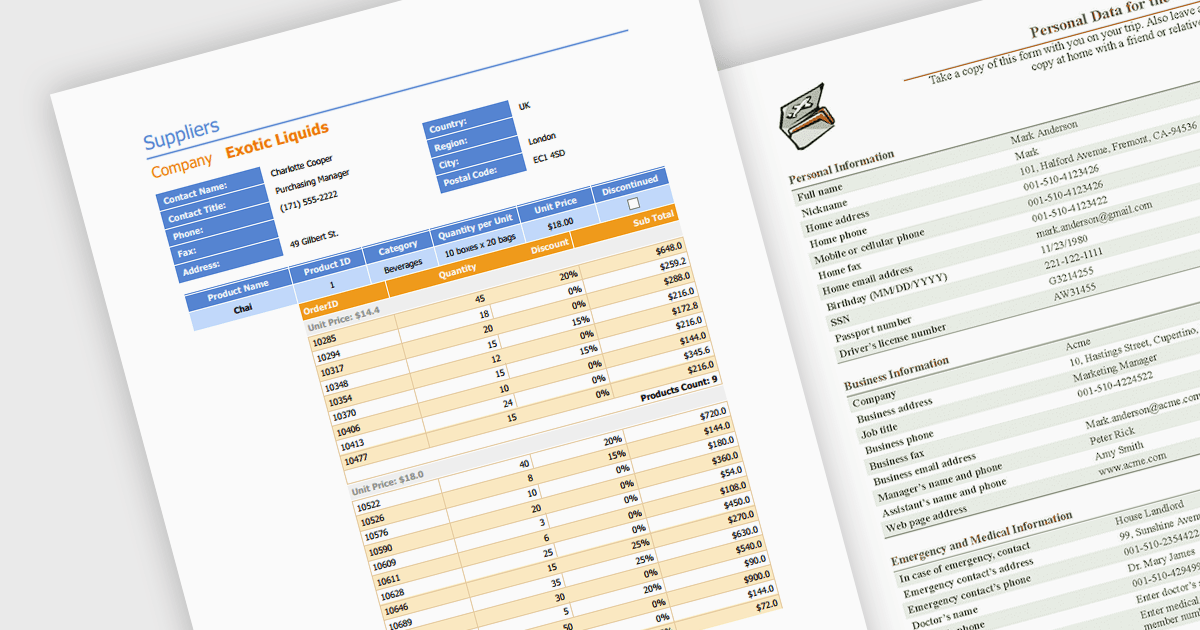
Editing PDFs programmatically allows developers to transcend manual manipulation and embrace code-driven control. By leveraging dedicated libraries and C#, applications can now extract data, update content, and dynamically generate complex documents, all without user intervention. This unlocks profound efficiency gains, automates repetitive tasks, and empowers developers to integrate sophisticated document automation directly into their .NET workflows.
Several .NET components support programmatic editing of PDFs including:
For an in-depth analysis of features and price, visit our .NET PDF Components comparison.
전화 : 00798 14 800 6332
팩스 : +1 770 250 6199


