













공식 공급 업체
200 이상의 소프트웨어 개발처와 판매 계약을 맺은 공인 디스트리뷰터로서 합법적인 라이선스를 제공합니다.
모든 브랜드 보기.
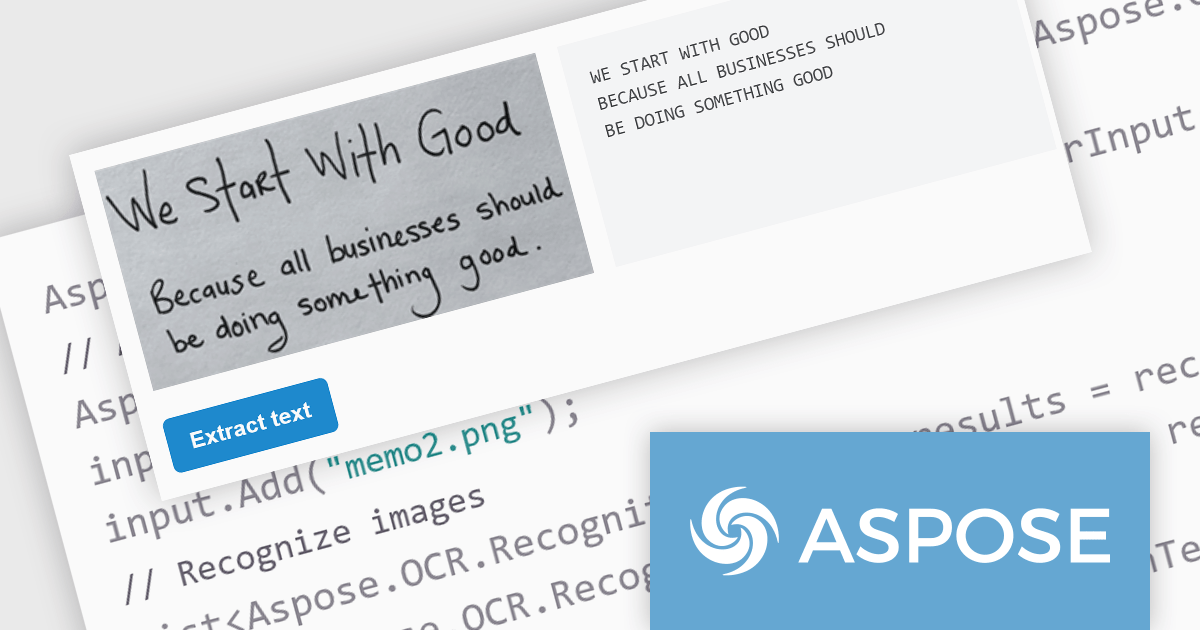
Aspose.OCR for .NET empowers developers with a robust, API-driven optical character recognition (OCR) solution for their .NET applications. It seamlessly extracts machine-readable text from diverse image formats, including scans, photos, and PDFs, across 28 languages. Boasting superior speed and accuracy, even with tilted or noisy images, it eliminates the need for complex algorithm expertise, allowing developers to focus on application logic and value creation.
The 23.12.1 release of Aspose.OCR for .NET adds the ability to recognize handwritten text. Beyond simply recognizing text from images, it empowers users to digitize historical records, streamline document archiving, analyze customer feedback, and parse employee records—all while accurately interpreting handwritten input. This cutting-edge solution fosters new levels of efficiency and insight, transforming the way we interact with written information.
To see a full list of what's new in version 23.12.1, see our release notes.
Aspose.OCR for .NET is offered as Developer Small Business, Developer OEM, Site Small Business, and Site OEM licenses, catering to a range of business needs. Licenses are perpetual, and include 1 year of support and maintenance. Subscription renewals are also available. See our Aspose.OCR for .NET licensing page for full details.
For more information, visit our Aspose.OCR for .NET product page.
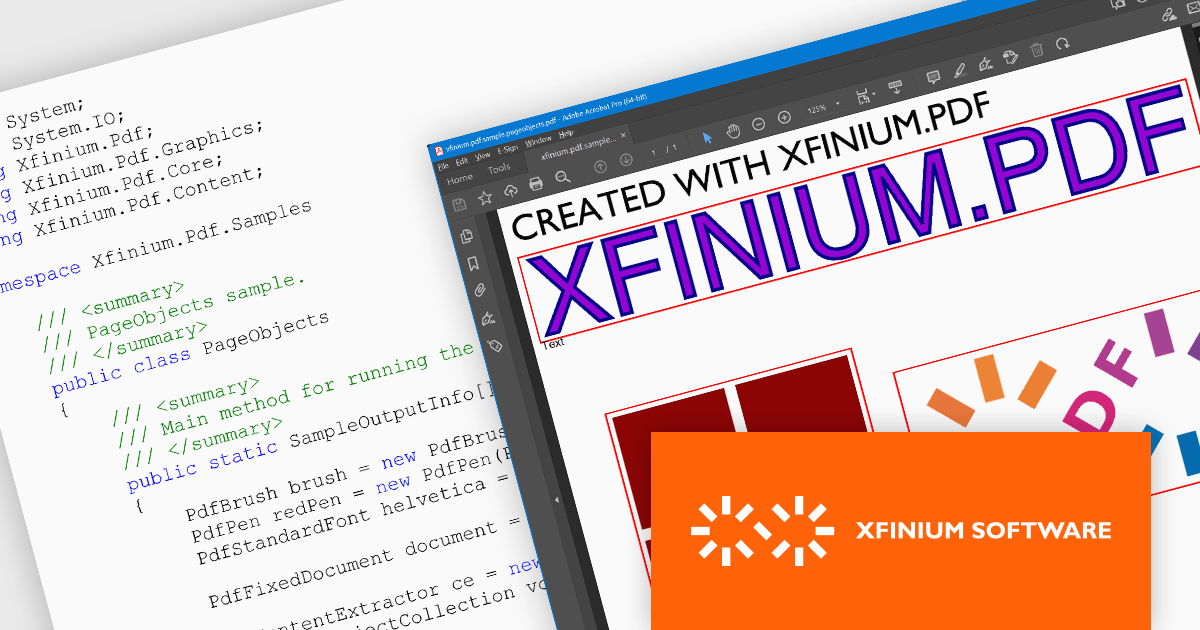
XFINIUM.PDF CROSS-PLATFORM BUNDLE is a software development library that lets you write PDF applications once and run them natively on multiple platforms, including .NET, Windows Forms, and Xamarin. This eliminates the need for separate codebases for each platform, saving you time and effort while ensuring consistent functionality across devices.
The XFINIUM.PDF CROSS-PLATFORM BUNDLE V12.2.2 release adds support for .NET 8. This allows developers to enjoy the performance boosts, enhanced cross-platform compatibility, and new APIs in the latest version of Microsoft's popular development framework.
To see a full list of what's new in version 12.2.2, see our release notes.
XFINIUM.PDF CROSS-PLATFORM BUNDLE is licensed per developer and is run-time royalty free. All licenses include a 12 month subscription which provides all major and minor product updates and technical support.
See our XFINIUM.PDF CROSS-PLATFORM BUNDLE licensing page for full details.
For more information, visit our XFINIUM.PDF CROSS-PLATFORM BUNDLE product page.
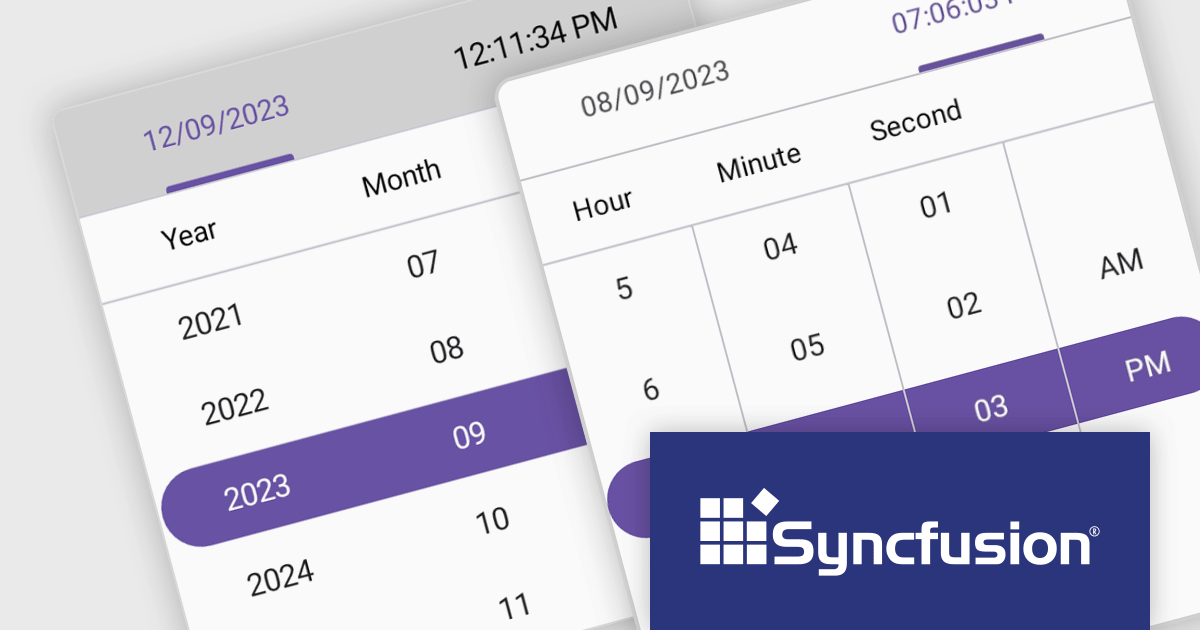
Syncfusion Essential Studio .NET MAUI, available as part of Syncfusion Essential Studio Enterprise, empowers developers with a comprehensive suite of native UI controls, data visualization tools, and performance optimizations for building modern, cross-platform mobile and desktop applications. This professional-grade toolkit leverages the power of C# and XAML, enabling rapid development of stunning and responsive experiences across diverse platforms.
The Syncfusion Essential Studio .NET MAUI 2023 Volume 4 (24.1.41) release adds a new Date Time Picker component. This lets users effortlessly select dates, times, or both, and boasts impressive features like different picker modes (inline, popup, and relative), extensive date and time formatting options, minimum and maximum date restrictions, and granular customization of headers, columns, footers, and selection views. This versatile tool helps you build intuitive and visually appealing UIs for capturing date and time data with ease.
To see a full list of what's new in version 2023 Volume 4 (24.1.41), see our release notes.
Syncfusion Essential Studio .NET MAUI is available as part of Syncfusion Essential Studio Enterprise which is licensed per developer starting with a Team License of up to five developers. It is available as a 12 Month Timed Subscription License which includes support and maintenance. See our Syncfusion Essential Studio Enterprise licensing page for full details.
For more information, visit our Syncfusion Essential Studio .NET MAUI product page.
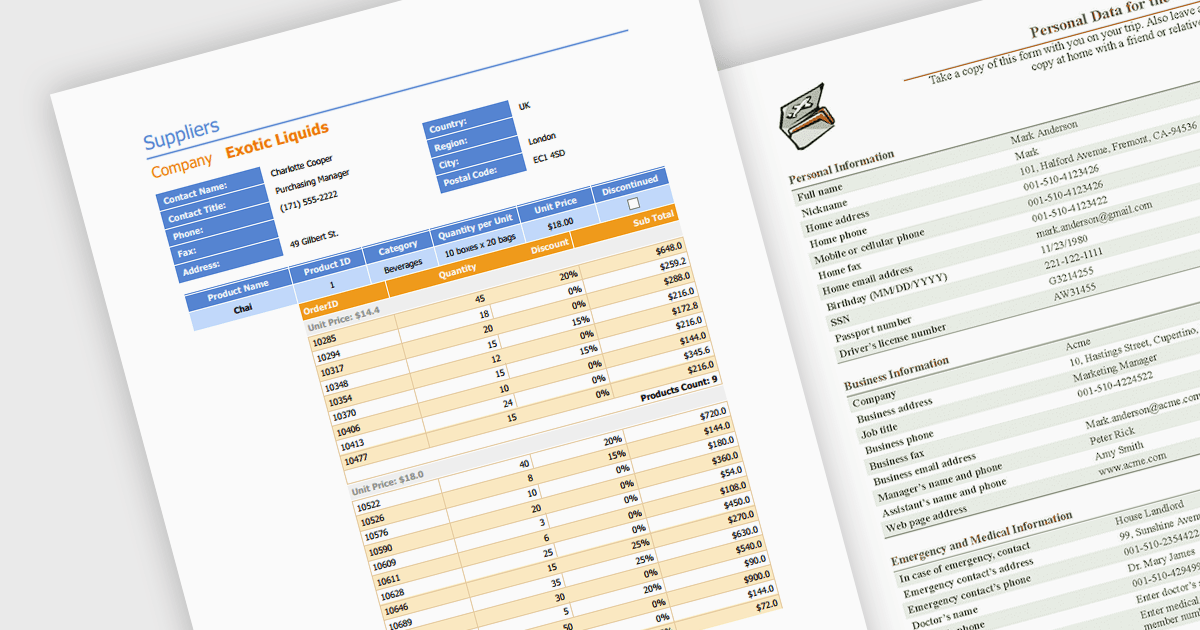
Editing PDFs programmatically allows developers to transcend manual manipulation and embrace code-driven control. By leveraging dedicated libraries and C#, applications can now extract data, update content, and dynamically generate complex documents, all without user intervention. This unlocks profound efficiency gains, automates repetitive tasks, and empowers developers to integrate sophisticated document automation directly into their .NET workflows.
Several .NET components support programmatic editing of PDFs including:
For an in-depth analysis of features and price, visit our .NET PDF Components comparison.
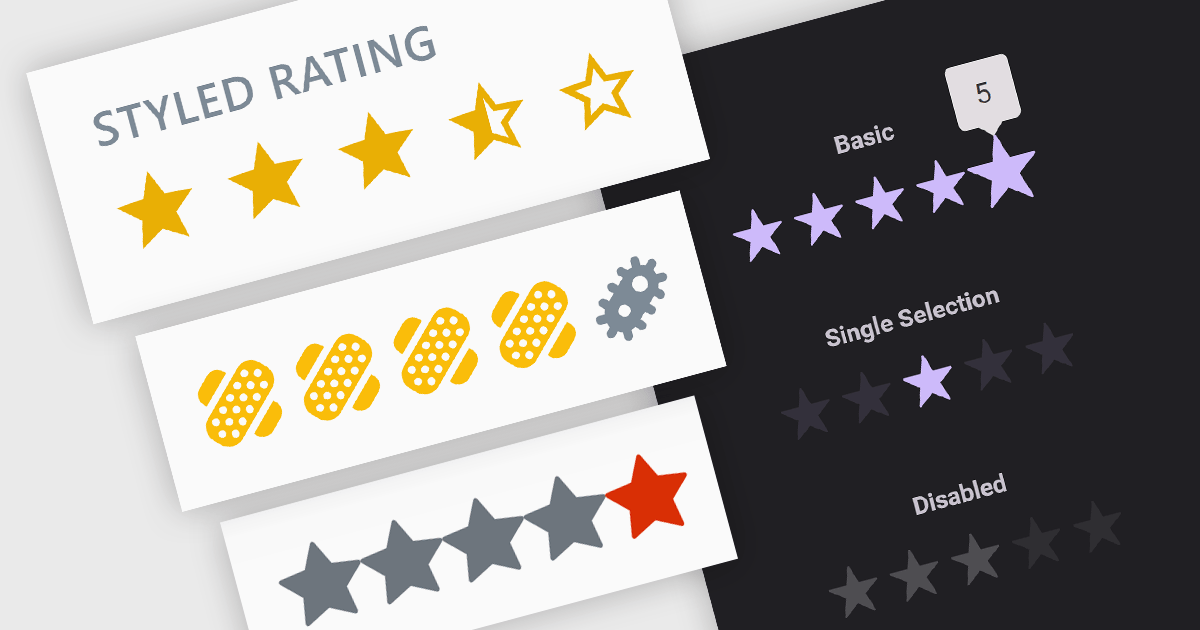
Rating controls are interactive tools used to measure user satisfaction with content, services, or specific features. They allow users to visually convey their opinions through scales, stars, or other predefined metrics. These systems often display average ratings alongside individual selections, providing valuable insights for improvement and personalized user experiences. Rating controls serve as a bridge between users and creators, fostering dialogue and informing data-driven decisions.
Several Blazor data editor collections provide rating controls including:
For an in-depth analysis of features and price, visit our Blazor Data Editors comparison.
전화 : 00798 14 800 6332
팩스 : +1 770 250 6199


