













공식 공급 업체
200 이상의 소프트웨어 개발처와 판매 계약을 맺은 공인 디스트리뷰터로서 합법적인 라이선스를 제공합니다.
모든 브랜드 보기.

LightningChart .NET is a 2D and 3D data visualization SDK empowering developers with high-performance and flexibility. Boasting over 100 chart types, advanced technical indicators, and real-time rendering capabilities, it handles demanding scientific, financial, and engineering challenges, while its rich API and comprehensive support equip developers to craft informative and interactive dashboards.
The LightningChart .NET v10.5.1.1 release adds support for .NET 8, allowing developers to integrate advanced charts and graphs into their data visualization applications in the latest release of Microsoft's widely popular .NET ecosystem.
To see a full list of what's new in LightningChart .NET, see our release notes.
LightningChart .NET is licensed per developer and is available as a subscription, perpetual, floating, or site license with options for 1 or 2 years of support and upgrades. See our LightningChart .NET licensing page for full details.
For more information, see our LightningChart .NET product page.
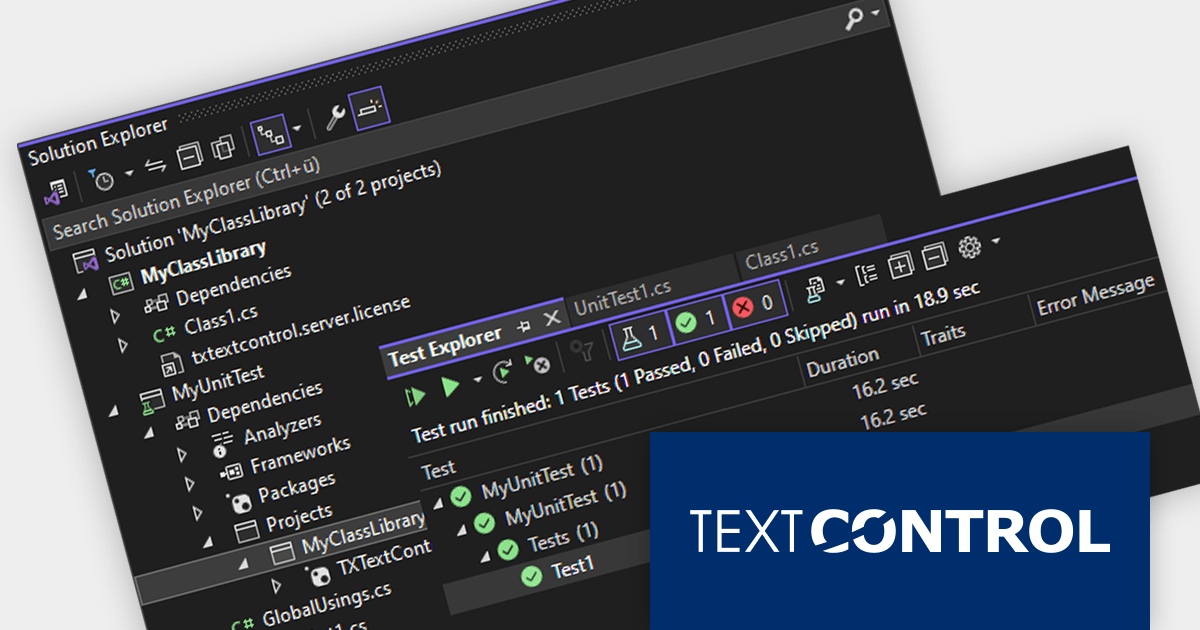
TX Text Control .NET is a royalty-free, fully programmable document editor that empowers developers to add rich WYSIWYG word processing to desktop and web applications across various platforms. From Windows Forms and WPF for native apps to ASP.NET for web-based solutions, it provides everything from comprehensive text formatting and mail merge to PDF creation and processing, all through a robust API and intuitive user interface.
The TX Text Control .NET Version 32.0 Service Pack 2 release adds support for unit testing. You can now test your TX Text Control based software using NUnit, MSTest, or other testing frameworks. Unit tests help to ensure that code is well-written and well-structured, and leads to more modular and maintainable code.
To see a full list of what's new in version 32.0 Service Pack 2, see our release notes:
TX Text Control .NET for Windows Forms and TX Text Control .NET for WPF are licensed per developer and are available as a Perpetual License with a 12 month support and maintenance subscription. See our TX Text Control .NET for Windows Forms licensing page or TX Text Control .NET for WPF licensing page for full details.
TX Text Control .NET Server for ASP.NET is licensed per developer and is available as a Perpetual License with a 12 month support and maintenance subscription. Run time licenses are required for the deployment to production servers. See our TX Text Control .NET Server for ASP.NET licensing page for full details.
For more information, visit our product pages:
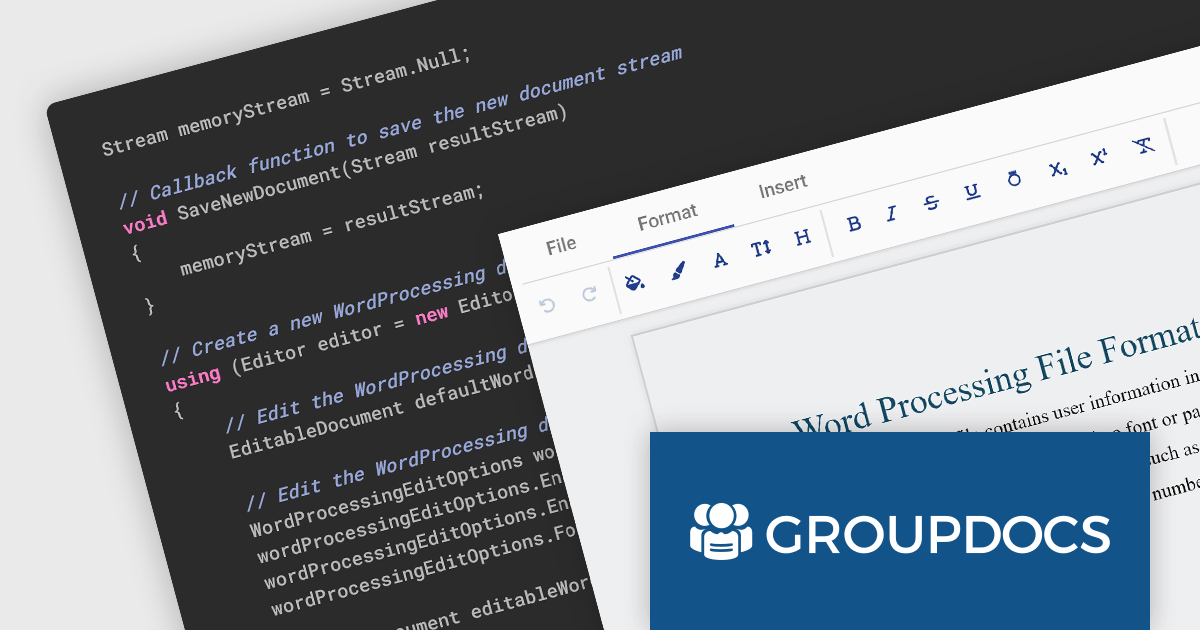
GroupDocs.Editor for .NET is an on-premise document editing API designed for .NET developers. It empowers the creation of applications that can edit popular document formats like Word, Excel, PowerPoint, TXT, HTML, and XML through any external WYSIWYG editor. This integration-friendly approach allows you to leverage existing UI expertise while benefiting from GroupDocs.Editor's robust document rendering and manipulation capabilities. Key features include accurate conversion between formats, protection options, paginated editing, and resource management. Whether you're building web or desktop applications, GroupDocs.Editor for .NET offers a powerful and flexible solution for document editing needs.
The V23.12 release adds the ability to create new word processing, spreadsheet and presentation documents. This empowers developers to build all-in-one document editing and authoring apps, eliminating the need for external software and streamlining workflows. Users can seamlessly draft text, build spreadsheets, and design presentations within a single interface, fostering greater creativity and reducing reliance on disparate tools.
To see a full list of what's new in GroupDocs.Editor for .NET 23.12, see our release notes.
GroupDocs.Editor for .NET is offered as Developer Small Business, Developer OEM, Site Small Business, and Site OEM licenses, catering to a range of business needs. Licenses are perpetual, and include 1 year of support and maintenance. Subscription renewals are also available. For full details see our GroupDocs.Editor for .NET licensing page.
GroupDocs.Editor for .NET is available to buy in the following products:
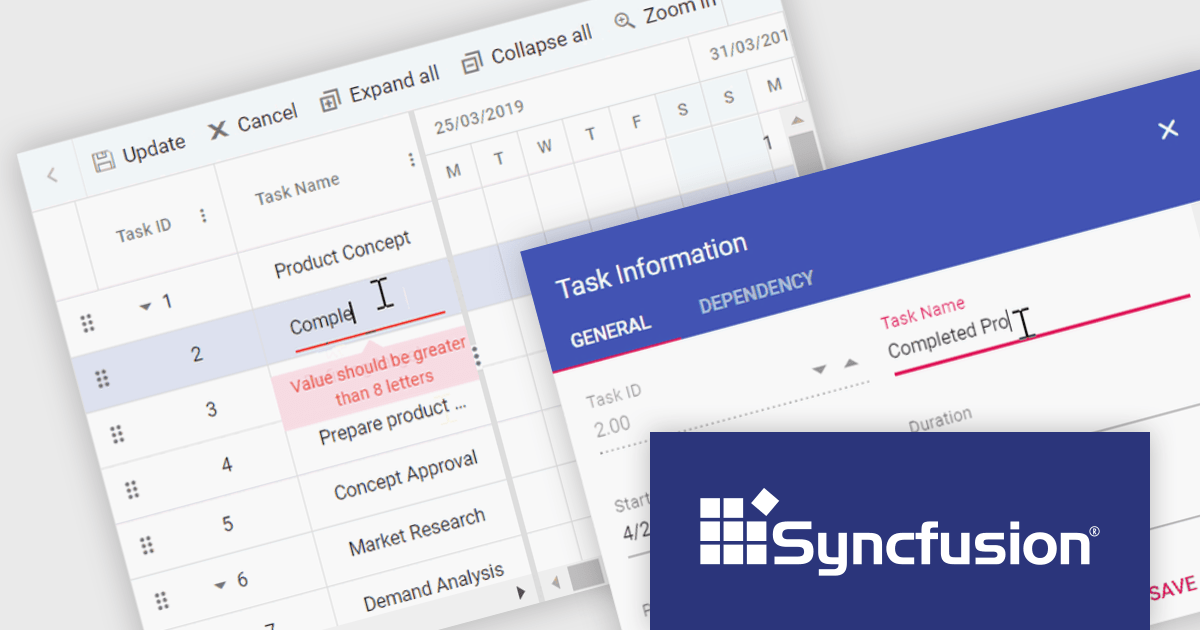
Syncfusion Essential Studio ASP.NET Core, available as part of Syncfusion Essential Studio Enterprise, empowers developers with a comprehensive suite of over 80 enterprise-grade UI components specifically designed for building modern and highly functional web applications. Leveraging the latest advancements in ASP.NET Core, it offers exceptional performance and scalability, streamlining development by eliminating the need for extensive custom coding. From data visualization tools like interactive charts and grids to sophisticated navigation elements and responsive layouts, Essential Studio equips developers with the building blocks to create rich user experiences, improve application efficiency, and accelerate time-to-market.
The Syncfusion Essential Studio ASP.NET Core 2023 Volume 4 (24.1.41) release adds the ability to check validity of Gantt chart data and display error messages for any invalid fields before data is saved. This allows you to eliminate inconsistencies, invalid entries, and misinterpretations, ensuring data integrity and facilitating seamless collaboration.
To see a full list of what's new in version 2023 Volume 4 (24.1.41), see our release notes.
Syncfusion Essential Studio ASP.NET Core is available as part of Syncfusion Essential Studio Enterprise which is licensed per developer starting with a Team License of up to five developers. It is available as a 12 Month Timed Subscription License which includes support and maintenance. See our Syncfusion Essential Studio Enterprise licensing page for full details.
For more information, visit our Syncfusion Essential Studio ASP.NET Core product page.
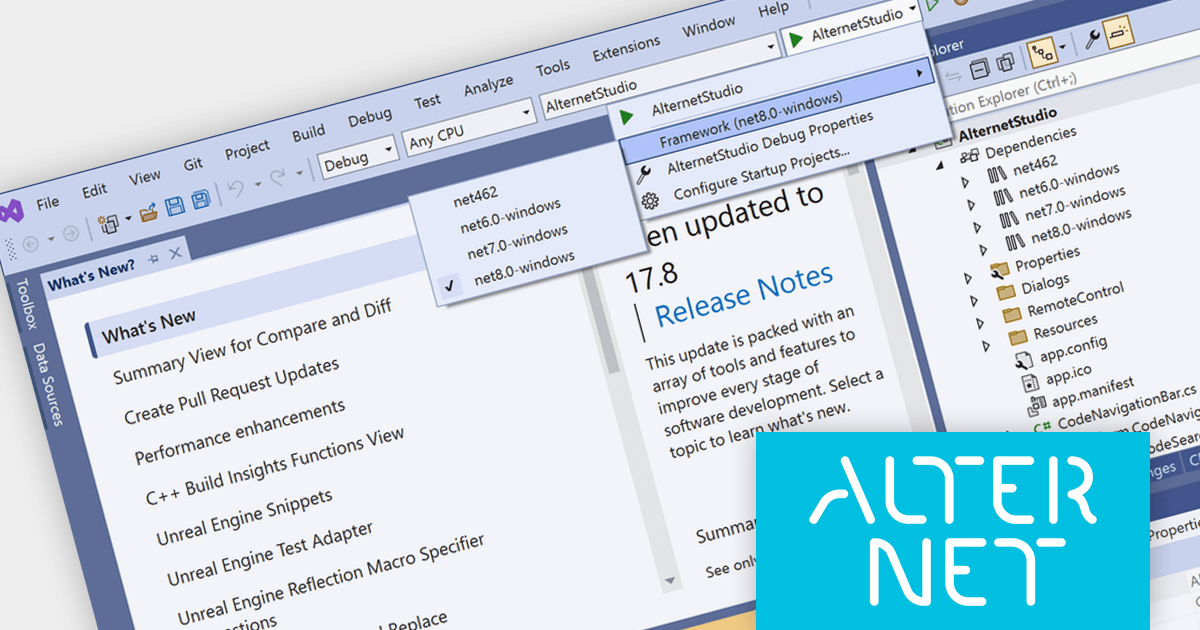
AlterNET Studio provides a set of component libraries that enables users of your applications to write scripts in C#, Visual Basic, TypeScript, JavaScript and Python programming languages to extend your application with custom functionality; run and debug these scripts with a fully-featured debugging engine and design visual user interfaces with the graphical Form Designer.
The AlterNET Studio 9.5 release adds support for Microsoft .NET 8, allowing developers to enjoy the performance boosts, enhanced cross-platform compatibility, and new APIs in the latest version of Microsoft's popular development framework. All AlterNET Studio core libraries, NuGet packages, and demo projects have been updated to support .NET 8.
To see a full list of what's new in version 9.5, see our release notes.
AlterNET Studio is licensed per developer and is Run-time royalty free. Licenses are perpetual and include a subscription providing software updates for 12 months, which can be renewed in order to continue receiving updates. Site and OEM License options are also available. See our AlterNET Studio licensing page for full details.
For more information, visit our AlterNET Studio product page.
전화 : 00798 14 800 6332
팩스 : +1 770 250 6199


