













공식 공급 업체
200 이상의 소프트웨어 개발처와 판매 계약을 맺은 공인 디스트리뷰터로서 합법적인 라이선스를 제공합니다.
모든 브랜드 보기.
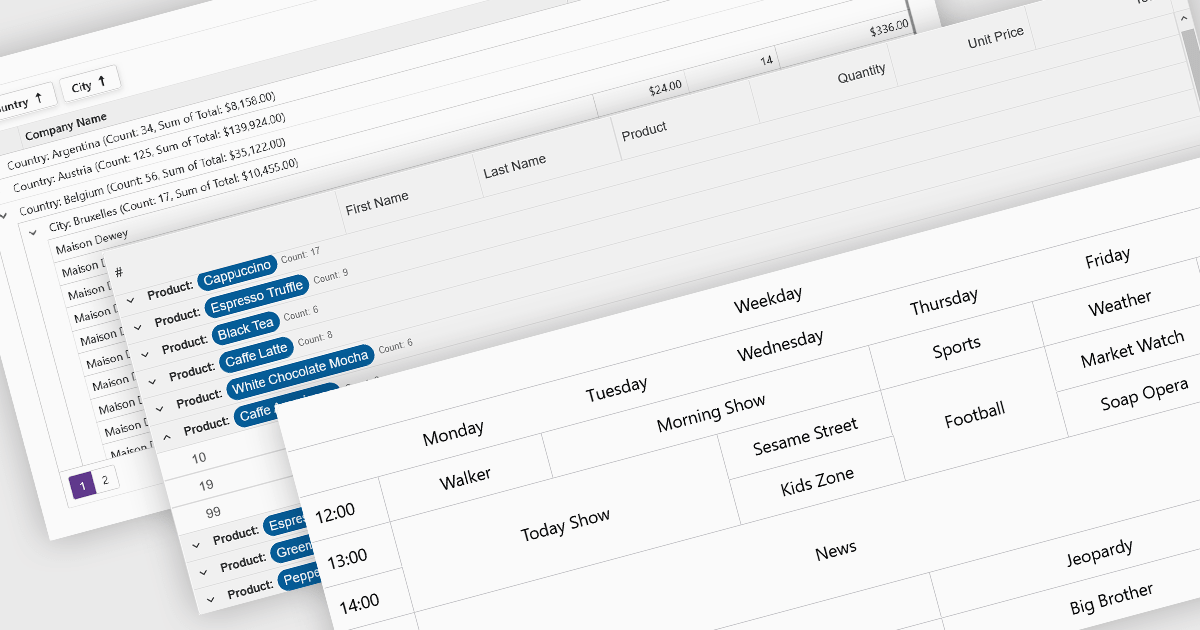
Data visualization and analysis features in grid components transform raw tabular data into structured, interpretable formats that support faster insights and decision-making. These features go beyond static display, offering dynamic ways to organize, summarize, and explore data directly within the grid interface, making it a powerful tool for both end-users and analysts.
Common features include:
For an in-depth analysis of features and price, visit our Blazor grid components comparison.

Rating controls in data editors provide a visually intuitive and standardized method for capturing subjective assessments. Users can interact with visual scales like stars, sliders, or thumbs to express opinions or evaluations on a predefined spectrum. These controls can also be precisely tailored with options like half-star ratings or continuous sliders, allowing for nuanced feedback beyond basic scales and providing a clearer understanding of sentiment that leads to more insightful analysis and better decision-making.
Several .NET WPF data editor collections provide rating controls including:
For an in-depth analysis of features and price, visit our .NET WPF Data Editors comparison.
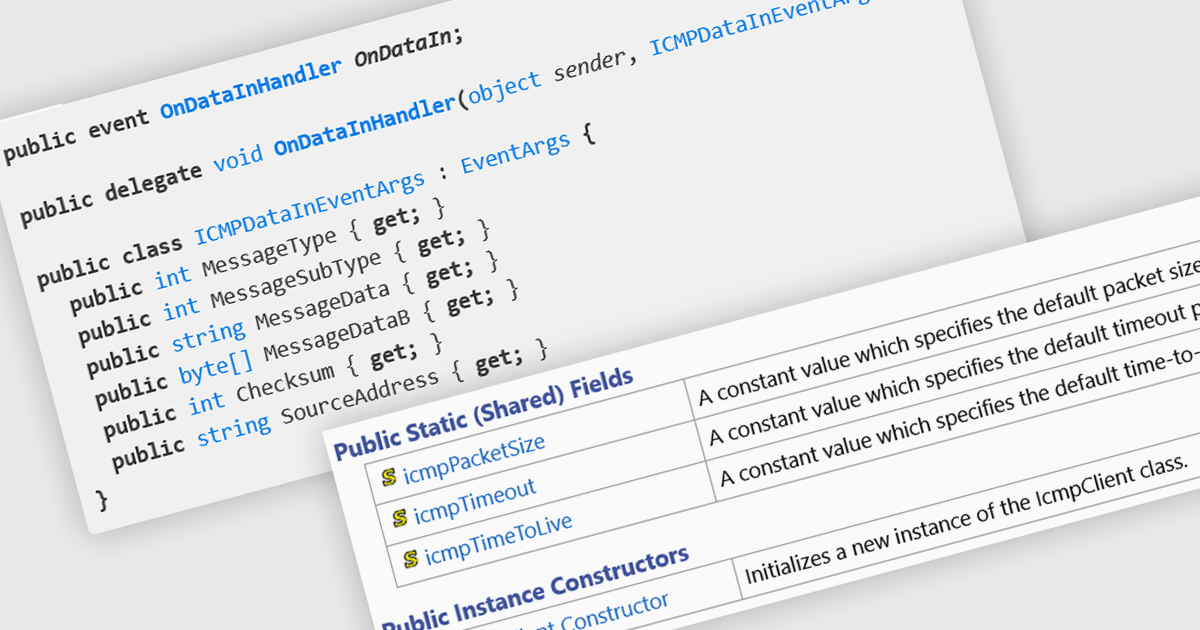
ICMP (Internet Control Message Protocol) support within .NET components, provides developers with essential functionality for diagnosing and managing network connectivity within applications. By enabling interaction with ICMP messages - such as echo requests and replies used in the popular "ping" utility - developers can implement robust network health checks, latency measurements, and reachability assessments. This capability is especially valuable in enterprise environments, where real-time monitoring and diagnostics are crucial for maintaining service reliability and performance.
Several .NET communications and messaging components offer ICMP features including:
For an in-depth analysis of features and price, visit our comparison of .NET communications & messaging components.
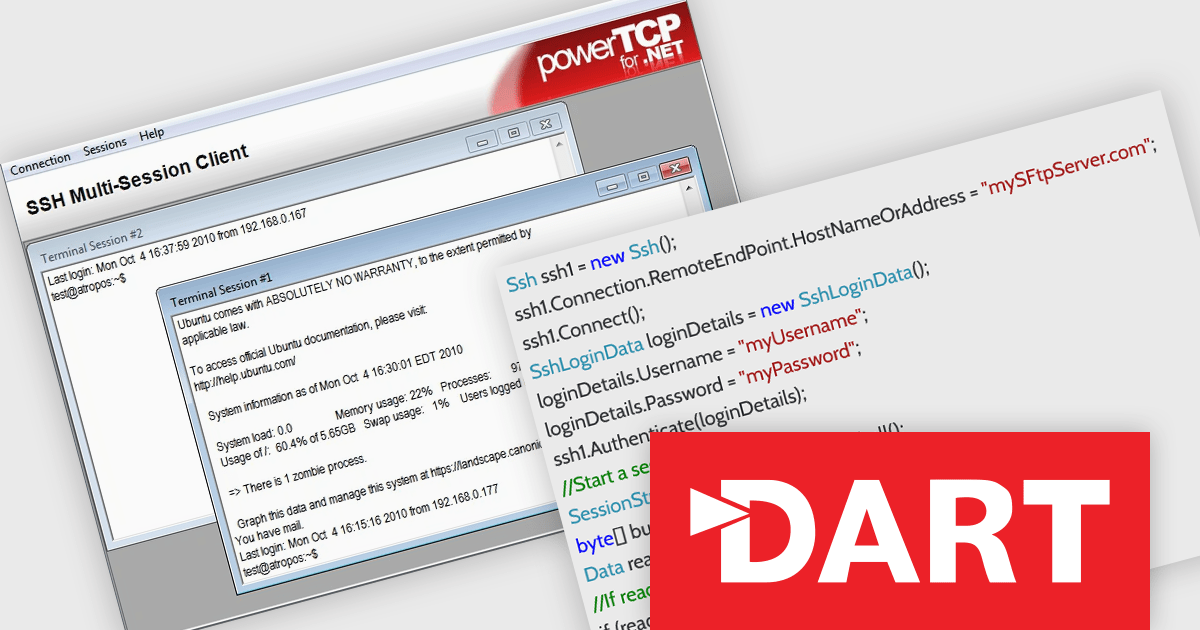
PowerTCP SSH and SFTP for .NET by Dart Communications is a robust component suite designed to simplify secure file transfer and remote shell access within .NET applications. Tailored for developers building enterprise-grade solutions, it offers a comprehensive implementation of the SSH (Secure Shell) and SFTP (Secure File Transfer Protocol) standards. With a focus on reliability and performance, the library supports advanced features such as asynchronous operation, persistent connections, and full control over session parameters. Whether you're automating secure file exchanges or integrating remote server access, PowerTCP SSH and SFTP provides the flexibility and security essential for modern .NET development.
The PowerTCP SSH and SFTP for .NET V8.0.0.0 update introduces support for OpenSSH's "strict kex" (key exchange) extension. This change directly addresses the security vulnerability exploited in Terrapin attacks - where weaknesses in the SSH protocol’s key exchange could be manipulated. By enforcing stricter key exchange validation, this enhancement ensures that the connection negotiation process is more resilient to tampering, significantly improving the overall security of SSH and SFTP sessions in .NET applications.
To see a full list of what's new in version 8.0.0.0, see our release notes.
PowerTCP SSH and SFTP for .NET is licensed per developer and is available as a perpetual license with 12 months subscription (product updates and priority email support). See our PowerTCP SSH and SFTP for .NET licensing page for full details.
PowerTCP SSH and SFTP for .NET is available individually or as part of the following products:
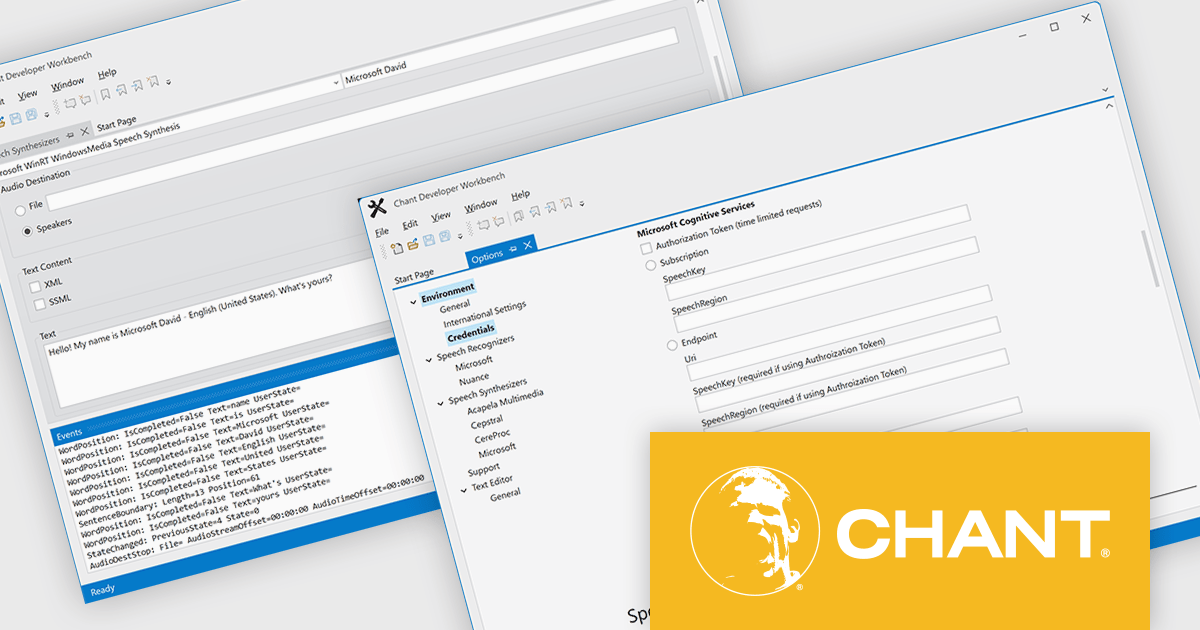
Chant Developer Workbench is an integrated development environment (IDE) designed to streamline the creation, testing, and deployment of speech and natural user interface (NUI) applications. It supports a wide range of speech recognition, synthesis, and grammar technologies, allowing developers to build, debug, and tune voice-enabled features with minimal overhead. The Workbench provides tools for managing grammars, tuning speech recognition, and simulating speech interactions, offering a unified interface that simplifies development across multiple speech engines and platforms. This makes it particularly valuable for developers working on applications that require robust voice control or conversational interfaces.
Chant Developer Workbench supports Azure Speech Services through expanded authentication options. It includes innovative ways to configure authentication - beyond the standard subscription credentials. Several constructors - FromAuthorizationToken, FromEndpoint, FromHost, and FromSubscription - offer precise control over how apps authenticate and communicate with Azure services. These features are available across all supported languages and platforms, significantly improving integration flexibility for developers using Azure speech capabilities.
Chant Developer Workbench is licensed per user and is available as a perpetual license with 1 year subscription (upgrades, new features and support). See our Chant Developer Workbench licensing page for full details.
For more information, visit our Chant Developer Workbench product page.
전화 : 00798 14 800 6332
팩스 : +1 770 250 6199


