













공식 공급 업체
200 이상의 소프트웨어 개발처와 판매 계약을 맺은 공인 디스트리뷰터로서 합법적인 라이선스를 제공합니다.
모든 브랜드 보기.
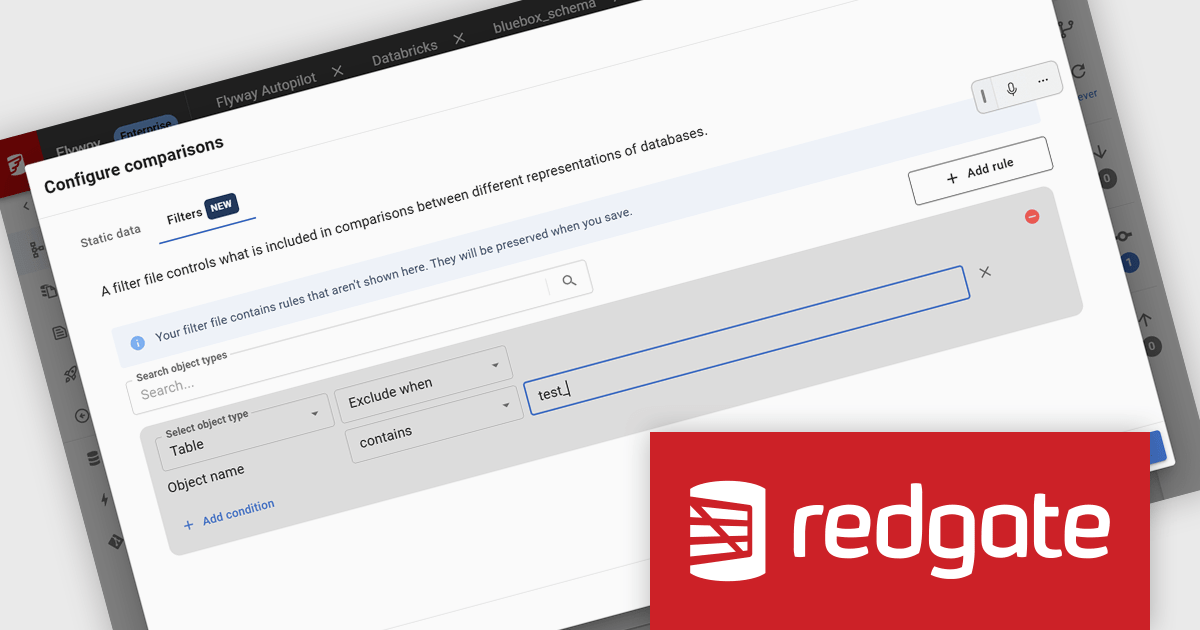
Flyway extends DevOps practices to databases, significantly speeding up how quickly software can be released and improving the overall quality of the code. By offering features like version control for database schemas and enabling continuous delivery pipelines for database changes, Flyway helps individuals, teams, and organizations to improve their existing software delivery through the automation of database development tasks. This integration ensures that database changes are managed with the same rigor and efficiency as application code, leading to faster, more reliable, and less error-prone software deployments.
Redgate Flyway enables software developers to configure object filters for PostgreSQL and MySQL database projects directly within Flyway Desktop, making it easier to control which schema objects are included in comparisons and deployments. By excluding test scaffolding, tooling tables, and other non-essential objects, teams can reduce unnecessary differences, improve comparison accuracy, and keep version controlled database projects focused on relevant assets. This helps create cleaner, more consistent development workflows while reducing the risk of deploying unintended database objects across environments.
Flyway is licensed per server on an annual subscription basis. See our Flyway licensing page for full details.
For more information, visit our Redgate Flyway product page.
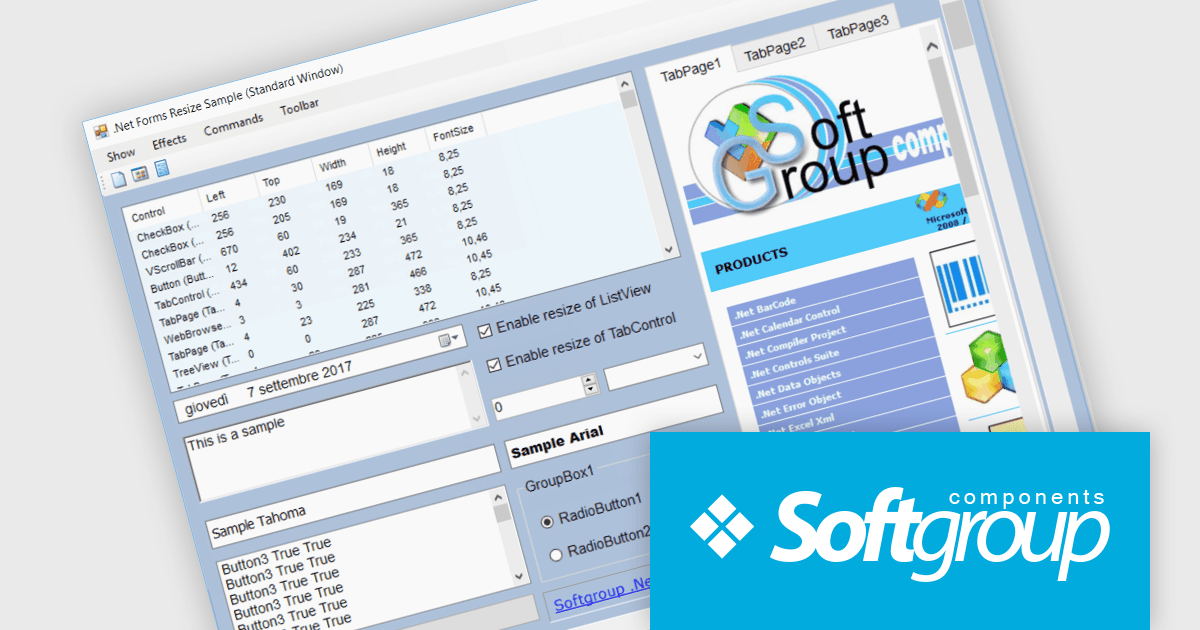
.Net Forms Resize by Softgroup is a Windows Forms component for Microsoft .NET that enables applications to automatically resize controls, fonts and layouts as forms change size or display resolution. Designed for rapid integration with existing projects, it helps developers create resolution-independent desktop applications with minimal code, while supporting nested controls, MDI (Multiple Document Interface) forms, docked controls and a wide range of third-party UI components.
.Net Forms Resize V13.0 adds support for .NET 10 allowing developers to keep Windows Forms applications aligned with Microsoft's latest long-term platform while continuing to use a proven resizing solution. By targeting .NET 10, development teams can take advantage of the latest runtime, tooling and platform improvements without changing their approach to responsive form layouts. The addition of a dedicated .NET 10 library, together with NuGet package installation and new form positioning capabilities, helps organizations modernize existing desktop applications, simplify deployment and prepare projects for future platform updates.
To see a full list of what's new in V13.0, see our release notes.
.Net Forms Resize is licensed per developer and is available as a Perpetual license. It includes a subscription for all major and minor updates for 1 year, plus 90 days of email support. See our .Net Forms Resize licensing page for full details.
Learn more on our .Net Forms Resize product page.
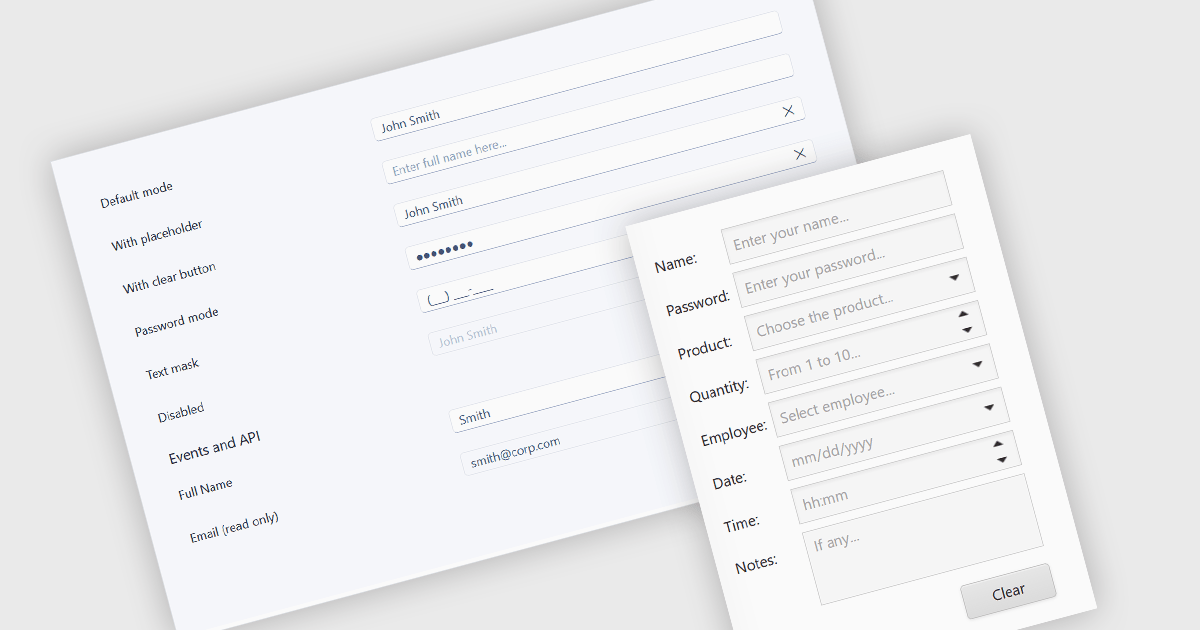
Text box components are user interface controls that allow users to enter and edit text within an application. They are commonly used for tasks such as data entry, search, and form completion, and often provide features including validation, formatting, placeholder text, and accessibility support. By helping developers create consistent user experiences, improve data quality, and reduce implementation effort through reusable functionality, text box components are a fundamental part of modern web and desktop applications.
Several ASP.NET MVC data editor collections provide a text box component, including:
For an in-depth analysis of features and price, visit our comparison of ASP.NET MVC data editor collections.
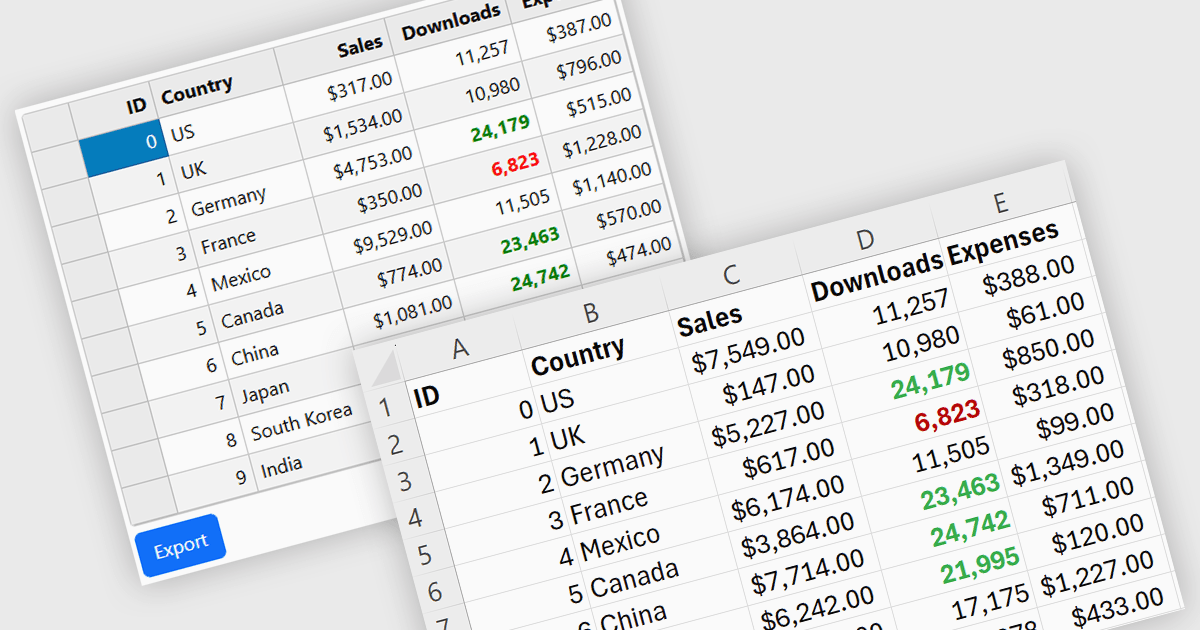
Exporting grid data to XLS/XLSX enables users to save data in Microsoft Excel-compatible formats for editing, analysis, reporting, and sharing. Common use cases include creating business reports, analyzing sales or financial data, sharing information with stakeholders, and preparing datasets for further processing.
Several Angular grid controls offer the ability to export grids to Excel including:
For an in-depth analysis of features and price, visit our Angular grid controls comparison.
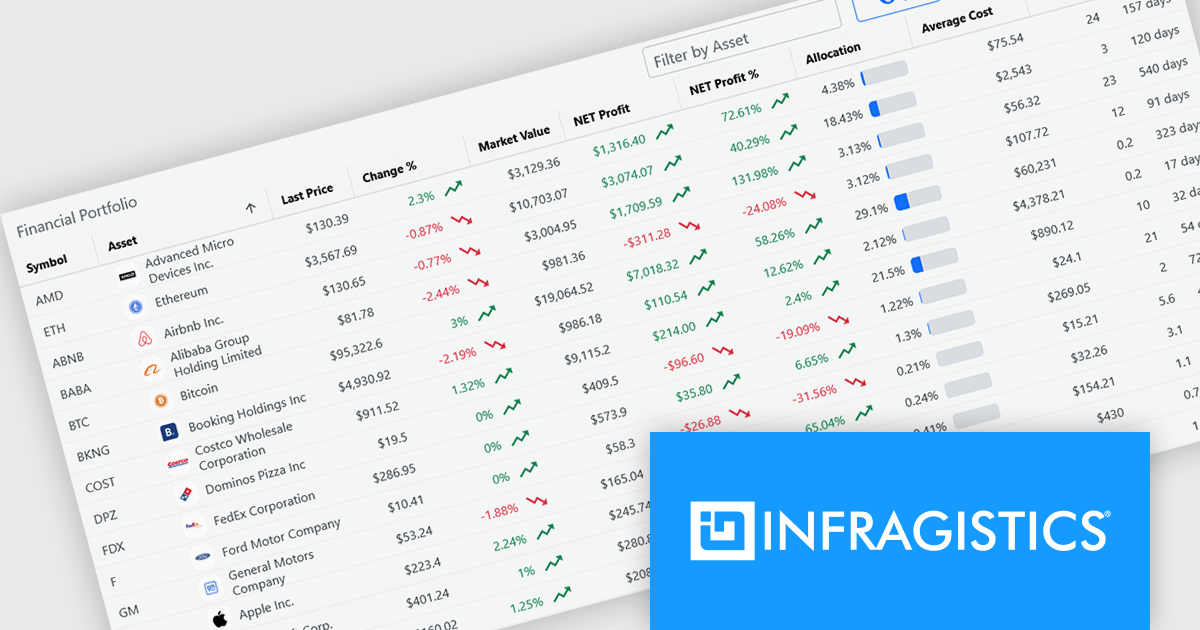
Infragistics is a software company that develops user interface (UI) components, design tools and productivity solutions for software developers. Its products support a range of application platforms, including .NET, JavaScript and web technologies, helping development teams build business applications with advanced data visualization, grids, charts, reporting and user experience capabilities. In addition to developer tools, the company offers low-code application development, embedded analytics and collaborative design solutions for organizations of all sizes.
Effective July 1, Infragistics has discontinued new single-product licenses for Infragistics Ultimate UI for Windows Forms, Infragistics Ultimate UI for WPF, and Infragistics Ultimate UI for ASP.NET. Existing customers can continue to renew their subscriptions, but new licenses for these standalone products are no longer available.
Although new standalone subscriptions are no longer available, these products remain included as part of Infragistics Professional and Infragistics Ultimate. Customers can continue to access the same UI toolkits through these broader subscription offerings.
For more information, visit our Infragistics Ultimate and Infragistics Professional product pages.
전화 : 00798 14 800 6332
팩스 : +1 770 250 6199


