













공식 공급 업체
200 이상의 소프트웨어 개발처와 판매 계약을 맺은 공인 디스트리뷰터로서 합법적인 라이선스를 제공합니다.
모든 브랜드 보기.
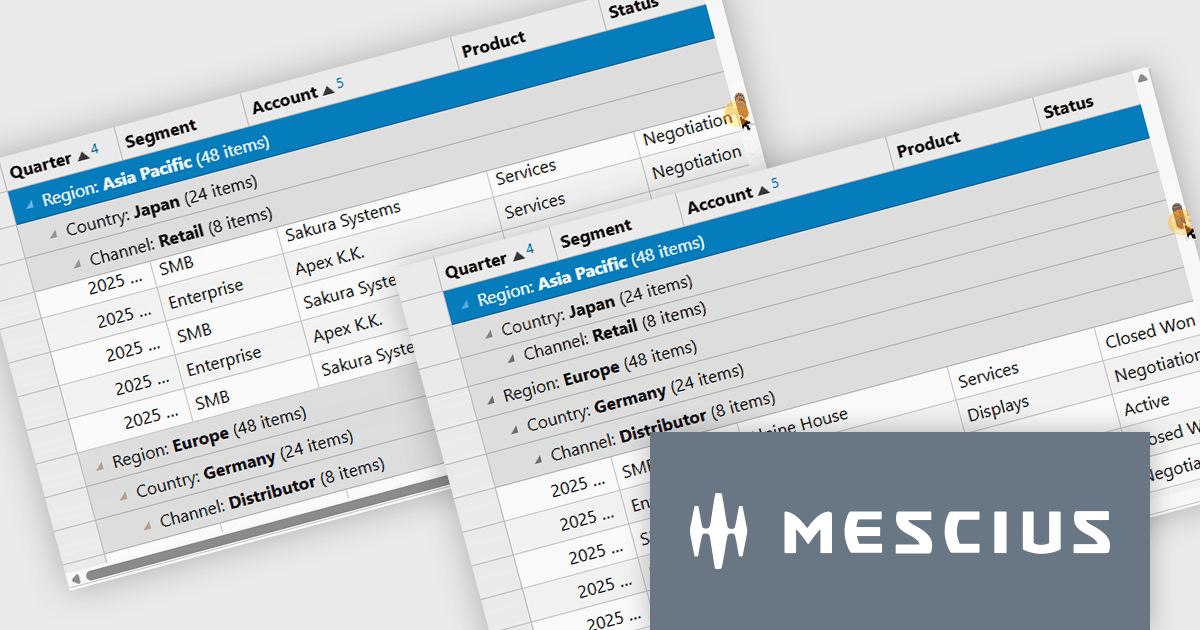
Wijmo by MESCIUS is a comprehensive JavaScript library offering a suite of high-performance UI components and data grids specifically designed to streamline the development of modern enterprise applications. It emphasizes reduced development time and improved maintainability, along with a focus on performance through its efficient design and small module size. Wijmo integrates seamlessly with popular JavaScript frameworks like Angular, React, and Vue.js, and supports cutting-edge technologies like TypeScript, making it a versatile solution for building complex web applications.
The Wijmo Build 5.20261.52 update introduces Sticky Group Headers for FlexGrid, allowing the current group header to remain visible while users scroll through grouped data. This enhancement helps developers create more intuitive data exploration experiences by improving navigation, readability, and user orientation when working with large grouped datasets. By keeping important group information accessible during scrolling, users can more easily understand their position within complex data views and work more efficiently without losing context.
To see a full list of what's new in 2026 v1 Build 5.20261.52, see our release notes.
Wijmo is licensed per developer. Developer Licenses are perpetual and include 1 year Subscription which provides upgrades, including bug fixes and new features. See our Wijmo licensing page for full details.
Learn more on our Wijmo product page.
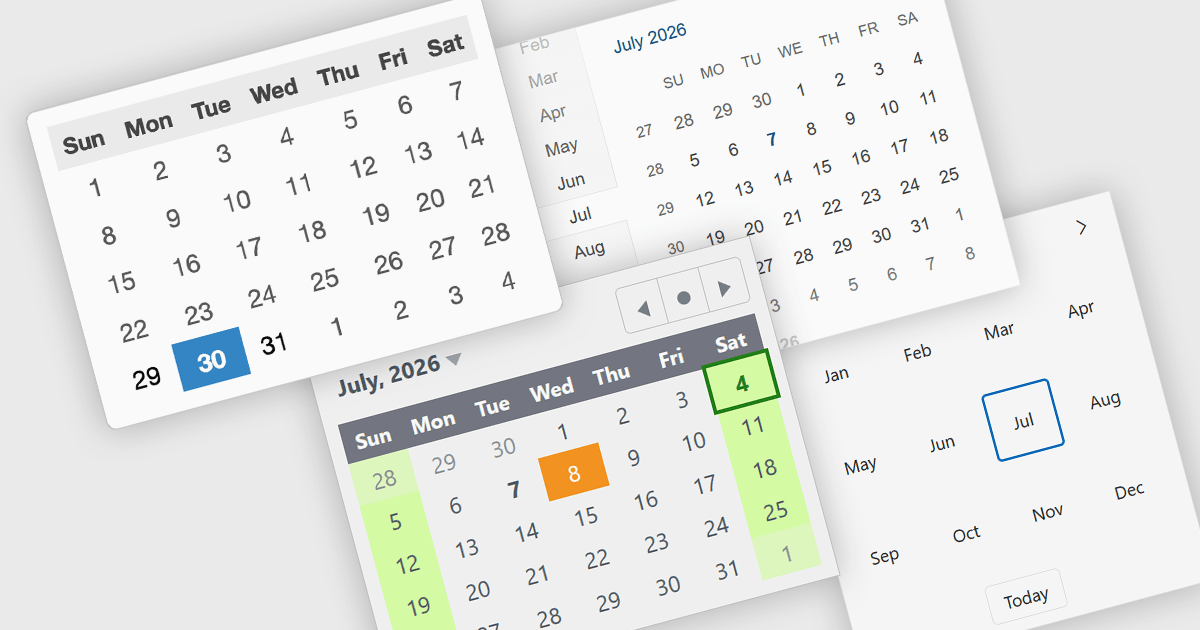
Calendar components are user interface controls that display dates and time-based information in a structured, interactive format. They are widely used for scheduling, date selection, event management, booking systems, and planning applications, providing users with an intuitive way to interact with calendar-based data. Many calendar components support navigation across month, year, and decade views, along with localization, keyboard navigation, and customization options to suit different application requirements. By presenting dates in a familiar visual format, they improve usability, help reduce input errors, simplify navigation across time periods, and can provide a consistent experience across desktop and mobile devices when used in responsive applications.
Several React UI suites provide you with calendar controls, including:
For an in-depth analysis of features and price, visit our comparison of React UI suites.
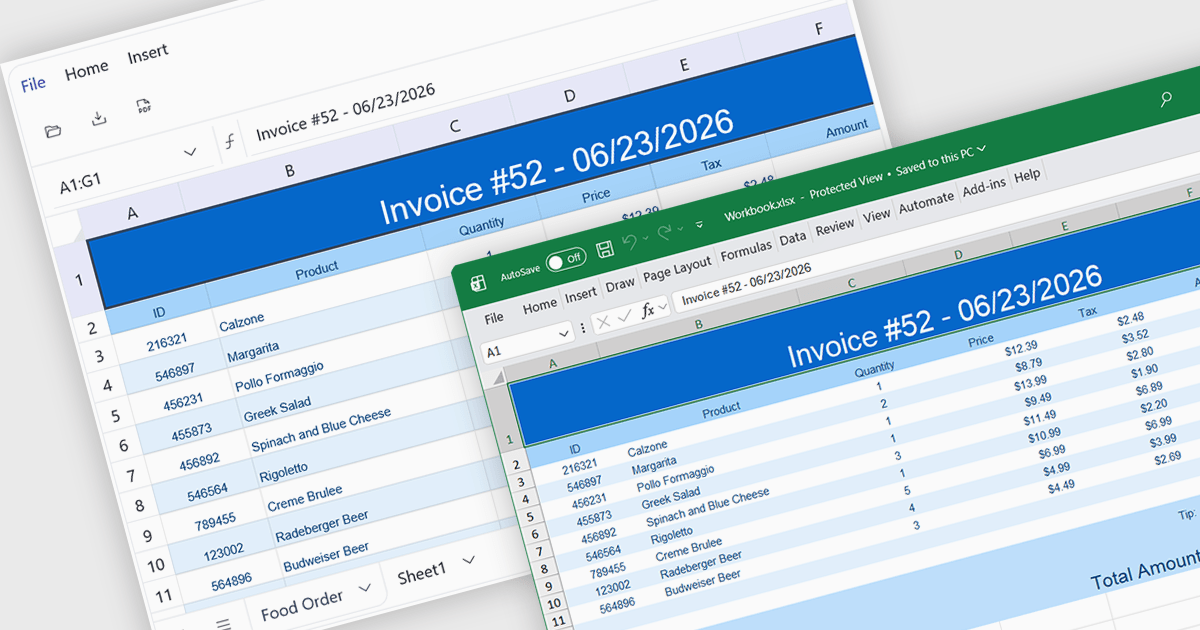
Exporting to XLSX in a spreadsheet component is the ability to generate Microsoft Excel Open XML Spreadsheet (.xlsx) files directly from application data or the current spreadsheet state, allowing users to save, share, and open content in Microsoft Excel and other compatible spreadsheet applications. For software developers, this provides a reliable way to deliver data in a widely supported format while preserving features such as worksheets, formulas, formatting, tables, and cell styles where supported, making it easier to integrate reporting, data exchange, and offline analysis into applications without requiring users to manually recreate or copy spreadsheet content.
Several Angular spreadsheet controls offer support exporting to XLSX including:
For an in-depth analysis of features and price, visit our Angular spreadsheet controls comparison.
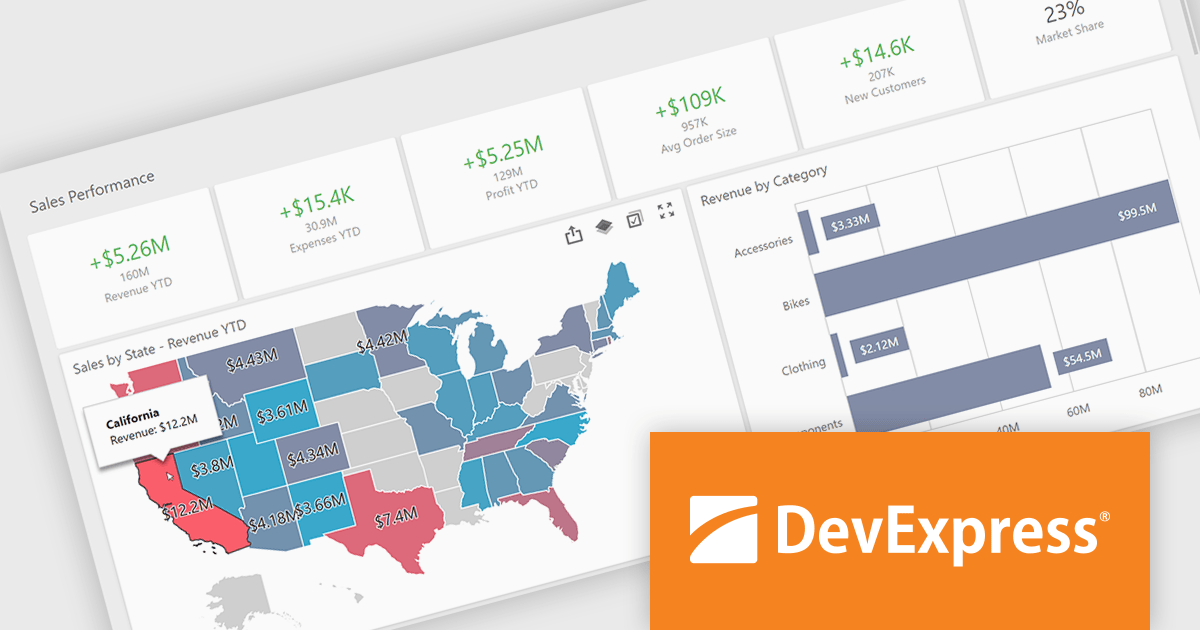
DevExpress VCL Subscription + is an extended version of the standard DevExpress VCL suite, designed for Delphi and C++Builder developers who need both native Windows components and modern web-based tools. In addition to the full set of high-performance VCL UI controls, such as grids, charts, and editors, it includes web technologies like JavaScript, ASP.NET Core and Blazor UI libraries. This allows developers to integrate advanced web-based features directly into their VCL desktop applications using technologies like WebView, enabling interaction between traditional VCL apps and modern web interfaces and making it easier to build hybrid solutions that combine the strengths of both environments.
The DevExpress VCL Subscription + 26.1 update includes DevExpress VCL Business Intelligence Dashboard (ExpressDashboards), which is now officially available for production use. It brings advanced data analytics and interactive data visualization to Delphi and C++Builder applications, allowing developers to create dashboards that automatically arrange and connect multiple visualization elements, including grids, charts, maps, gauges, and more. By presenting related data in a single interactive view, it helps users explore information, identify trends, and make more informed decisions with greater confidence.
DevExpress VCL Subscription + is licensed per developer and is available as a Perpetual License with a 12 month support and maintenance subscription. See our DevExpress VCL Subscription + licensing page for full details.
For more information, visit our DevExpress VCL Subscription + product page.
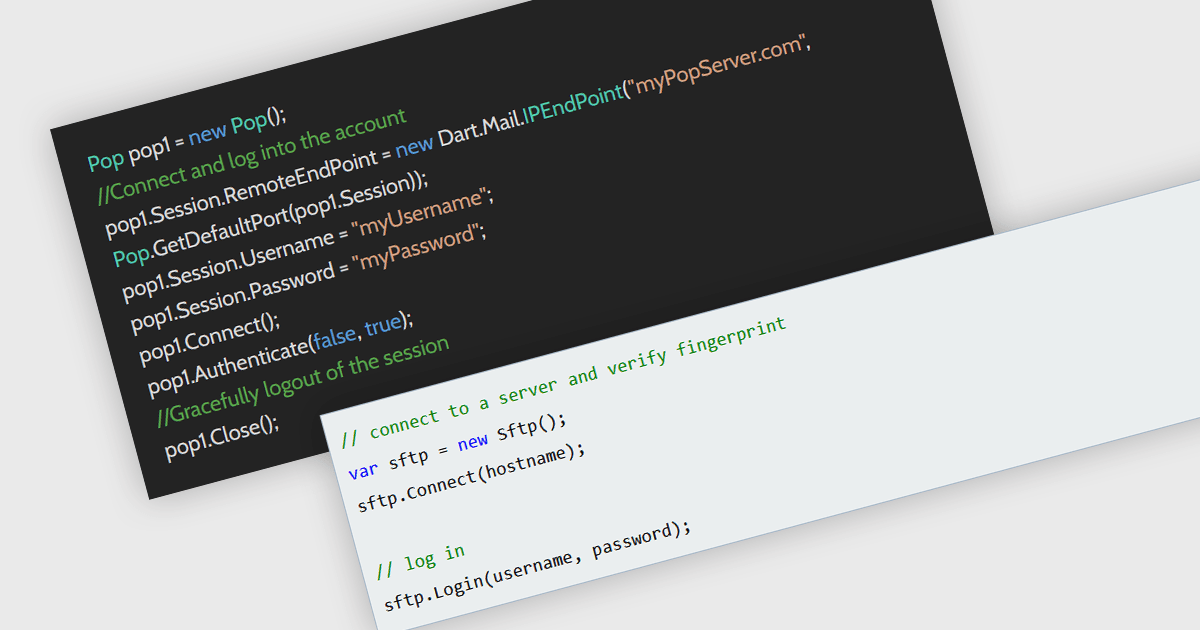
Password authentication is a method of verifying a user's identity by requiring a valid username and password before allowing access to a service or system. It is widely used because it is simple to implement, broadly supported across protocols, and familiar to users and developers. In applications that interact with services such as email servers using Simple Mail Transfer Protocol (SMTP), Internet Message Access Protocol (IMAP), or Post Office Protocol version 3 (POP3), or file transfer systems using Secure File Transfer Protocol (SFTP), password authentication provides a reliable way to establish authenticated connections. Its compatibility with existing infrastructure and standards makes it a practical choice for enabling authenticated access in messaging and communication scenarios.
Several .NET communication and messaging components support password authentication methods, including:
For an in-depth analysis of features and price, visit our comparison of .NET communication and messaging components.
전화 : 00798 14 800 6332
팩스 : +1 770 250 6199


