













공식 공급 업체
200 이상의 소프트웨어 개발처와 판매 계약을 맺은 공인 디스트리뷰터로서 합법적인 라이선스를 제공합니다.
모든 브랜드 보기.
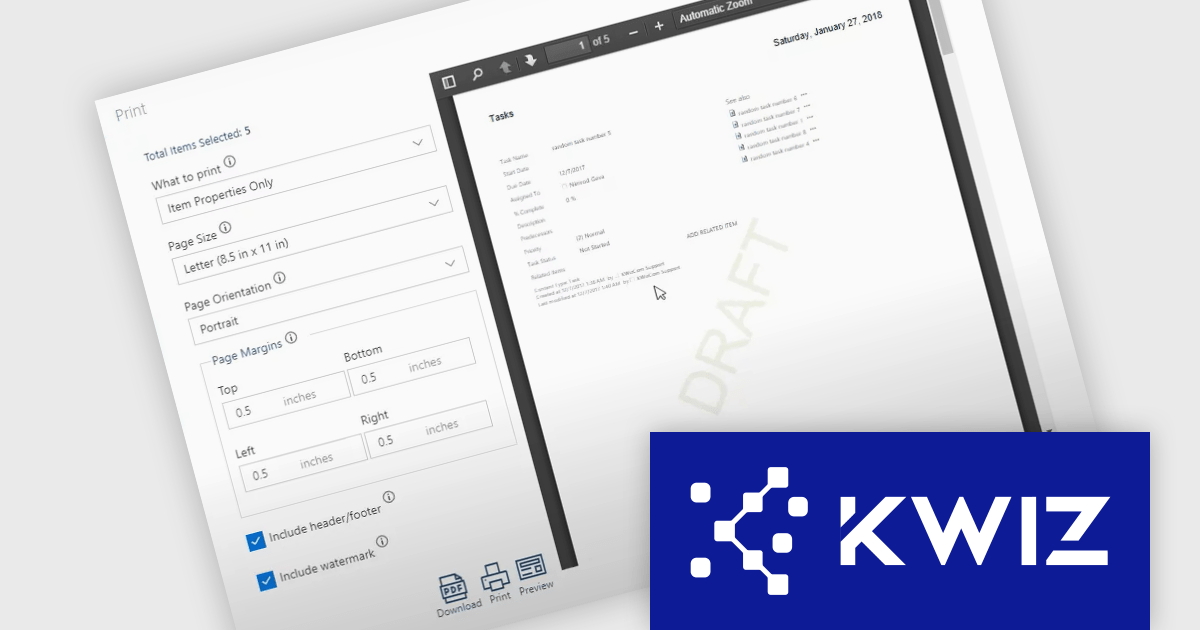
The KWIZ Print App simplifies document management by merging documents, SharePoint list items, Wiki pages, and attachments into a single, printable PDF. With local client-side processing and Microsoft encryption, it ensures data privacy and security without cloud reliance. Users can customize headers, footers, and watermarks, making it ideal for securely creating professional, validated documents in industries like finance, legal, and IT.
The KWIZ Print App's client-side processing capabilities offers software developers a secure and efficient way to handle document merging and conversion tasks directly on the user's device. By performing all operations locally, this feature eliminates the need for transmitting sensitive data to external servers, ensuring compliance with strict security and privacy requirements. Developers can rely on this capability to integrate document workflows seamlessly without compromising user data, enabling faster processing and greater control over how information is managed. This approach is particularly valuable for applications requiring high levels of confidentiality, such as those in regulated industries or secure environments.
KWIZ Print App is licensed on an annual basis, requiring each user in your organization to be covered by an Annual Subscription license. Different levels are available to cater for different numbers of users. See our KWIZ Print App licensing page for full details.
For more information, visit our KWIZ Print App product page.
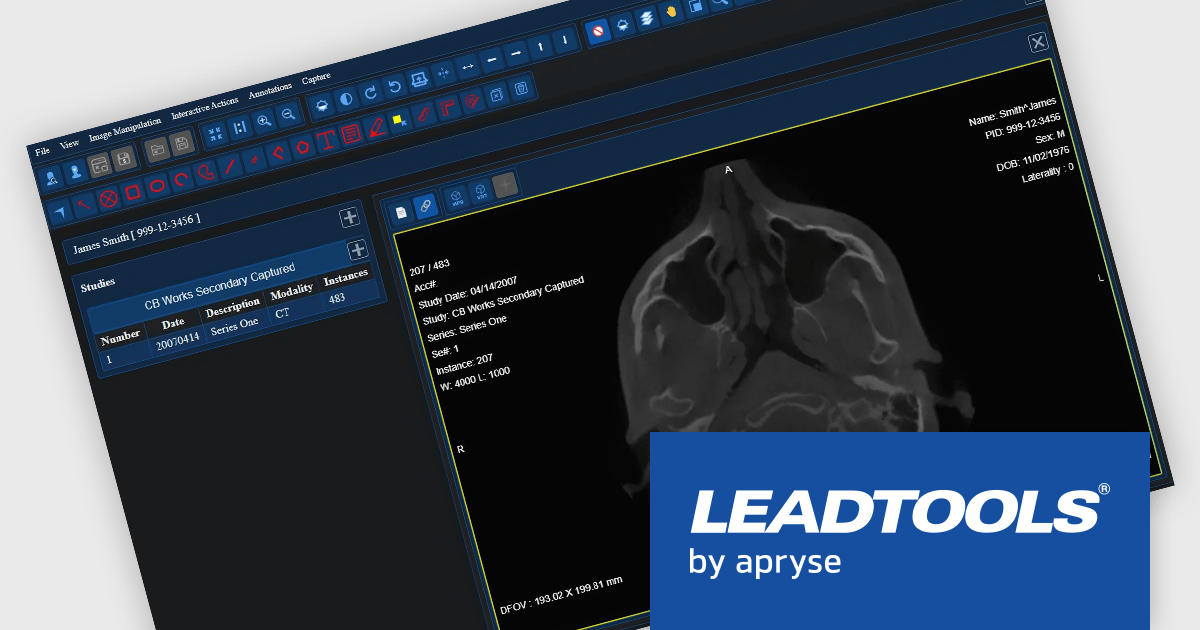
LEADTOOLS Medical SDK is designed to streamline the development of medical applications, offering support for DICOM datasets, 8-16 bit extended grayscale images, and advanced image annotation capabilities. It also includes specialized tools for displaying images, such as window leveling and LUT (Look-Up Table) processing, as well as medical-specific image processing. Additional features include lossless JPEG compression and the ability to process both signed and unsigned image data. The Medical Imaging Suite expands on this functionality with enhanced features, including HTML/JavaScript viewing for web-based medical image access.
The LEADTOOLS Medical SDK offers a React Medical Web Viewer that enables developers to build scalable, high-performance medical imaging applications with modular components. Its flexible architecture allows seamless integration with DICOMweb services, ensuring efficient data access and interoperability. Advanced client-side caching optimizes performance by reducing server load and accelerating image retrieval, while built-in 3D volume rendering enhances visualization for precise diagnostics. With customizable study layouts and robust annotation tools, developers can create tailored user experiences that meet diverse clinical needs while maintaining compliance with medical imaging standards.
LEADTOOLS Medical SDK is licensed as Development Licenses, for developers to use the SDKs, and Deployment Licenses, for the right to distribute end user solutions. See our LEADTOOLS Medical SDK licensing page for full details.
LEADTOOLS Medical SDK is available individually or as part of LEADTOOLS Medical Suite SDK.
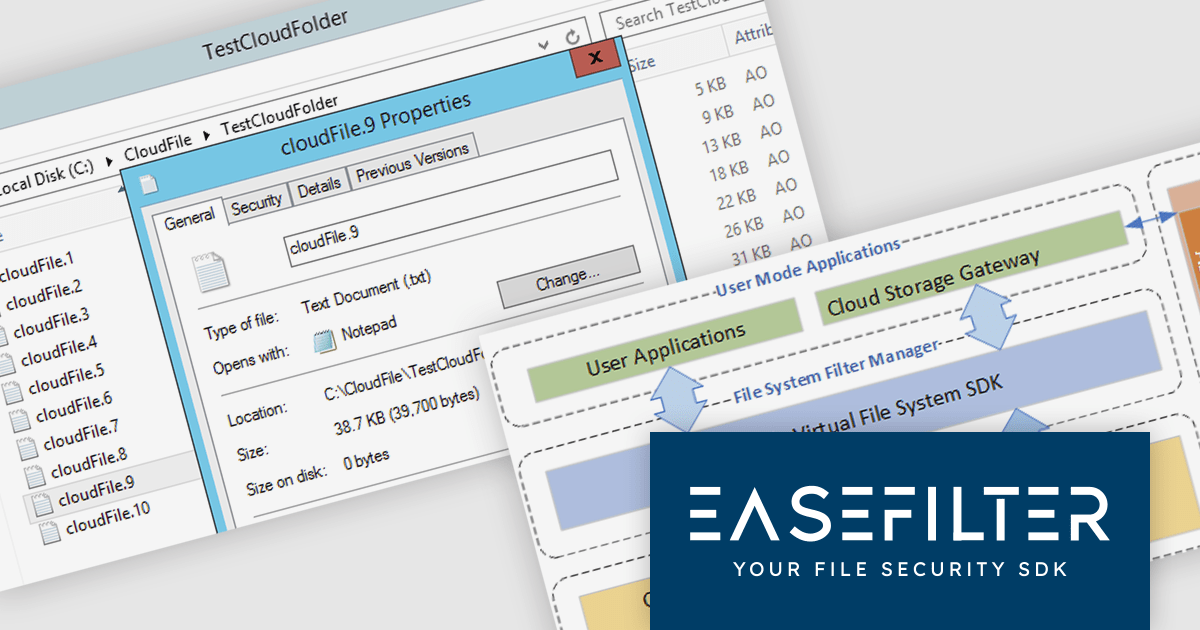
The EaseFilter Cloud File System SDK by EaseFilter is a powerful solution designed to integrate cloud storage seamlessly into applications, enabling efficient file management across both local and cloud environments. It provides a unified file system interface that allows applications to access and store data in the cloud without requiring modifications, streamlining cloud adoption for businesses. With robust security and high-performance capabilities, the SDK ensures smooth data synchronization and accessibility, making it an essential tool for enterprises leveraging cloud infrastructure.
Designed for scalability and reliability, the SDK offers key benefits such as intelligent load balancing, automated disaster recovery, and cloud-based archiving. These features enhance application availability, prevent downtime, and optimize storage efficiency. Businesses managing large-scale data, migrating to the cloud, or implementing business continuity strategies can leverage the SDK to ensure secure, high-performance cloud operations. By simplifying development and reducing operational complexities, EaseFilter Cloud File System SDK empowers organizations to build resilient, cloud-integrated file systems with ease.
EaseFilter Cloud File System SDK is licensed per developer and is offered as In-House Developer and OEM Developer license options. Licenses include a support subscription providing technical support and software updates which can be renewed. Source Code and a Support and Consultancy Program are also available. See our EaseFilter Cloud File System SDK licensing page for full details.
For more information, visit our EaseFilter Cloud File System SDK product page.
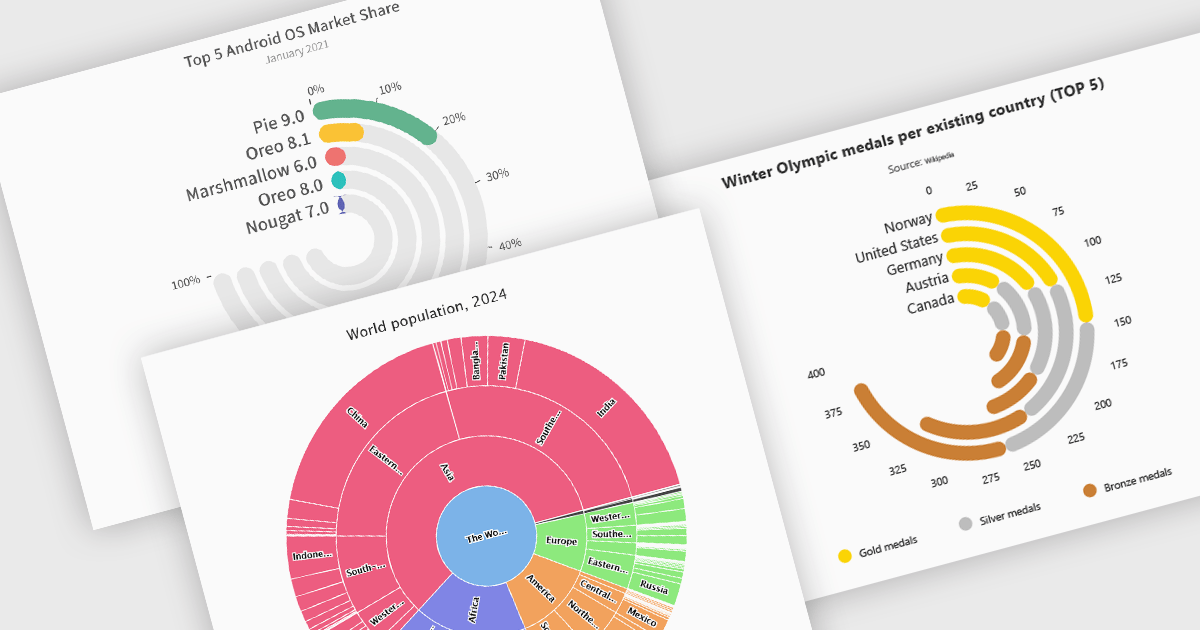
Radial charts provide an intuitive way to visualize hierarchical and categorical data. They display bars on a polar coordinate system instead of a cartesian system, which uses an x-y grid for positioning data. These charts represent values in a circular layout, making it ideal for comparing proportions and relationships between data points. Circular bar charts, a variation of the traditional bar chart, arrange data in a radial format for displaying comparisons between categories. They are particularly useful for visualizing periodic or cyclical data, such as time-based metrics. Sunburst charts break down hierarchical structures into concentric rings. The center of the chart typically represents the root category, while outer rings depict subcategories. These are used for visualizing part-to-whole relationships within a dataset. Many .NET charting components support these visualization types, allowing developers to create dynamic, interactive, and visually appealing dashboards in .NET applications.
Several .NET charting components provide you with radial charts, including:
For an in-depth analysis of features and price, visit our .NET chart components comparison.

Rich text editors for WinForms let users create and format content in a familiar, word processor-like environment. These editors support advanced text styling, media embedding, and customizable toolbars, giving developers flexibility to build feature-rich desktop applications. With features like document import/export, content validation, and extensive formatting controls, they enhance the user experience while ensuring consistency across applications. Designed for accessibility and optimized for desktop performance, they integrate seamlessly into Windows-based workflows.
Several .NET WinForms UI suites offer rich text editors including:
For an in-depth analysis of features and price, visit our comparison of .NET WinForms UI Suites:
전화 : 00798 14 800 6332
팩스 : +1 770 250 6199


