













공식 공급 업체
200 이상의 소프트웨어 개발처와 판매 계약을 맺은 공인 디스트리뷰터로서 합법적인 라이선스를 제공합니다.
모든 브랜드 보기.
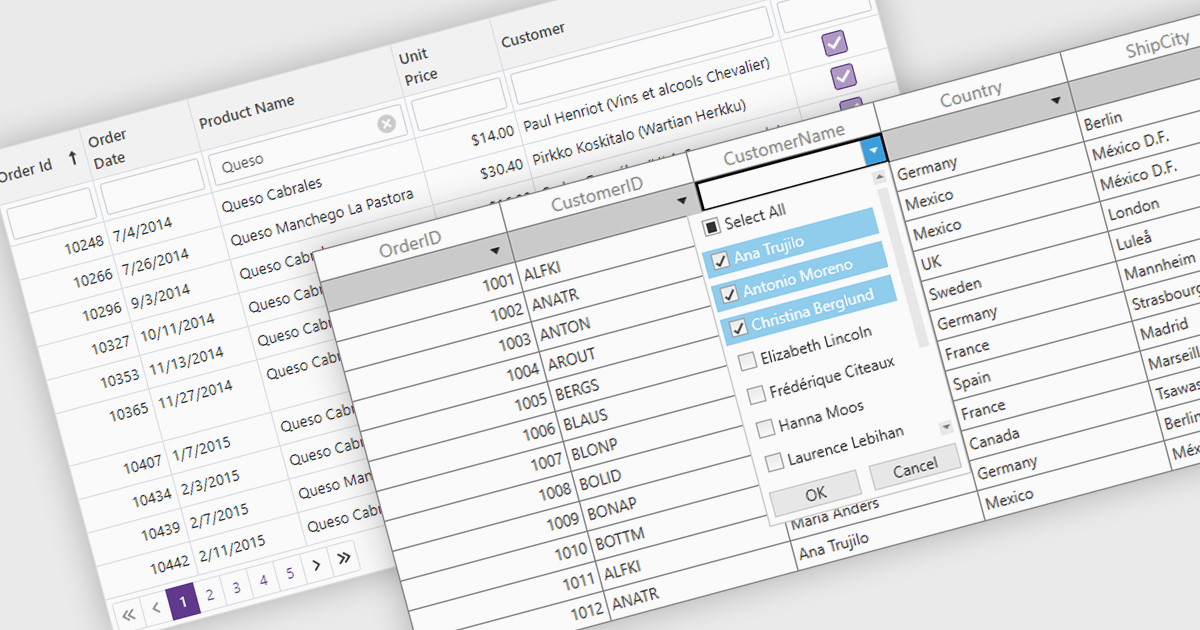
The Filter Rows feature in grids enables users to refine large datasets quickly with real-time filtering directly in the grid interface. It enhances productivity by reducing the need for manual searches, improves accuracy with precise filtering options, and streamlines workflows in .NET applications such as WinForms, WPF, and ASP.NET Core. By allowing users to filter data by text, numbers, dates, and boolean values, it simplifies data exploration and helps surface relevant information faster. This feature is especially useful in financial dashboards for transaction filtering, inventory management for quick product lookups, and CRM systems for refining customer records, making data handling more efficient and intuitive.
Several .NET grid controls offer filter row functionality including:
For an in-depth analysis of features and price, visit our comparison of .NET Grid Controls.

Stimulsoft Reports.PYTHON provides a collection of tools for creating, viewing, exporting, and printing reports within your Python applications. It allows you to connect to various data sources and leverage client-server technology for efficient report generation. Additionally, Stimulsoft offers powerful features for visualizing and analyzing your data.
The Stimulsoft Reports.PYTHON 2025.1.1 update introduces a new Export List Settings feature, allowing users to streamline the export options available in the Viewer. By using the new "Hide Unlisted Exports in The Viewer" parameter, developers can define which export formats are visible in the Save menu for reports and dashboards. This provides greater control over the user interface, enabling a more focused and tailored experience while maintaining flexibility to align with specific project requirements. By default, all export formats remain accessible, ensuring compatibility with existing setups.
To see a full list of what's new in 2025.1.1, see our release notes.
Stimulsoft Reports.PYTHON is licensed per developer and is available as a Perpetual license with 1 year support and maintenance. See our Stimulsoft Reports.PYTHON licensing page for full details.
Stimulsoft Reports.PYTHON is available individually or as part of Stimulsoft Ultimate.
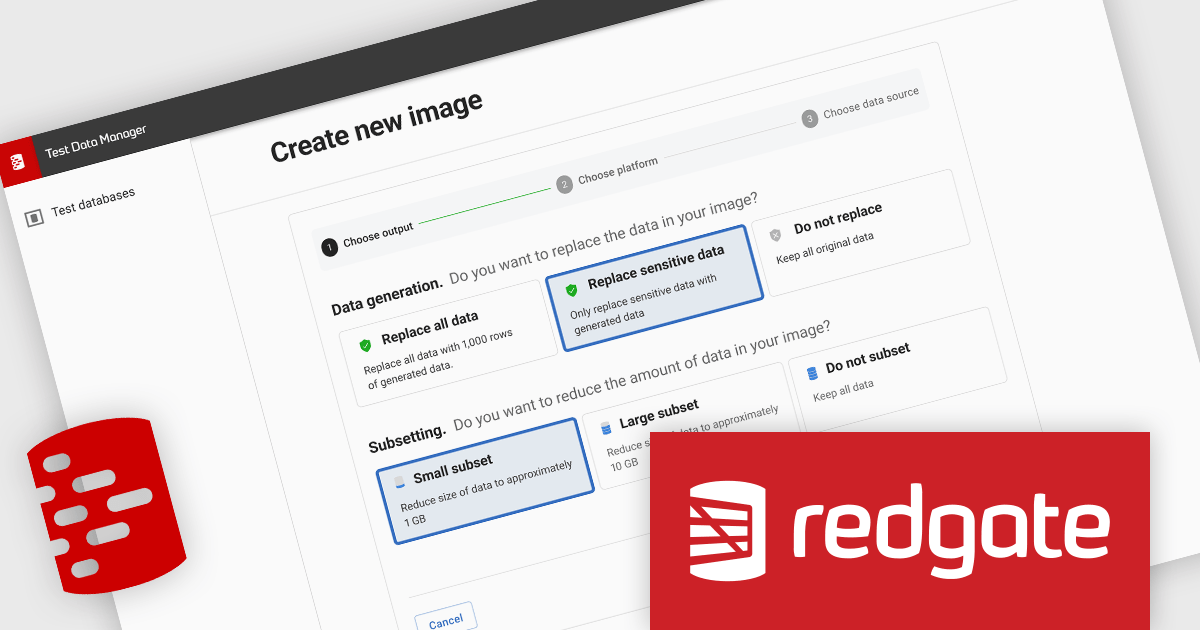
Redgate Test Data Manager is a comprehensive software solution designed to streamline and automate test data management within database environments. It enables teams to provision realistic, production-like data while masking sensitive information to maintain compliance with data privacy regulations such as GDPR and CCPA. With data masking, synthetic data generation, and efficient provisioning, it creates reliable test environments that mirror real-world scenarios. This helps teams detect issues early, streamline debugging, and improve software quality while minimizing production risks and ensuring seamless deployments.
Redgate Test Data Manager enhances development and testing by providing sanitized, production-like data in lower environments, ensuring consistency and reliability across the software lifecycle. By replicating real-world scenarios without exposing sensitive information, teams can detect and resolve issues earlier, streamline debugging, and validate changes with confidence before deployment. This approach minimizes the risk of production failures, improves software quality, and supports compliance requirements, enabling developers to build and test efficiently while maintaining data integrity and security.
Redgate Test Data Manager is licensed on a capacity model based on the total volume of data in all production databases (priced per TB). You will need to purchase enough licenses to cover the total TB across all your databases and technologies (SQL Server, Oracle, Postgres SQL and MySQL). See our Redgate Test Data Manager licensing page for full details.
For more information, visit our Redgate Test Data Manager product page.
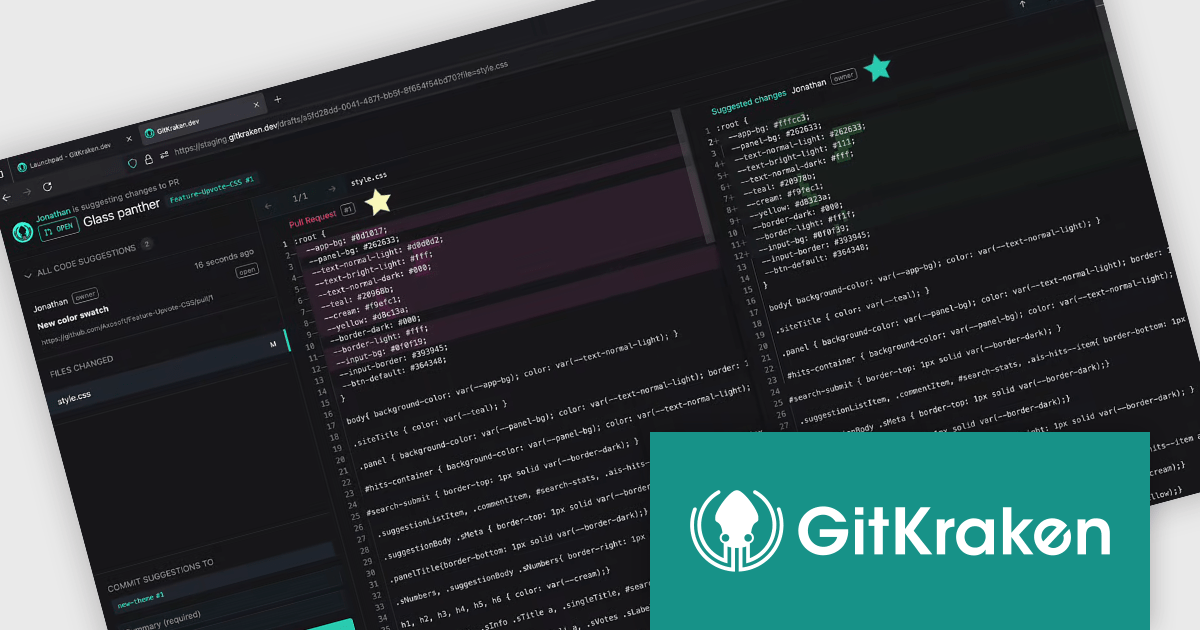
GitKraken is a suite of developer tools built around Git, a popular version control system. It offers a graphical user interface (GUI) that allows developers to interact with Git repositories visually instead of relying on the command line. This simplifies complex Git workflows like resolving merge conflicts and visualizing code history, making Git more accessible and efficient for developers of all experience levels.
The GitKraken Desktop V10.7.0 release adds the ability to search directly in the repository and branch dropdowns from the breadcrumb in the toolbar. This enhancement streamlines repository and branch selection by allowing users to search directly within the dropdown menus, eliminating the need to scroll through long lists. This is particularly useful for developers working with numerous repositories or branches, enabling faster switching and improving overall productivity.
To see a full list of what's new in V10.7.0, see our release notes.
GitKraken Desktop is licensed per user as an Annual license with free updates and technical support. See our GitKraken licensing page for full details.
Learn more on our GitKraken product page.
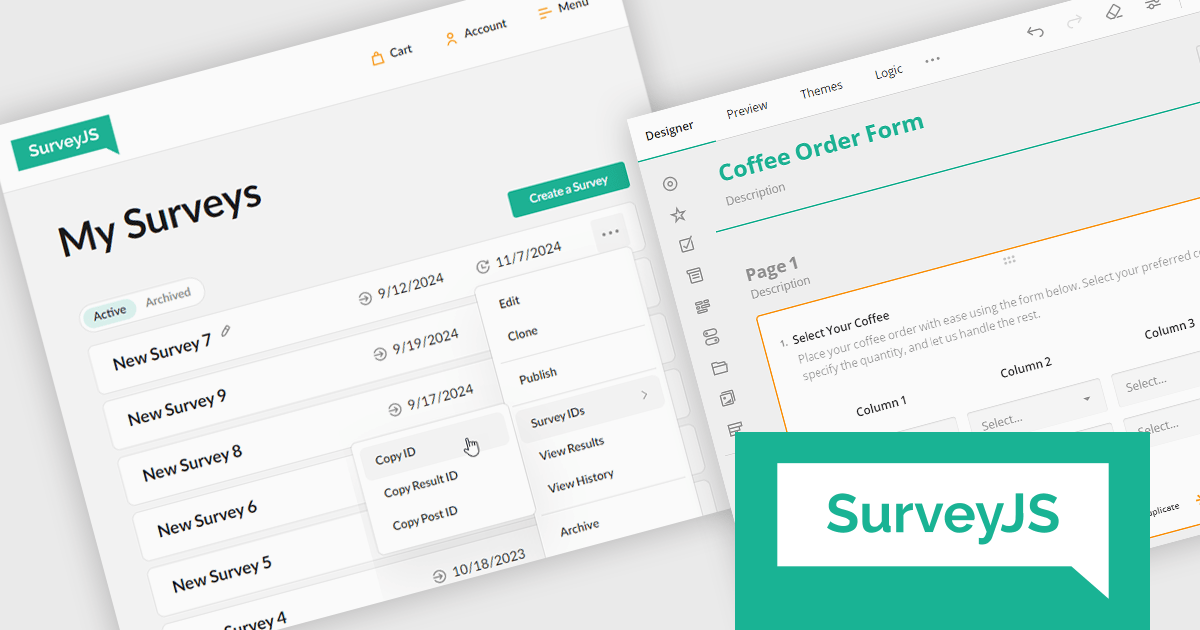
ComponentSource, a leading provider of software development tools, has announced a new partnership with SurveyJS, a versatile survey and form-building solutions provider. This collaboration aims to enable developers to enhance their data collection and user interaction experience with advanced tools and customizable solutions for survey creation, feedback gathering, and form automation.
SurveyJS offers a suite of modern, developer-friendly tools for building and managing surveys, forms, and data-driven applications. These tools help businesses streamline data collection and analysis with flexible, embeddable solutions.
By partnering with SurveyJS, ComponentSource expands its portfolio to include advanced survey and form-building tools, offering its customers powerful solutions for efficient data collection, analysis, and automation in industries relying on customizable and interactive user input interfaces. This partnership also strengthens ComponentSource's position as a leading provider of software development solutions, addressing the growing demand for flexible, embeddable survey tools in industries such as SaaS platforms, e-commerce, education, and enterprise software.
SurveyJS is licensed per developer with a one-time payment for indefinite use. Access to updates and technical support is available through a subscription. See our SurveyJS licensing page for full details.
For more information, visit our SurveyJS brand page.
전화 : 00798 14 800 6332
팩스 : +1 770 250 6199


