













공식 공급 업체
200 이상의 소프트웨어 개발처와 판매 계약을 맺은 공인 디스트리뷰터로서 합법적인 라이선스를 제공합니다.
모든 브랜드 보기.
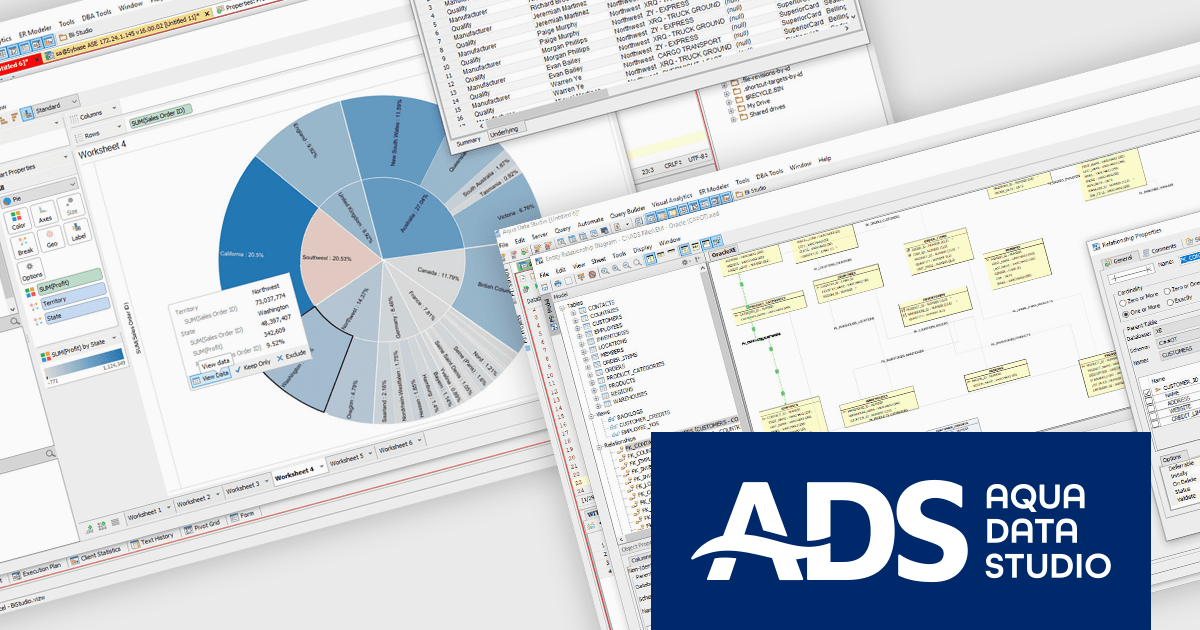
Aqua Data Studio by AquaFold is a versatile database integrated development environment (IDE) designed for database administration, development, and management. Supporting a wide range of relational, NoSQL, and cloud databases, Aqua Data Studio provides an intuitive interface for writing and executing SQL queries, visualizing data, and managing database structures efficiently. With robust features such as schema comparison, ER (Entity-Relationship) diagram generation, and integrated version control, it enables developers, analysts, and database administrators to streamline workflows and improve productivity across multiple database platforms.
Aqua Data Studio offers significant benefits for organizations that require advanced database interaction and analysis. Its multi-database support allows teams to work across different database systems within a single environment, enhancing efficiency and collaboration. The platform's rich data visualization tools, including pivot tables and charts, help users uncover insights quickly, making it an powerful solution for data analysis and reporting. Automation capabilities, scripting support, and integration with source control systems make it a valuable tool for database development, DevOps, and enterprise data management.
Aqua Data Studio is licensed per user on an annual subscription basis, which includes usage rights, support, and software updates. To continue to use the software, users must renew their subscription each year. See our Aqua Data Studio licensing page for full details.
For more information, visit our Aqua Data Studio product page.
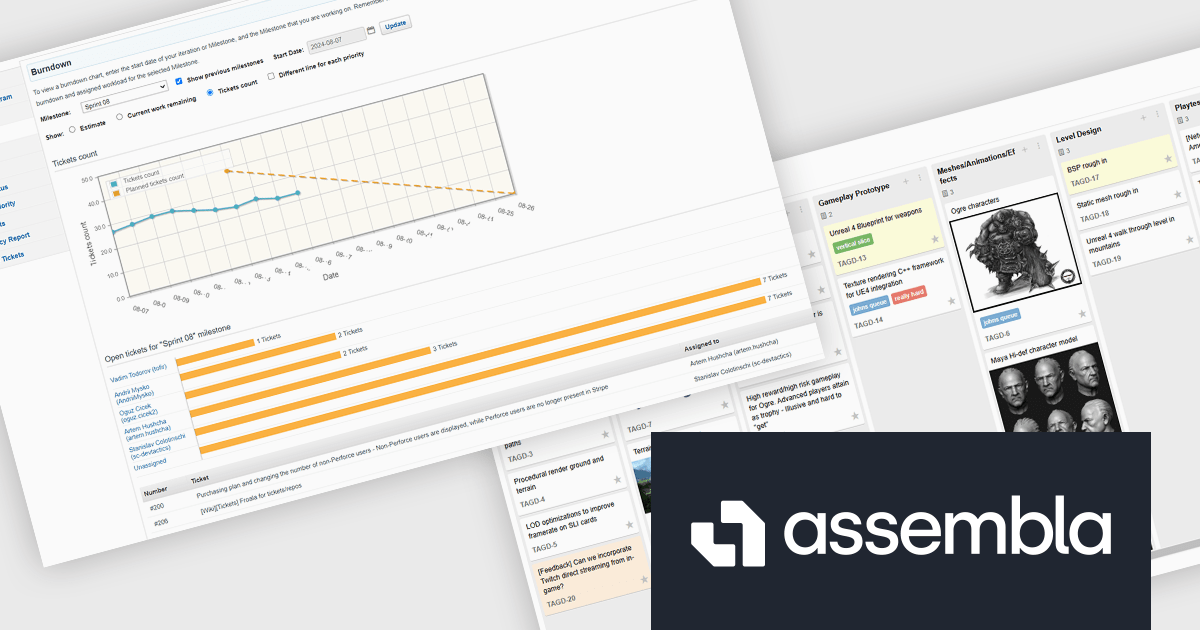
Assembla is a powerful web-based platform that integrates source code management and project collaboration tools, designed to support development teams working across various industries. It provides secure cloud hosting for Git, Subversion (SVN), and Perforce repositories while incorporating agile project management features to streamline workflows. By offering a unified environment for version control and team collaboration, Assembla ensures that teams can efficiently manage code, track progress, and maintain high levels of security.
The platform delivers a range of benefits, including enhanced productivity, improved code collaboration, and seamless integration with external services. Teams can leverage built-in task and issue management, time tracking, and compliance-ready security features to maintain project transparency and efficiency. Assembla is particularly useful for distributed teams, game developers, and enterprises that require a robust and scalable version control system. With customizable workflows and real-time collaboration tools, it enables teams to align their development processes with methodologies such as Agile, Scrum, and Waterfall, making it a versatile solution for modern software development.
Assembla is licensed per user, per year. Users will need to renew their license each year to continue use of the software. See our Assembla licensing page for full details.
For more information visit our Assembla product page.

SpreadJS by MESCIUS is a high-performance JavaScript spreadsheet component designed to seamlessly integrate Excel-like functionality into web applications. It empowers developers to deliver robust spreadsheet experiences within their applications, complete with features like data import/export, complex formulas, conditional formatting, and extensive customization options. SpreadJS caters to a wide range of use cases, from financial modeling and data analysis to project management and interactive dashboards, ultimately allowing developers to build feature-rich and user-friendly web applications.
In this blog post, MESCIUS Product Manager Kevin Ashley shows you how to use the powerful and extensible SpreadJS component to import and export Excel files. Steps include:
Detailed source code is included and you can also download the sample app.
Read the full blog to get starting working directly with Excel files in your Blazor applications.
SpreadJS is licensed per developer and includes 1 Year Maintenance (major and minor version releases and unlimited support phone calls). SpreadJS requires an Annual or Perpetual Deployment License. The optional Add-ons are available at an additional cost, and require a SpreadJS license. See our SpreadJS licensing page for full details.
For more information, visit our SpreadJS product page.
Syncfusion Essential Studio WinUI (available as part of Syncfusion Essential Studio Enterprise) is a comprehensive toolkit for building high performance native Windows desktop applications. It offers tools for crafting modern UI elements like charts, data grids, and ribbon interfaces, alongside powerful editing tools for Word, Excel, and PDF documents.
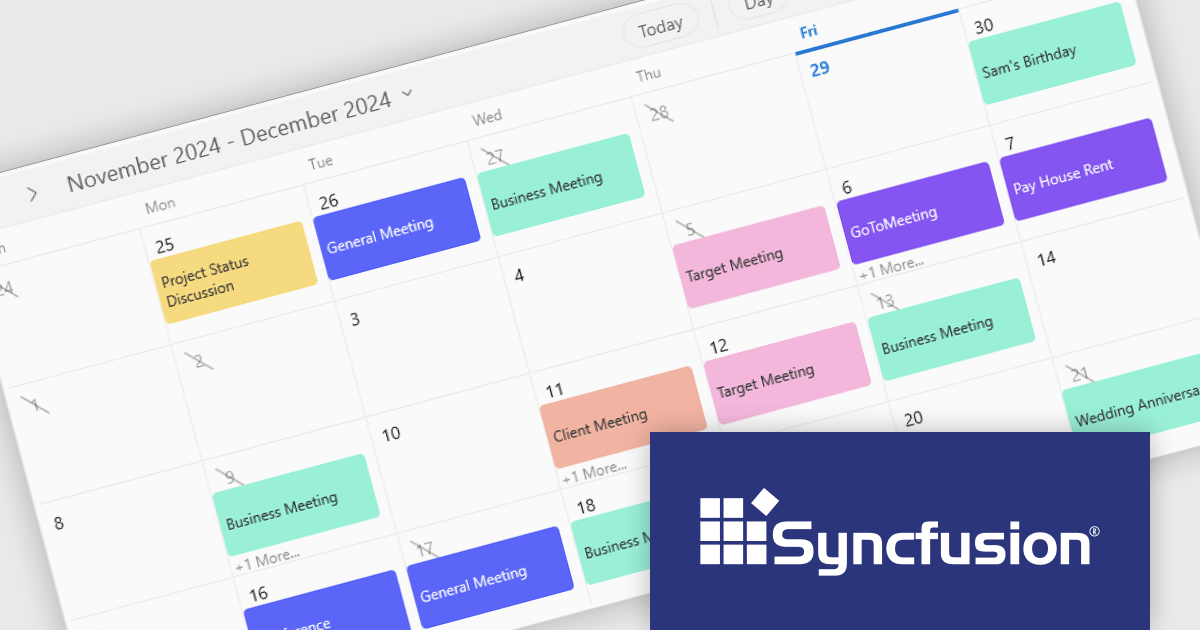
The Syncfusion Essential Studio WinUI 2024 Volume 4 update enhances the Scheduler control by allowing developers to customize the number of weeks displayed in the month view. This new feature provides greater flexibility for tailoring the interface to meet the specific needs of end users, whether they require a broader overview or a more focused timeframe. By optimizing screen space and improving the usability of the Scheduler, this update empowers developers to deliver more adaptable and user-centric applications, enhancing overall productivity and user satisfaction.
To see a full list of what's new in 2024 Volume 4, see our release notes.
Syncfusion Essential Studio WinUI is available as part of Syncfusion Essential Studio Enterprise which is licensed per developer starting with a Team License of up to five developers. It is available as a 12 Month Timed Subscription License which includes support and maintenance. See our Syncfusion Essential Studio Enterprise licensing page for full details.
Learn more on our Syncfusion Essential Studio WinUI product page.
LightningChart JS is a JavaScript/TypeScript library developed by LightningChart that specifically targets the creation of financial and trading applications. It provides high-performance, 2D, 3D, and real-time charting controls and a comprehensive suite of visualizations including candlestick, bar, line, and various technical indicators and drawing tools. This library enables software developers to craft interactive technical analysis tools without the need for server-side setup as it runs completely on the client device.
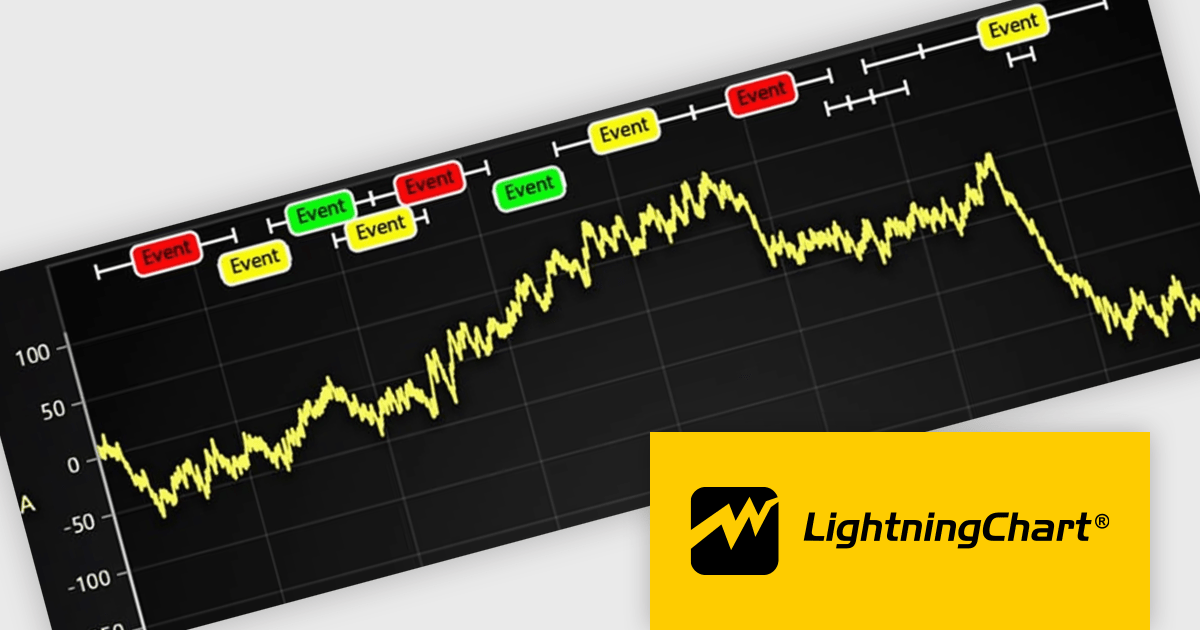
The LightningChart JS v7.0.1 update introduces the Text Series API, providing a more efficient and flexible way to render text within ChartXY. This new approach enhances performance by optimizing text rendering, supports viewport clipping to maintain clean chart visuals, and offers precise control over text size and boundaries. Designed as a more seamless alternative to chart.addUIElement(), it simplifies development by integrating text elements directly within the chart while ensuring scalability for large datasets.
To see a full list of what's new in v7.0.1, see our release notes.
LightningChart JS is licensed per developer and is available as an annual license with 1 year support. See our LightningChart JS licensing page for full details.
For more information, see our LightningChart JS product page.
전화 : 00798 14 800 6332
팩스 : +1 770 250 6199


