













공식 공급 업체
200 이상의 소프트웨어 개발처와 판매 계약을 맺은 공인 디스트리뷰터로서 합법적인 라이선스를 제공합니다.
모든 브랜드 보기.
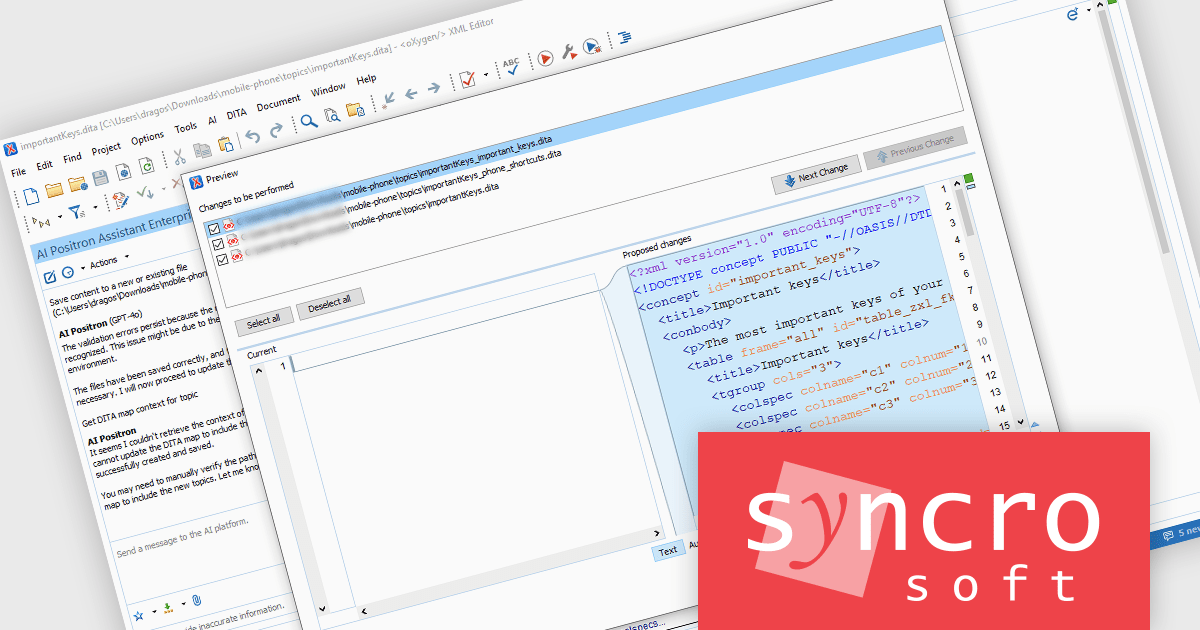
The Oxygen AI Positron Assistant Enterprise Plug-in by Syncro Soft is an Artificial Intelligence powered extension for the Oxygen XML editing suite designed specifically for technical writers. It leverages OpenAI, Microsoft Azure OpenAI Service, or Anthropic Claude to automate repetitive tasks, improve content structure and flow, and generate draft text based on user prompts. The plugin integrates seamlessly within the Oxygen environment, offering visual comparisons of suggested changes and allowing developers to control the creative process through ongoing prompts and revisions.
The Oxygen AI Positron Assistant Enterprise V4.1 release adds the ability to preview all AI-proposed changes to your files. This ensures that developers can review and validate AI-generated suggestions before committing them to their projects. By offering a clear preview of all proposed changes, it reduces the risk of unintended modifications, making AI-assisted coding more reliable. This capability is particularly useful in collaborative environments where code quality and consistency are crucial. It allows teams to maintain oversight, ensuring that AI-driven enhancements align with coding standards and project requirements.
To see a full list of what's new in V4.1, see our release notes.
Oxygen AI Positron Assistant Enterprise is licensed per Named user and is available as a Timed License with support and maintenance subscription. See our Oxygen AI Positron Assistant Enterprise licensing page for full details.
Learn more on our Oxygen AI Positron Assistant Enterprise product page.
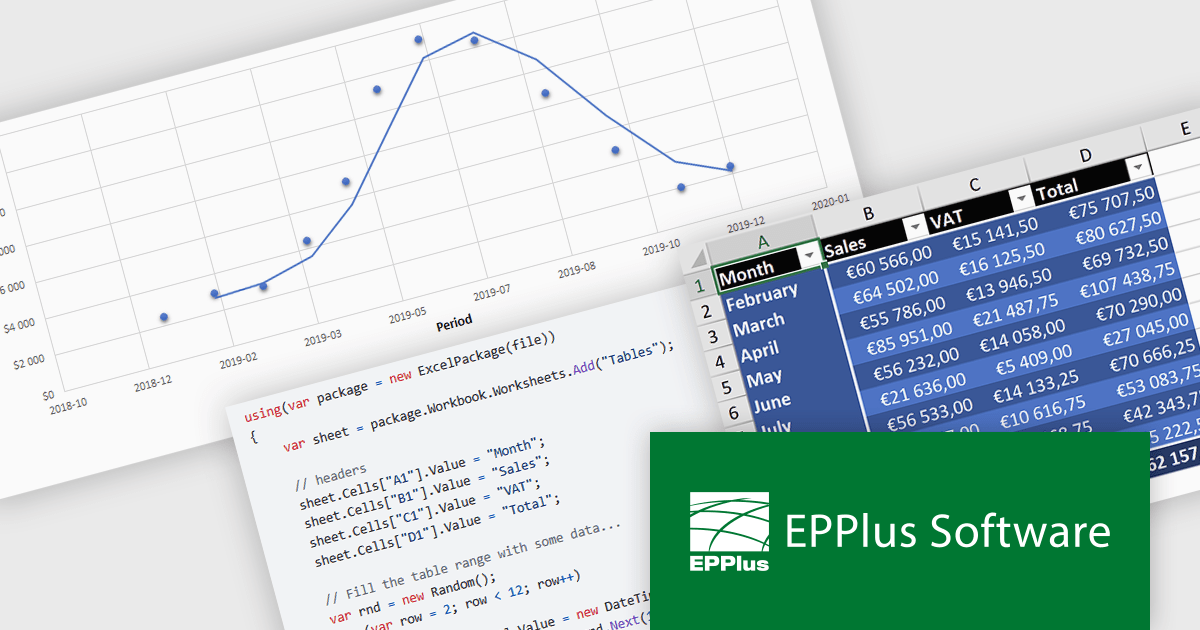
EPPlus is a powerful and versatile .NET library for managing and manipulating Microsoft Excel files using the Office Open XML (OOXML) format. It is a lightweight and efficient library that is easy to use and can be integrated into a wide range of applications. It allows developers to create, read and modify spreadsheets without dependencies on any other library. Features include pivot tables, styling, VBA/Form controls, conditional formatting, charts, tables, formula calculation, data validation, pictures/shapes, and more.
EPPlus v7.6.0 update introduces full support for .NET 9, ensuring compatibility with the latest framework advancements while enhancing performance, security, and long-term maintainability for spreadsheet processing in .NET applications. This update benefits developers by enabling seamless integration with modern .NET projects, improving efficiency in generating, reading, and manipulating Excel files. Ideal for enterprise applications, data analytics, and financial reporting, EPPlus with .NET 9 support ensures optimized performance and future-proofed development for handling large datasets and complex spreadsheet operations.
To see a full list of what's new in v7.6.0, see our release notes.
EPPlus is licensed per developer and is available as both perpetual licenses and subscription based licenses with periods of 1 year and 2 years, which include support and upgrades. See our EPPlus licensing page for full details.
For more information, see our EPPlus product page.
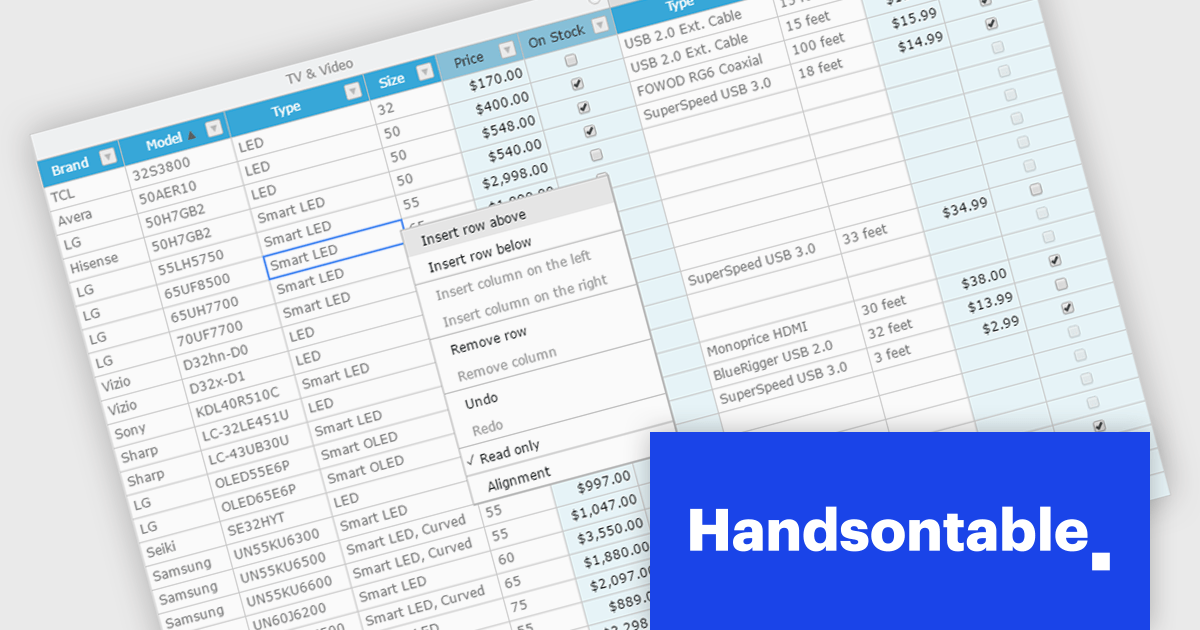
Handsontable is a JavaScript library designed to help developers build interactive data grids into their web applications. Offering a familiar spreadsheet-like interface, it allows users to edit, sort, and filter data with ease. Highly customizable and compatible with popular frameworks like React and Angular, Handsontable empowers developers to build robust data manipulation features into their web applications.
The Handsontable 15.1.0 update enhances table rendering efficiency by reusing and caching cell nodes instead of creating them from scratch during each rendering cycle. This reduces unnecessary DOM manipulations, leading to faster updates, improved responsiveness, and smoother interactions, particularly when handling large datasets. By optimizing how cells are managed, this update minimizes performance bottlenecks, allowing applications to render complex tables more efficiently while maintaining a seamless user experience.
To see a full list of what's new in version 15.1.0, see our release notes.
Handsontable is licensed per developer and is available as an Annual or Perpetual license with 1 year support and maintenance. See our Handsontable licensing page for full details.
For more information, visit our Handsontable product page.
Syncfusion Essential Studio WPF (available as part of Syncfusion Essential Studio Enterprise) is a powerful suite of over 95 UI controls, 50+ charts, and document processing libraries designed to boost the development of high-performance line-of-business applications for the Windows Presentation Foundation (WPF) framework. With built-in themes, touch-friendly interfaces, and seamless Visual Studio integration, it empowers developers to craft modern, feature-rich, and cross-platform experiences with ease.
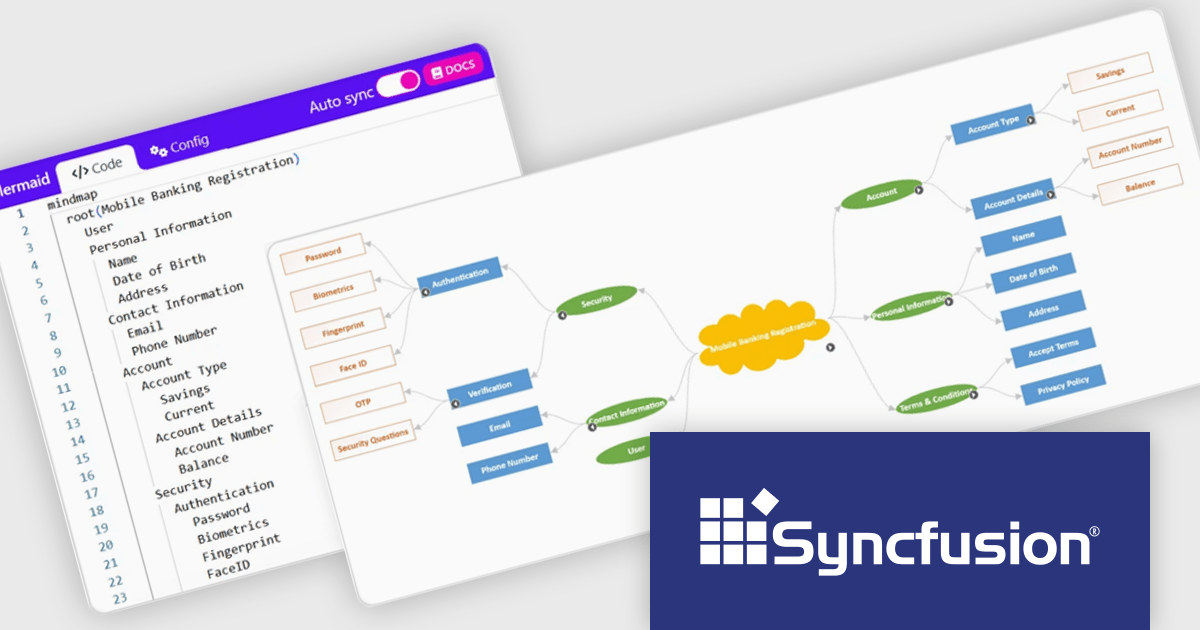
The Syncfusion Essential Studio WPF 2024 Volume 4 update introduces support for importing and exporting mind maps and flowcharts using Mermaid syntax, providing developers with a streamlined way to define, edit, and visualize diagrams through a simple text-based language. This feature enables seamless integration with AI-assisted tools for generating Mermaid syntax, enhances cross-platform compatibility for sharing and editing diagrams, and simplifies the process of creating dynamic visualizations within WPF applications. By leveraging this update, developers can efficiently incorporate diagramming capabilities into their workflows and applications with minimal overhead.
To see a full list of what's new in 2024 Volume 4, see our release notes.
Syncfusion Essential Studio WPF is available as part of Syncfusion Essential Studio Enterprise which is licensed per developer starting with a Team License of up to five developers. It is available as a 12 Month Timed Subscription License which includes support and maintenance. See our Syncfusion Essential Studio Enterprise licensing page for full details.
Learn more on our Syncfusion Essential Studio WPF product page.
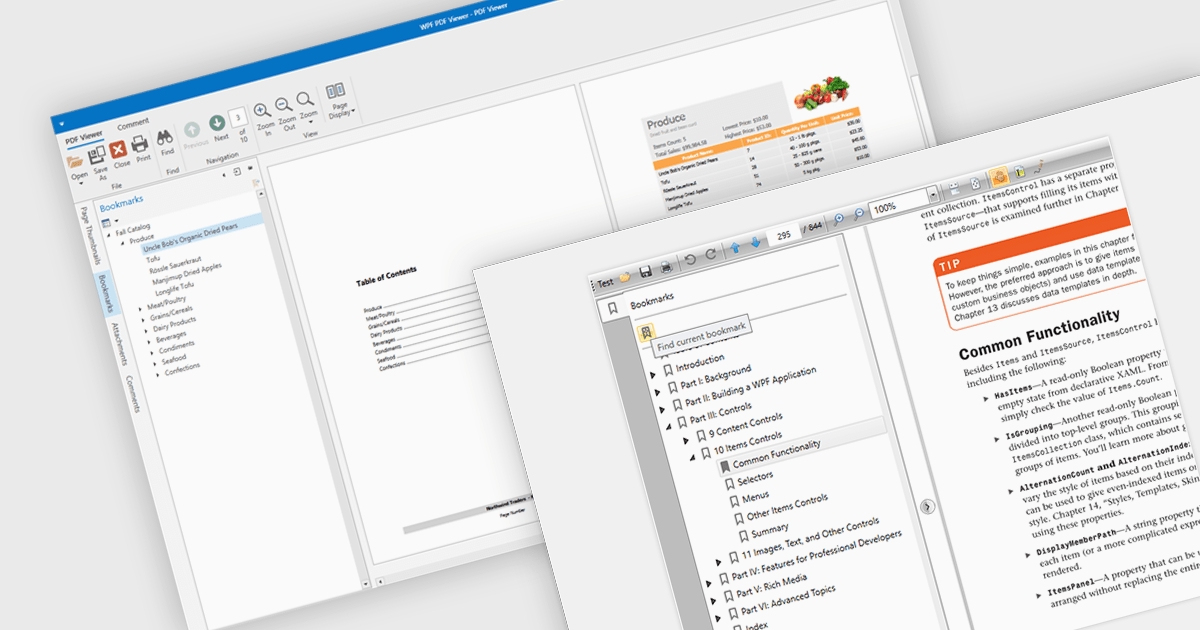
Bookmark navigation in a PDF viewer enhances the user experience by allowing quick access to specific sections within a document. This feature enables users to navigate through large PDFs efficiently by leveraging a predefined structure of bookmarks, which often correspond to headings or key sections. It improves the usability of the viewer by eliminating the need for manual scrolling or searching, making it easier to locate specific content within the document. Navigating via bookmarks is particularly beneficial for documents with complex structures, such as technical manuals, reports, and e-books, where streamlined access to key information enhances productivity and readability. By integrating bookmark support, developers can ensure that their applications provide a seamless way to jump between sections without manually scrolling or searching.
Several WPF (Windows Presentation Foundation) PDF viewer components allow you to navigate via bookmarks, including:
For an in-depth analysis of features and price, visit our WPF PDF viewer comparison.
전화 : 00798 14 800 6332
팩스 : +1 770 250 6199


