













공식 공급 업체
200 이상의 소프트웨어 개발처와 판매 계약을 맺은 공인 디스트리뷰터로서 합법적인 라이선스를 제공합니다.
모든 브랜드 보기.
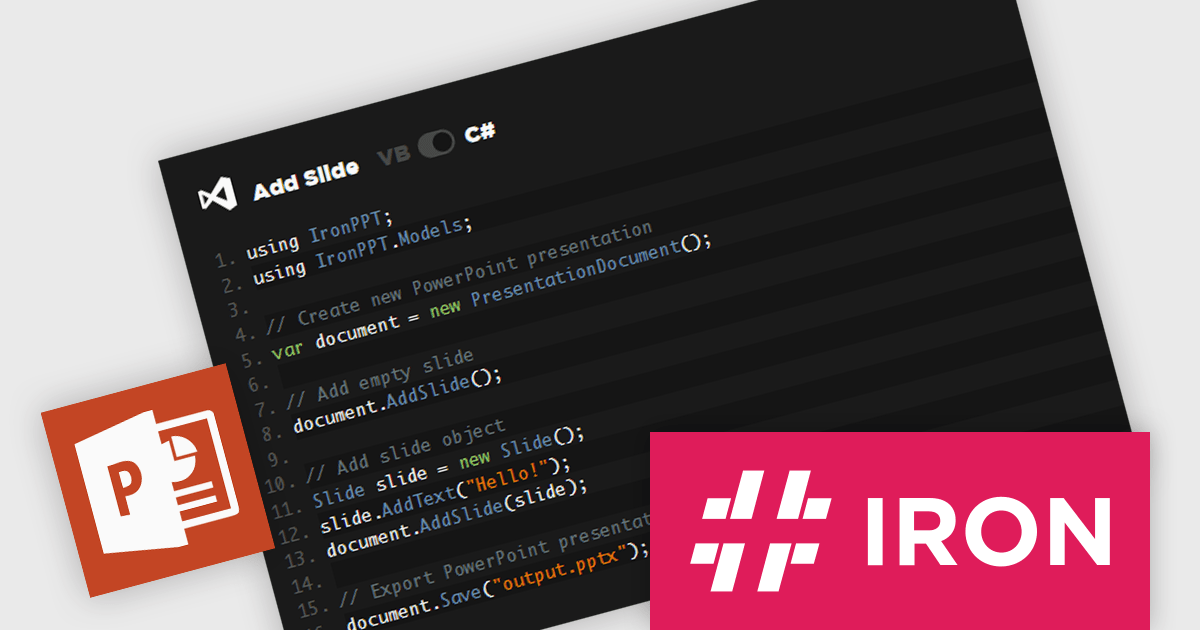
IronPPT for .NET is a newly-launched C# and VB.NET library from Iron Software for creating, editing, and managing PowerPoint presentations without Microsoft Office. It supports text, images, shapes, and slide management, with full compatibility across .NET 9, 8, 7, 6, Framework, Core, and Azure. Designed for cross-platform deployment, it enables automation, dynamic reports, and enterprise integration with minimal effort, streamlining workflows and enhancing productivity.
IronPPT for .NET simplifies PowerPoint presentation manipulation with an intuitive C# and VB.NET API that minimizes complexity and accelerates development. Its straightforward design allows developers to create, edit, and manage PPTX files with minimal code, reducing the learning curve and eliminating the need for Microsoft Office or Interop. By providing clear methods for adding text, images, shapes, and slides, it enables seamless integration into .NET applications, improving efficiency and maintainability. With support for the latest .NET versions and cross-platform deployment, IronPPT ensures a smooth development experience, allowing teams to focus on building robust presentation-driven solutions.
IronPPT for .NET is licensed based on the number of developers, developer locations, and projects. Licenses are perpetual and include 1 year of support and product updates. See our IronPPT for .NET licensing page for full details.
IronPPT for .NET is available individually or as part of Iron Suite for .NET.
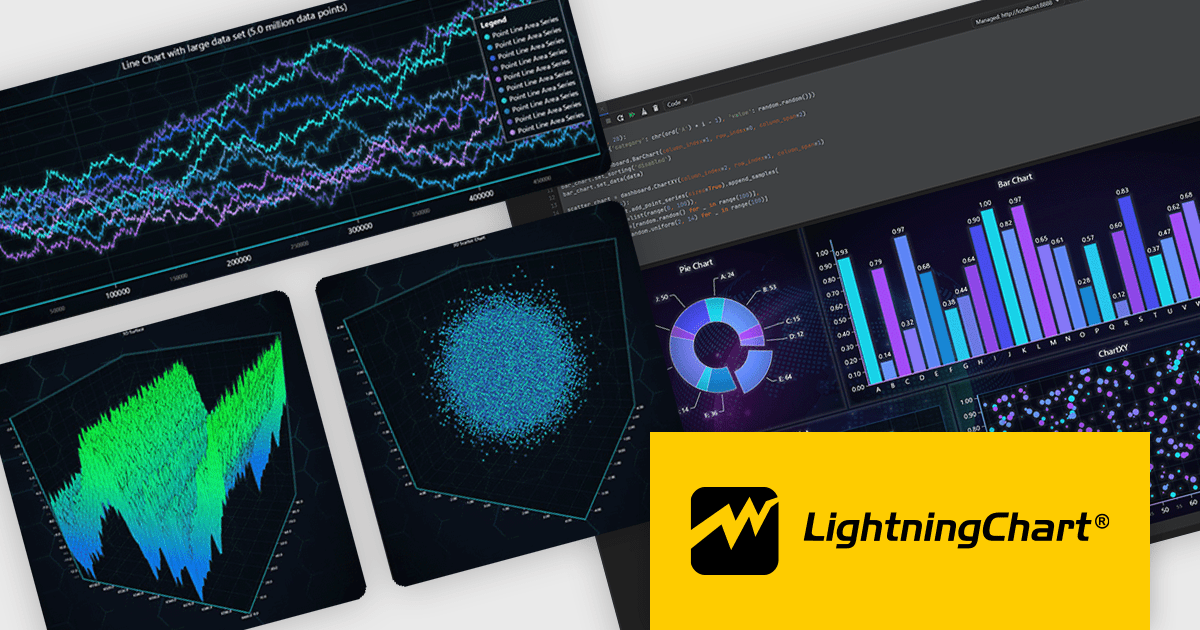
LightningChart Python is a newly released high-performance visualization library designed for real-time analytics and large-scale data rendering. Utilizing GPU acceleration and WebGL, it efficiently processes millions of data points in 2D and 3D with smooth, interactive visuals. It seamlessly integrates with Python’s data ecosystem, including numpy, pandas, and GUI frameworks like PyQt and PySide, making it a powerful tool for interactive dashboards, financial analytics, scientific simulations, and engineering applications.
By offloading rendering to the GPU, LightningChart Python enhances responsiveness, minimizes CPU load, and ensures seamless interaction with complex datasets. Its advanced charting capabilities support real-time monitoring, heatmaps, scatter plots, and dynamic surface charts, delivering the speed, precision, and scalability required for data-intensive applications.
LightningChart Python offers two licensing options: the subscription-based Data Scientist License for internal, non-public facing usage and the perpetual, per-seat Software Developer License for commercial use with professional support and deployment keys. Both licenses allow one active session per user, with developer licenses assigned individually. See our LightningChart Python licensing page for full details.
For more information, see our LightningChart Python product page.
ZingGrid is a JavaScript library that simplifies the creation of interactive data tables and grids within web applications. Utilizing modern web components and focusing on performance and responsiveness, ZingGrid allows developers to implement features like searching, filtering, pagination, and in-line editing with minimal coding. This empowers efficient data visualization and manipulation for users, making it a valuable tool for web development.
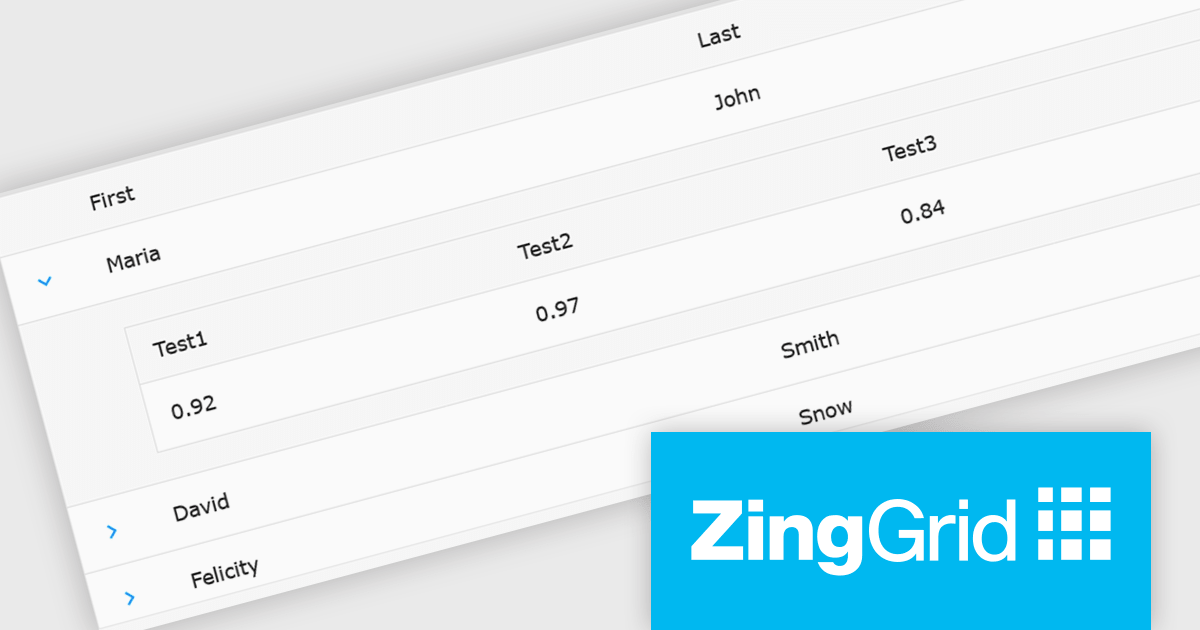
The ZingGrid 2.0.0 release adds new Row Details feature that enhances data presentation by allowing users to expand individual rows and reveal supplementary information. This functionality provides a clean and organized way to display additional data without cluttering the main grid view. Whether you are editing, filtering, searching, or sorting your data, the expanded/collapsed state of each row is intelligently preserved, even across pages. This allows users to maintain context and easily access detailed information without losing their place or having to re-expand rows after interacting with other grid functionalities.
To see a full list of what's new in version 2.0.0, see our release notes.
ZingGrid is available as either a Single-Domain Website or Multi-Domain SaaS license. See our ZingGrid licensing page for full details.
For more information, visit our ZingGrid product page.
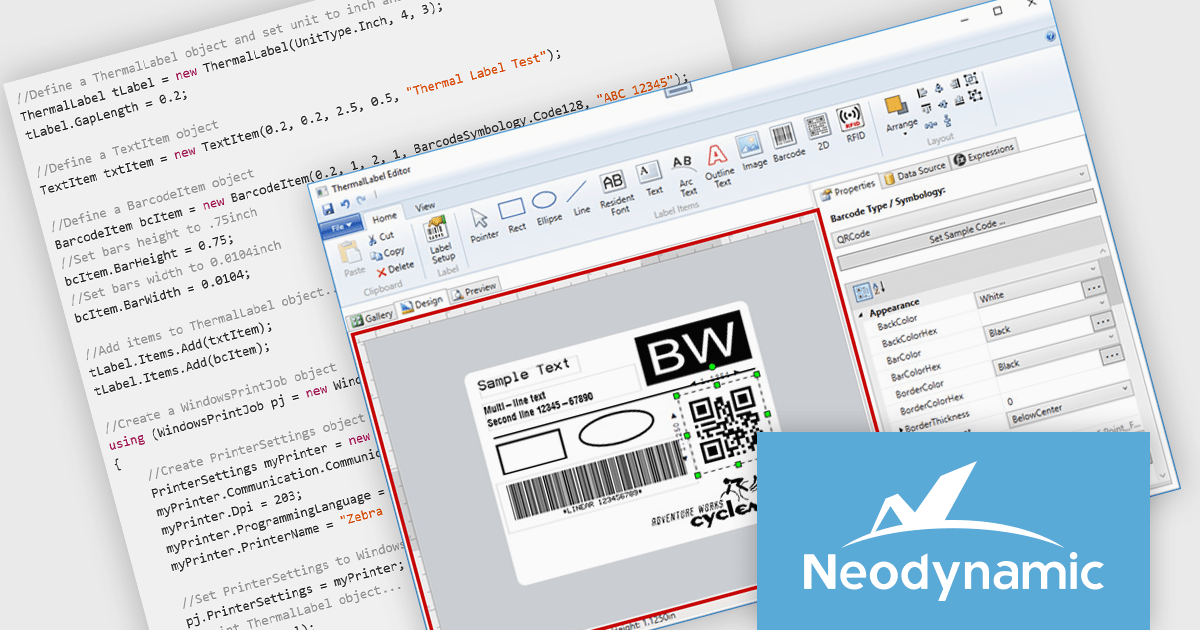
Neodynamic ThermalLabel SDK for .NET is a powerful library that enables developers to create and print barcode labels in .NET applications with precision and flexibility. Supporting a wide range of thermal printers, it offers advanced layout capabilities, data binding, and dynamic content generation using C# or VB.NET. With compatibility for industry-standard barcode symbologies, vector graphics, and RFID encoding, it is well-suited for applications in retail, logistics, healthcare, and manufacturing. Its support for printer languages like ZPL and EPL ensures seamless integration with various devices, optimizing performance while minimizing resource usage. By automating high-quality label printing for tasks such as inventory management, shipping, and compliance labeling, the SDK provides businesses with a scalable and efficient solution.
The Neodynamic ThermalLabel SDK for .NET 14.0 release introduces the new "OverflowSplit" sizing option for TextItem objects. This feature enables developers to automatically divide extensive text content across multiple labels, ensuring that lengthy information is seamlessly managed without requiring manual adjustments. This is particularly beneficial for applications requiring the printing of variable data that may exceed the space of a single label, such as detailed product descriptions or serialized data.
To see a full list of what's new in 14.0, see our release notes.
Neodynamic ThermalLabel SDK for .NET is licensed per developer and per server/client side deployment. Licenses are perpetual and include free updates and priority support for 1 year. See our Neodynamic ThermalLabel SDK for .NET licensing page for full details.
Learn more on our Neodynamic ThermalLabel SDK for .NET product page.
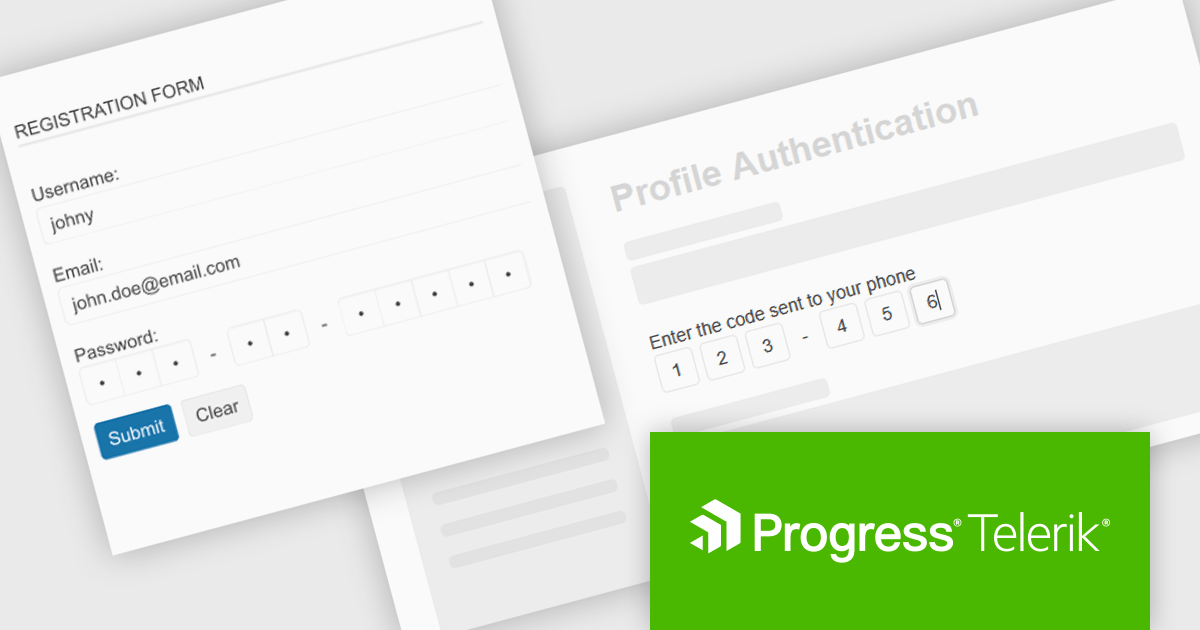
Telerik UI for ASP.NET MVC is a feature-rich UI library that enables developers to build modern, high-performance web applications with a seamless user experience. It offers a wide range of customizable components, including data grids, charts, forms, and interactive UI elements, optimized for server-side rendering and responsive design. With built-in themes, localization, and advanced data binding, it streamlines development while ensuring security and accessibility. Ideal for enterprise applications and data-driven solutions, it enhances productivity and delivers a polished, scalable UI.
The Telerik UI for ASP.NET MVC 2025 Q1 update introduces a new OTP (One-Time Password) UI control, providing a structured and secure way to handle authentication workflows. This component simplifies the implementation of temporary password input, ensuring compliance with modern security standards while enhancing user experience. It offers built-in validation, intuitive input handling, and seamless integration with existing authentication systems, allowing developers to strengthen app security with minimal effort. Fully customizable and responsive, the OTP control ensures consistent behavior across devices and browsers, making it a reliable addition to any ASP.NET MVC application.
To see a full list of what's new in 2025 Q1 (2025.1.211), see our release notes.
Telerik UI for ASP.NET MVC is licensed per developer and has two licensing models: an annual Subscription License and a Perpetual License. The Subscription license provides access to the latest product updates, technical support, and exclusive benefits for a flat annual fee, and must be renewed to continue using the software. The Perpetual license is a one-time purchase granting access to the current released version and includes a one-year subscription for product updates and technical support. After this initial period, users can choose to renew the subscription element to continue receiving updates and support; otherwise, they may continue using the installed version available during their active subscription term but will forgo future updates and support. See our Telerik UI for ASP.NET MVC licensing page for full details.
Telerik UI for ASP.NET MVC is available to buy individually or as part of the following products:
전화 : 00798 14 800 6332
팩스 : +1 770 250 6199


