













공식 공급 업체
200 이상의 소프트웨어 개발처와 판매 계약을 맺은 공인 디스트리뷰터로서 합법적인 라이선스를 제공합니다.
모든 브랜드 보기.
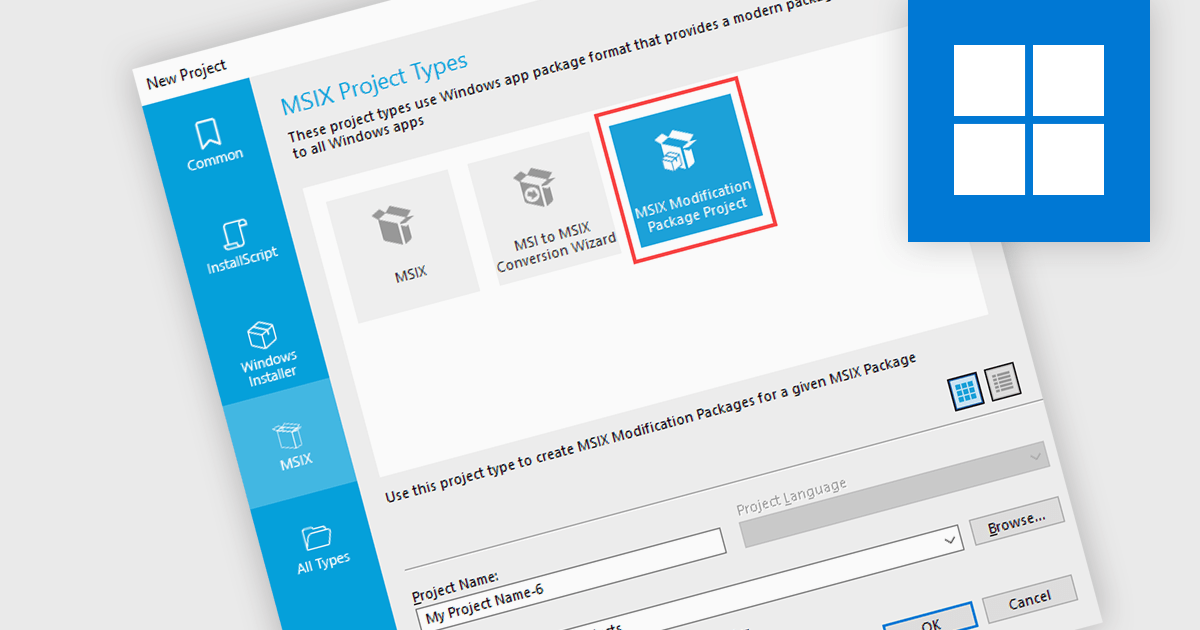
MSIX (Microsoft Installer XML) modification package support provides installation tools with flexible, modular customization of applications by layering changes on top of a base package without altering the core code. This setup is ideal for organizations needing to deploy tailored configurations across different departments or user groups, as updates and modifications can be applied independently of the main application. It simplifies maintenance, supports specific use cases like regulatory compliance, and enhances deployment efficiency, helping IT teams manage diverse requirements while preserving application stability.
Several installation tools offer the ability to create MSIX modification packages including:
For an in-depth analysis of features and price, visit our installation tools comparison.
Installer and setup authoring tools are essential for developers and IT professionals when creating efficient and user-friendly software installation packages. These tools allow users to design and customize installation workflows for desktop, web, and enterprise applications. They offer a variety of features to streamline the setup process, ensure compatibility with different operating systems, and facilitate deployment across various environments. From creating executable (.exe) and Microsoft Installer (.msi) files to offering UI customization and silent installation options, these tools enable efficient and user-friendly software deployment.
Common features include:
For an in-depth analysis of features and price, visit our installation tools comparison.
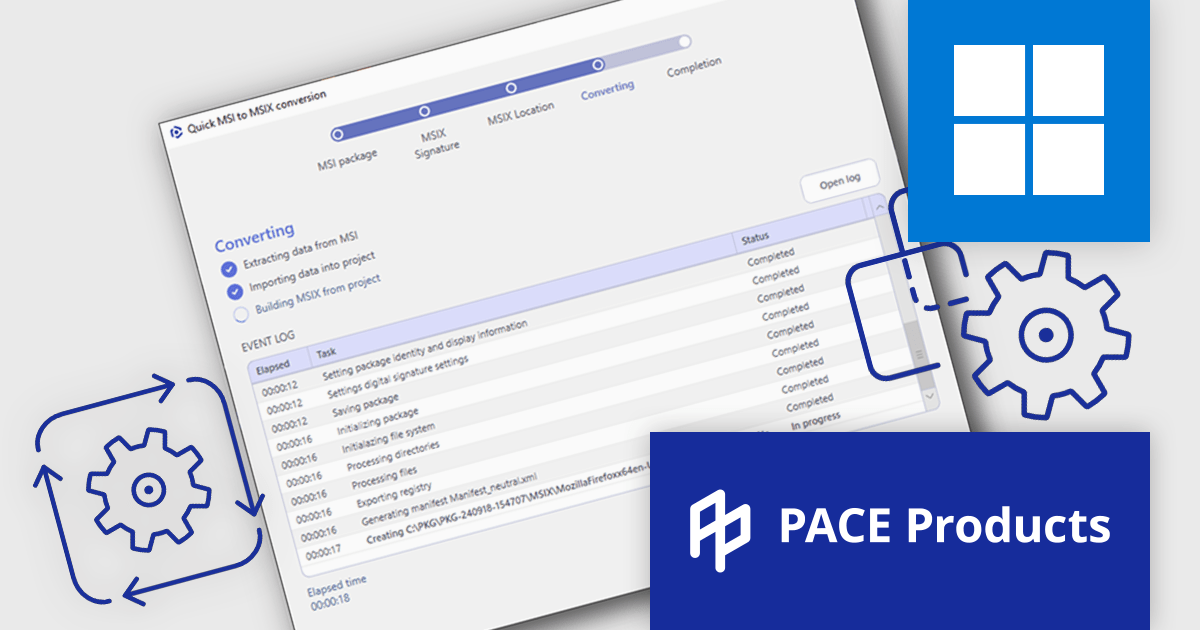
PACE Suite by Infopulse is an application packaging tool that streamlines the creation, editing, and deployment of software installers. It supports various formats like MSI, MSIX, and AppX, and allows for capturing installations, customizing packages, and automating quality checks. Additionally, PACE Packager Hub, a companion product, provides workflow management and team collaboration functionalities for efficient application packaging operations.
The PACE Suite 6.3 update introduces quick conversion of MSI/App-V to MSIX, offering software developers a faster and more efficient way to migrate legacy application formats to Microsoft's modern MSIX standard. This feature automates the entire conversion process, allowing developers to avoid the complexities and time-consuming manual repackaging typically involved in such migrations. By streamlining the conversion workflow into just a few steps, PACE Suite 6.3 ensures that developers can quickly adapt to evolving packaging standards, maintain compatibility with future Windows releases, and focus on more critical development tasks without being bogged down by packaging challenges.
To see a full list of what's new in 6.3, see our release notes.
PACE Suite is licensed per user and is available as both subscription and perpetual licenses with 1 year support and maintenance. See our PACE Suite licensing page for full details.
For more information, visit our PACE Suite product page.
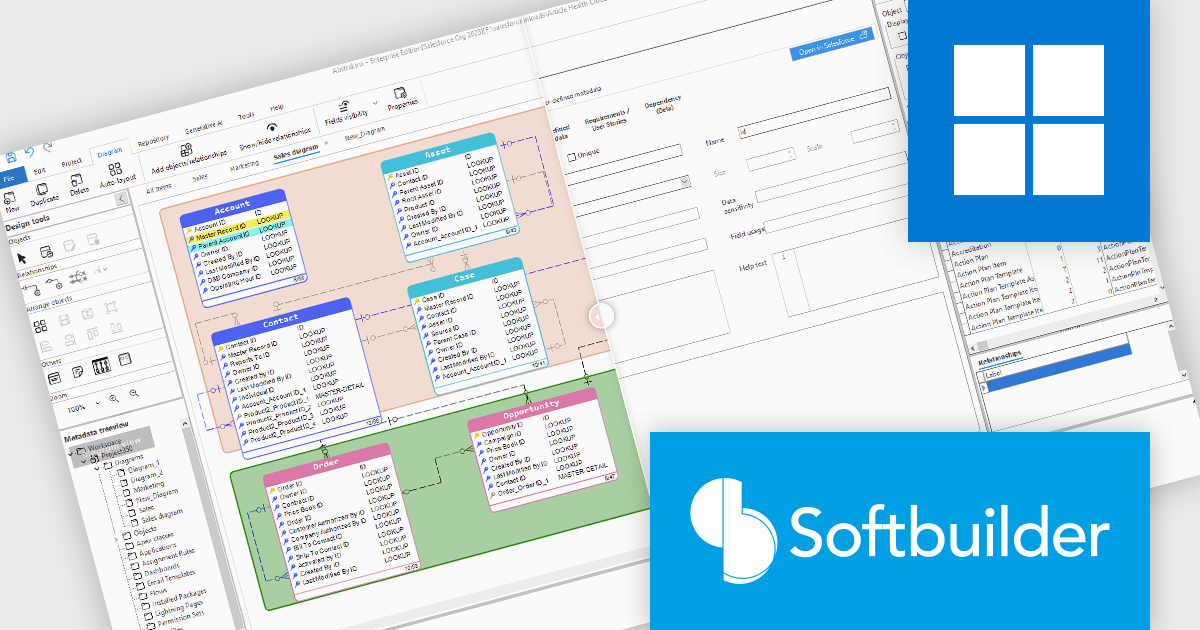
AbstraLinx (formerly ERBuilder for Salesforce) by Softbuilder is a data modeling and management tool that simplifies complex database workflows for developers and data professionals. With features like dynamic modeling, customizable templates, and responsive building blocks, AbstraLinx enhances productivity and streamlines database-driven application development. Ideal for tasks such as database design, system architecture, and data visualization, it helps teams efficiently manage and interact with large-scale data environments.
The AbstraLinx v5.1.29 update brings significant benefits by enabling users to customize their workflows for increased efficiency. Industries such as finance, healthcare, and retail will find the flexible viewing modes particularly useful for handling complex data environments. Whether managing large data sets or optimizing CRM systems, professionals can work more effectively, improve documentation, and streamline processes, enhancing overall productivity across various sectors.
AbstraLinx is licensed per workstation and is available as a Annual License. See our AbstraLinx licensing page for full details.
To see a full list of what's new in AbstraLinx v5.1.29, see our release notes.
Learn more on our AbstraLinx product page.
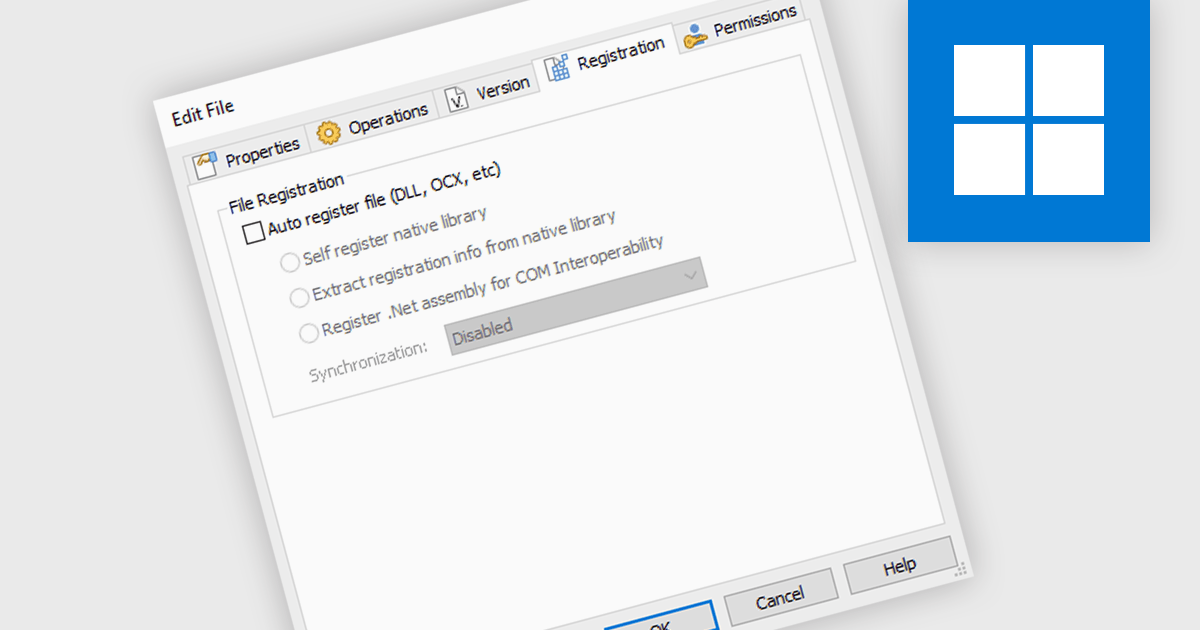
Automatically registering files during installation ensures that the operating system can locate and access the installed files without manual intervention, streamlining user experience and preventing potential errors. By automating file registration, installation tools eliminate the need for users to manually configure system settings or paths, saving time and reducing the likelihood of configuration mistakes. This feature is particularly valuable for applications that integrate with other software or require specific file associations, as it guarantees seamless compatibility and functionality upon installation.
Several installation tools offer the ability to automatically register files including:
For an in-depth analysis of features and price, visit our installation tools comparison.
전화 : 00798 14 800 6332
팩스 : +1 770 250 6199


