













공식 공급 업체
200 이상의 소프트웨어 개발처와 판매 계약을 맺은 공인 디스트리뷰터로서 합법적인 라이선스를 제공합니다.
모든 브랜드 보기.
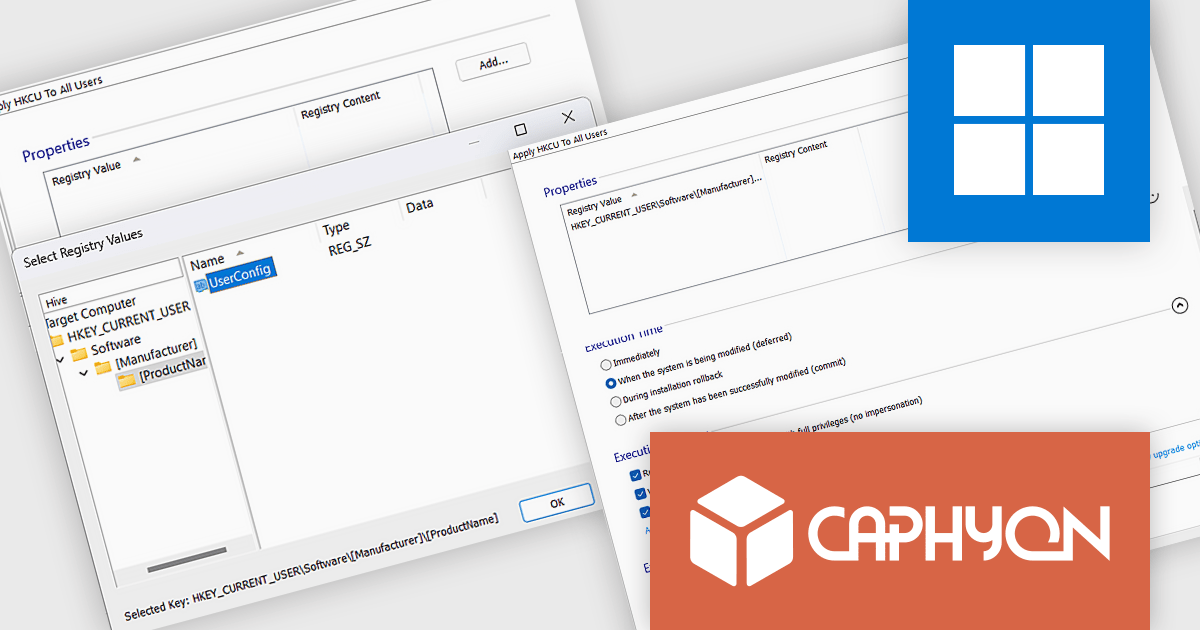
Advanced Installer by Caphyon is a powerful and versatile Windows installer authoring tool that enables developers and IT professionals to create professional-grade installation packages for their software applications. It offers a comprehensive set of features for building installers that are reliable, efficient, and compliant with industry standards.
The Advanced Installer V22.1 release includes a custom action that automates copying Current User registry values to all users, ensuring consistent settings across accounts. This reduces the need for manual adjustments, minimizes errors, and saves time. By streamlining the setup process, it enhances both the user experience and administrative efficiency, making deployments smoother and more reliable.
To see a full list of what's new in version V22.1, see our release notes.
Advanced Installer is licensed per user and is available as an annual or perpetual license with 1 year support and maintenance. See our Advanced Installer licensing page for full details.
For more information, visit our Advanced Installer product pages:
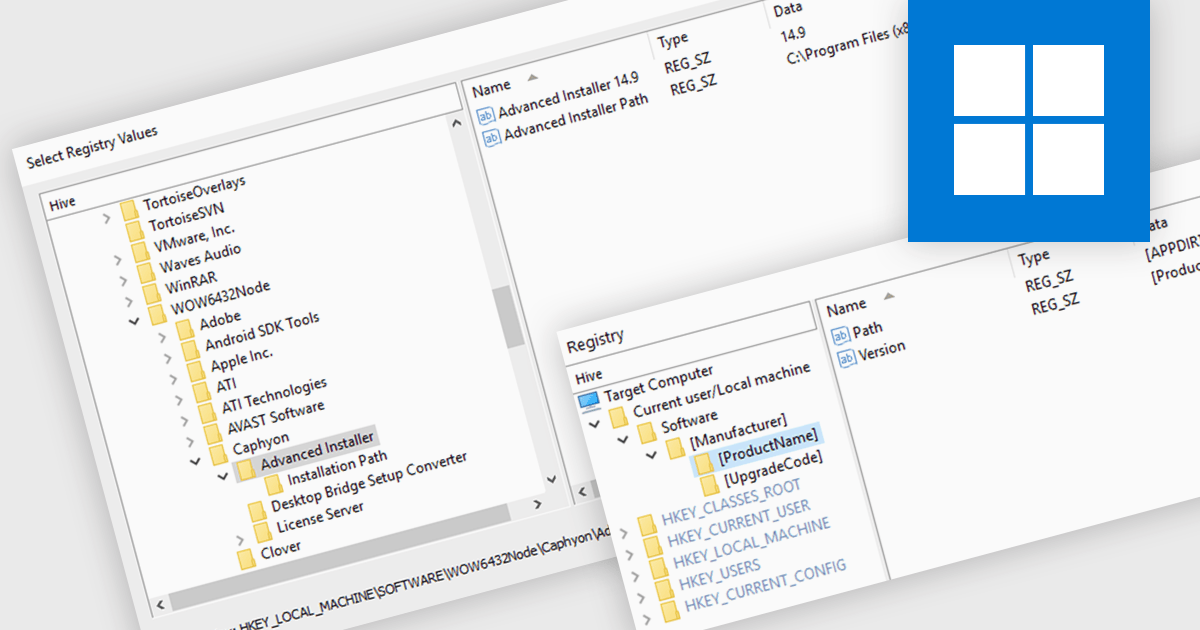
A registry editor is designed to modify and manage the Windows Registry, a central database that stores critical system settings and information. It allows developers to define exactly how their software will interact with the system, including where files will be stored, which registry keys will be accessed, and what services will be started. This granular control ensures that the installation process is smooth and reliable, minimizing potential conflicts and errors. Additionally, the registry editor can be used to create custom configurations, allowing developers to adapt their software to specific user needs or environments.
Several installation tools offer registry editor functionality including:
For an in-depth analysis of features and price, visit our comparison of installation tools.
AdminStudio, by Flexera, empowers IT teams to seamlessly and securely package and deploy applications across various platforms. This comprehensive suite automates key processes, from building new packages to testing compatibility and mitigating risks, ensuring efficient and reliable software distribution within your organization. Whether managing physical or virtual applications, AdminStudio simplifies the entire journey, from initial packaging to endpoint delivery, ultimately driving greater efficiency and minimizing deployment risks.
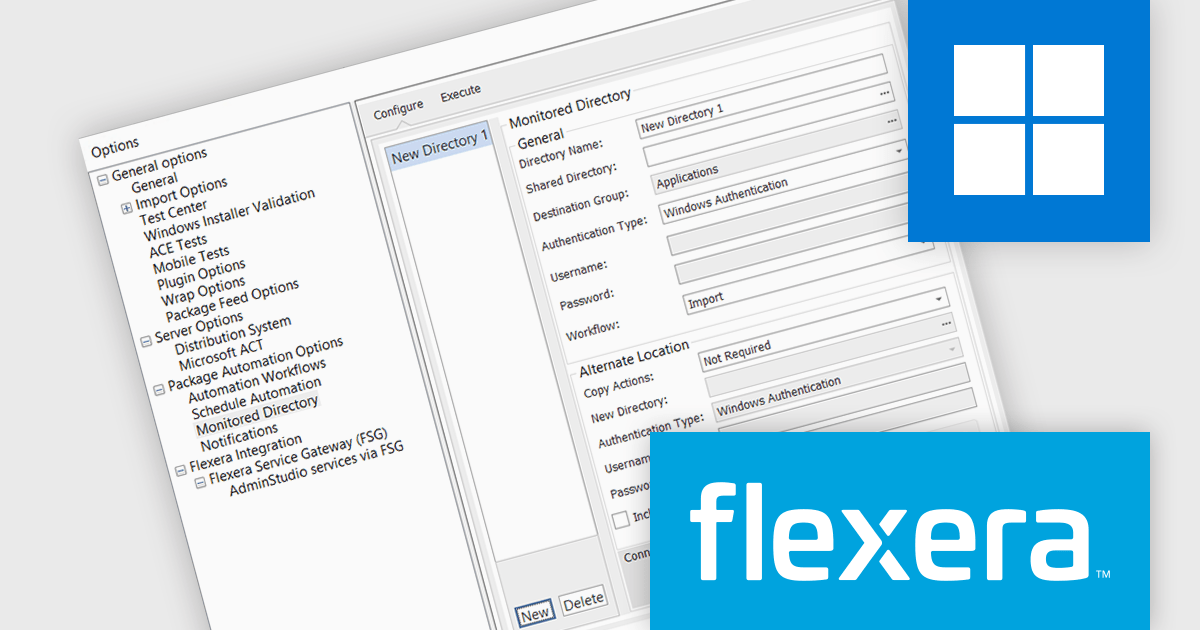
The AdminStudio 2024 R2 release introduces an "Alternate Location" section within the Monitored Directory, designed to streamline and optimize the management of application imports for package automation. This new feature allows administrators to configure an alternate location where applications can be copied or moved directly from a Shared Directory to a designated New Directory. Once in the New Directory, these applications are readily available for import, significantly simplifying the workflow for package automation.
To see a full list of what's new in version 2024 R2, see our release notes.
AdminStudio is licensed per user and is available as a 3 Year Timed Subscription. See our AdminStudio Professional or AdminStudio Enterprise licensing pages for full details.
For more information, visit our product pages:
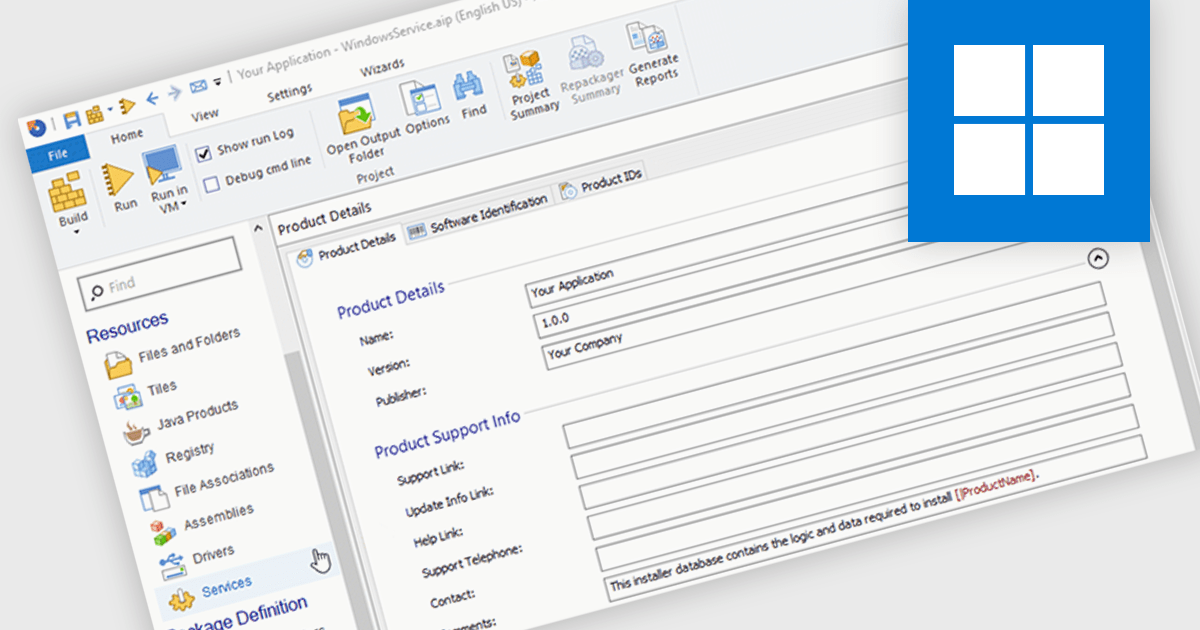
An installation tool with support for Windows services can automatically create and set up Windows services during the installation process. This functionality allows developers to automate the deployment of background tasks that run independently of user interactions. By integrating service installation into the installation process, developers can ensure that necessary services are started and running correctly after the application is installed, streamlining the setup and configuration process for both users and administrators.
Several installation tools offer support for installing Windows services including:
For an in-depth analysis of features and price, visit our comparison of Installation Tools.
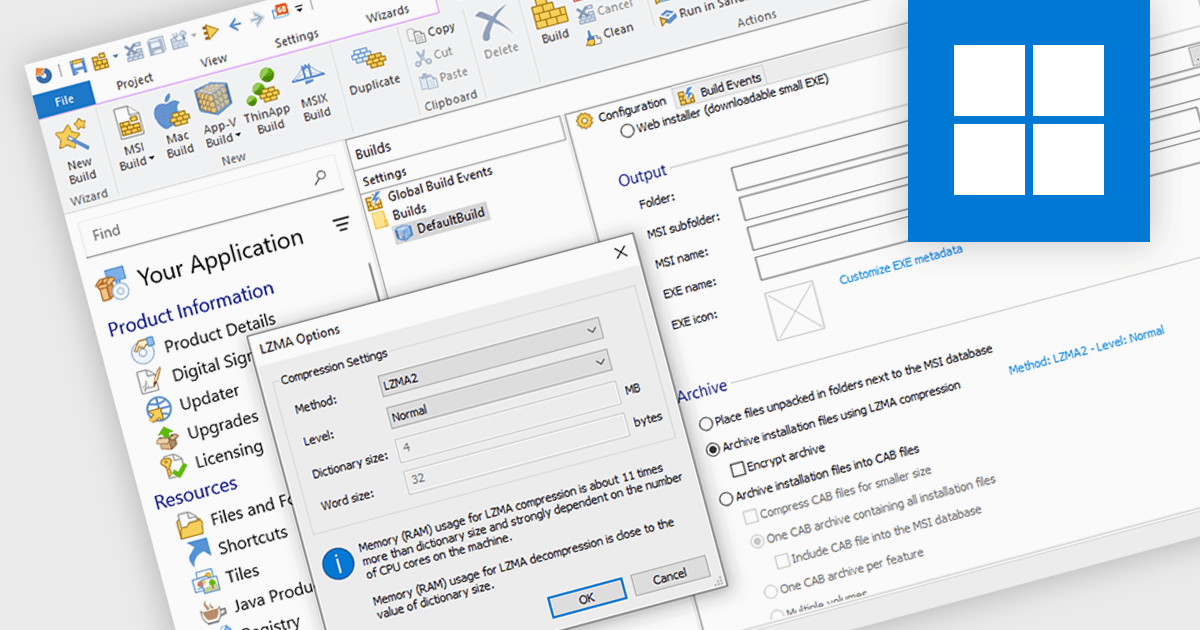
Data compression is a critical component of modern installation tools, enabling efficient delivery and reduced storage requirements. By reducing file sizes, compression accelerates download times, minimizes network bandwidth consumption, and optimizes installation package storage. Advanced compression algorithms specifically designed for software installation packages further enhance performance, ensuring swift and reliable deployment while preserving data integrity.
Several installation tools offer data compression including:
For an in-depth analysis of features and price, visit our comparison of Installation Tools.
전화 : 00798 14 800 6332
팩스 : +1 770 250 6199


