













공식 공급 업체
200 이상의 소프트웨어 개발처와 판매 계약을 맺은 공인 디스트리뷰터로서 합법적인 라이선스를 제공합니다.
모든 브랜드 보기.
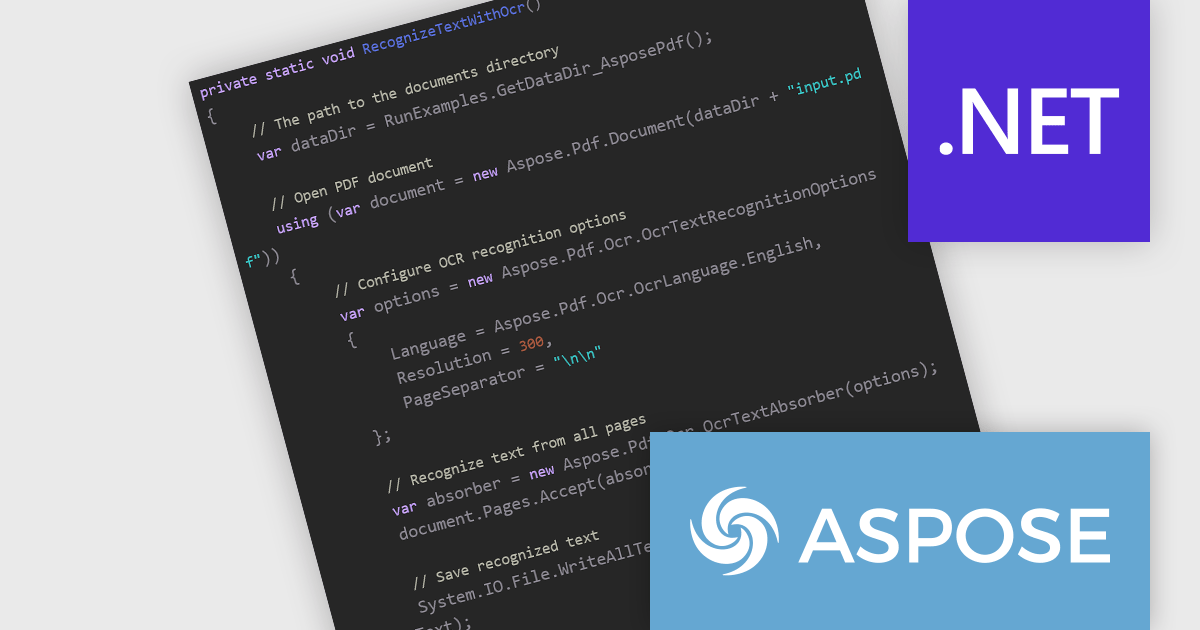
Aspose.PDF for .NET enables developers to seamlessly integrate PDF generation, manipulation, and conversion functionalities within their applications. It eliminates the dependency on Adobe Acrobat by providing a programmatic interface for working with PDF documents, allowing for tasks like creating PDFs from scratch, editing existing ones, adding elements like images and watermarks, and managing security features.
The Aspose.PDF for .NET V26.6 release introduces Integrated Optical Character Recognition (OCR) for PDF Text Recognition, allowing developers to extract text directly from scanned PDFs and image-based documents through the same API. This enhancement simplifies workflows by removing the need to integrate and maintain separate OCR solutions, reducing development complexity and deployment overhead. By making previously inaccessible content searchable, editable, and available for data extraction, the feature helps improve document accessibility, supports compliance requirements, and enables more effective document indexing and archiving. For organizations processing large volumes of scanned documents, the integrated OCR capability can improve productivity while providing a more consistent and streamlined document processing experience.
To see a full list of what's new in V26.6, see our release notes.
Aspose.PDF for .NET is offered as Developer Small Business, Developer OEM, Developer SDK, Site Small Business, Site OEM and Site SDK licenses catering to a range of business needs. Licenses are perpetual, and include 1 year of support and maintenance. Subscription renewals are also available. See our Aspose.PDF for .NET licensing page for full details.
Aspose.PDF for .NET is available individually or as part of the following products:
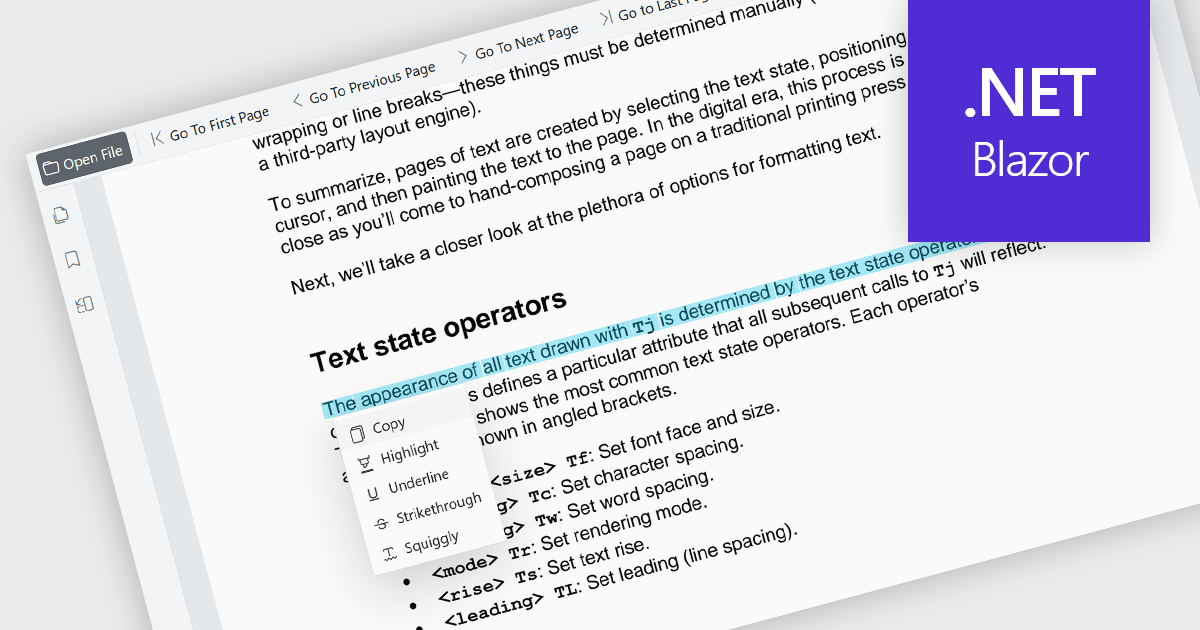
The ability to select and copy text directly within a PDF viewer allows users to highlight content and transfer it to other applications without leaving the document. This functionality enables the efficient extraction of information from PDF files, reducing the need to manually retype content and helping to minimize errors. It supports a wide range of use cases, including research, document review, content reuse, and collaboration across teams. This capability improves productivity by making it easier to reuse information, extract key details, support research activities, and incorporate content into reports, emails, presentations, or other business documents while maintaining an efficient reading experience. It also enhances accessibility and usability by allowing users to interact with document content in a more flexible and practical manner.
Several Blazor PDF viewer components allow you to select and copy text, including:
For an in-depth analysis of features and price, visit our comparison of Blazor PDF viewer components.
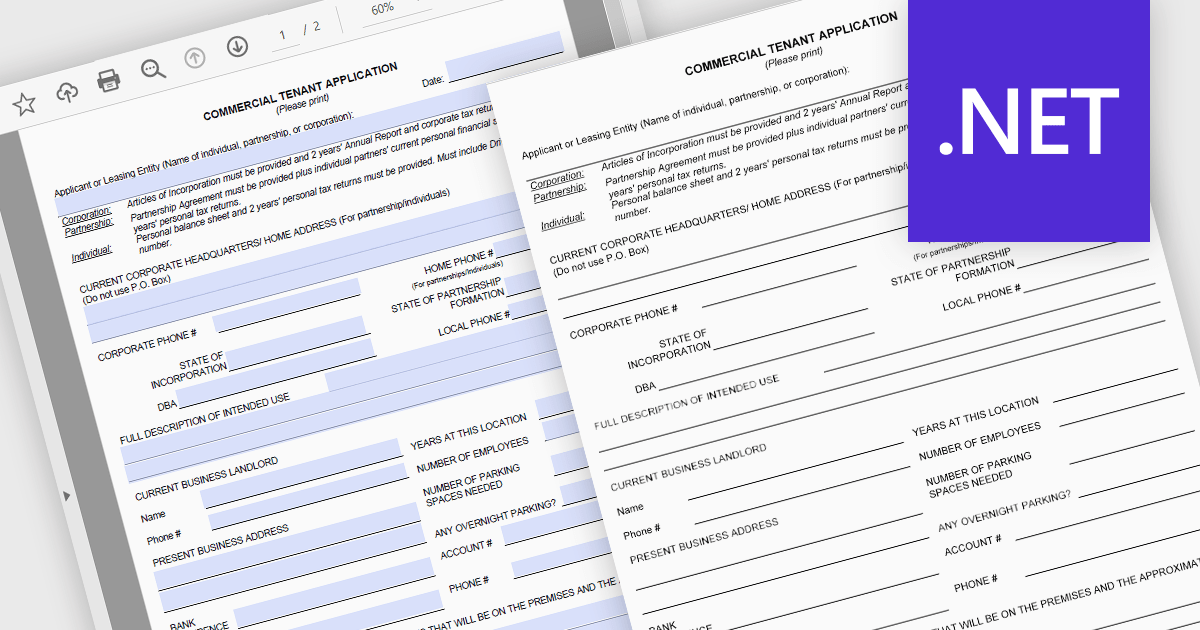
Converting PDFs to SVG in PDF Viewers enables content to be rendered as scalable vector graphics, keeping text, diagrams, and illustrations sharp at any zoom level. This improves viewing quality, responsiveness, and browser performance while ensuring documents remain crisp across all devices and high resolution displays. Common use cases include web based PDF viewers, technical documentation, engineering drawings, and applications that support annotations and interactive document experiences.
Several .NET PDF Viewer components allow you to convert PDFs to SVG's, including:
For an in-depth analysis of features and price, visit our comparison of .NET PDF Viewer components.
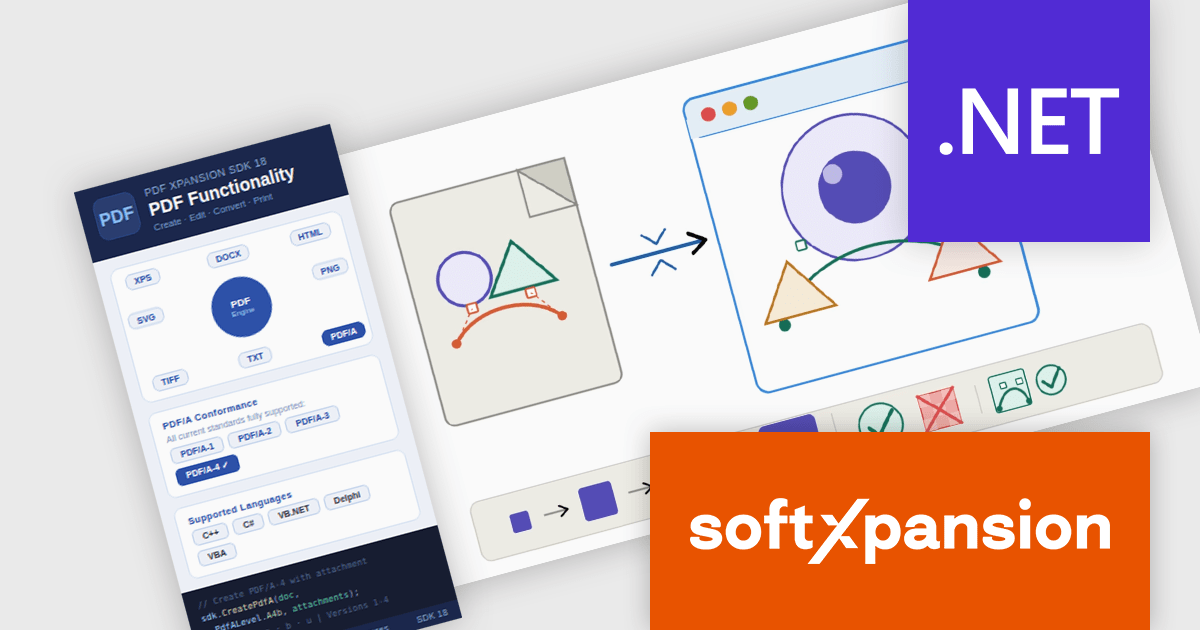
PDF Xpansion SDK by soft Xpansion is a modular software development kit for Windows applications that provides a broad set of APIs and components for creating, editing, viewing, converting, validating, and processing PDF, PDF/A, and XPS documents, alongside support for modern electronic invoicing standards such as XRechnung, ZUGFeRD, Factur-X, and EN 16931. The SDK includes specialized modules for PDF viewing, document combination and splitting, PDF/A compliance, and e-invoicing creation and receipt workflows, enabling developers to integrate document management, archiving, compliance, and business process functionality directly into desktop and enterprise applications. It also supports advanced capabilities such as PDF/UA accessibility, embedded XML data, document conversion, structured invoice validation, and customizable viewing interfaces, allowing developers to build solutions for document-centric workflows, digital archiving, regulatory compliance, document viewing, and automated invoice processing using a common set of PDF and e-invoicing development components.
The PDF Xpansion SDK 18.0.2 update introduces full SVG import capability, allowing developers to embed complete SVG files directly into PDF documents rather than being limited to basic SVG elements. This enhancement improves fidelity when working with vector graphics by preserving complex shapes, gradients, paths, and other advanced SVG features during PDF generation. As a result, applications can produce more accurate and visually consistent PDF output from modern SVG-based assets, reducing the need for graphic simplification, conversion workarounds, or manual adjustments while supporting a broader range of design and reporting scenarios. Note: This feature is not included in the license and requires an additional purchase - details and pricing available upon request.
To see a full list of what's new in 18.0.2, see our release notes.
PDF Xpansion SDK products are licensed on a per-location basis, with a separate license required for each company location where developers use the SDKs. An annual maintenance subscription is also available, providing product updates and 12 man-hours of support for one year. Optional add-ons are available, and certain features not included in the standard license may be licensed separately for an additional fee.
See the product license pages for full details:
Learn more about PDF Xpansion SDK on our product pages:
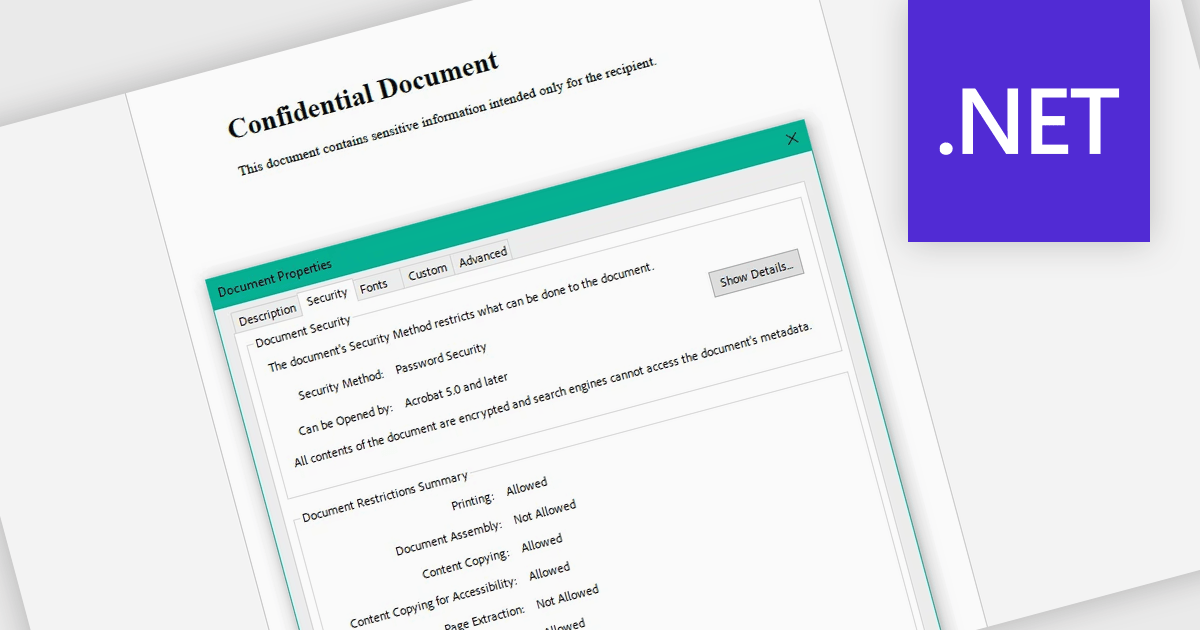
Encrypting and decrypting PDF files allows developers to secure sensitive documents with strong encryption while enabling authorized users to safely access protected content when needed. By applying password protection and access controls, organizations can prevent unauthorized viewing or sharing of confidential information such as legal contracts, financial reports, healthcare records, and proprietary research while supporting secure document workflows and compliance requirements.
Several .NET PDF controls offer encryption and decryption support including:
For an in-depth analysis of features and price, visit our .NET PDF controls comparison.
전화 : 00798 14 800 6332
팩스 : +1 770 250 6199


