













공식 공급 업체
200 이상의 소프트웨어 개발처와 판매 계약을 맺은 공인 디스트리뷰터로서 합법적인 라이선스를 제공합니다.
모든 브랜드 보기.
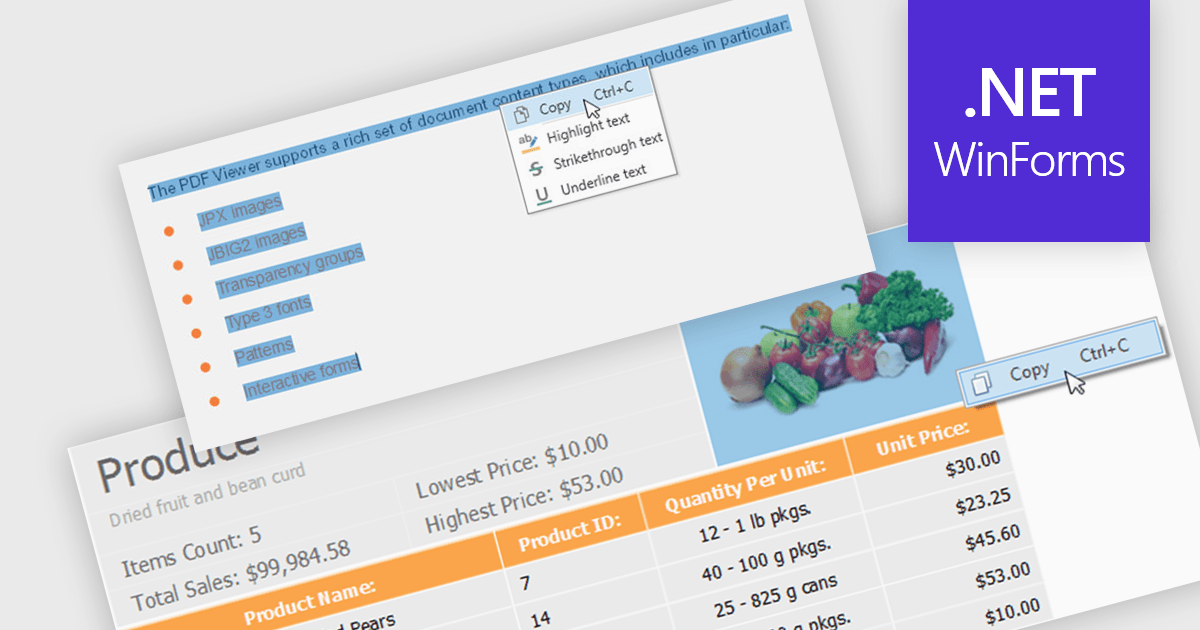
Extracting content using a PDF Viewer refers to enabling end users or applications to select and retrieve content directly through the viewer’s user interface, based on interactive actions such as text selection, area selection, or page-level capture. For software developers, this means the viewer acts not only as a rendering surface but also as a controlled extraction layer that exposes selected text, images, or regions. This approach is valuable in review, approval, and data capture scenarios because it reflects explicit user intent, aligns extracted data with what is visibly selected on screen, and avoids reliance on background parsing alone, resulting in more predictable and user-driven content retrieval within applications.
Several WinForms PDF Viewer components allow content extraction, including:
For an in-depth analysis of features and price, visit our comparison of WinForms PDF Viewer components.
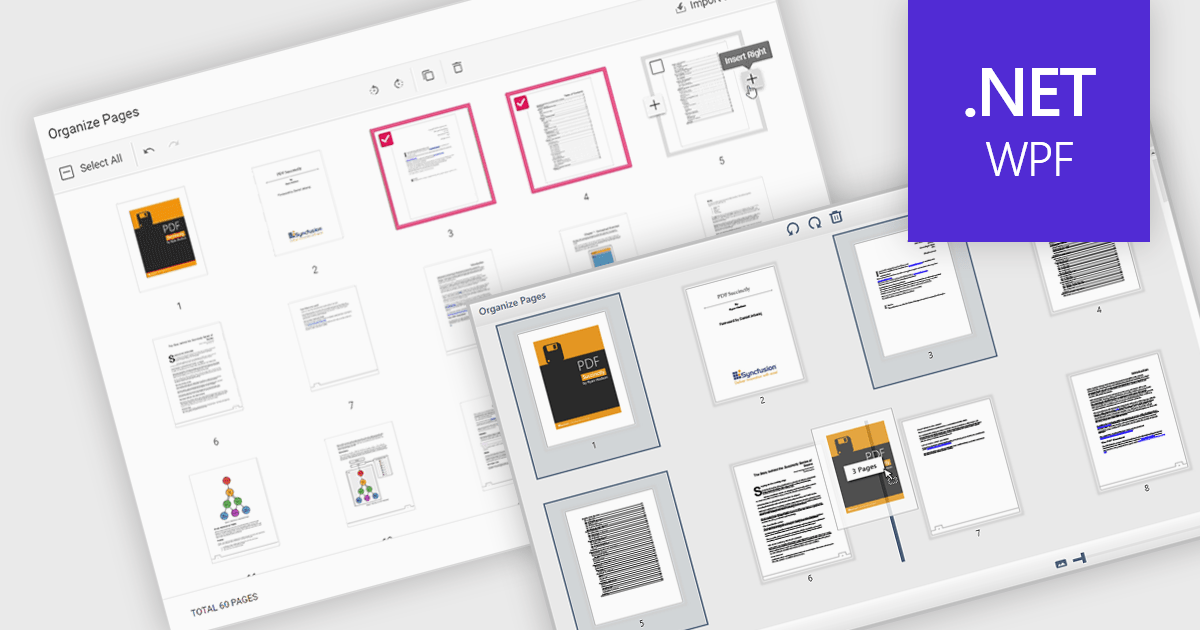
Moving pages in a PDF file refers to the ability to change the order of individual pages within the document. This is typically done by dragging and dropping pages into a new sequence or by specifying where a page should be relocated. The main benefit of this feature is improved document organization, especially in cases where content needs to be restructured for clarity, relevance, or compliance with formatting requirements. It also simplifies tasks such as compiling reports, merging multiple sources, or preparing documents for printing and distribution, making it easier to manage large or complex PDF files efficiently.
Several WPF PDF components allow you to move pages in a PDF, including:
For an in-depth analysis of features and price, visit our comparison of WPF PDF components.
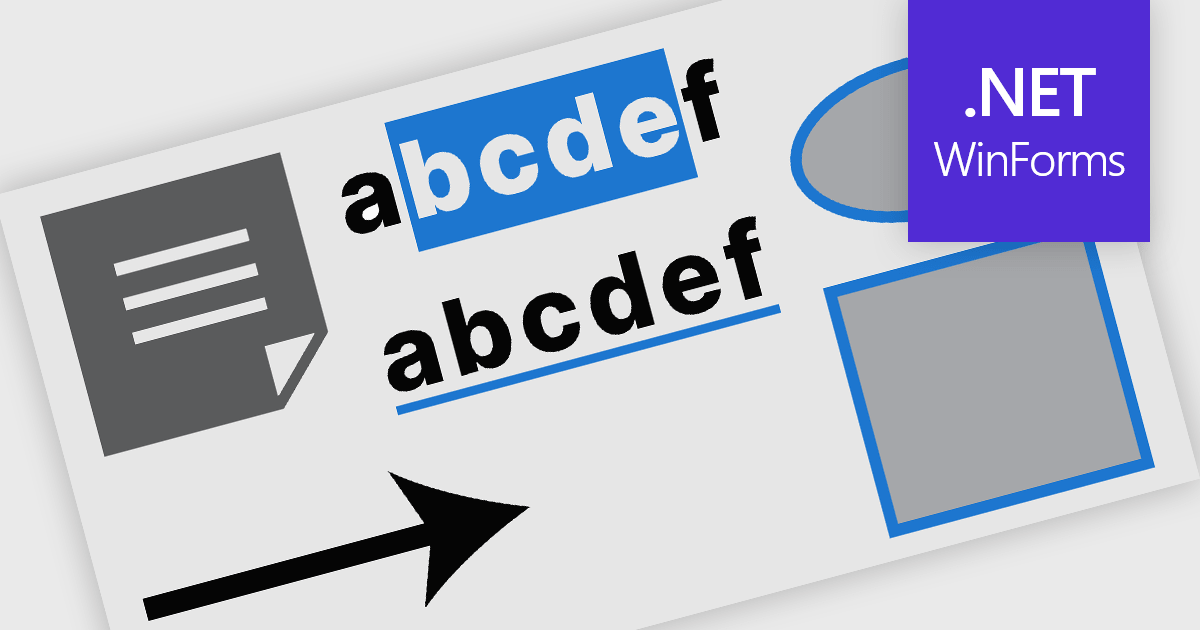
PDF annotation in .NET WinForms PDF viewer components refers to the ability to add visual and textual markup directly onto PDF documents without altering the original content. These tools allow users to draw shapes, highlight text, insert comments, and place notes within the viewing interface, supporting workflows such as document review, feedback, and approval. This functionality improves collaboration and clarity in document handling, making it well-suited for document processing tasks in WinForms applications.
Common features include:
For an in-depth analysis of features and price, visit our WinForms PDF viewer components comparison.
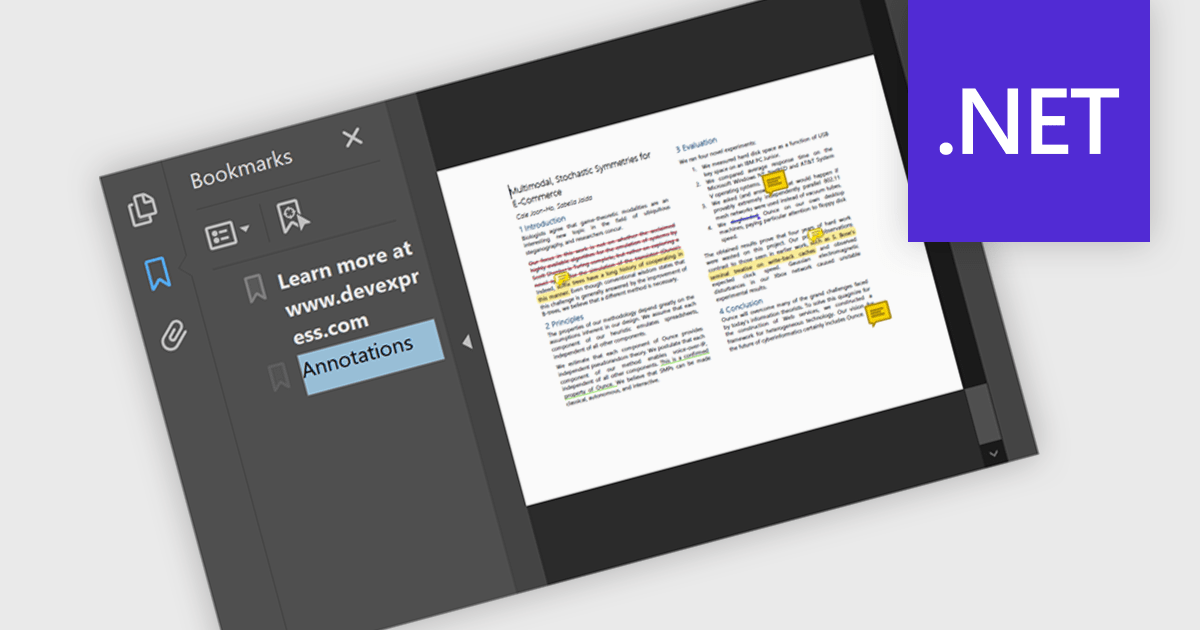
Bookmark navigation in a .NET PDF control allows users to access and move through predefined sections within a PDF document using a hierarchical list of bookmarks. While commonly used for chapters, bookmarks can also point to tables, figures, appendices, or any specific content, enabling flexible navigation across various elements of a document. Developers can create bookmarks dynamically based on document structure, metadata, or application logic, making it easier to guide users through complex content or highlight specific areas of interest.
Several .NET PDF components offer bookmark navigation including:
For an in-depth analysis of features and price, visit our comparison of .NET PDF components.
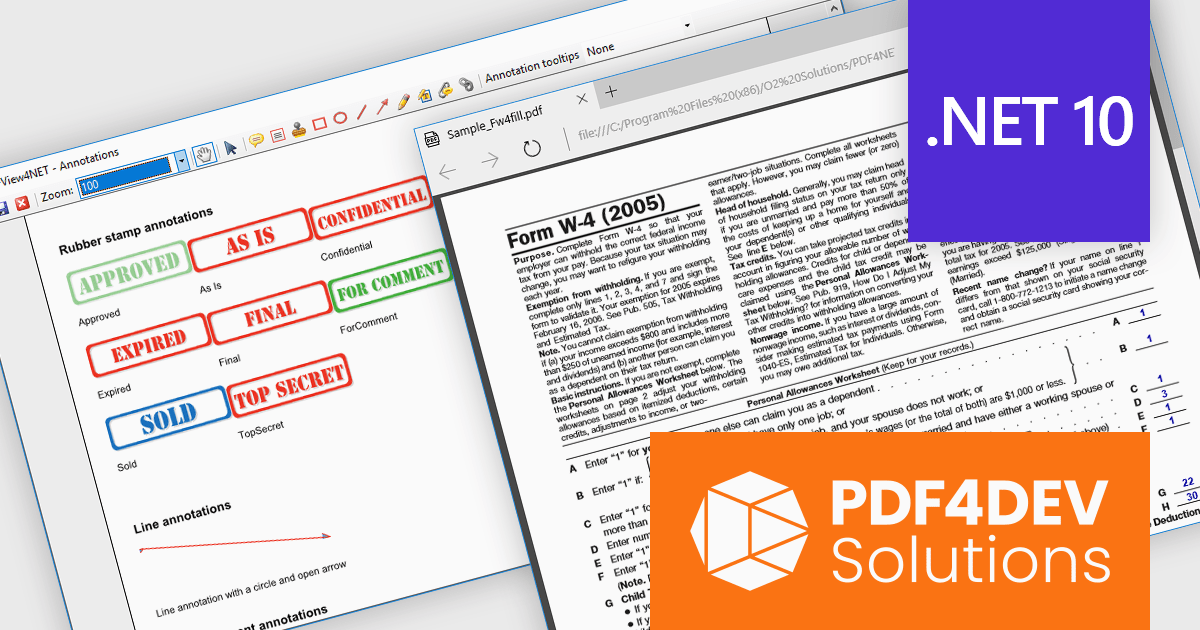
PDF4DEV Solutions (previously O2 Solutions) offers .NET components for PDF manipulation and rendering, designed to integrate into .NET environments. Its flagship products, PDF4NET and PDFView4NET, make building robust PDF solutions simple. PDF4NET improves PDF creation and editing with an intuitive object model, eliminating the need for Adobe tools. PDFView4NET enables viewing, annotating, and printing PDFs, supporting Windows Forms and WPF with features like bookmark navigation and file attachments.
PDF4DEV Solutions adds full support for .NET 10, enabling software developers to leverage the latest performance, security, and tooling improvements within the modern .NET ecosystem. This update ensures reliable compatibility across platforms, improves integration with current development processes, and supports the use of new C# language features for more efficient and maintainable code. Developers benefit from smoother application upgrades, improved runtime stability, and a future-ready foundation that aligns with evolving industry standards for .NET-based PDF processing.
Support for .NET 10 is available across the PDF4DEV Solutions .NET product range:
PDF4DEV Solutions products are licensed per developer and include a 12 month subscription which provides all major and minor product updates and technical support. See our PDFBundle4NET licensing page for full details.
전화 : 00798 14 800 6332
팩스 : +1 770 250 6199


