













공식 공급 업체
200 이상의 소프트웨어 개발처와 판매 계약을 맺은 공인 디스트리뷰터로서 합법적인 라이선스를 제공합니다.
모든 브랜드 보기.
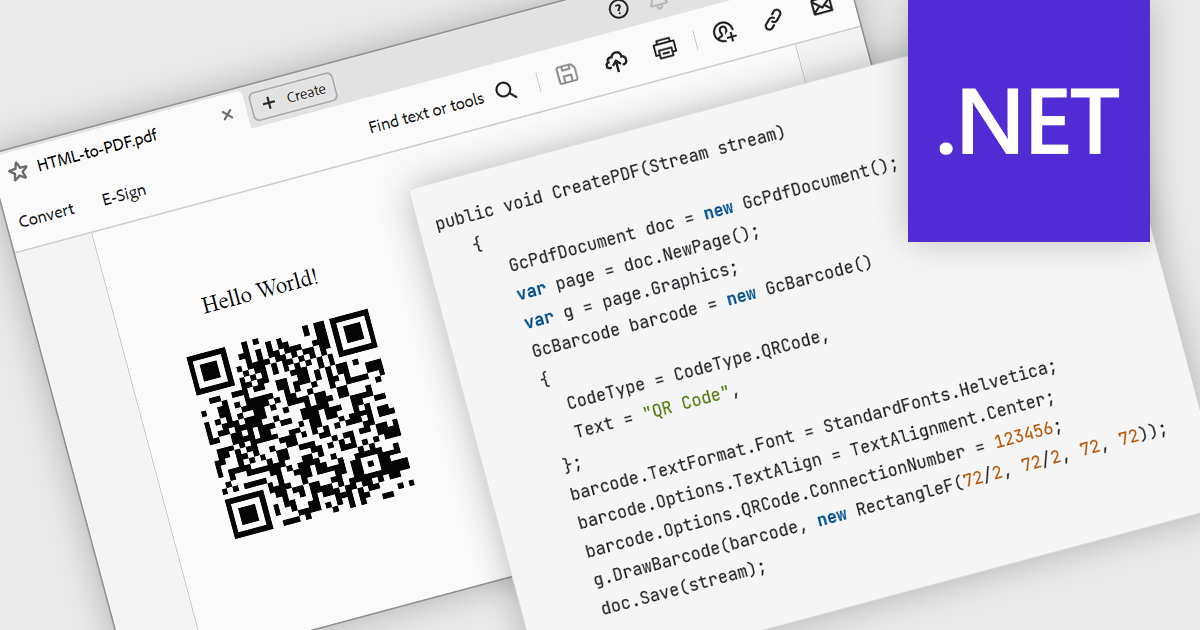
The ability to render 2D barcodes using a PDF component refers to the capability to generate and embed two-dimensional barcodes, such as QR codes, Data Matrix, or PDF417, directly within PDF documents at creation time. This functionality allows developers to programmatically encode structured data, URLs, identifiers, or transactional information into machine-readable symbols that are accurately rendered as vector graphics or high-resolution images within the PDF. This supports use cases such as document tracking, authentication, inventory management, ticketing, and automated data capture in enterprise systems.
Several .NET PDF components allow you to create 2D barcodes, including:
For an in-depth analysis of features and price, visit our comparison of .NET PDF components.
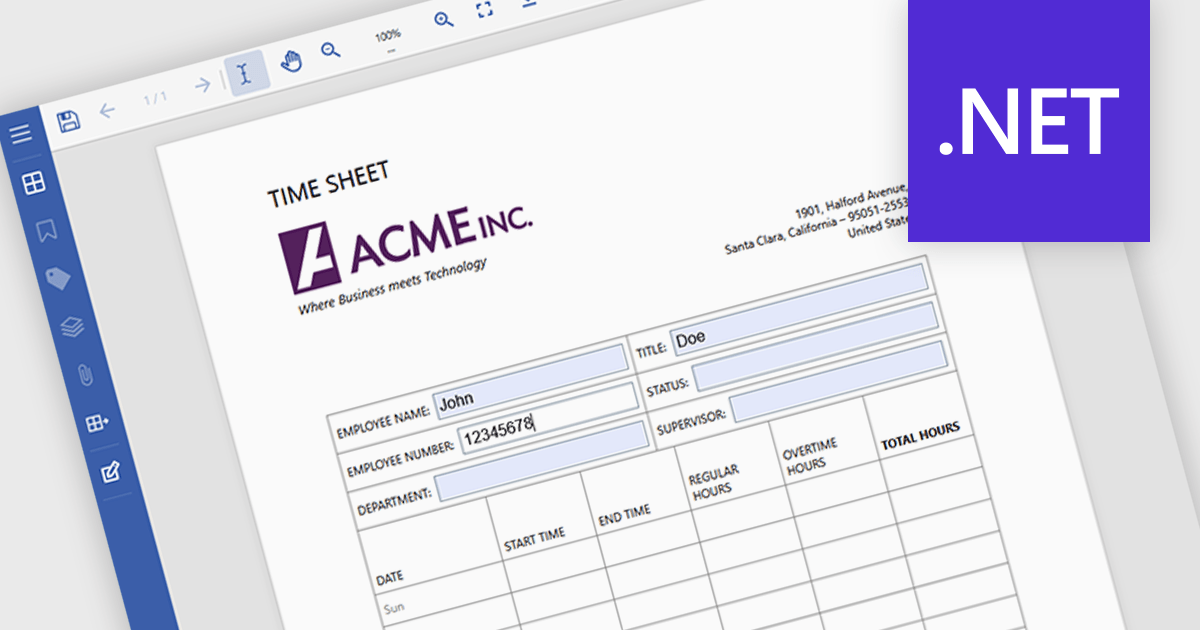
Filling forms in a PDF viewer lets users complete interactive fields such as text boxes, checkboxes, radio buttons, and dropdowns directly in the document, without needing additional software. The viewer captures data in a structured format, which can help reduce entry errors and eliminate the need to print and scan forms. As a result, documents can be completed and returned more quickly, supporting paperless processes and simplifying day-to-day operations for both organizations and end users. Common use cases include contracts and agreements, job applications and onboarding forms, customer intake documents, compliance paperwork, and internal approval processes.
Several .NET PDF Viewers feature support for form filling, including:
For an in-depth analysis of features and price, visit our comparison of .NET PDF viewers.
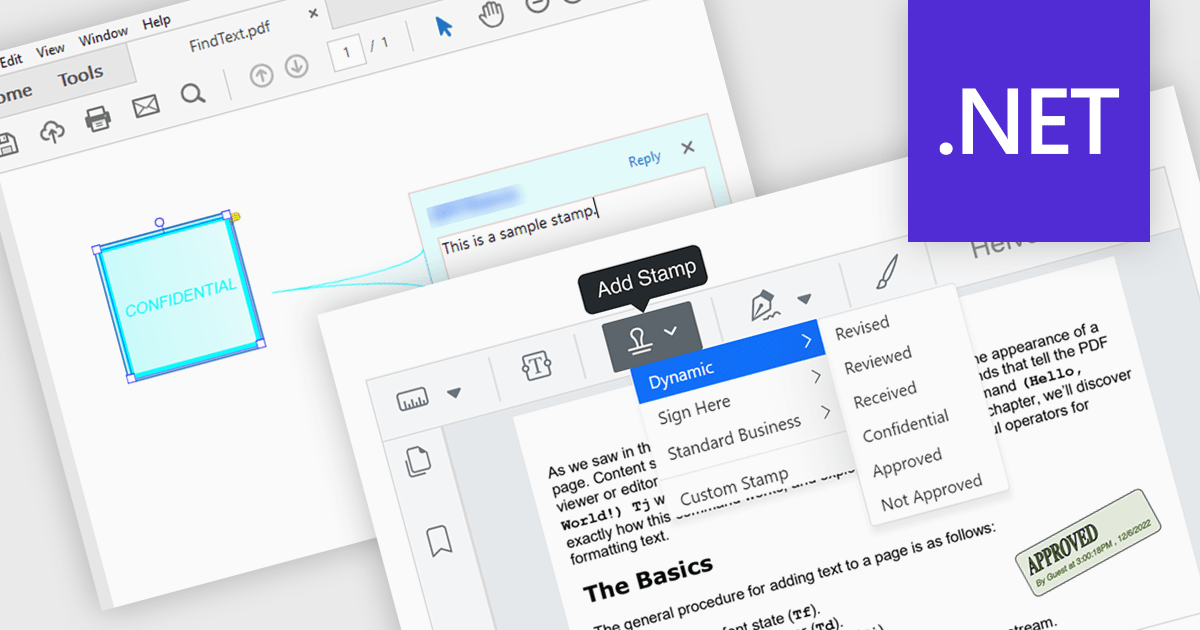
Stamp annotation support in a PDF Viewer component allows applications to place predefined or custom visual marks, such as “Approved,” “Draft,” or date-based stamps, directly onto PDF pages as non-destructive annotations. For software developers, this capability simplifies the implementation of document review and approval processes by enabling users to apply consistent, repeatable markings without altering the underlying content. It improves traceability and collaboration by making document status and actions immediately visible, supports automation through programmatic stamp placement, and helps maintain document integrity while meeting common business and compliance requirements.
Several .NET PDF viewer components support stamp annotations, including:
For an in-depth analysis of features and price, visit our comparison of .NET PDF viewer components.
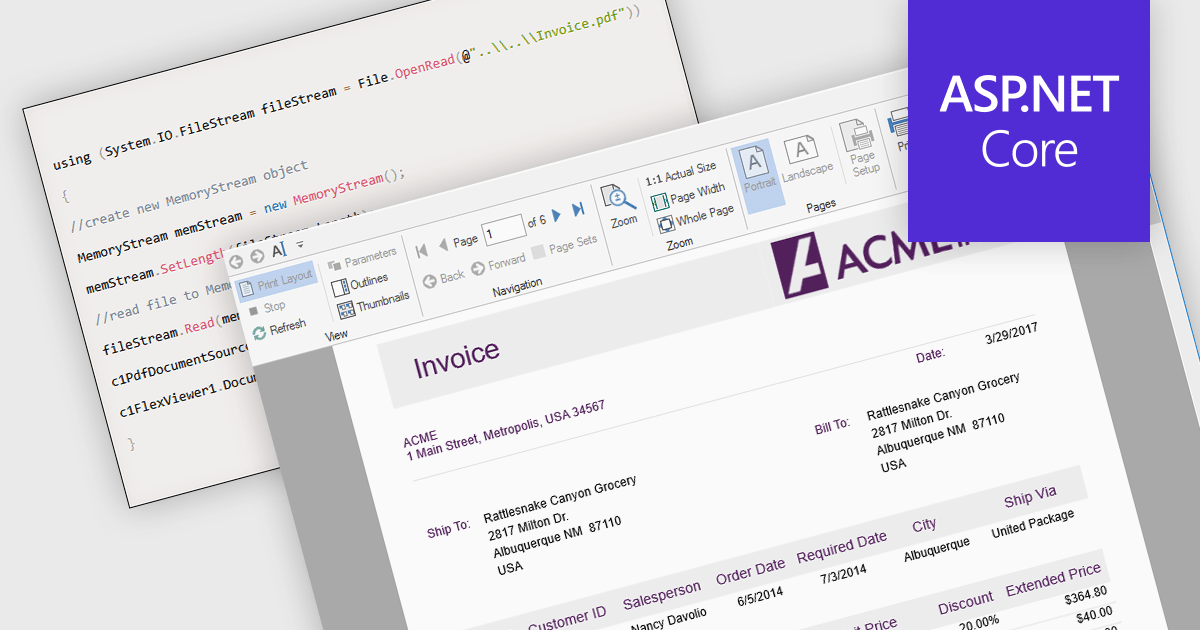
Opening PDFs directly from streams in ASP.NET PDF Viewer components refers to the ability to load and render PDF documents from a .NET Stream object rather than from a physical file stored on the server. This means the PDF content can be retrieved dynamically from sources such as databases, cloud storage, web APIs, or generated in memory at runtime, and then passed directly to the viewer for display. By working with streams, applications can avoid temporary file storage, improve security by reducing file system exposure, and better support modern deployment scenarios such as containerized or cloud-based environments where local storage may be limited or transient.
Several ASP.NET Core PDF viewer components offer open PDFs from stream functionality including:
For an in-depth analysis of features and price, visit our comparison of ASP.NET Core PDF viewer components.
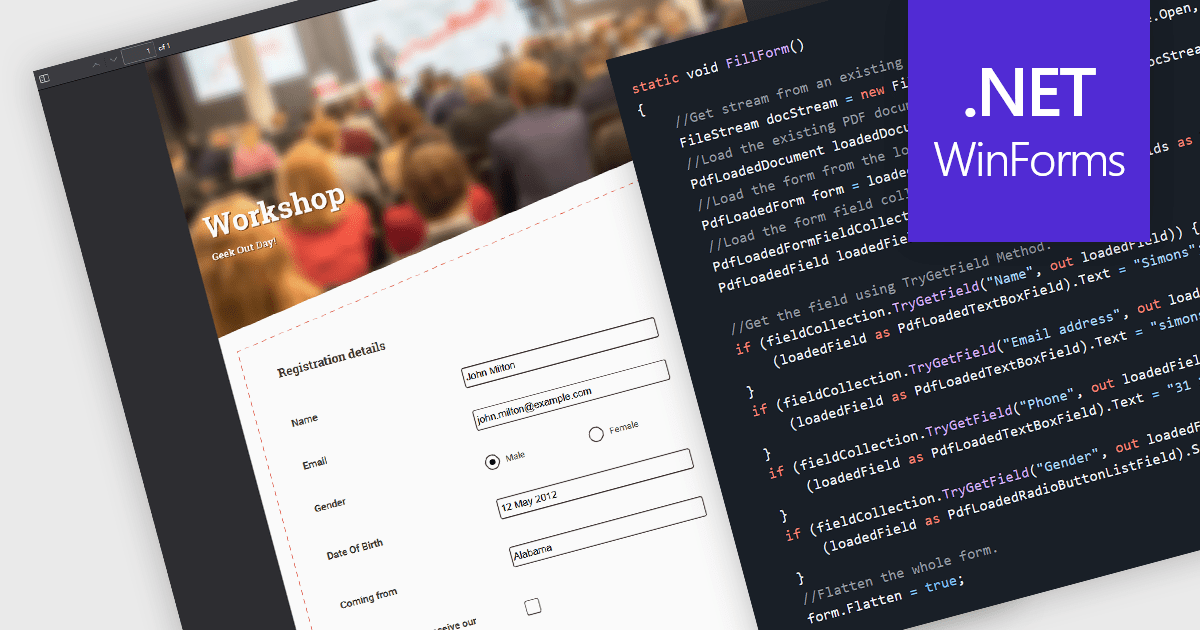
Flattening form fields is the process of converting interactive PDF form elements into static content within the document. Once flattened, the data entered into fields becomes part of the page itself, preventing further editing or manipulation. This ensures that the document can be viewed consistently across devices and PDF readers, while preserving the integrity of the submitted information. It is particularly valuable for finalized contracts, reports, and compliance documents where maintaining an accurate, unalterable record is essential.
Several WinForms PDF components allow you to flatten form fields, including:
For an in-depth analysis of features and price, visit our comparison of WinForms PDF components.
전화 : 00798 14 800 6332
팩스 : +1 770 250 6199


