













공식 공급 업체
200 이상의 소프트웨어 개발처와 판매 계약을 맺은 공인 디스트리뷰터로서 합법적인 라이선스를 제공합니다.
모든 브랜드 보기.
Infragistics Ultimate is a comprehensive development toolkit designed to streamline the creation of high-performance, visually rich applications across multiple platforms. It includes a wide range of user interface (UI) components and development tools for web, desktop, and mobile applications, supporting frameworks such as Angular, React, Blazor, .NET, and more.
Infragistics App Builder (included in Infragistics Ultimate) is a powerful cloud-based design-to-code platform that accelerates the development of enterprise web applications. It bridges the gap between designers and developers by enabling teams to visually design user interfaces using a drag-and-drop WYSIWYG environment, while automatically generating production-ready Angular or Blazor code.
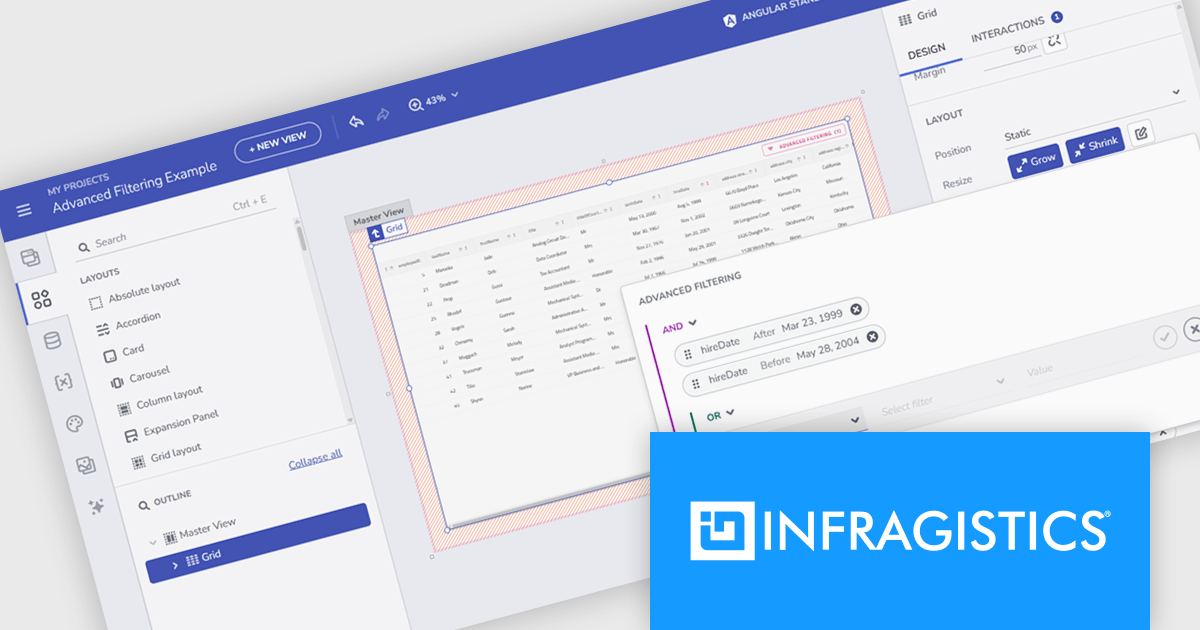
The Infragistics Ultimate 25.1 release introduces Initial Advanced Filtering in the latest version of App Builder, a client-side feature that lets end users define complex filter expressions during design time. These expressions are applied automatically when the application launches, shaping the initial dataset displayed in components like Grid, TreeGrid, and HierarchicalGrid. This enhancement ensures that the data is aligned with user expectations right from the outset.
To see a full list of what's new in version 25.1, see our release notes.
Infragistics Ultimate is licensed per developer and is available as a Perpetual License with a 1, 2 or 3 year support and maintenance subscription. See our Infragistics Ultimate licensing page for full details.
For more information, visit our Infragistics Ultimate product page.
DataSpell by JetBrains is an Integrated Development Environment (IDE) specifically designed for data analysts and engineers. It allows you to write Python scripts, run SQL queries, analyze data in Jupyter notebooks, manage dbt workflows, and connect to databases, all within one seamless interface. DataSpell empowers you to stay focused on exploring insights and delivering high-quality results by combining rich data analysis tools with features like real-time error checking, code quality analysis, and built-in support for best practices like testing and documentation.
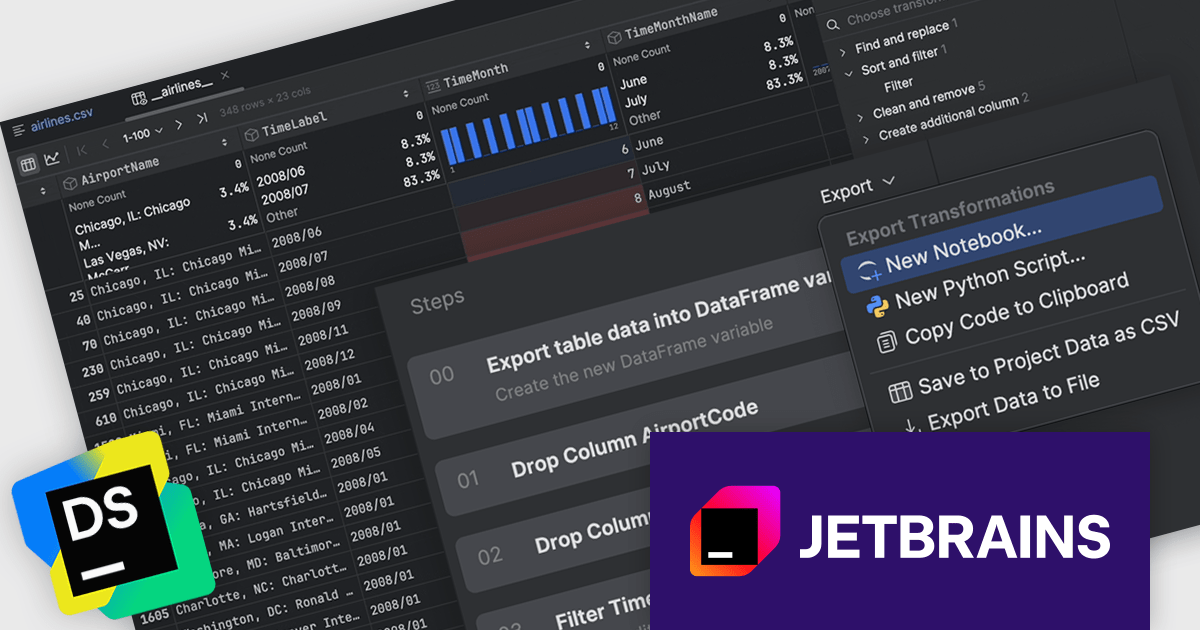
The DataSpell 2025.1 update adds new export transformation options, allowing users to efficiently handle post-processed data. Whether you need to archive your results or share them across platforms, you can now export transformed data in common formats such as CSV and XLS. In addition, for those looking to reproduce or share their data process, the tool offers the ability to export the transformation code itself. This improves the handoff between data exploration and production, ensuring data scientists and analysts can work more fluidly with both their outputs and the logic behind them.
To see a full list of what's new in version 2025.1, see our release notes.
DataSpell is licensed per user as a commercial annual subscription. See our DataSpell licensing page for full details.
DataSpell is available individually or as part of JetBrains All Products Pack.
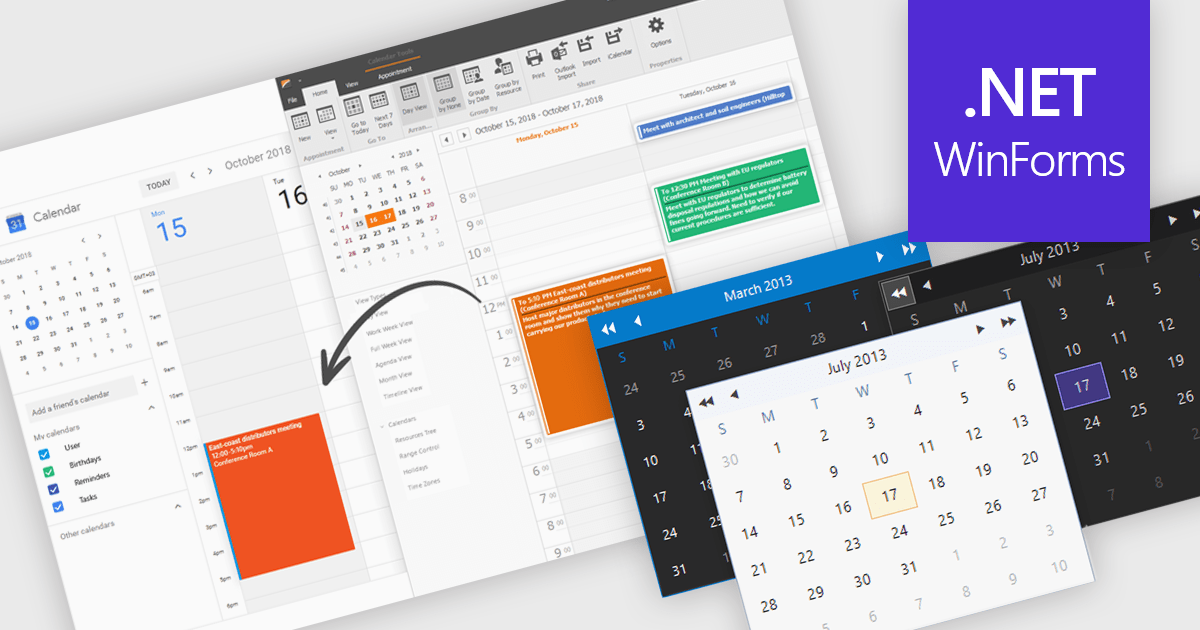
Calendars are specialized components that allow developers to present and manage dates and events directly within their applications. They provide ready-made interfaces for selecting dates and displaying scheduled items while synchronizing with external services such as Microsoft 365 and Google Calendar. Common use cases include online booking systems for reserving resources, shift planning tools for staff schedules, and customer-facing appointment portals in industries like healthcare or personal services. By leveraging these calendar components, teams deliver polished, reliable scheduling experiences with minimal effort.
Several .NET Winforms UI suites offer a calendar component including:
For an in-depth analysis of features and price, visit our .NET Winforms UI suites comparison.
SAPIEN PrimalSQL is a versatile application offering an intuitive interface for constructing complex SQL queries and connecting to various databases, including SQL Server, Oracle, Access, and Excel. It improves database interaction by enabling users to test and refine queries, export results, and generate code snippets in languages like PowerShell and VBScript. With features such as shared connections with PowerShell Studio and script exporting, PrimalSQL empowers a broad spectrum of users, from system administrators to DBAs, to efficiently create SQL statements for diverse database tasks.
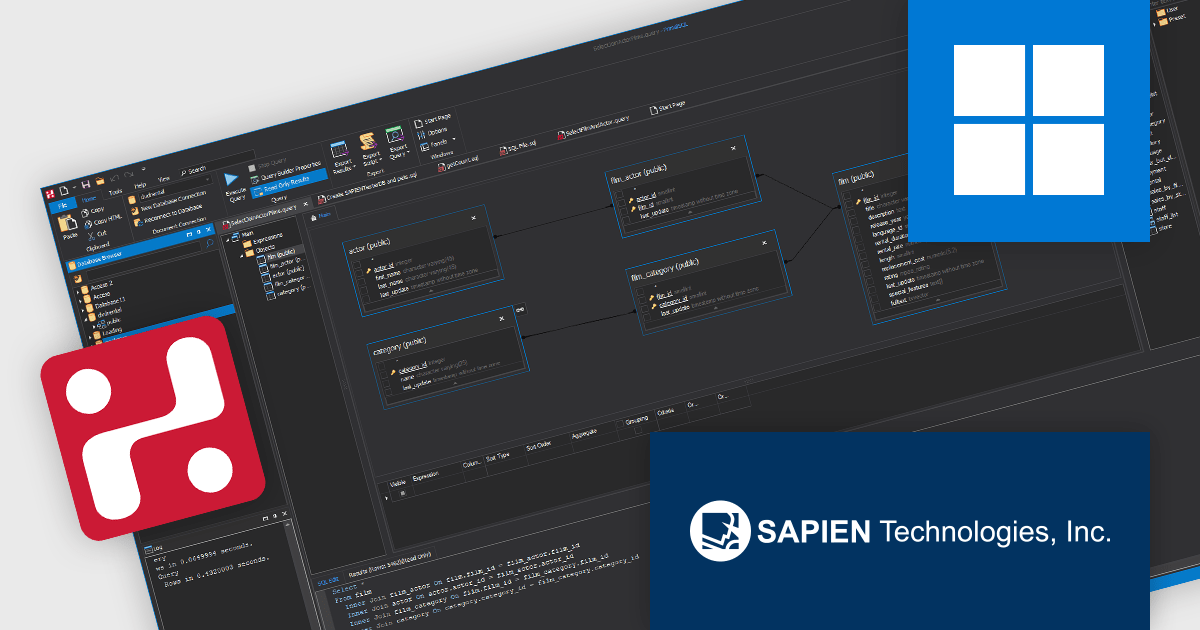
The Visual Query Builder in SAPIEN PrimalSQL provides developers with an efficient graphical interface for constructing intricate SQL queries without extensive manual coding. This feature accelerates the query development process by allowing visual selection of database objects, definition of relationships, and specification of criteria, ultimately reducing the time spent writing and debugging SQL. By abstracting the complexities of SQL syntax, the Visual Query Builder minimizes the potential for errors, leading to more reliable query generation.
PrimalSQL is licensed per user and includes one year of product maintenance which may be renewed each year thereafter to continue to receive the latest updates. See our PrimalSQL licensing page for full details.
Learn more on our PrimalSQL product page.

Debugging in an IDE (Integrated Development Environment) is the process of identifying, analyzing, and resolving errors or unintended behavior within code using the specialized tools provided by the environment. It allows developers to set breakpoints, inspect variable values, monitor memory usage, and control the execution flow of a program in real time, which facilitates a deeper understanding of how the code behaves under various conditions. This capability significantly accelerates problem resolution, improves code reliability, and enhances overall development efficiency by providing immediate feedback and precise control over the debugging process.
Common Debugging features include:
For an in-depth analysis of features and price, visit our Integrated Development Environments (IDEs) comparison.
전화 : 00798 14 800 6332
팩스 : +1 770 250 6199


