













공식 공급 업체
200 이상의 소프트웨어 개발처와 판매 계약을 맺은 공인 디스트리뷰터로서 합법적인 라이선스를 제공합니다.
모든 브랜드 보기.
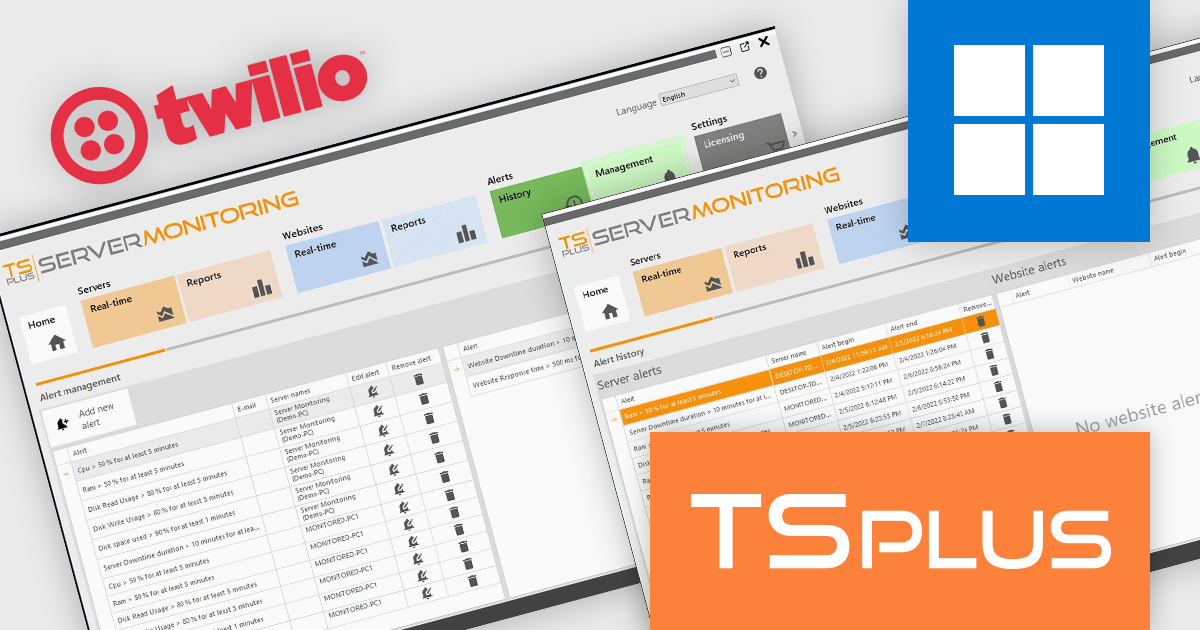
TSplus Server Monitoring provides real-time and historical insights into server, website, application, and user performance. With monitoring for key metrics like CPU, memory, and disk usage, it helps IT teams quickly identify and resolve issues, optimize resources, and maintain system reliability. Designed for modern remote infrastructures, it supports distributed teams by ensuring consistent uptime and efficient operations across all environments.
The TSplus Server Monitoring v6 update enhances operational responsiveness by introducing real-time SMS alerts through Twilio. This new communication channel ensures that critical notifications reach administrators immediately, even when they are away from their workstations. By delivering alerts directly to mobile devices, it minimizes the risk of delayed responses to server or website incidents, helping maintain system uptime and performance. For software developers and IT teams managing infrastructure health, this added reliability and immediacy supports faster issue resolution and more effective monitoring.
To see a full list of what's new in v6, see our release notes.
TSplus Server Monitoring is licensed per server. Licenses are perpetual and include 1 year of updates and support. See our TSplus Server Monitoring licensing page for full details.
For more information, visit our TSplus Server Monitoring product page.
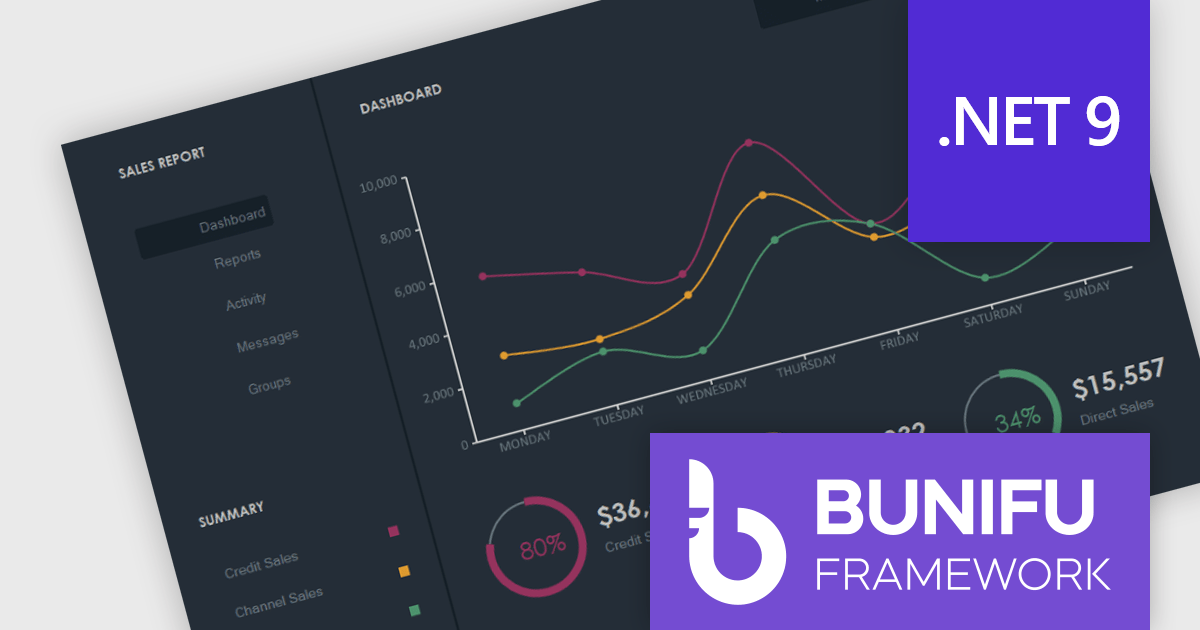
Bunifu Technologies is a leading provider of UI/UX components, design tools and data visualization components for developers building WinForms applications, and for integrating charting functionality. The Bunifu Ultimate Bundle offers a comprehensive suite of premium grids, charts, forms, and navigation components that make it easy to craft visually stunning, user-centric interfaces. By leveraging Bunifu’s expertise, developers can significantly improve the look and feel of their applications while reducing development time, ultimately delivering exceptional user experiences.
With support for Microsoft .NET 9, developers can use Bunifu UI WinForms and BuniCharts to create high quality applications that combine modern user interface elements with high-performance data visualization. This compatibility aligns these components with the latest advancements in the .NET ecosystem, allowing developers to deliver more modern, stable, and future-proof applications without compromising on design or performance.
Bunifu products are licensed per developer and are available in four plans, three of which are annual licenses while the other is perpetual. All plans come with free version updates and Premium support for the active license period. See our Bunifu Ultimate Bundle licensing page for full details.
For more information, see the following product pages:
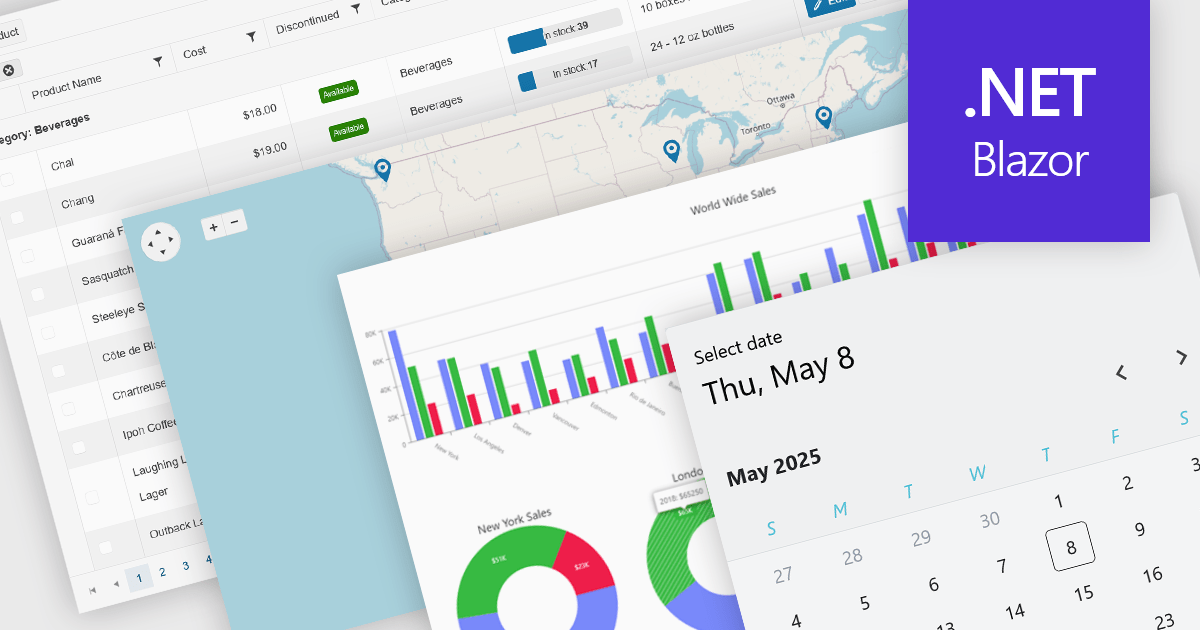
UI controls designed for use with Microsoft's Blazor framework, support full-stack development in C# and .NET, simplifying the creation of modern web applications. These controls are typically bundled into UI suites, providing developers with pre-built, customizable elements that improve the creation of rich, interactive web interfaces without needing JavaScript. By leveraging WebAssembly or server-side rendering, Blazor UI suites allow for an easy developer experience, consistent performance, and strong integration with existing .NET libraries and tooling.
Common controls include:
For an in-depth analysis of features and price, visit our Blazor UI suites comparison.
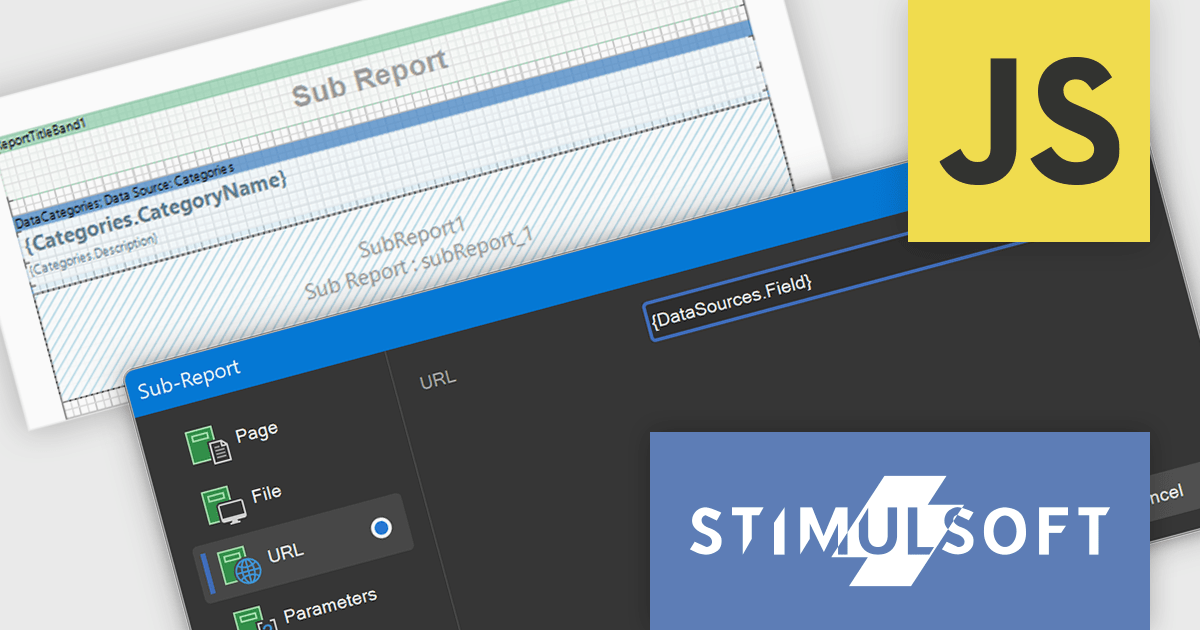
Stimulsoft Reports.JS provides a robust reporting toolkit designed specifically for JavaScript applications. This library leverages a client-side architecture, offering a pure JavaScript report engine for efficient report rendering directly within web browsers. The solution includes a user-friendly report designer for building reports with various data sources and visualizations, along with a report viewer for seamless integration and display within your JavaScript applications. This eliminates the need for server-side dependencies or browser plugins, simplifying the development process for embedding powerful reporting functionalities into your web projects.
The Stimulsoft Reports.JS includes expressions within the URL and File fields of the Sub-Report component. This functionality helps developers to dynamically determine the source of a sub-report, whether it is a file path or a web address, based on the evaluation of expressions. Consequently, this allows for the creation of more adaptable and context-aware reports where the embedded sub-report content or linked resources are determined programmatically based on the main report's data, offering greater flexibility in report design and data integration without the need for static configurations.
Stimulsoft Reports.JS is licensed per developer and is available as a Perpetual license with 1 year support and maintenance. See our Stimulsoft Reports.JS licensing page for full details.
Stimulsoft Reports.JS is available individually or as part of Stimulsoft Ultimate.

ComponentSource has helped extend access to Froala's lightweight WYSIWYG HTML editor by making it available to developers around the world. The JavaScript-based editor integrates easily into web applications, offering straightforward rich text editing capabilities that fit well within ComponentSource's global catalog of developer tools.
The partnership between ComponentSource and Froala, now spanning five years, reflects a shared dedication to providing developers with high-quality and easily accessible software. This collaboration has created a reliable channel for developers to obtain Froala's products.
As they mark five years of working together, ComponentSource and Froala continue to support developers with accessible editing solutions. The availability of Froala Editor through ComponentSource underscores its position as a useful tool for modern web content editing, and strengthens ComponentSource’s role as a resource for trusted development components.
Froala Editor is licensed per product and domain. It is available as an annual or perpetual license with version upgrades and support. See our Froala Editor licensing page for full details.
For more information, visit our Froala Editor product page.
전화 : 00798 14 800 6332
팩스 : +1 770 250 6199


