













공식 공급 업체
200 이상의 소프트웨어 개발처와 판매 계약을 맺은 공인 디스트리뷰터로서 합법적인 라이선스를 제공합니다.
모든 브랜드 보기.
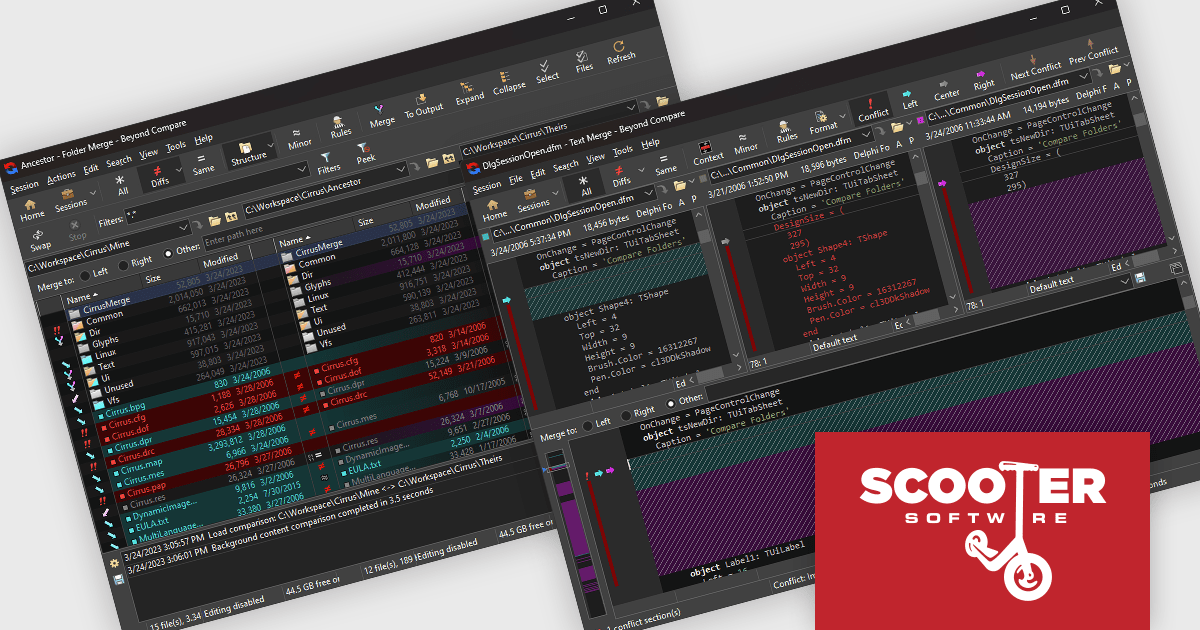
Beyond Compare by Scooter Software is a powerful tool designed for software developers to efficiently compare files and folders. It facilitates detailed analysis and merges of text files, including source code, and it supports numerous file formats and encoding types. The software's intuitive interface enables users to synchronize directories, compare entire drives, and verify backups. Additionally, Beyond Compare offers advanced features such as scripting, integrated FTP, and version control system integration, making it an essential tool for maintaining code integrity.
Beyond Compare enables developers to accurately merge files and folders by clearly presenting differences between versions and providing tools to accept, reject, or combine changes within a single output. Its visual highlighting and intelligent comparison reduce the time required to review modifications and resolve conflicts, while built in editing capabilities allow developers to make adjustments during the merge process. Integration with version control systems further improves development processes by allowing comparisons, merges, and source control actions to occur without leaving the working environment.
Beyond Compare is licensed either per user or per workstation. A single user license allows one person to use Beyond Compare on any number of computers, or on a single workstation shared by several users. The Site License allows an organization to have unlimited users at a single physical site. The Enterprise License allows a company to have an infinite number of users across various sites. See our Beyond Compare licensing page for full details.
Learn more on our Beyond Compare product page.
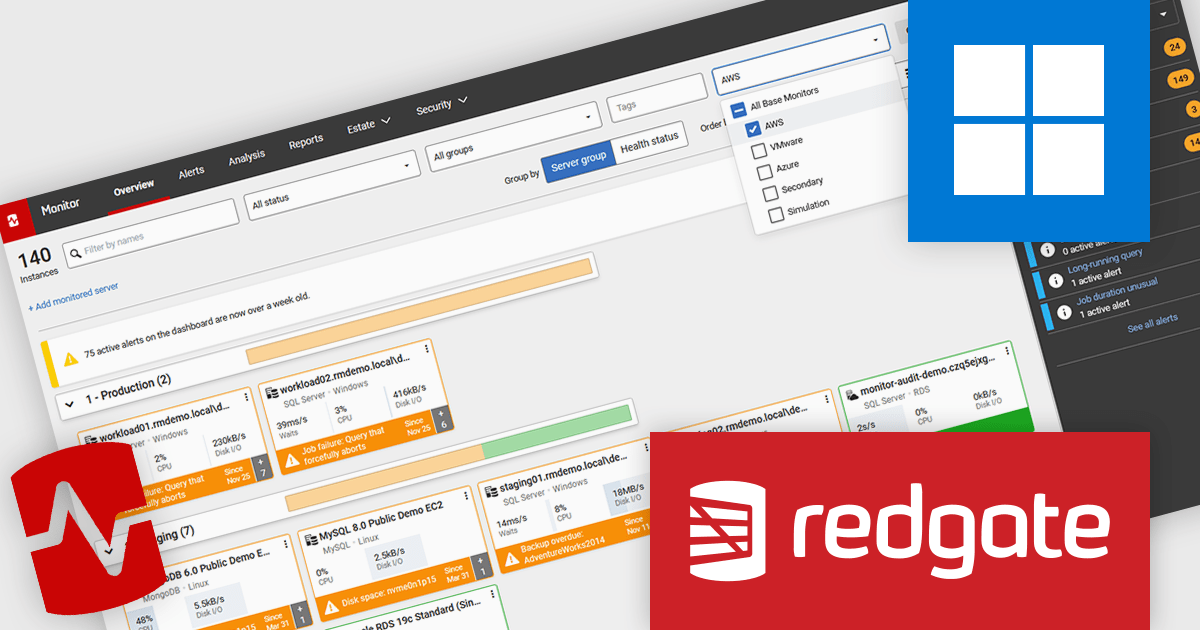
Redgate Monitor (formerly known as SQL Monitor) is a database monitoring tool that helps users quickly identify and fix performance problems on a variety of platforms, including SQL Server and PostgreSQL. It provides real-time monitoring, alerting, root cause analysis, and performance tuning recommendations. Redgate Monitor can be used by DBAs, developers, and operations teams to improve the performance of their databases.
Redgate Monitor supports Amazon Aurora PostgreSQL, allowing database teams to track the performance, availability, and health of Aurora clusters alongside other database platforms from a single monitoring dashboard. The integration provides visibility into key metrics and alerts, helping teams detect issues, understand workload behavior, and maintain stable database operations. By monitoring Aurora PostgreSQL, Redgate Monitor makes it easier for organizations running cloud and hybrid environments to manage database performance within one monitoring platform.
Redgate Monitor is licensed per server on an annual subscription basis. Each Server License will enable you to monitor either 1 Server (Multiple instances), 5 Azure SQL Databases, 1 Cloud (PaaS) instance, or 1 Cluster node. See our Redgate Monitor licensing page for full details.
For more information, visit our Redgate Monitor product page.
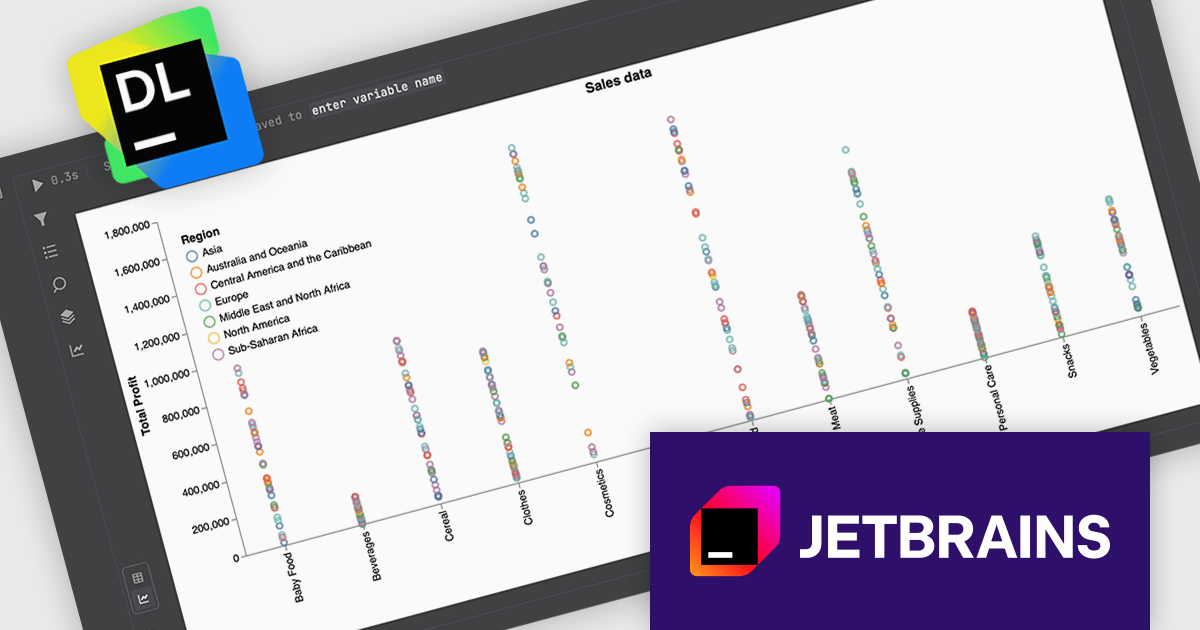
JetBrains Datalore is a collaborative data science platform that streamlines data exploration, analysis, and visualization through Jupyter-compatible notebooks. It helps teams with features like automatic visualizations, pre-configured environments, interactive controls, and collaboration functionalities. Datalore offers both cloud-based and self-hosted deployment options, catering to both individual and team-based data science processes.
The Datalore 2026.1 update now includes Data explorer cells, a new notebook cell type designed to simplify dataframe analysis without requiring additional code. With these cells, you can interactively explore datasets by filtering, searching, transforming, and visualizing dataframe contents directly within the notebook interface. This approach allows developers and data professionals to quickly inspect and understand their data, experiment with transformations, and generate visual insights.
To see a full list of what's new in version 2026.1, see our release notes.
Datalore is licensed per user, and is available as a commercial annual subscription license. See our Datalore licensing page for full details.
For more information, visit our Datalore product page.
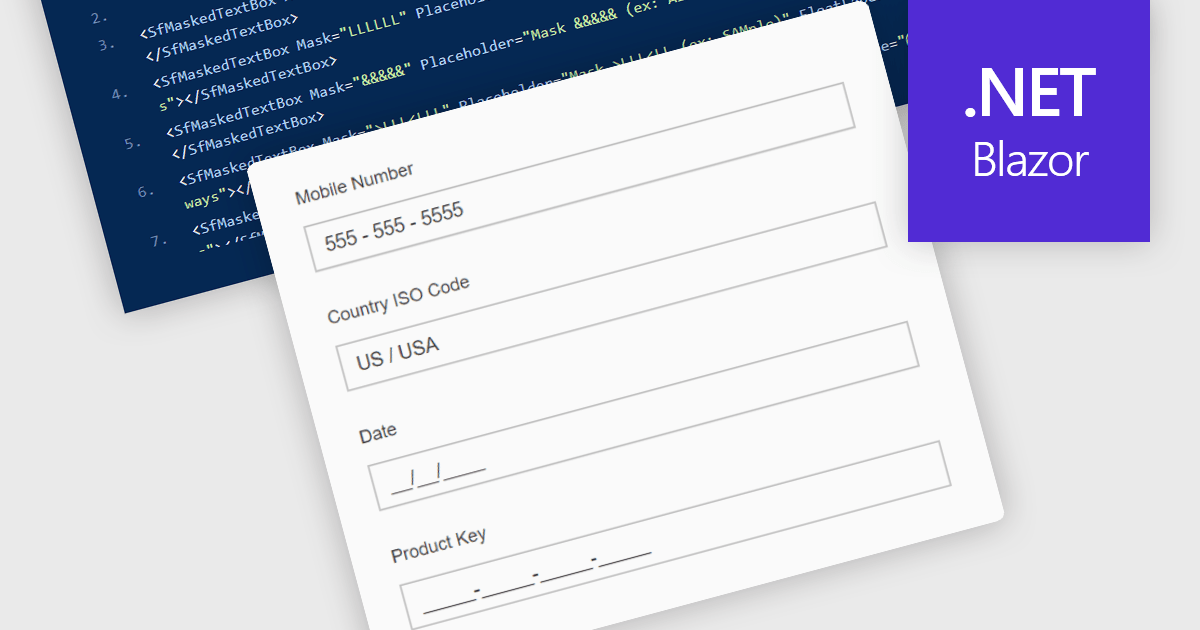
Masked Input Text Box editors are input components that enforce a predefined format while users type, ensuring that entered values follow a specific structure such as phone numbers, dates, postal codes, or identification numbers. By applying an input mask, the editor guides users to enter characters only in valid positions and formats, reducing the likelihood of invalid or incomplete data being submitted. This approach improves data consistency across applications, simplifies validation logic on both the client and server side, and reduces the need for additional parsing or correction of user input. For developers building data-driven Blazor applications, masked input editors help maintain reliable data entry while providing a clear and structured input experience directly within forms and data editing interfaces.
Many .NET Blazor data editor collections contain masked input text box editors including:
For an in-depth analysis of features and price, visit our comparison of .NET Blazor data editors.
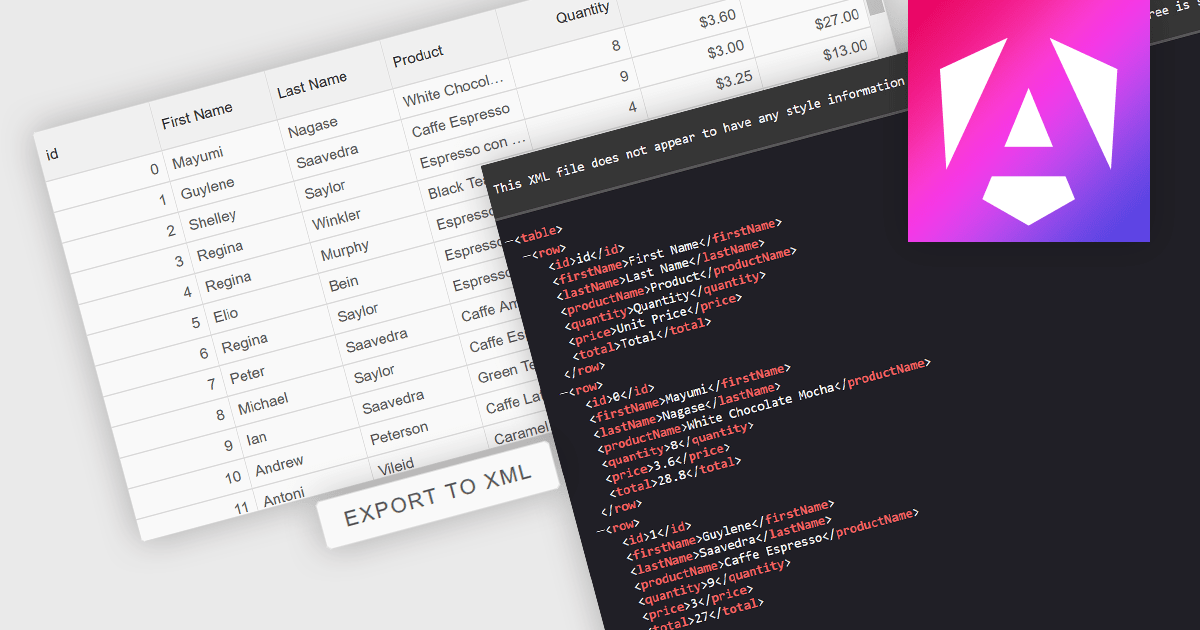
Exporting grid data to XML converts tabular data from a user interface grid into a structured, self-describing format for use beyond the application interface. By organizing data with clearly defined elements, XML ensures consistent interpretation across platforms and systems, regardless of the underlying technology. This enables reliable data exchange, supports interoperability between applications, and makes the data suitable for integration scenarios, long-term storage, and environments that rely on validated, standardized formats for processing and communication.
Several Angular grid components allow you to export to XML, including:
For an in-depth analysis of features and price, visit our comparison of Angular grid components.
전화 : 00798 14 800 6332
팩스 : +1 770 250 6199


