













공식 공급 업체
200 이상의 소프트웨어 개발처와 판매 계약을 맺은 공인 디스트리뷰터로서 합법적인 라이선스를 제공합니다.
모든 브랜드 보기.
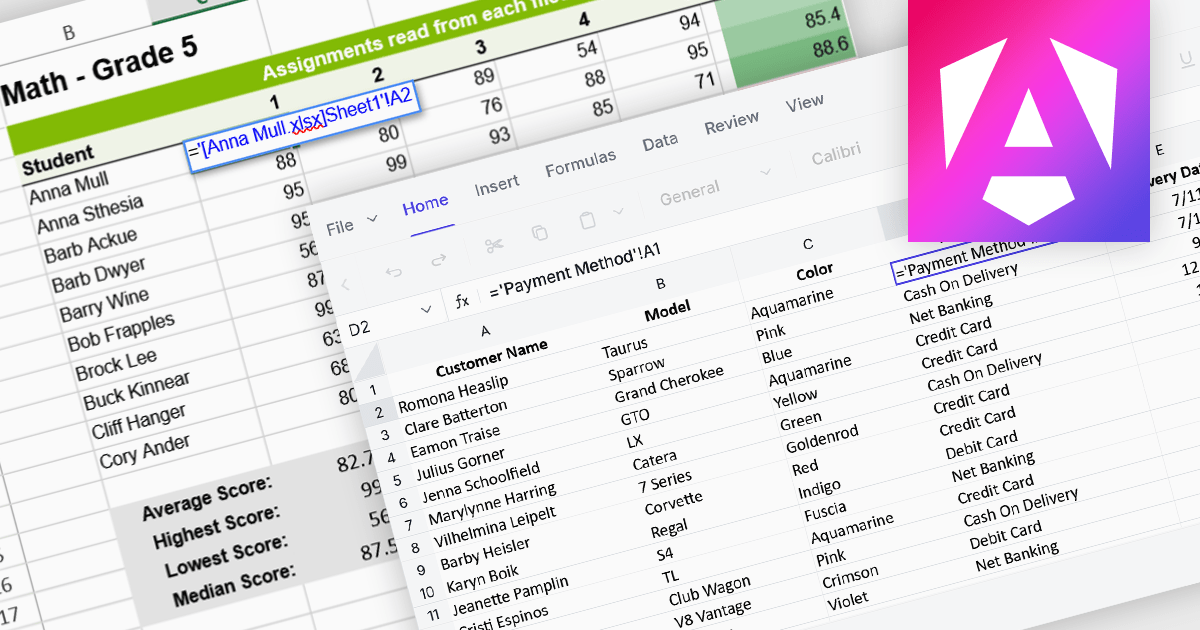
Cross-worksheet calculations allow spreadsheet components to reference and compute values across multiple sheets within the same workbook. This capability enables developers to build more advanced data models, where formulas can pull information from different worksheets to support summaries, aggregations, and linked analysis. By allowing data to be organized across separate sheets while remaining connected through formulas, applications can present complex datasets in a structured and scalable way without sacrificing calculation accuracy or performance.
Several Angular spreadsheet controls offer support for cross-worksheet calculations including:
For an in-depth analysis of features and price, visit our Angular spreadsheet controls comparison.
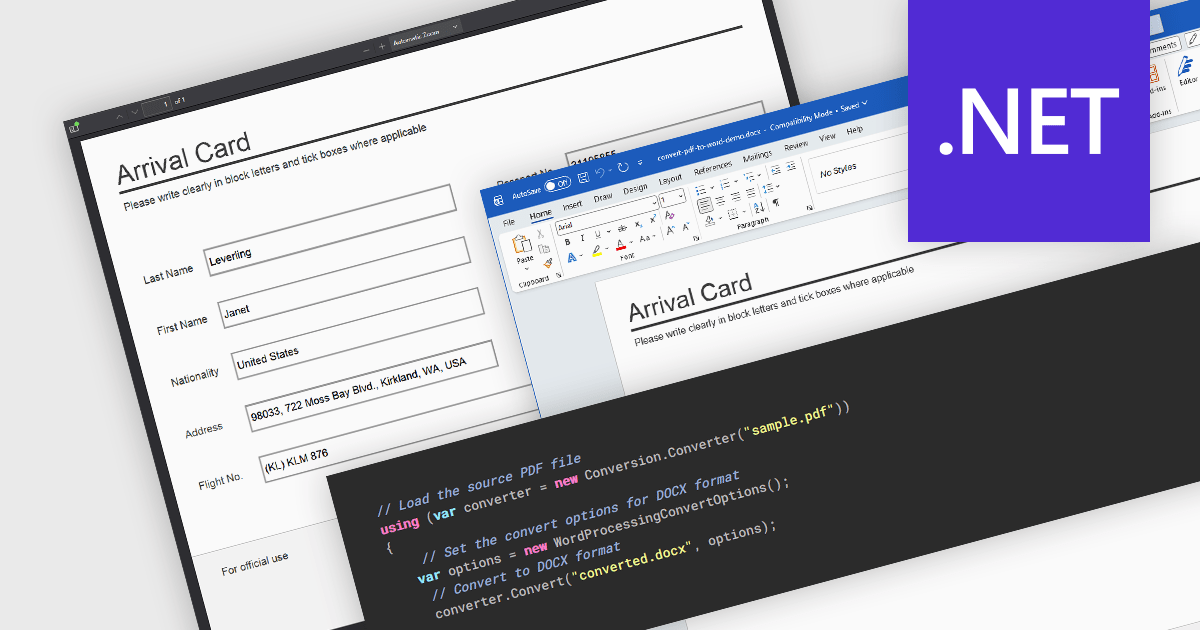
PDF to Word conversion is the process of transforming a Portable Document Format (PDF) file into an editable Microsoft Word document such as DOC or DOCX. This capability is widely used when content that was originally distributed in a fixed-layout format needs to be modified, reused, or incorporated into other documents. Converting PDFs to Word allows users to edit text, adjust formatting, and extract tables or images without manually recreating the original content. For developers and organizations that process large volumes of documents, automated conversion can improve productivity by enabling document reuse, simplifying content updates, and supporting processes that require editable formats.
Several .NET PDF components allow you to convert PDF to Word, including:
For an in-depth analysis of features and price, visit our comparison of .NET PDF components.
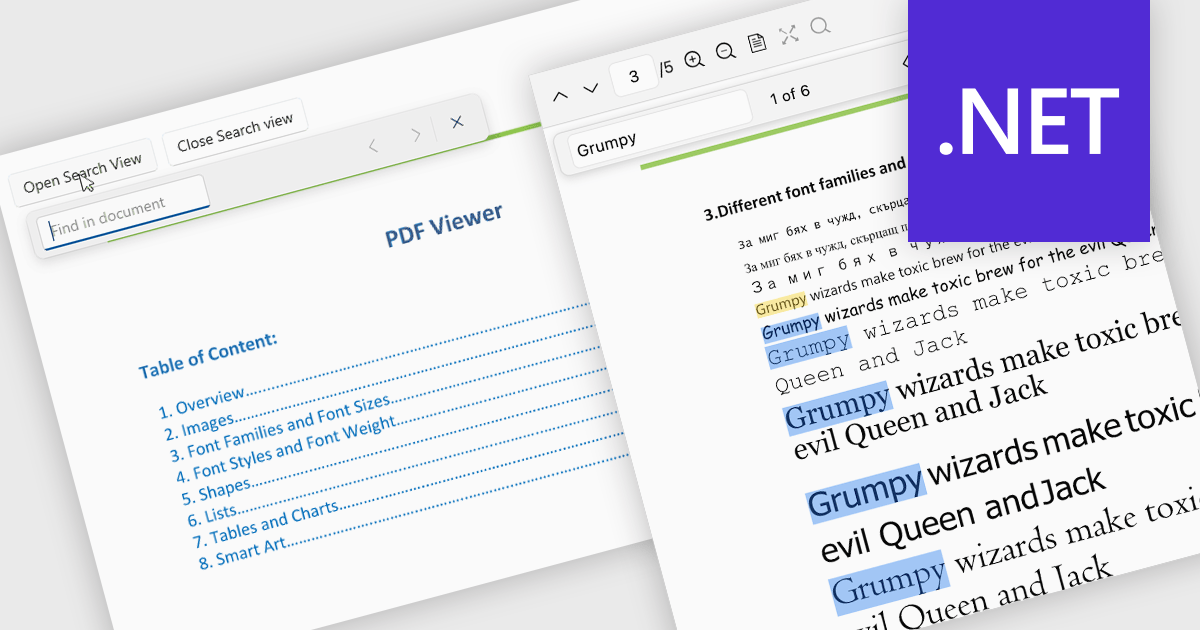
Search in a PDF viewer allows users to quickly locate specific words, phrases, or data within a document without manually scanning each page. By instantly highlighting and navigating between results, search makes it easier to work with large or complex PDFs such as reports, manuals, contracts, or research papers. This functionality improves productivity by helping users find relevant information faster, understand content in context, and move directly to important sections.
Several .NET PDF Viewer controls allow you to search for text in PDF files including:
For an in-depth analysis of features and price, visit our .NET PDF Viewer controls comparison.
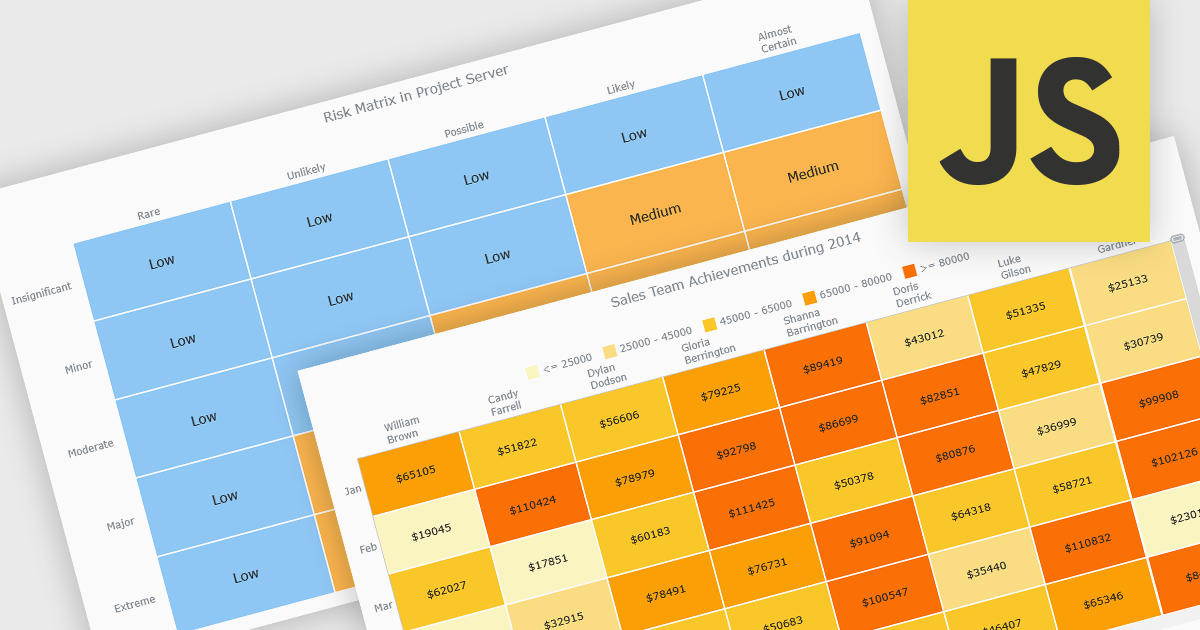
A heat map is a data visualization that displays values in a grid of colored cells, where color intensity represents the magnitude or importance of the data. This approach makes it easy to quickly identify patterns, trends, and outliers that may be difficult to see in traditional tables. Heat maps improve data analysis by visually highlighting relationships between two variables and enabling quick comparisons across datasets. They are commonly used in risk matrices, performance monitoring, sales analysis, and user behavior tracking, where color-coded insights help users focus on the most significant information.
Several JavaScript chart controls support the Heat map chart types, including:
For an in-depth analysis of features and price, visit our comparison of JavaScript chart controls.
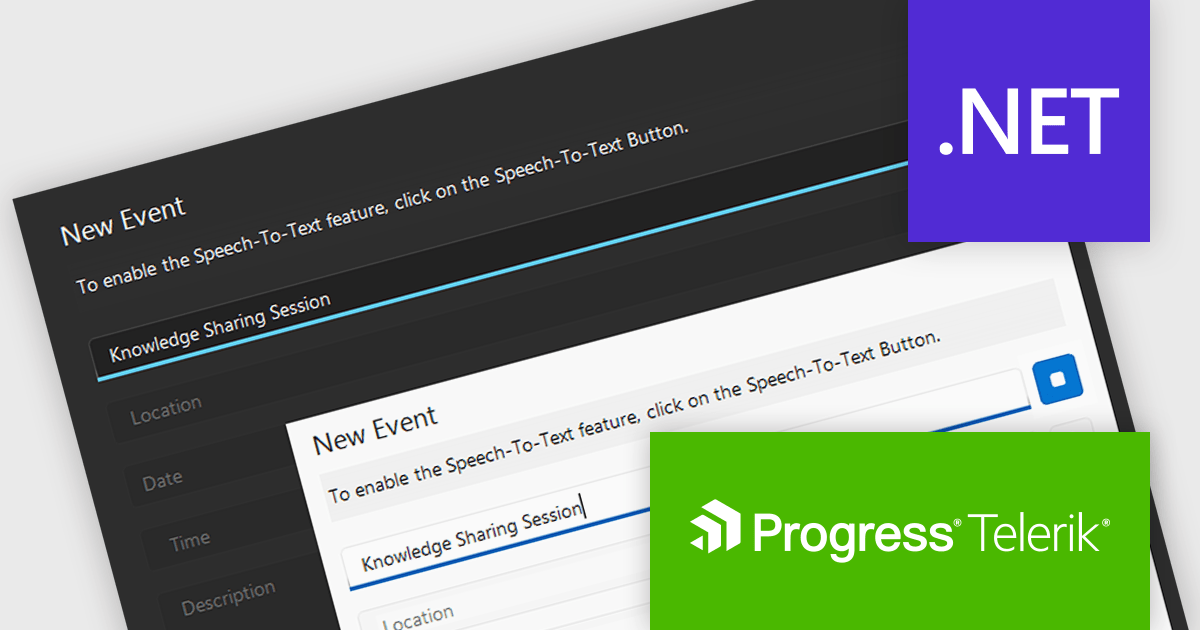
Telerik UI for WPF and Telerik UI for WinForms are UI libraries for building Windows desktop applications. Telerik UI for WinForms includes more than 160 controls and a structured architecture with Composite UI Application Block (CAB) support, making it suitable for enterprise and data-heavy internal applications. Telerik UI for WPF is designed specifically for Windows Presentation Foundation (WPF) and provides a wide range of customizable, high-performance controls for complex line-of-business software. Together, the libraries provide ready-made components that help teams build and maintain desktop applications more efficiently.
The Telerik 2026 Q1 update for WPF and WinForms introduces a 'Speech to Text' button that enables developers to add voice input with real time transcription directly into their applications. This feature allows users to enter text faster through hands free interaction while providing immediate visual feedback on recognized speech as it is captured. Developers can customize the control’s appearance to match application themes and branding, choose between continuous or single recognition modes depending on the scenario, and integrate custom speech recognition services or libraries, making it easier to implement accessible, flexible, and efficient voice enabled data entry experiences.
To see a full list of what's new for each product in 2026 Q1, see our Telerik UI for WPF and Telerik UI for WinForms release notes.
Both Telerik UI for WPF and Telerik UI for WinForms are licensed per developer and have two licensing models: an annual Subscription License and a Perpetual License. The Subscription license provides access to the latest product updates, technical support, and exclusive benefits for a flat annual fee, and must be renewed to continue using the software. The Perpetual license is a one-time purchase granting access to the current released version and includes a one-year subscription for product updates and technical support. After this initial period, users can choose to renew the subscription element to continue receiving updates and support; otherwise, they may continue using the installed version available during their active subscription term but will forgo future updates and support. See our Telerik UI for WPF licensing page and Telerik UI for WinForms licensing page for full details.
Telerik UI for WPF and Telerik UI for WinForms are available individually or as part of the following products:
전화 : 00798 14 800 6332
팩스 : +1 770 250 6199


