













공식 공급 업체
200 이상의 소프트웨어 개발처와 판매 계약을 맺은 공인 디스트리뷰터로서 합법적인 라이선스를 제공합니다.
모든 브랜드 보기.
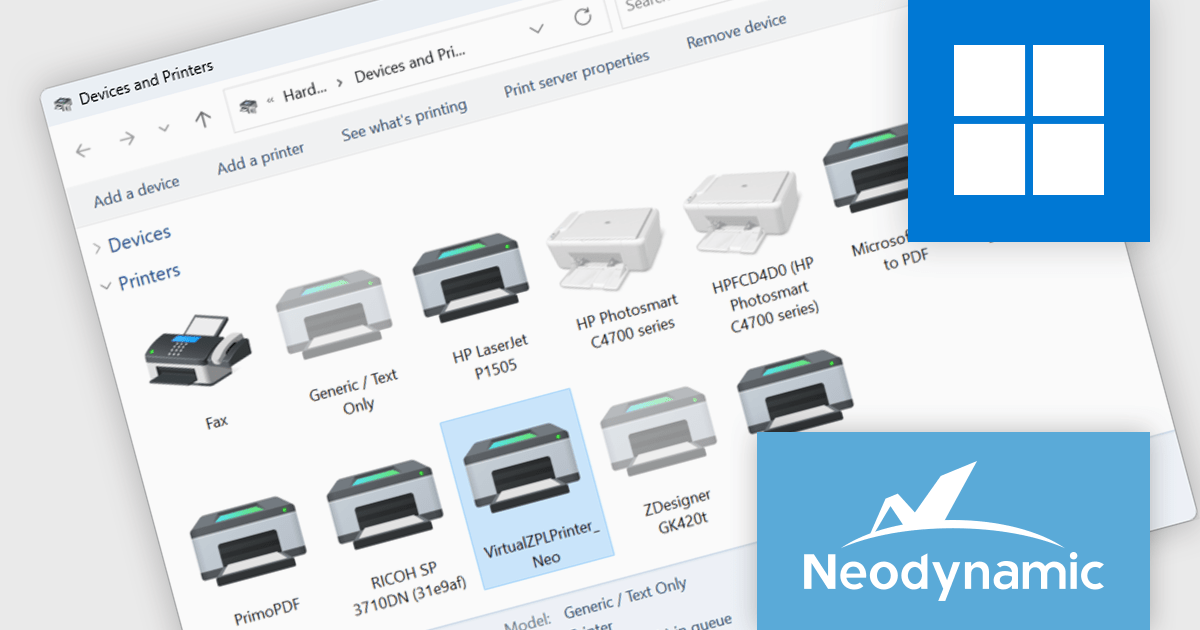
Neodynamic Virtual ZPL Printer Driver for Windows acts as a software replacement for a physical Zebra label printer. It installs as a standard Windows printer, allowing applications to send Zebra Programming Language (ZPL) commands directly. This eliminates the need for a physical printer during development, testing, and even certain deployment scenarios.
The Virtual ZPL Printer Driver offers several advantages. It streamlines the development process by enabling developers to design and test ZPL labels without the need for a physical printer. This reduces hardware dependencies and allows for faster development cycles. The driver boasts functionalities like ZPL conversion to formats such as PNG, JPG, and PDF, as well as redirection of ZPL jobs to actual printers. This makes it a valuable tool for label preview, troubleshooting, and even integrating ZPL printing into existing workflows that might not directly interact with physical Zebra printers.
Neodynamic Virtual ZPL Printer Driver for Windows is licensed per device and is available as a Perpetual license with free updates and priority support for 1 year. See our Neodynamic Virtual ZPL Printer Driver for Windows licensing page for full details.
Learn more on our Neodynamic Virtual ZPL Printer Driver for Windows product page.
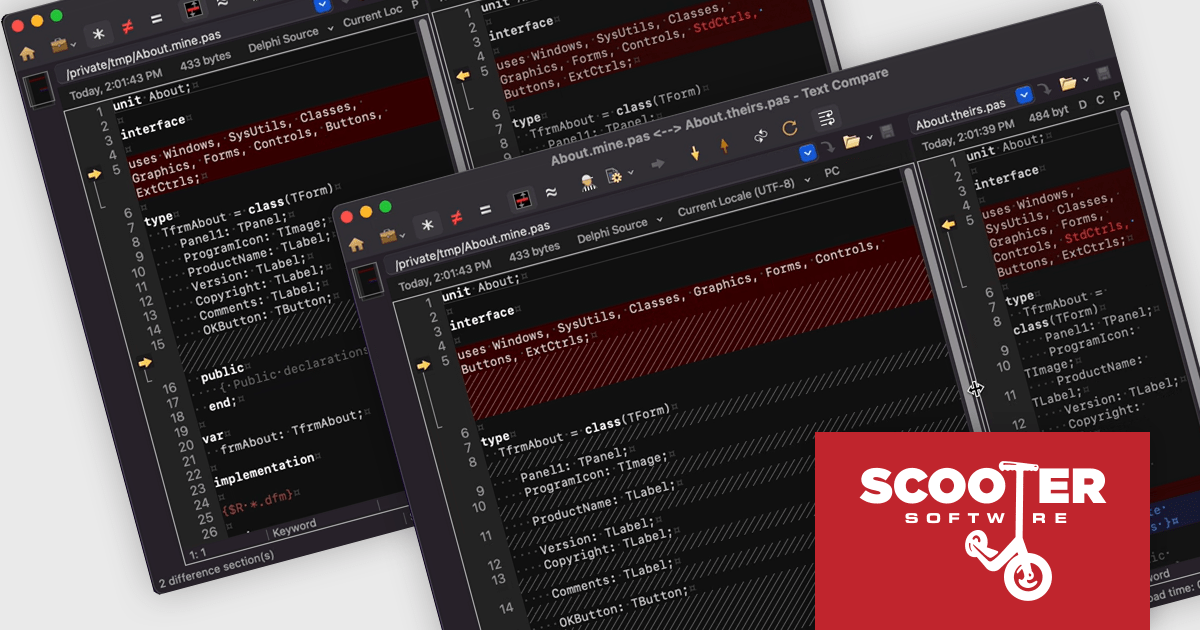
Beyond Compare by Scooter Software is a powerful tool designed for software developers to efficiently compare files and folders. It facilitates detailed analysis and merges of text files, including source code, and it supports numerous file formats and encoding types. The software's intuitive interface enables users to synchronize directories, compare entire drives, and verify backups. Additionally, Beyond Compare offers advanced features such as scripting, integrated FTP, and version control system integration, making it an essential tool for maintaining code integrity.
The Beyond Compare v5.0.0 update introduces a new Word Wrap feature in the Text Edit and Text Compare views, significantly enhancing readability and navigation for software developers. This feature ensures that long lines of code or text are displayed within the viewable window without the need for horizontal scrolling, allowing for a more streamlined and focused editing experience. By automatically wrapping text, developers can easily spot differences and similarities across lengthy lines, improving the efficiency of code reviews and editing tasks. The Word Wrap feature ultimately contributes to a more organized and user-friendly interface, facilitating smoother and more effective development workflows.
To see a full list of what's new in v5.0.0, see our release notes.
Beyond Compare is licensed either per user or per workstation. A single user license allows one person to use Beyond Compare on any number of computers, or on a single workstation shared by several users. The Site License allows an organization to have unlimited users at a single physical site. The Enterprise License allows a company to have an infinite number of users across various sites. See our Beyond Compare licensing page for full details.
Learn more on our Beyond Compare product page.
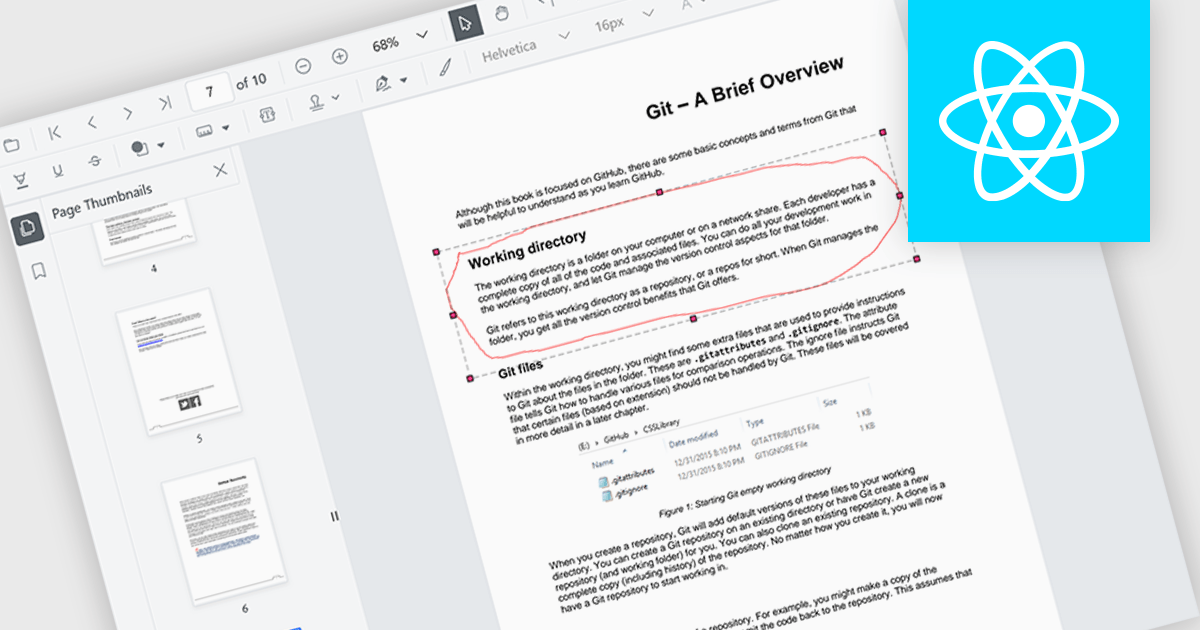
The ability to draw freehand annotations in PDF viewers allows users to directly mark up documents with digital ink, creating visual cues like circles, arrows, or custom shapes that can enhance communication and clarity. This is particularly useful for tasks like highlighting key passages, identifying areas for revision, or providing feedback in a more intuitive way compared to traditional text-based annotations.
Several React PDF viewer components offer the ability to draw freehand annotations including:
For an in-depth analysis of features and price, visit our React PDF viewer components comparison.
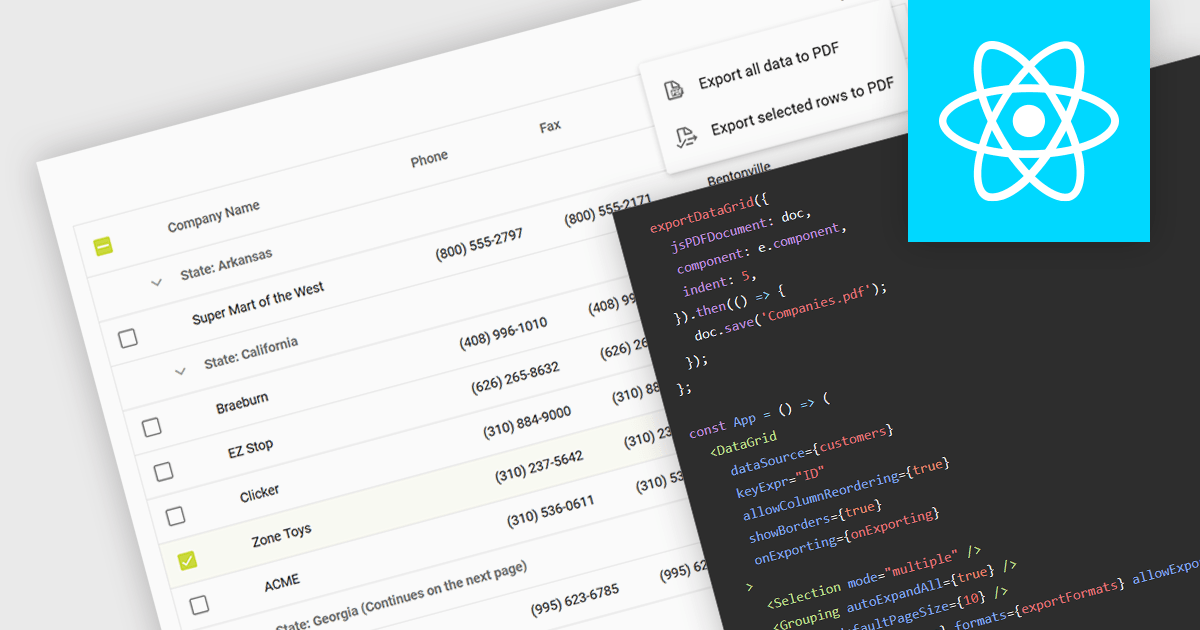
Exporting a data grid to PDF captures the grid layout, including columns, rows, and formatting, and transforms it into a universally accessible and easily shareable document. The export creates a static file, retaining the original grid layout and formatting, that can be easily distributed and viewed consistently across different platforms and on any device with a PDF reader. Additionally, PDFs provide a secure format for preserving data integrity and can be protected against unauthorized editing, making them ideal for official documentation and archiving purposes. This functionality enhances collaboration and data dissemination efficiency by simplifying the sharing and printing processes while maintaining the original data structure and presentation.
Several React grid components allow you to export to PDF, including:
For an in-depth analysis of features and price, visit our comparison of React grid components.
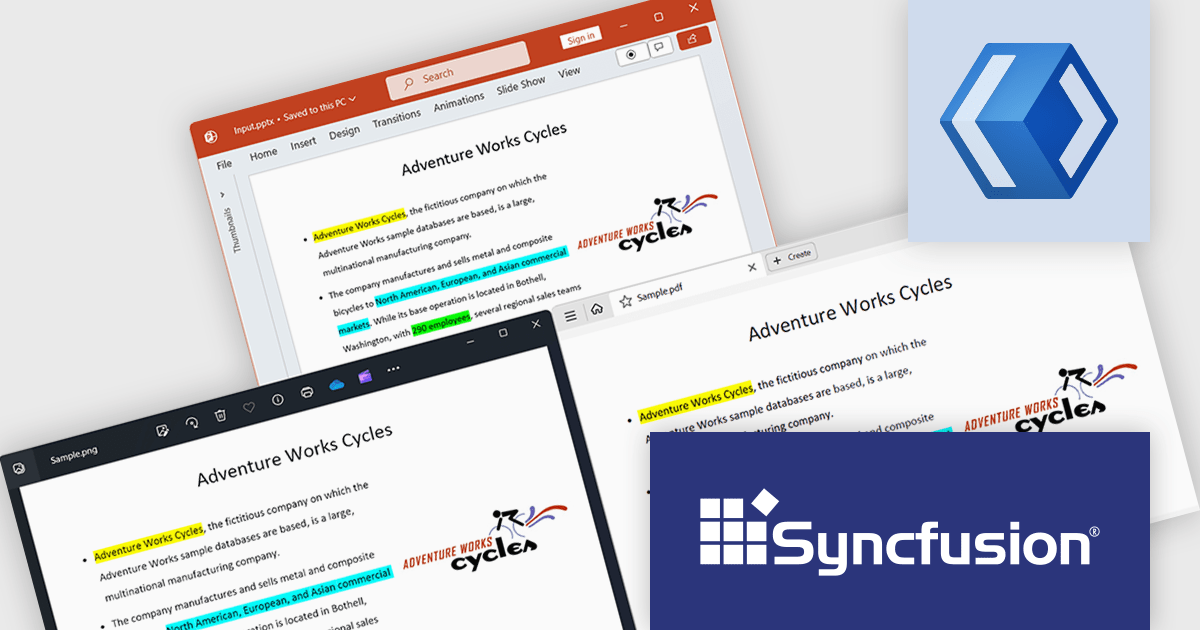
Syncfusion Essential Studio WinUI, available as part of Syncfusion Essential Studio Enterprise, is a comprehensive toolkit for building high performance native Windows desktop applications. It offers tools for crafting modern UI elements like charts, data grids, and ribbon interfaces, alongside powerful editing tools for Word, Excel, and PDF documents.
The Syncfusion Essential Studio WinUI 2024 Volume 2 (26.1.35) release adds support for preserving highlights when converting a PowerPoint presentation to a PDF or image. Highlights within the original presentation will be maintained with their exact colors during the conversion process, ensuring a precise representation in the resulting PDF or image file.
To see a full list of what's new in 2024 Volume 2 (26.1.35), see our release notes.
Syncfusion Essential Studio WinUI is available as part of Syncfusion Essential Studio Enterprise which is licensed per developer starting with a Team License of up to five developers. It is available as a 12 Month Timed Subscription License which includes support and maintenance. See our Syncfusion Essential Studio Enterprise licensing page for full details.
Learn more on our Syncfusion Essential Studio WinUI product page.
전화 : 00798 14 800 6332
팩스 : +1 770 250 6199


