













공식 공급 업체
200 이상의 소프트웨어 개발처와 판매 계약을 맺은 공인 디스트리뷰터로서 합법적인 라이선스를 제공합니다.
모든 브랜드 보기.

AdminStudio, by Flexera, empowers IT teams to seamlessly and securely package and deploy applications across various platforms. This comprehensive suite automates key processes, from building new packages to testing compatibility and mitigating risks, ensuring efficient and reliable software distribution within your organization. Whether managing physical or virtual applications, AdminStudio simplifies the entire journey, from initial packaging to endpoint delivery, ultimately driving greater efficiency and minimizing deployment risks.
AdminStudio 2024 introduces a game-changing capability for migrating applications from Configuration Manager (ConfigMgr) to Microsoft Intune. The new Bulk Migration Wizard button simplifies this process for organizations looking to move their applications to the cloud. This wizard streamlines the migration of multiple applications at once, converting them from their ConfigMgr format to the compatible intunewin format required by Intune. With a few clicks, you can publish these converted applications directly to Intune, saving you significant time and effort compared to manual migration.
To see a full list of what's new in version 2024, see our release notes.
AdminStudio is licensed per user and is available as a 3 Year Timed Subscription. See our AdminStudio Professional or AdminStudio Enterprise licensing pages for full details.
For more information, visit our product pages:
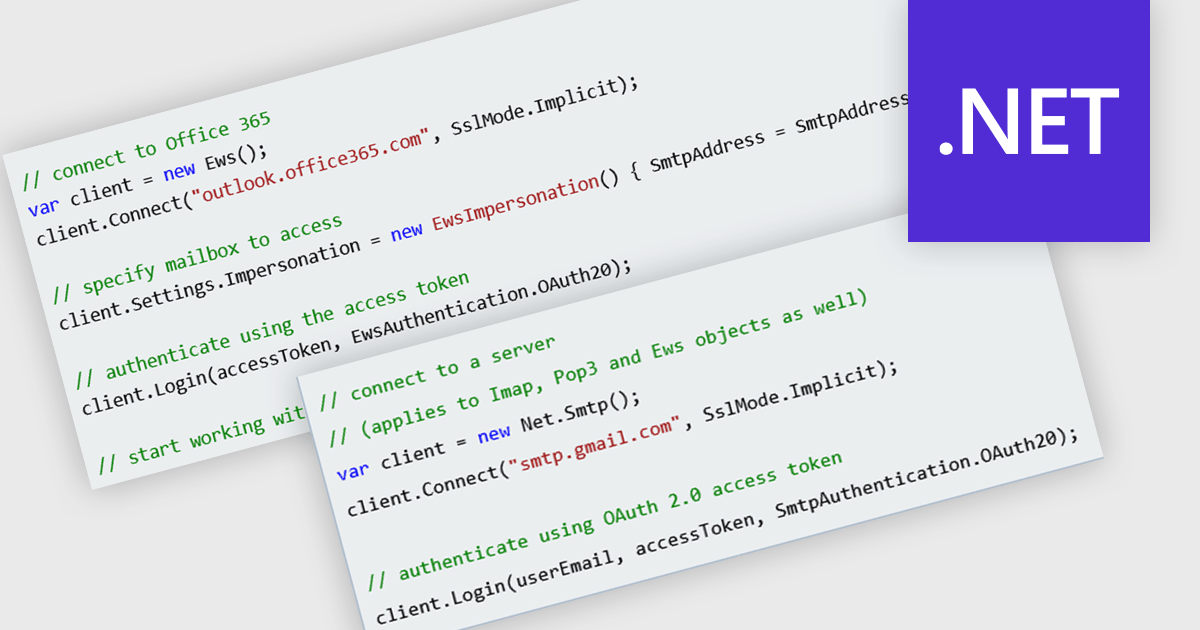
OAuth support in a comms and messaging component signifies the ability to leverage external accounts for user authentication. OAuth (Open Authorization) offers several advantages: increased security by eliminating the need for separate login credentials, improved user experience with familiar login options, and potential access to additional user data (with proper authorization) for richer communication features. For instance, a messaging app could allow login via social media accounts, enabling users to connect with existing contacts without the need to create and remember a new account password.
Several .NET communications and messaging components offer OAuth support including:
For an in-depth analysis of features and price, visit our comparison of .NET communications and messaging components.
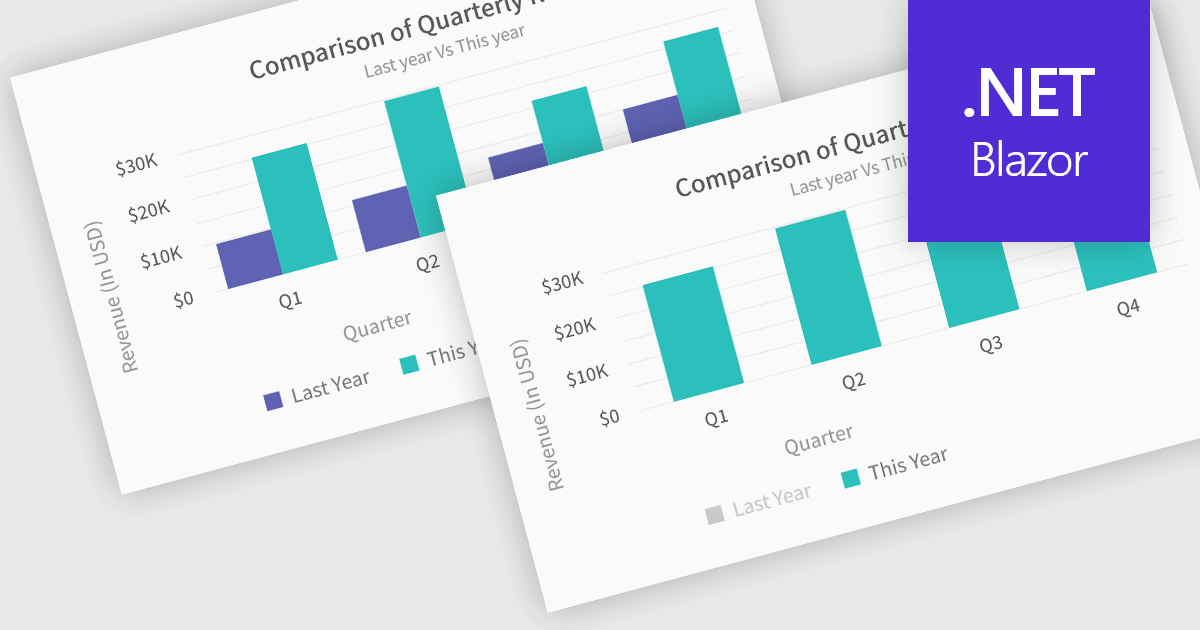
In chart controls, show/hide series functionality empowers developers to dynamically control the visibility of individual data sets. This allows users to focus on specific series, enhancing data comprehension and analysis. By selectively hiding irrelevant series, developers can declutter the chart, making it easier for users to identify trends and patterns within the data of interest.
Several .NET Blazor chart controls offer show/hide series support including:
For an in-depth analysis of features and price, visit our .NET Blazor chart controls comparison.
Syncfusion Essential Studio ASP.NET MVC, available as part of Syncfusion Essential Studio Enterprise, is a comprehensive suite of web UI controls that empowers developers to craft rich, interactive ASP.NET MVC applications. Backed by the lightweight and modular Essential JS 2 library, it offers over 80 components ranging from data grids and charts to schedulers and pivot grids, while ensuring a seamless integration with the MVC framework for an efficient development experience.
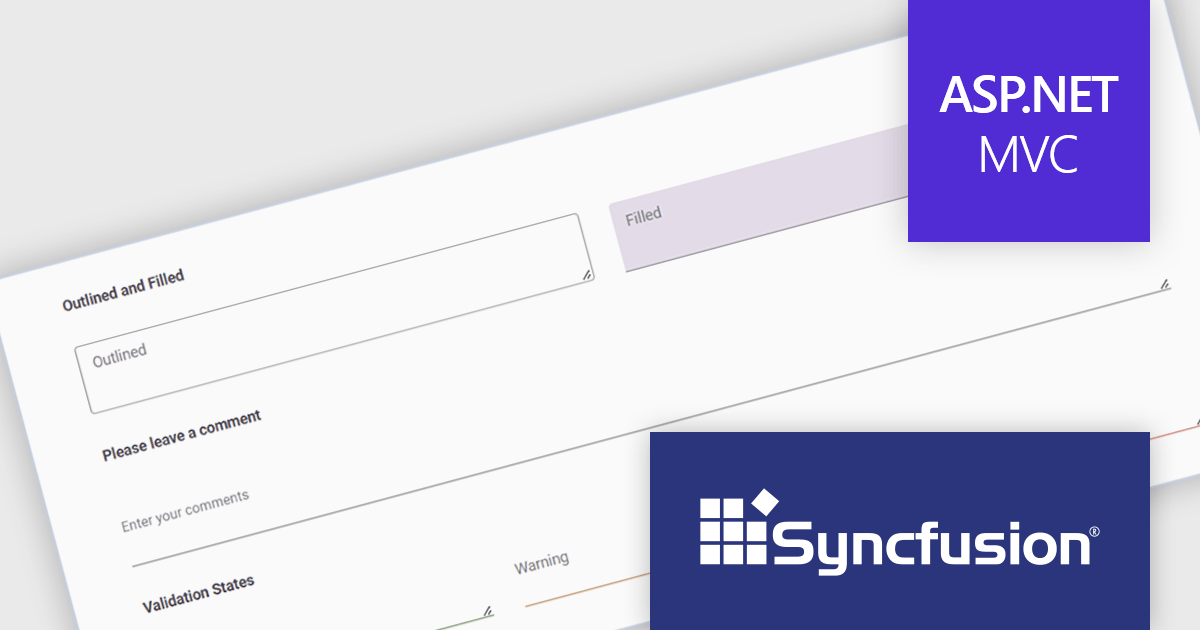
The Syncfusion Essential Studio ASP.NET MVC 2024 Volume 2 (26.1.35) release introduces the production-ready TextArea component. This enhanced control streamlines user input for multi-line text, perfect for capturing comments, messages, or any lengthy content. Beyond core functionality, the Syncfusion TextArea offers a rich feature set including intuitive icons, clear floating labels, flexible sizing options, and visual validation cues to empower a more user-friendly and informative data collection experience.
To see a full list of what's new in 2024 Volume 2 (26.1.35), see our release notes.
Syncfusion Essential Studio ASP.NET MVC is available as part of Syncfusion Essential Studio Enterprise which is licensed per developer starting with a Team License of up to five developers. It is available as a 12 Month Timed Subscription License which includes support and maintenance. See our Syncfusion Essential Studio Enterprise licensing page for full details.
Learn more on our Syncfusion Essential Studio ASP.NET MVC product page.
JetBrains AI Assistant is a plugin for their IDEs that uses large language models to enhance your coding experience. It can answer your questions about code, suggest completions and refactorings, and even help you write documentation and commit messages. It analyzes the context of your project to provide the most relevant suggestions, and you can chat with it directly within the IDE. It's a powerful tool for programmers looking to boost their productivity.
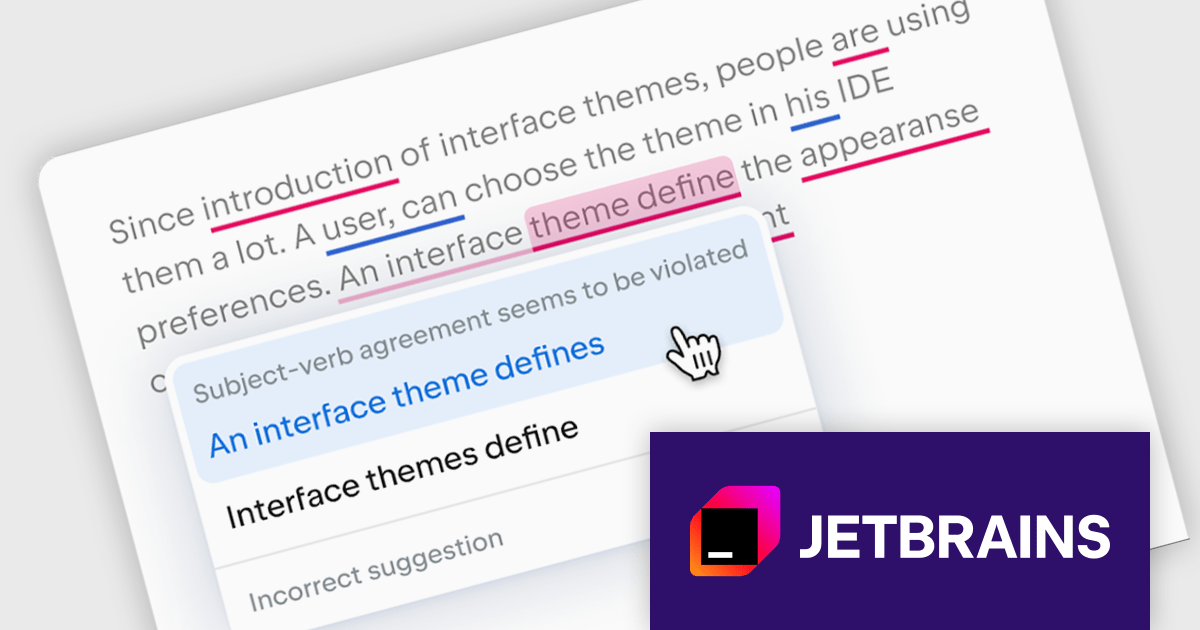
The latest JetBrains AI Assistant update introduces Grazie, an AI-powered writing companion that elevates your workflow. Grazie provides real-time proofreading, completes sentences, and even translates between languages, saving you time. Leverage its AI chat to brainstorm and explore ideas, whether you're generating new concepts, drafting documents, or simply seeking alternative perspectives. Grazie's context-aware functionality ensures clear, well-articulated text throughout your process.
JetBrains AI Assistant requires that you already own a JetBrains IDE product with an active commercial subscription license and is licensed per user as a commercial annual subscription. We can supply new subscriptions, subscription renewals, lapsed subscription renewals, and additional developer licenses. See our JetBrains AI Assistant licensing page for full details.
For more information, visit our JetBrains AI Assistant product page.
전화 : 00798 14 800 6332
팩스 : +1 770 250 6199


